3D model converter
One converter for every common 3D format. Drop a model, check it, and pick the format you need.
More options
3D files come in dozens of formats, and almost every program speaks only a few of them. Slicers want STL or 3MF, CAD programs want STEP, Blender and game engines prefer OBJ, FBX or GLB, and scanners write PLY. This 3D model converter reads thirteen formats (fifteen file extensions) and writes the six that cover nearly every job: STL, 3MF, STEP, OBJ, GLB and PLY. It also fixes the two things that go wrong most often when models move between programs, the unit and the up axis, and shows you the size before you save anything.
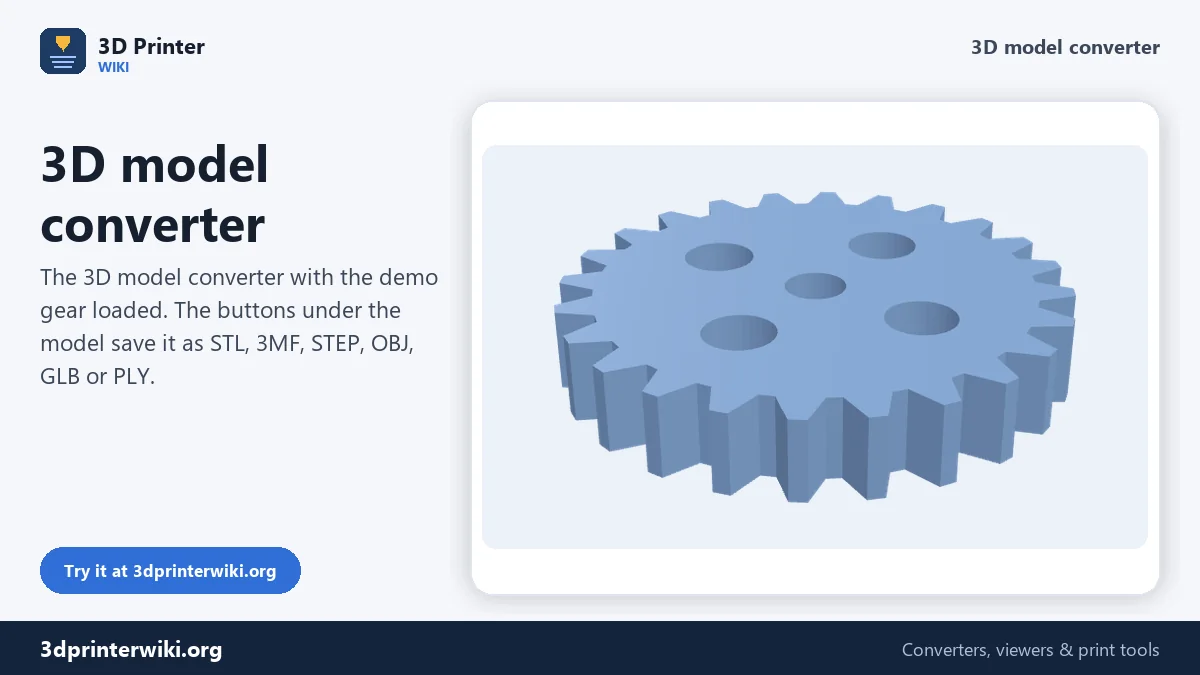
How to convert a 3D model
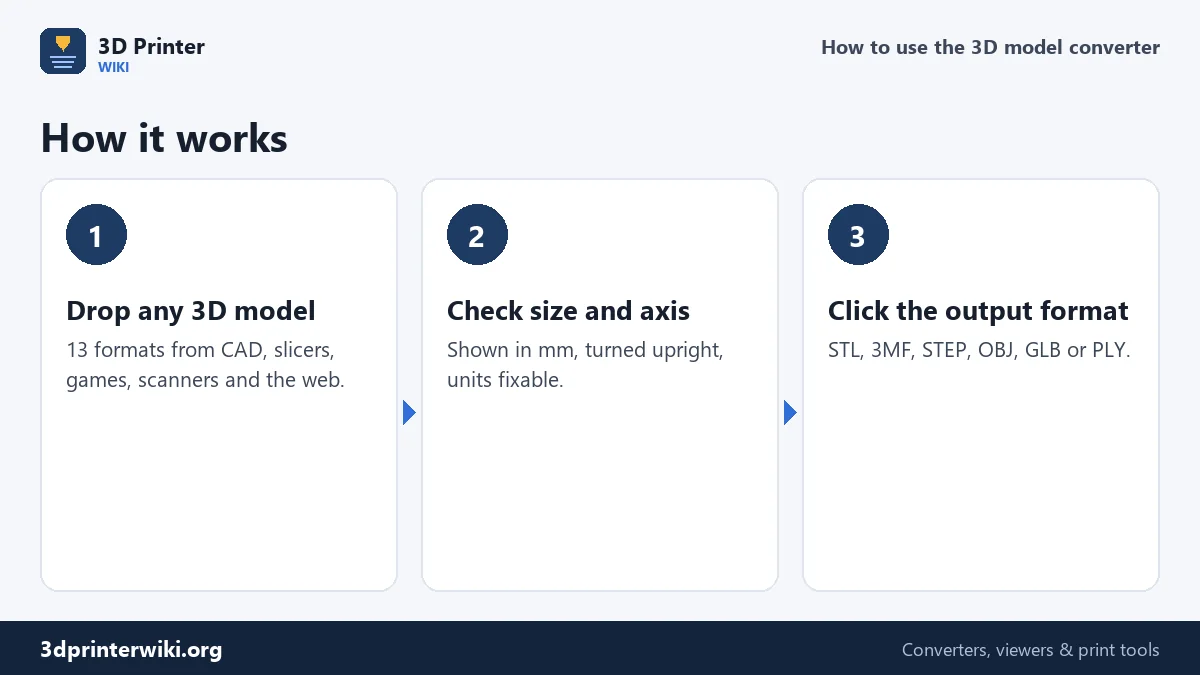
- Drop the model on the box. STL, 3MF, STEP and STP, OBJ, FBX, GLB and glTF, PLY, DAE, 3DS, AMF, IGES and BREP files are read. For a .gltf with a separate .bin file, drop both together.
- Check the preview. The model is placed upright on a build plate. Under it you see the size in millimetres, the number of triangles and parts, and the volume.
- Fix the size or axis if needed with Source units and Up axis under More options.
- Click the output format. The file is saved straight away. Click another format to save the same model again in that one.
The formats at a glance
Read:
- STL, binary or text, from any slicer, CAD program or model site.
- 3MF from Bambu Studio, OrcaSlicer, PrusaSlicer, Cura and CAD programs, with parts and filament colours.
- STEP, STP, IGES and BREP CAD files, read with the Open CASCADE geometry kernel.
- OBJ from Blender, ZBrush, scanners and model sites.
- FBX from Maya, 3ds Max, Mixamo and game engines, including skeleton and animation.
- GLB and glTF from the web, AR apps, phone scanners and AI 3D generators.
- PLY scans, DAE (Collada) from SketchUp, 3DS from old 3D Studio libraries, and AMF.
Write: STL for every slicer; 3MF with units, parts and colours; STEP as a CAD solid with flat areas merged into real faces; OBJ for 3D software; GLB for the web, AR and game engines; and PLY for scanning and mesh tools.
Units and the up axis
Most conversion problems come down to these two settings. Each format has its own conventions:
- Units. STL and OBJ store plain numbers without a unit, so programs guess, usually millimetres for printing and metres for 3D apps. 3MF, STEP, DAE and glTF record their unit, and the converter uses it: glTF is always metres, SketchUp Collada files are usually inches.
- Up axis. Printers and CAD use Z up; games, animation and the web use Y up. The converter turns Y-up formats (OBJ, FBX, GLB, DAE) to Z-up automatically, so a character stands on the plate instead of lying on its back.
The size line under the preview is the quickest check. If a model that should be 10 cm tall shows as 0.1 mm or 100 m, set Source units to the unit the file was really made in, and the size updates at once. When writing GLB, the converter goes the other way, to metres and Y up, as the glTF standard requires.
What survives a conversion
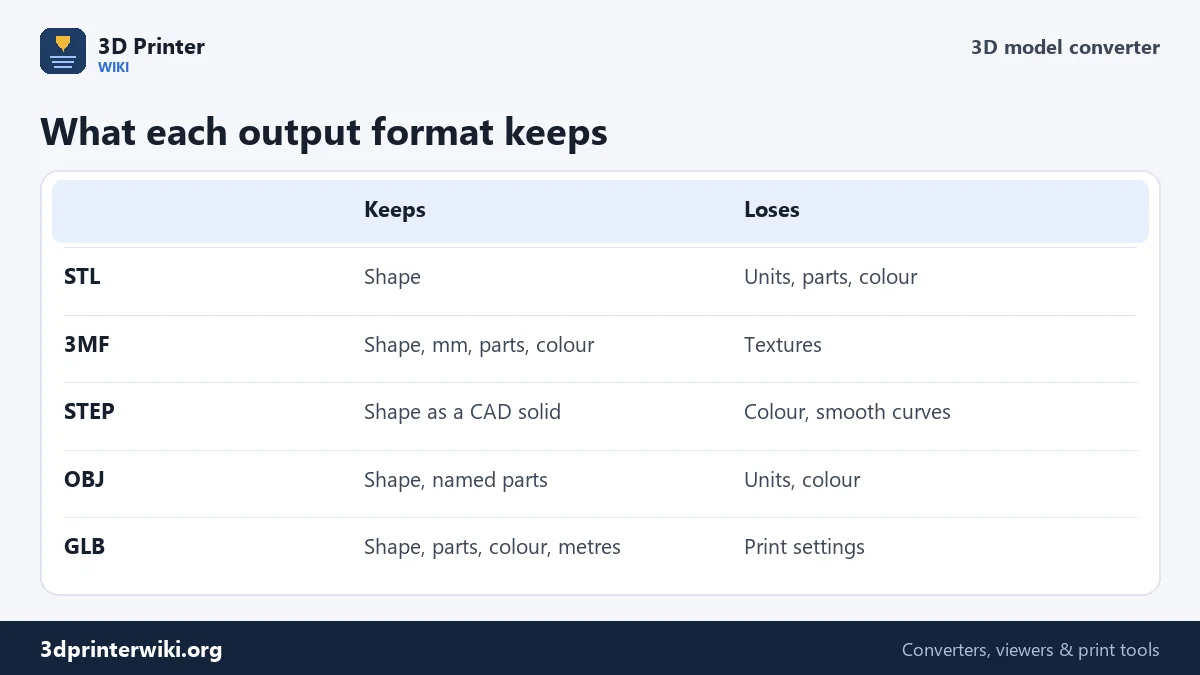
Shape always survives: every triangle is copied exactly. What else comes along depends on the target. Separate parts stay separate in 3MF, OBJ and GLB, with their names. Colours stay in 3MF and GLB. STL keeps only the shape. STEP becomes a CAD solid with flat faces; curved surfaces stay faceted, because a mesh doesn't contain true cylinders or splines. Textures and materials from OBJ, FBX and GLB files are not carried over. Print settings inside a slicer's 3MF stay in that 3MF.
When a source contains things that aren't shapes, such as cameras, lights, bones, or the modifier and negative volumes of a slicer project, they are left out, so the output contains only what you can print or render.
Converters for specific jobs
For common conversions there are pages with more options and a guide to the details of that pair of formats:
- Printing: 3MF to STL, STL to 3MF, OBJ to STL, FBX to STL, GLB to STL, PLY to STL.
- CAD: STL to STEP, STEP to STL, 3MF to STEP, IGES to STL.
- 3D software: STL to OBJ, STEP to OBJ, 3MF to OBJ, DAE to OBJ, GLB to OBJ.
- Web and games: STL to GLB, OBJ to GLB, FBX to GLB.
What can't be converted here
Some formats belong to a single program and are not openly documented: SketchUp's SKP, SolidWorks' SLDPRT, Fusion's F3D, AutoCAD's DWG and Blender's BLEND. Export from the program that made the file, to STEP, OBJ, STL or FBX, and convert that. G-code is a list of printer moves rather than a model; the G-code to STL tool rebuilds a mesh from it.
3D model converter questions
How do I convert a 3D model to another format?
Drop it on this page, check the preview and size, and click the format you want under the model.
Which 3D formats can I convert?
The converter reads STL, 3MF, STEP, STP, OBJ, FBX, GLB, glTF, PLY, DAE, 3DS, AMF, IGES and BREP, and writes STL, 3MF, STEP, OBJ, GLB and PLY.
Why is my converted model the wrong size?
The source file used a different unit. Set Source units under More options before converting.
Can I convert SKP, SLDPRT or DWG files?
No. Those are closed formats. Export STEP, OBJ, STL or FBX from the program that made them, then convert here.
Does converting change the shape?
No. Triangles are copied exactly. Only units, axis, parts and colours change according to what the output format can hold.
What is the best 3D file format?
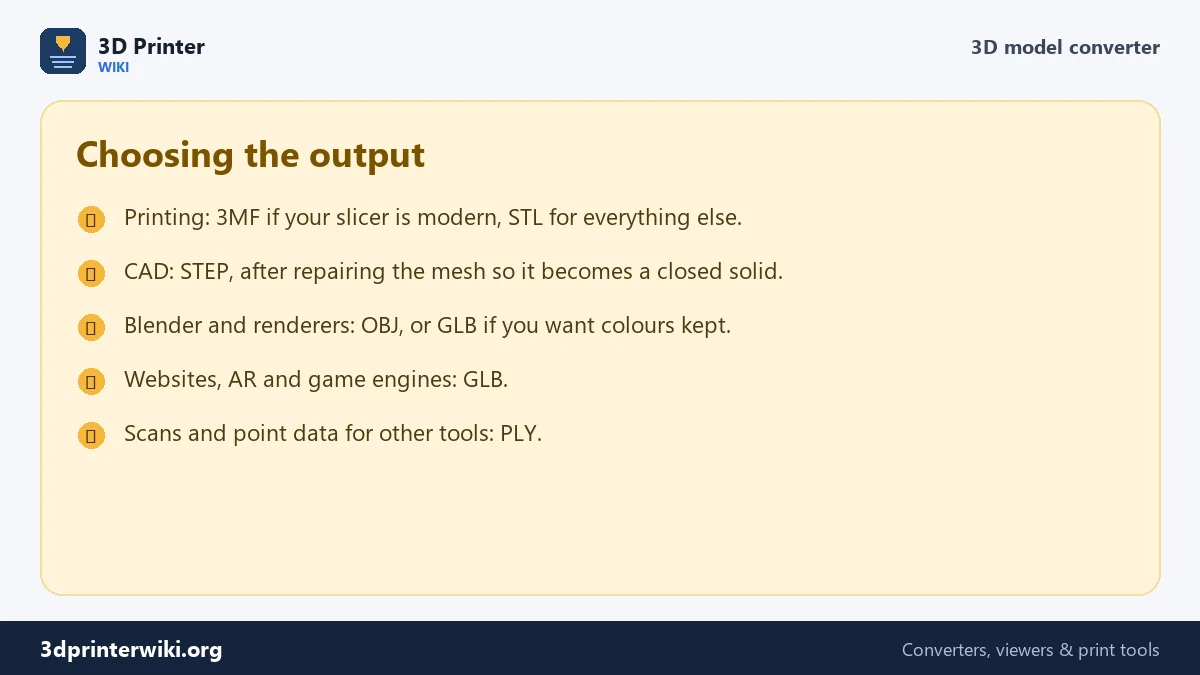
It depends on the job: 3MF or STL for printing, STEP for CAD, OBJ or FBX for 3D software, GLB for the web and AR.
More 3D printing tools
Updated November 2026 · How these tools work