STL to GLB converter
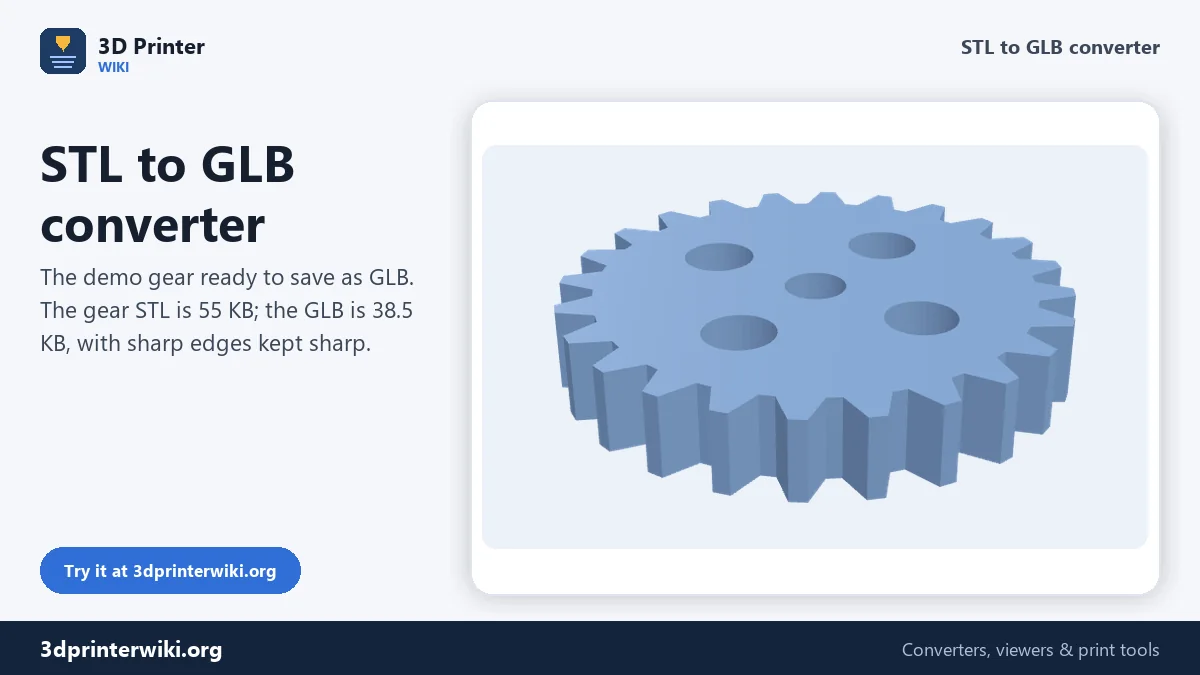
Show a print model on a website, in AR or in a 3D viewer by converting it to a compact GLB file.
Same file as: · · · ·
More options
STL is the file your printer needs, but it is a poor fit for the web: no colour, no units, and no standard way to show it in a browser or in augmented reality. GLB, the binary form of glTF, is the format websites, AR viewers, three.js, Babylon.js, Sketchfab and most online stores use for 3D. This converter turns an STL into a compact GLB, with the scale and orientation glTF expects, so the model shows up the right size and the right way up everywhere.
How to convert STL to GLB
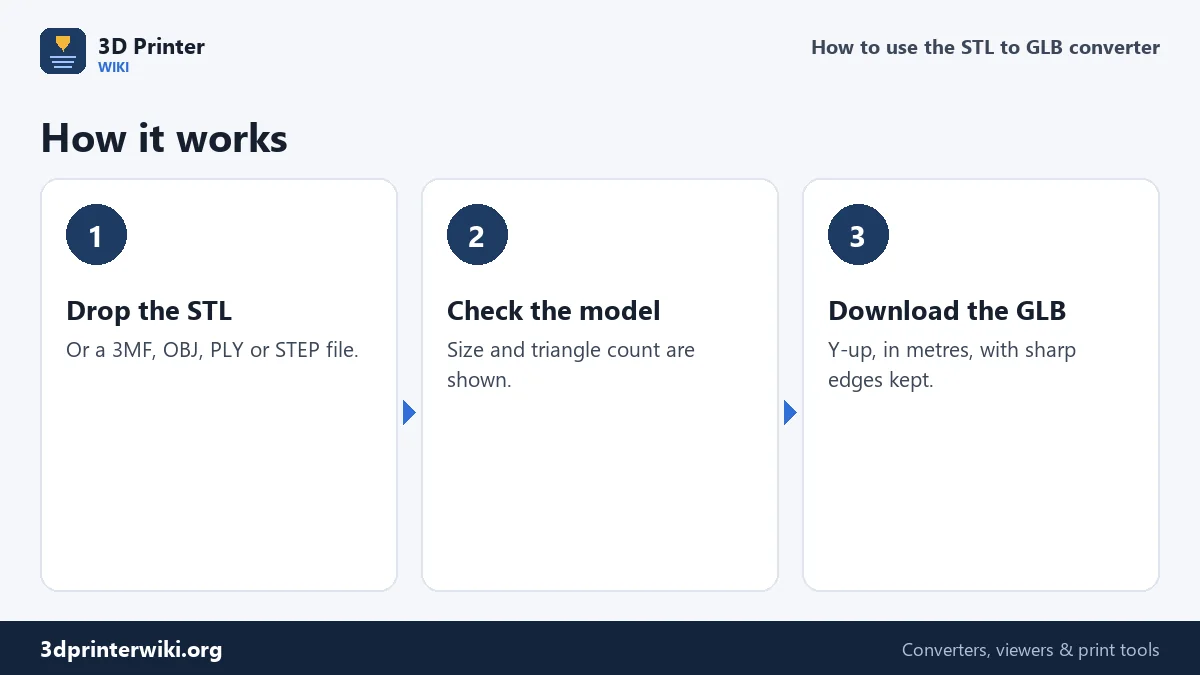
- Drop the STL on the box. 3MF, OBJ, PLY and STEP files work too.
- Check the preview. The size and triangle count are shown. The model is centred and placed on the plate, which becomes the floor in AR viewers.
- Press Download GLB. Several parts, such as the objects of a 3MF, stay separate meshes in the GLB, each with its own colour if the source had one.
What the converter changes
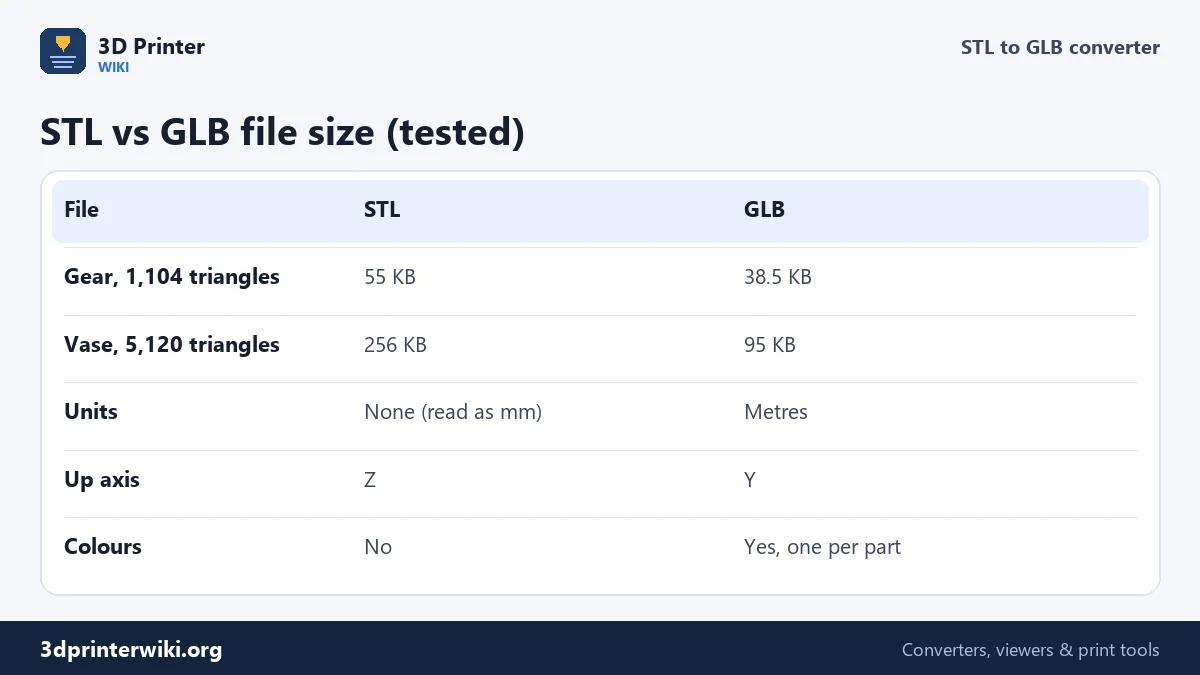
Units. glTF always uses metres. An STL is read as millimetres, so every coordinate is divided by 1,000. A 50 mm gear becomes 0.05 m, which is exactly how big it looks in an AR viewer on your desk.
Up axis. glTF uses Y as up, print files use Z. The model is turned so it stands upright in web viewers instead of lying on its back.
Normals and edges. An STL has a flat normal per triangle, which makes curved surfaces look faceted on screen. The converter works out a normal for every corner: where two faces meet at more than 30°, the edge stays sharp; below that, the surface is shaded smooth. A gear keeps crisp tooth edges while a vase looks round.
Shared vertices. STL repeats every corner for each triangle that uses it. GLB can store each corner once and refer to it, which is why the GLB is usually much smaller.
How much smaller?
We converted the two demo models on this site. The gear (1,104 triangles, many sharp edges) went from 55 KB as STL to 38.5 KB as GLB. The vase (5,120 triangles, all smooth) went from 256 KB to 95 KB, almost a third of the size. Smooth models shrink most, because nearly every corner can be shared. For web pages, aim for a GLB under about 5 MB; if the STL is a big scan, reduce the triangles before converting.
Putting the model on a website
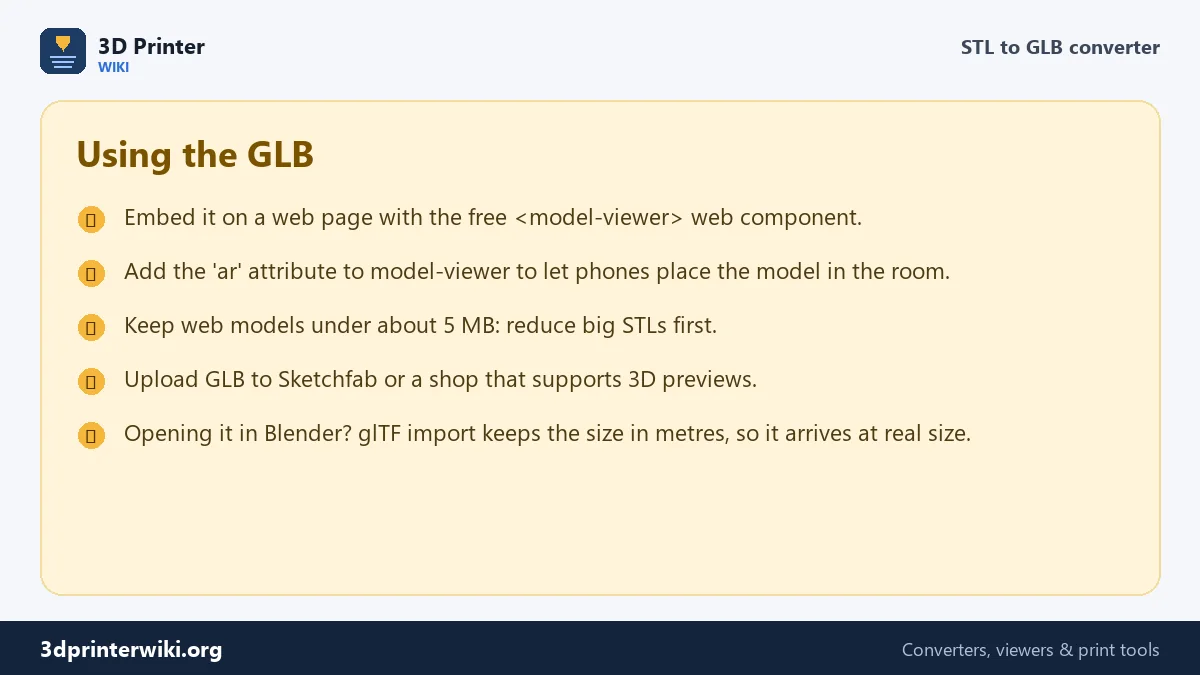
The easiest way to show a GLB on any web page is Google's free <model-viewer> web component. Add its script to the page and one tag like <model-viewer src="gear.glb" camera-controls ar></model-viewer>. Visitors can rotate and zoom the model, and with the ar attribute, phones get a button to place it in the room at real size. Because the GLB is in metres, a 50 mm part looks 50 mm big on the table, not 50 m.
Shop systems and marketplaces that support 3D product previews usually accept GLB as well, as do Sketchfab, Facebook 3D posts and most game engines.
Colours
An STL has no colour, so a single STL becomes one grey-blue mesh. If you start from a 3MF with coloured parts, each part keeps its colour in the GLB. For a different colour, open the GLB in Blender, change the material, and export again; or convert a 3MF where you set the colours in your slicer.
Going the other way
Got a GLB from a scanner, Sketchfab or an AI generator and want to print it? Use the GLB to STL converter, which turns metres back into millimetres and Y-up into Z-up. For Blender and game engines, OBJ is another option: see the STL to OBJ converter.
Checking the GLB before you publish
Before putting a GLB on a website or sending it to a shop, check it once. Drop it on the GLB to STL converter: it reads the file the way other glTF programs do and shows the size in millimetres. A 50 mm gear converted here comes back as 50 mm, with the same triangle count. You can also open it in Blender (File → Import → glTF 2.0), where it arrives at real size in metres. If the model will be viewed on phones, keep an eye on the file size, as big files load slowly on mobile data. Reduce heavy STLs before converting, and keep the GLB for each product in the same scale so models sit side by side correctly in viewers.
STL to GLB questions
How do I convert STL to GLB?
Drop the STL on this page and press Download GLB.
What is the difference between GLB and glTF?
They are the same format. A .gltf is a text file that usually needs separate .bin and texture files; a .glb packs everything into one binary file.
Why is my model tiny in AR?
It isn't, if it came from this converter: glTF uses metres, and the converter divides millimetres by 1,000, so the model shows at real size.
Can I show an STL on my website?
Yes. Convert it to GLB here and embed it with the model-viewer web component.
Is a GLB smaller than an STL?
Usually, yes. In our tests the GLB was 30% to 63% smaller, because shared corners are stored once.
Can I convert STL to USDZ for iPhone AR?
Not here. Convert to GLB, then use a tool such as Blender or Apple's Reality Converter to make the USDZ.
Can I add a texture to the GLB?
Open the GLB in Blender, add a material with your texture, and export glTF 2.0 again.
More 3D printing tools
Updated November 2026 · How these tools work