Flow rate calculator
Find out how much plastic your hotend has to melt, how fast you can really print, and how to correct your flow.
More options
Every 3D printer has a speed limit that has nothing to do with its motors: the hotend can only melt so much plastic per second. That amount is the volumetric flow rate, measured in cubic millimetres per second (mm³/s), and it decides how fast you can really print. Push past it and walls come out thin, gappy and weak, no matter what speed the slicer says. This flow rate calculator works out the flow a print needs from its speed, line width and layer height, tells you the fastest speed your hotend can handle, and also corrects your flow setting from a simple wall-thickness test.
How to use the flow rate calculator
- Enter the print speed you want, for example the outer or inner wall speed from your slicer.
- Enter the line width and layer height from your slicer profile. A 0.4 mm nozzle usually prints lines of 0.42 to 0.45 mm.
- Set the max flow of your hotend. If you don't know it, start with 12 to 15 mm³/s for a standard hotend with PLA.
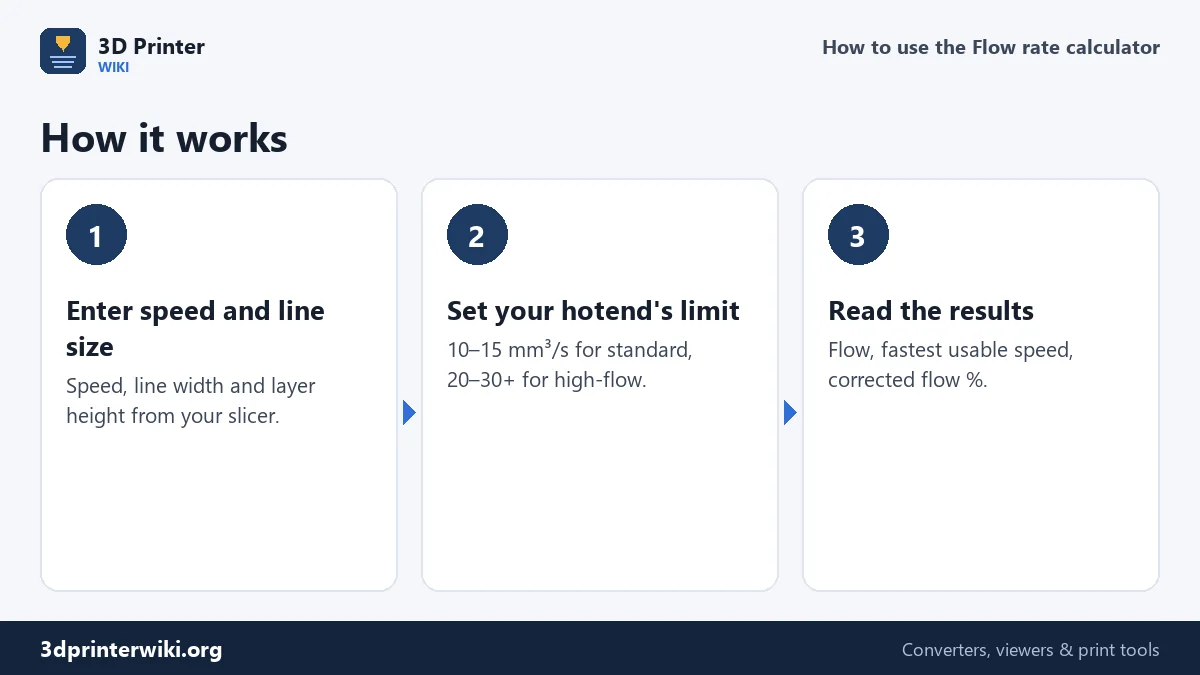
- Read the results. The calculator shows the flow at that speed, the fastest speed the hotend allows, the filament feed rate, and whether the speed is OK.
- Optionally correct your flow % under More options with the wall test described below.
The formula
Volumetric flow is simply the cross-section of the extruded line times how fast it is laid down:
flow (mm³/s) = speed (mm/s) × line width (mm) × layer height (mm)
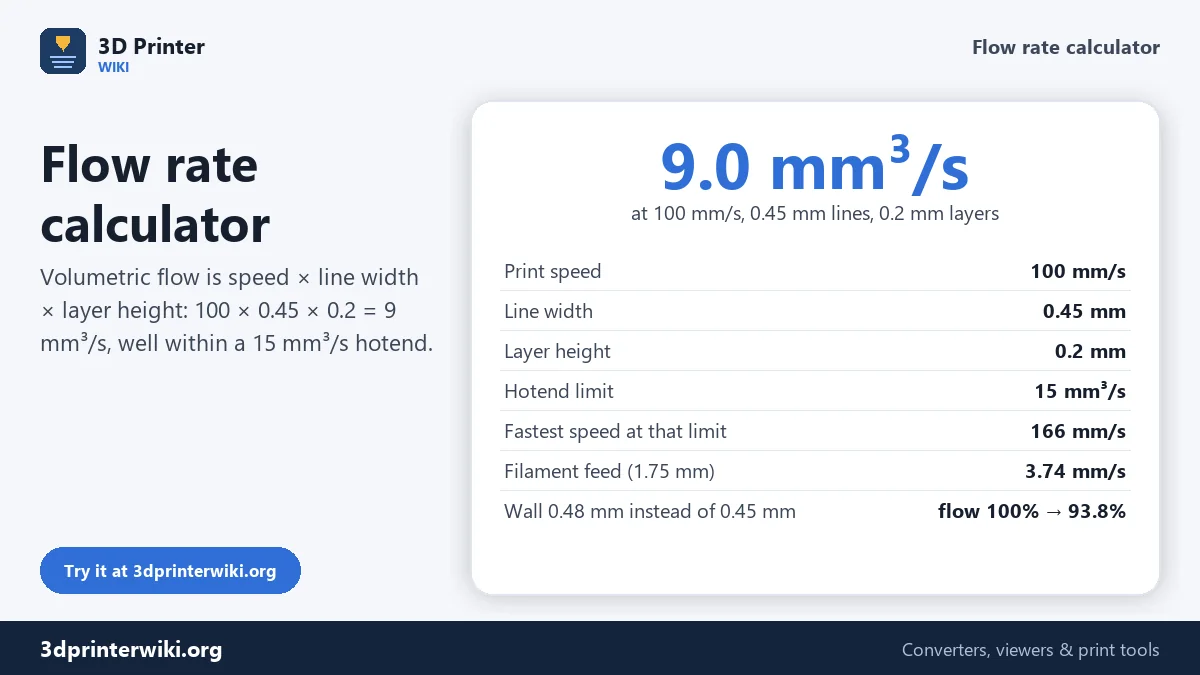
At 100 mm/s with 0.45 mm lines and 0.2 mm layers, that's 100 × 0.45 × 0.2 = 9 mm³/s. Turned around, the fastest speed your hotend can keep up with is its maximum flow divided by the line cross-section: a 15 mm³/s hotend at 0.45 × 0.2 mm lines tops out at 15 ÷ 0.09 = 166 mm/s. That's why a printer that handles 300 mm/s with 0.12 mm layers can struggle at 150 mm/s with 0.3 mm layers: the second case needs 20 mm³/s, the first only 6.5.
The calculator also gives the speed at which filament enters the hotend. For 1.75 mm filament the cross-section is about 2.41 mm², so 9 mm³/s means the extruder pushes about 3.74 mm of filament per second.
How much can a hotend melt?
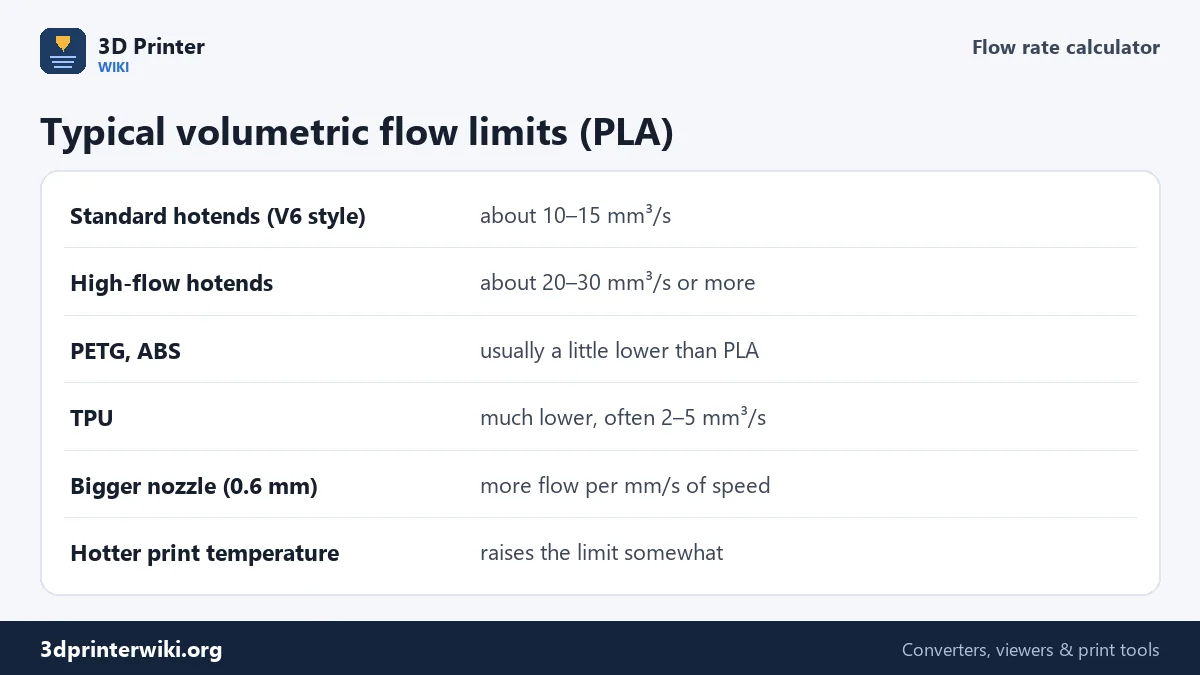
The limit depends on the hotend design, the nozzle, the material and the temperature. As rough guides for PLA: standard hotends in the style of the classic E3D V6 manage about 10 to 15 mm³/s, while high-flow designs with longer melt zones reach 20 to 30 mm³/s and more. PETG and ABS usually flow a little less than PLA at their normal temperatures; TPU much less. A hotter nozzle melts faster, but only up to a point, and too hot causes stringing and poor surfaces.
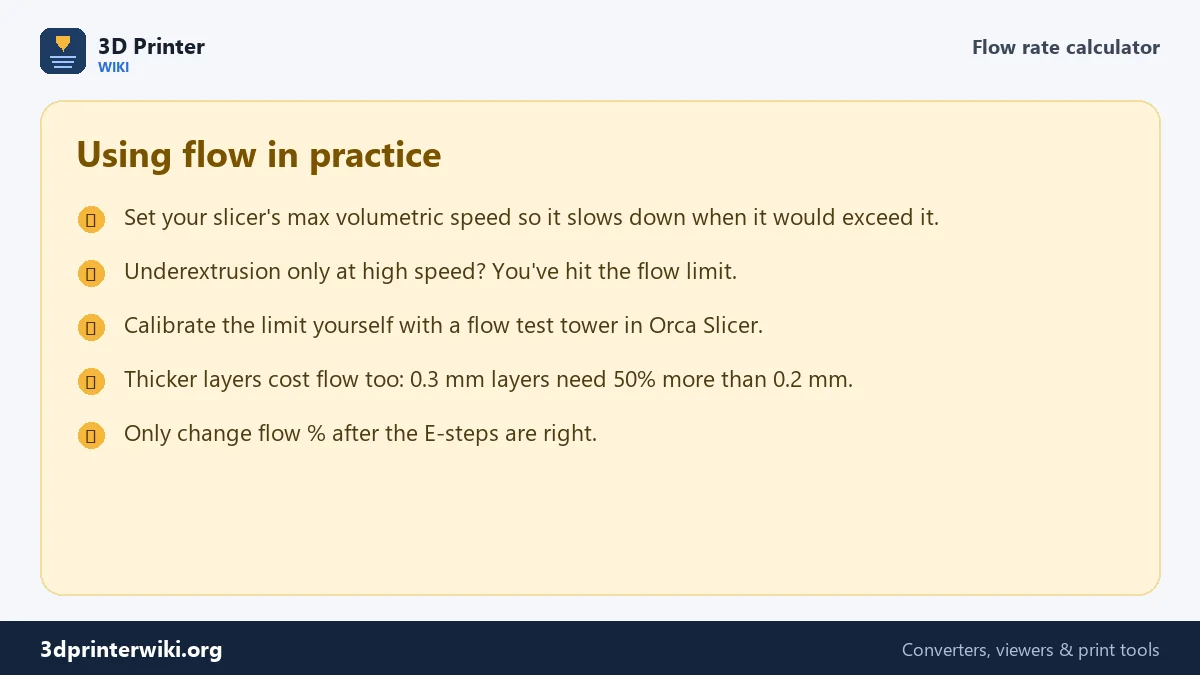
The best number is the one you measure on your own printer. Orca Slicer has a built-in max volumetric speed test that prints a tower at rising flow; the height where the walls start to look rough gives you the limit.
Using it in your slicer
Most slicers can respect the limit automatically. Bambu Studio, OrcaSlicer and PrusaSlicer have a max volumetric speed setting in the filament profile. Set it a little below your measured limit, and the slicer slows down any feature that would need more, while still printing small features at full speed. Cura doesn't have the same setting, so use the calculator to pick speeds that stay within the limit for your chosen layer height.
Correcting the flow % with a wall test
The second half of the calculator answers a different question: is the printer extruding the right amount? Print a hollow cube with a single wall and no top, using the line width you entered, then measure the wall with calipers on several sides. If the slicer asked for 0.45 mm and you measure 0.48 mm, the printer extrudes about 6.7% too much. The new flow is the current flow times expected ÷ measured: 100% × 0.45 ÷ 0.48 = 93.8%. In PrusaSlicer the same value is called the extrusion multiplier (0.938); in Bambu Studio and OrcaSlicer it is the flow ratio.
Do this only after the extruder's E-steps are right, and per filament: different brands and colours of the same material often need slightly different flow. The E-steps calculator handles the first step.
Flow rate questions
How do I calculate volumetric flow rate?
Multiply print speed by line width and layer height: 100 mm/s × 0.45 mm × 0.2 mm = 9 mm³/s.
What is a good max volumetric speed?
About 10 to 15 mm³/s for standard hotends with PLA, 20 to 30 or more for high-flow hotends. Measure your own with a flow test.
How fast can I print with my hotend?
Divide its max flow by line width × layer height. At 15 mm³/s and 0.45 × 0.2 mm lines, that is 166 mm/s.
How do I calibrate flow rate?
Print a single-wall cube, measure the wall, and set new flow = current flow × expected wall ÷ measured wall.
What is the difference between flow rate and extrusion multiplier?
The same correction under different names: flow ratio in Bambu Studio and OrcaSlicer, extrusion multiplier in PrusaSlicer, flow in Cura.
Does layer height affect flow?
Yes. Flow grows with layer height: 0.3 mm layers need 50% more flow than 0.2 mm layers at the same speed.
More 3D printing tools
Updated November 2026 · How these tools work