GLB to OBJ converter
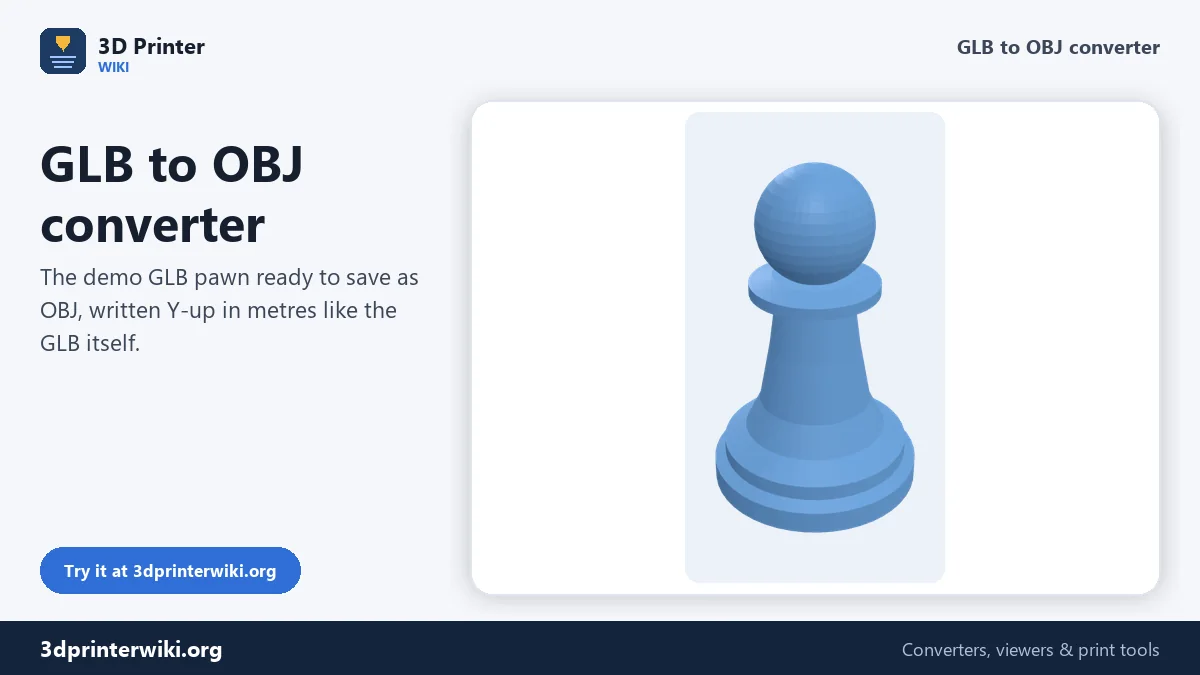
Open a GLB from a scanner, an AI generator or Sketchfab in software that prefers OBJ.
Same file as: · · · ·
More options
GLB is how 3D models travel on the web: phone scanning apps, AI 3D generators, Sketchfab and online stores all deliver it. Plenty of software still works better with OBJ, though: older versions of 3ds Max and Cinema 4D, ZBrush, Meshmixer, many CAD and CAM tools, and almost any program written in the last thirty years. This converter turns a GLB or glTF into a clean OBJ, with each mesh as a named object and the coordinates written the way the receiving program expects.
How to convert GLB to OBJ
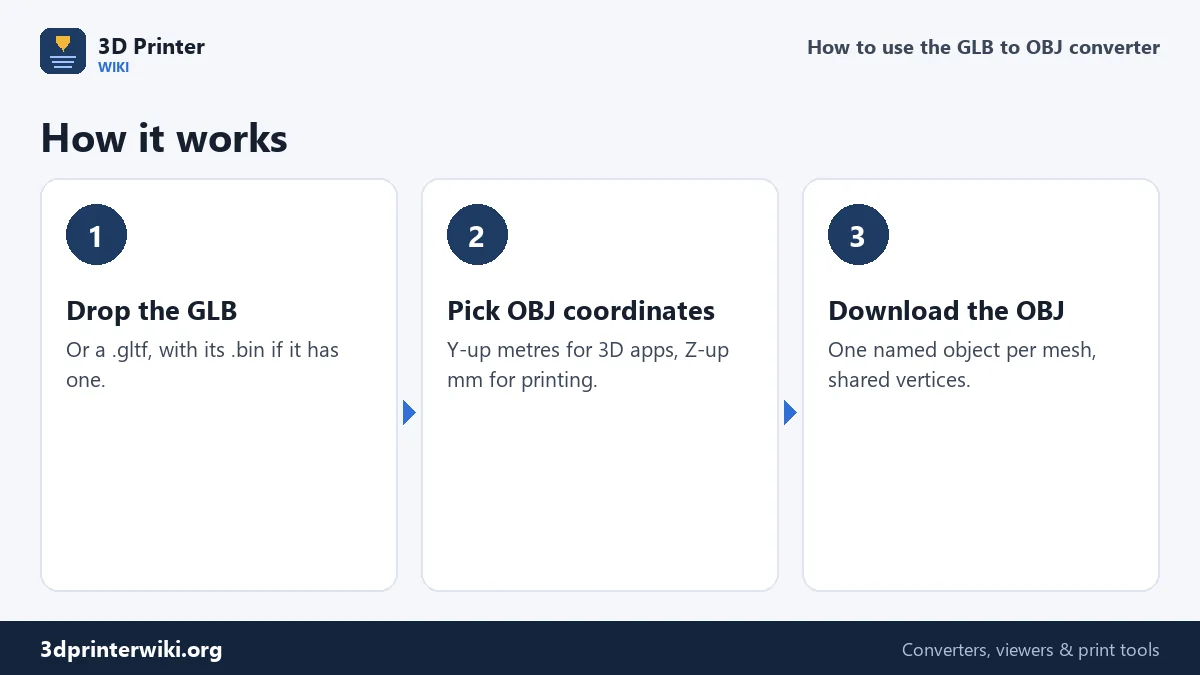
- Drop the GLB on the box. A .gltf works too; if it uses a separate .bin file, drop both at once.
- Check the preview. The size is shown in millimetres, read from the GLB's metres.
- Choose the OBJ coordinates under More options. Y up, metres (the default on this page) matches the GLB and what Blender, Unity and most 3D apps expect. Z up, millimetres suits slicers and CAD.
- Download the OBJ.
Which coordinates to choose
OBJ files have no unit and no fixed up direction; the program that opens them simply assumes something. That's why the converter lets you pick. With Y up, metres, the OBJ keeps the numbers of the GLB: a 28 mm pawn is written as 0.028 and stands upright in Blender, Maya, Unity and three.js without changing any import setting. With Z up, millimetres, the same pawn is written as 28 and stands upright in PrusaSlicer, Bambu Studio, Cura and most CAD programs. The comment at the top of the OBJ says which style was used.
Meshes, names and shared vertices
A GLB is a scene of nodes, and one model can be made of several meshes: a body and clothes, a scan split into tiles, a product with separate parts. Every mesh becomes its own o object in the OBJ, named after the glTF node, so you can select, hide and texture them separately. Node positions, rotations and scales are applied, so parts come out where they belong. Corners at the same position are merged, which keeps the OBJ compact and lets smooth shading work straight away.
Textures and materials
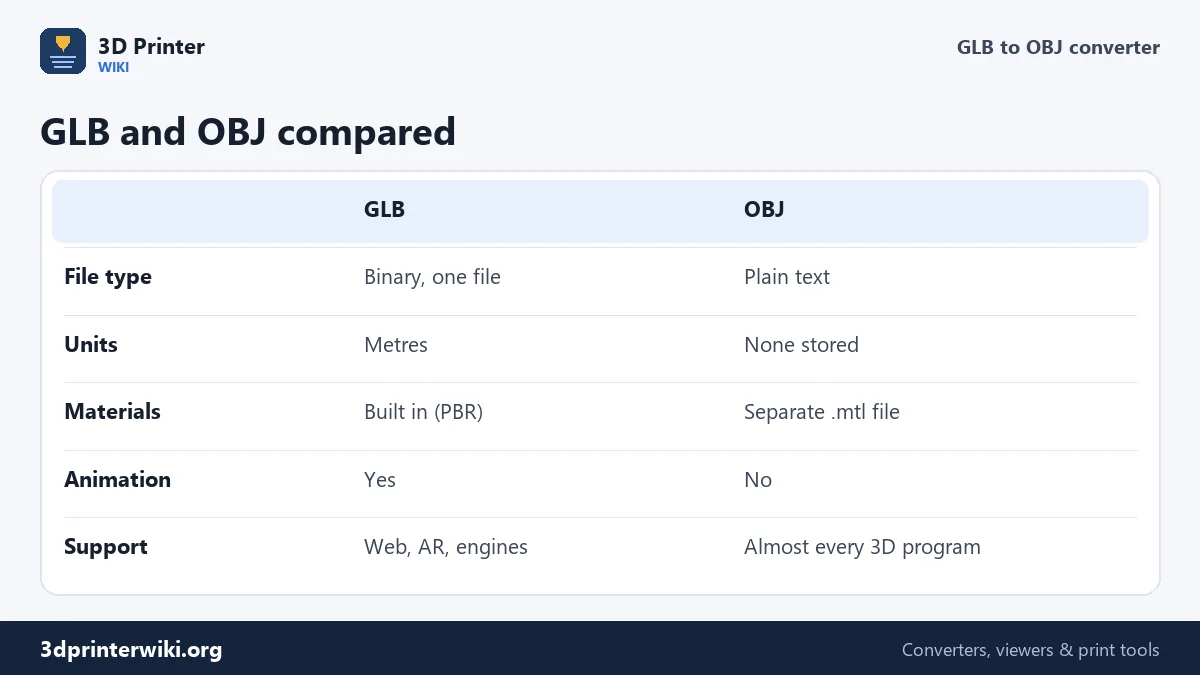
The OBJ contains the shape only; no .mtl material file is written. The texture images stay inside the GLB. If you need them, export them from the GLB with Blender (File → Import → glTF 2.0, then save the images from the Image Editor) and apply them to the OBJ in your 3D program. Most of what makes a scan or an AI model look realistic is in its texture, so expect the OBJ to look plainer than the GLB did in a viewer. The geometry is identical.
Typical reasons to convert
- Sculpting and cleanup of an AI-generated or scanned model in ZBrush, Meshmixer or older Blender versions.
- Older 3D software without a glTF importer.
- CAM and engineering tools that accept OBJ but not GLB.
- Archiving in a plain-text format that will open in any program for decades.
- Retopology and UV work in tools that expect OBJ input.
Going the other way? The OBJ to GLB converter turns OBJ files into GLB for the web. For printing, GLB to STL gives you a print-ready file.
GLB files from scanners and AI generators
Most GLB files that people want as OBJ come from two places. Phone scanning apps using photogrammetry or LiDAR produce meshes of a few hundred thousand triangles with a photo texture; the geometry is often split into several tiles and is usually close to real size. AI 3D generators that turn text or a picture into a model deliver GLB files with one textured mesh, frequently with open bottoms, overlapping shells and thin parts. Both convert to OBJ cleanly here, with every tile or mesh as its own object.
The triangle count under the preview tells you what you're working with. For sculpting in ZBrush, a few hundred thousand triangles is comfortable. For a game, you'll probably want to retopologise or reduce the mesh in your 3D program. For printing, the reduce STL file size tool lowers the count after converting to STL.
Checking the OBJ
Open the OBJ in your target program and compare it with the preview here: same size, same orientation, same number of objects. If it comes in lying down, the program expected the other coordinate style; convert again with the other option. If it is 1,000 times off, it is reading metres as millimetres or the other way round.
GLB to OBJ questions
How do I convert GLB to OBJ?
Drop the GLB on this page and press Download OBJ.
Can I convert glTF to OBJ?
Yes. Drop the .gltf file, together with its .bin and texture files if it has separate ones.
Does the OBJ keep the textures?
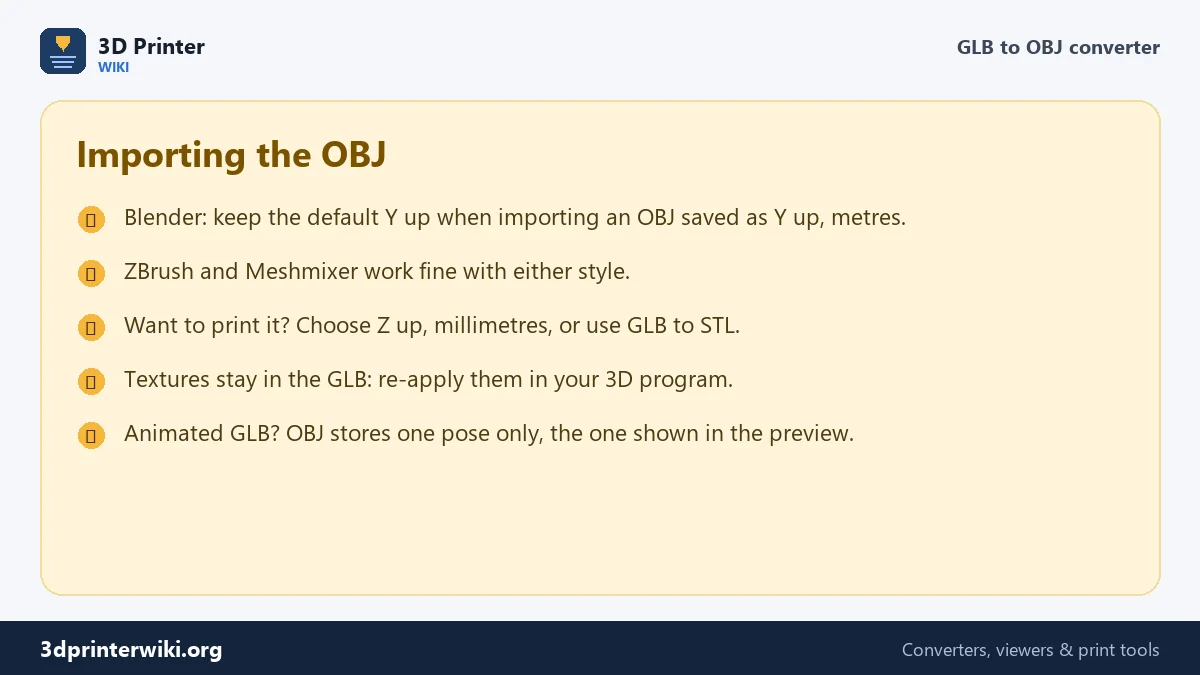
No. The OBJ contains the shape only. Re-apply the textures in your 3D program.
Why is my OBJ tiny in my slicer?
It was saved Y up in metres. Choose Z up, millimetres under More options for slicers and CAD.
Can I convert an animated GLB to OBJ?
Yes, but OBJ stores one pose. Pick the pose under More options before downloading.
Can ZBrush open the OBJ?
Yes. ZBrush imports OBJ directly; every mesh comes in as its own subtool.
Why does my OBJ look plainer than the GLB?
The GLB's detail is partly in its texture, which the OBJ doesn't include. The geometry is the same.
Will the OBJ open in Blender at the right size?
Yes, with Y up, metres chosen. Blender reads one OBJ unit as one metre, and the model stands upright with the default import settings.
More 3D printing tools
Updated November 2026 · How these tools work