OBJ to GLB converter
Put an OBJ model on a website, in an AR viewer or in a glTF game engine.
Same file as: · · · ·
More options
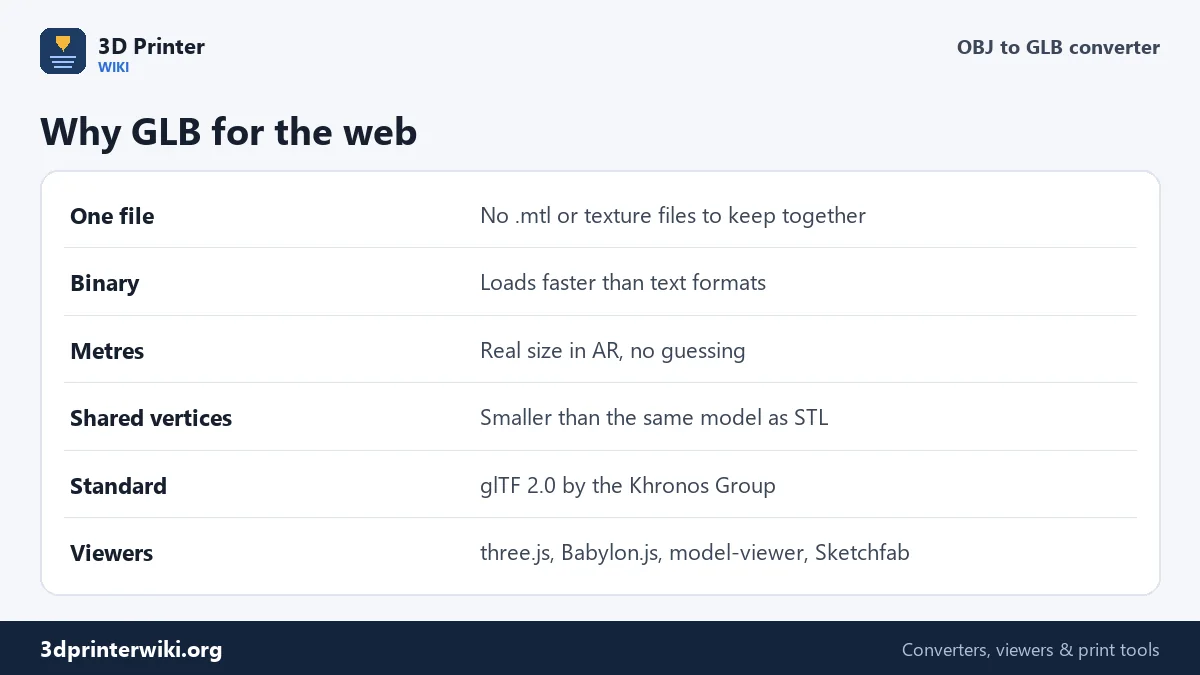
OBJ is everywhere, but it's a poor format for the web: it is plain text, its materials live in a separate .mtl file, textures in more files again, and it has no unit, so a viewer has to guess how big the model is. GLB, the binary form of glTF, solves all of that and is what three.js, Babylon.js, Google's model-viewer, Sketchfab, AR viewers and online shops expect. This converter turns an OBJ into a single, compact GLB at the right size.
How to convert OBJ to GLB
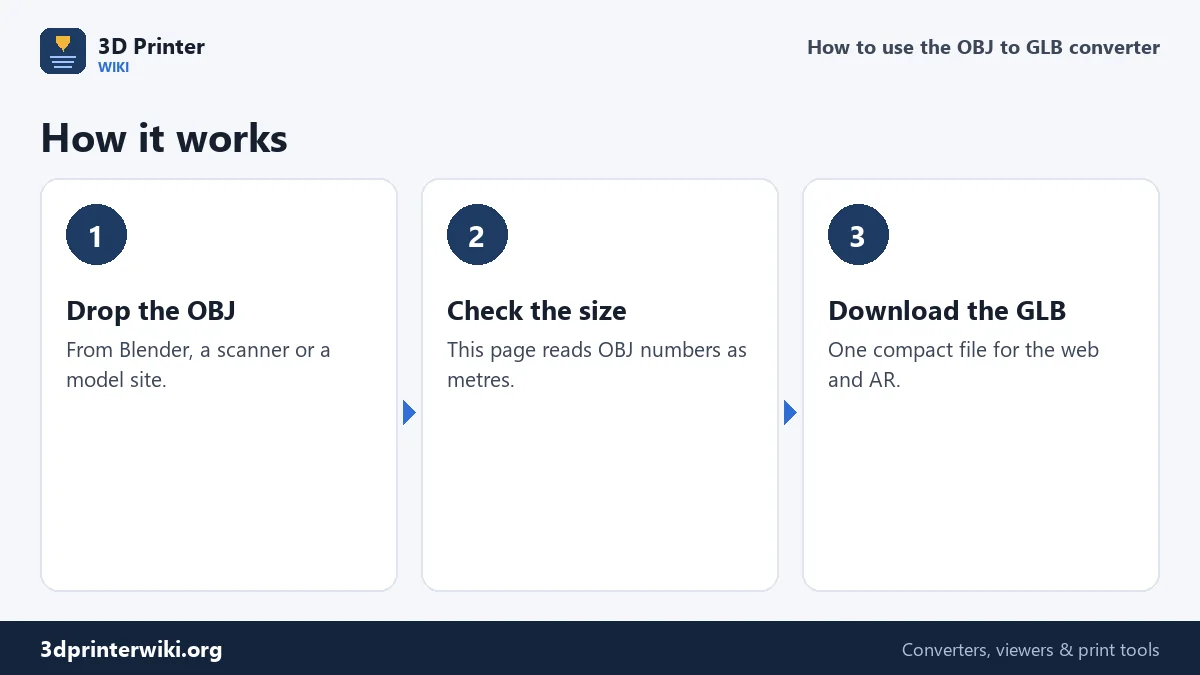
- Drop the .obj file on the box. The .mtl file isn't needed.
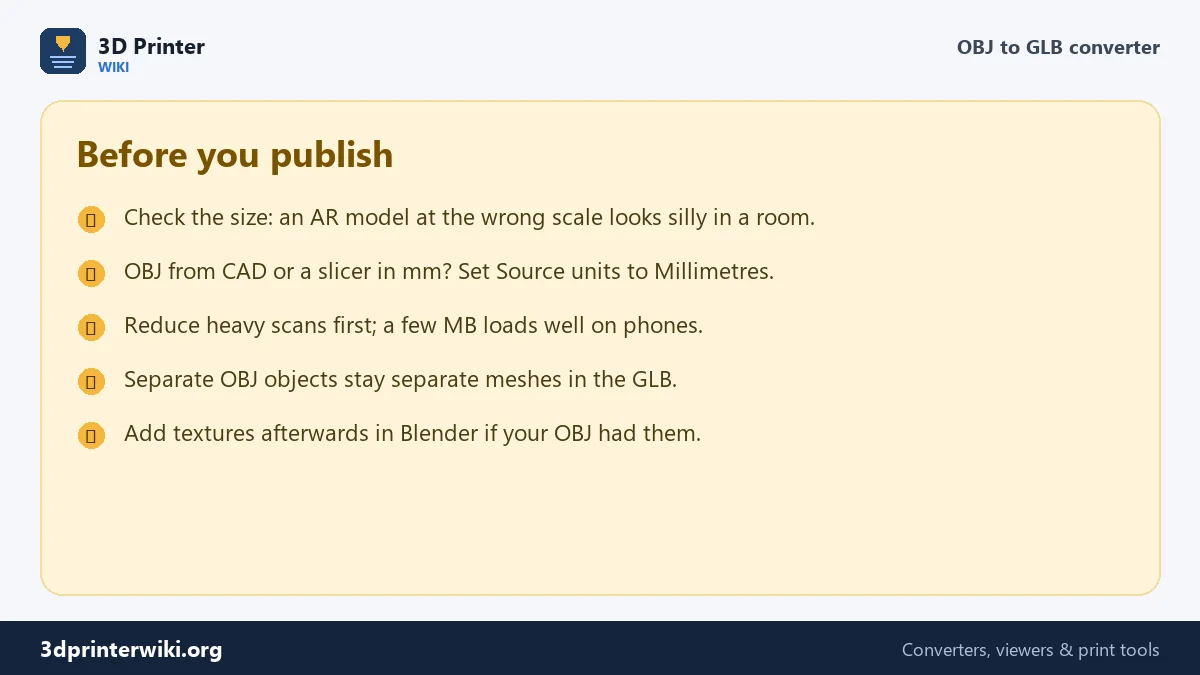
- Check the size line. This page reads OBJ numbers as metres, which is what Blender and most 3D apps write. If the model looks 1,000 times too big, it was made in millimetres: set Source units to Millimetres.
- Check the orientation. OBJ files are read as Y up. If the model lies on its back, switch Up axis.
- Download the GLB.
Getting the size right
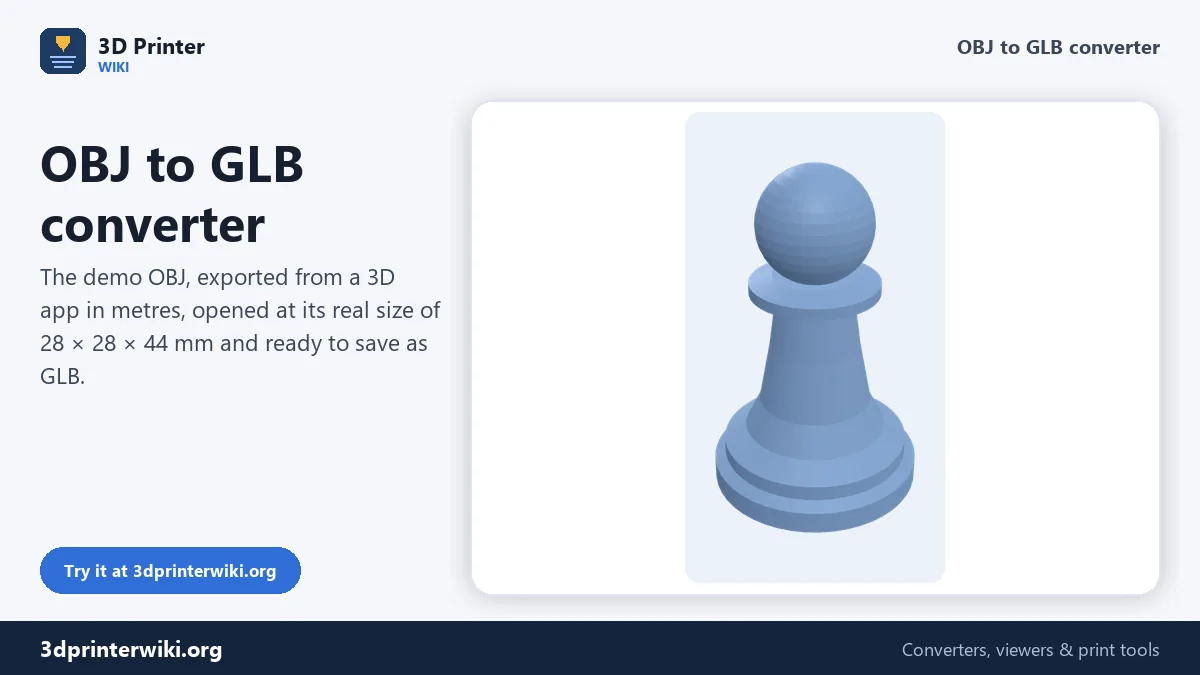
In AR, size is everything: a lamp that shows up as big as a house, or as small as a coin, breaks the effect. glTF stores metres, so the GLB is only as right as the converter's idea of the OBJ's unit. Most OBJ files from Blender, Maya, 3ds Max, Cinema 4D and photogrammetry are in metres, and that's the default here. The demo on this page is an OBJ written that way: its numbers say 0.028 by 0.044, and it opens as a 28 by 44 mm chess pawn. OBJ files from CAD programs, slicers and model sites for 3D printing are usually in millimetres; for those, set Source units to Millimetres. The size line updates immediately, so you can see which reading makes sense.
What the GLB contains
Every object or group in the OBJ becomes a separate mesh in the GLB with its name. Normals are computed so that curved surfaces are shaded smoothly while edges sharper than 30° stay crisp. Corners are shared, which keeps the file small: in our tests a GLB came out at between about 37% and 70% of the size of the same model as STL. The model is centred and placed with its lowest point at zero, which AR viewers use as the floor, so the object sits on the table instead of floating or sinking into it.
Materials and textures
The OBJ's .mtl materials and textures are not read; the GLB gets a neutral material. If your model depends on its texture, as most scans do, open the GLB in Blender, connect the texture image to the material, and export glTF 2.0 again. For models where colour per part matters, such as a product with differently coloured parts, a 3MF with colours converts to GLB with those colours kept.
Putting the GLB on a page
The simplest way is Google's free model-viewer web component: add its script to the page, then a tag such as <model-viewer src="pawn.glb" camera-controls ar></model-viewer>. In three.js, load the file with GLTFLoader and add gltf.scene to your scene. Most website builders and shop systems with 3D support accept a GLB upload directly.
Need the reverse? GLB to OBJ turns GLB files back into OBJ. For print files, STL to GLB does the same job from STL.
OBJ files that convert well
The converter reads the parts of the OBJ format that describe shape: vertex positions, faces with three or more corners (split into triangles), objects and groups, and the relative, negative vertex indices some exporters use. Lines and points, used for curves and point clouds, are skipped, since they have no surface to show. Normals and texture coordinates stored in the OBJ are not needed: the converter computes new normals with sharp edges kept sharp.
Files exported from Blender, Maya, 3ds Max, ZBrush, Meshroom, RealityCapture and most model sites work without changes. If an OBJ comes out empty, open it in a text editor and check that it has f lines; some exports contain only points.
How big can the GLB be?
There is no hard limit, but phones on mobile data load a 2 to 5 MB model quickly, while a 50 MB one takes long enough for visitors to leave. The triangle count under the preview gives a good idea before you download: 50,000 to 200,000 triangles is plenty for a product view. Reduce heavy scans in your 3D program first, or convert the OBJ to STL, reduce it with reduce STL file size, and convert that to GLB.
OBJ to GLB questions
How do I convert OBJ to GLB?
Drop the OBJ on this page, check the size, and press Download GLB.
Why is my GLB the wrong size?
The OBJ was made in a different unit than metres. Set Source units under More options and convert again.
Does OBJ to GLB keep textures?
No. Re-apply them in Blender and export glTF 2.0 if you need them.
Is GLB smaller than OBJ?
Usually, because GLB is binary. It is also one file instead of an OBJ, an MTL and texture images.
Can I use the GLB for AR?
Yes. GLB works in Android AR viewers and in model-viewer, and its size in metres shows the model at real scale.
Can I convert OBJ to glTF?
The download is GLB, the single-file binary form of glTF 2.0, which every glTF viewer and engine reads.
Why is my GLB empty?
The OBJ probably has only points or lines, no faces. Check for lines starting with f in a text editor.
More 3D printing tools
Updated November 2026 · How these tools work