glTF to STL converter
Print a model saved as .gltf, even when it comes as a folder of files.
Same file as: · · · ·
More options
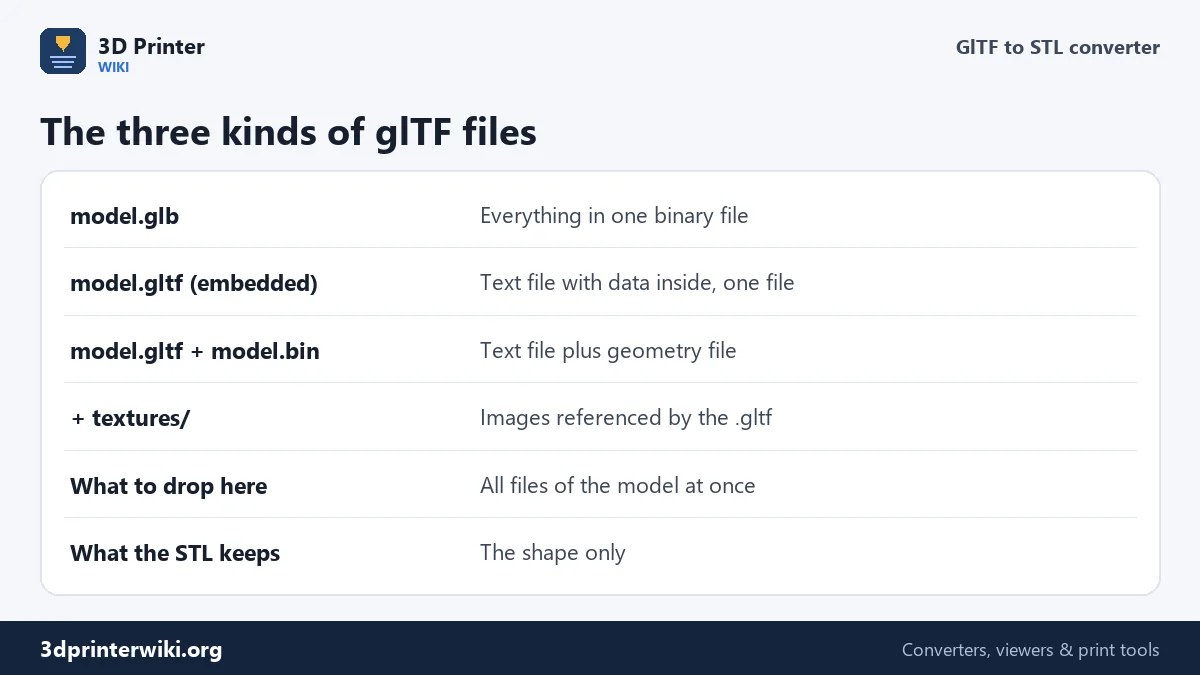
glTF comes in two flavours. A .glb packs everything into one binary file. A .gltf is a readable text file that describes the scene, and it often comes with a separate .bin file holding the geometry and a folder of texture images. Sketchfab downloads, exports from Blender and many web projects use that second layout, and most online converters choke on it because they accept only one file. This converter reads a .gltf together with its .bin and textures, and turns it into an STL at the right size for your slicer.
How to convert glTF to STL
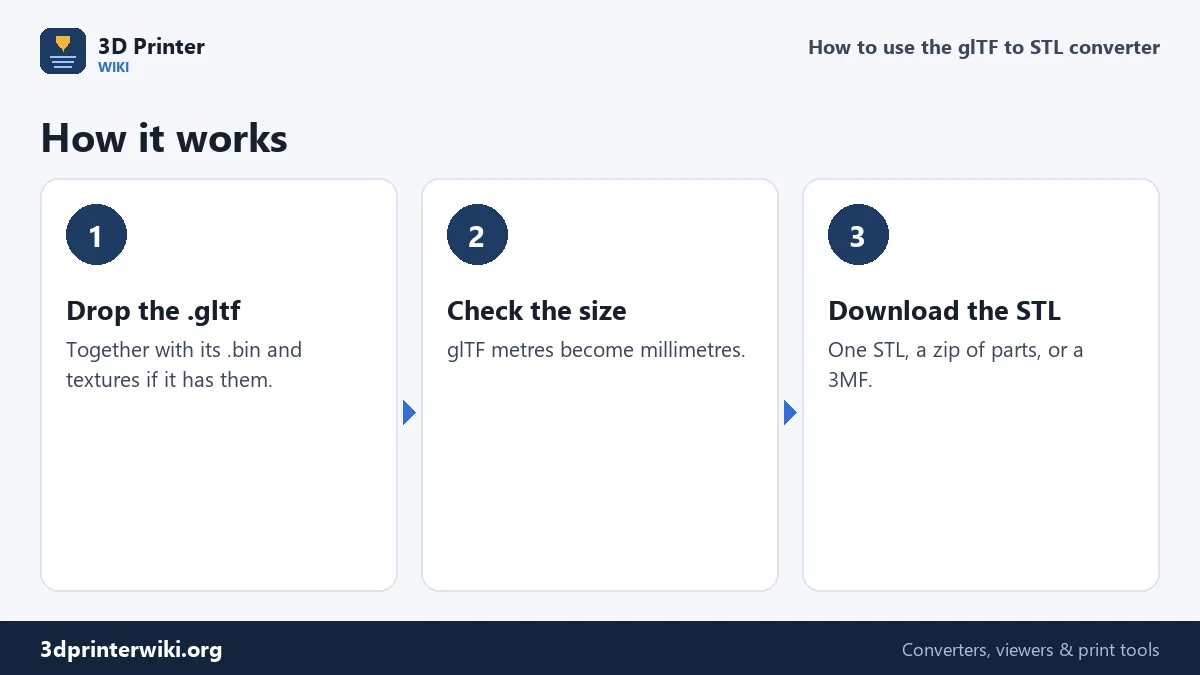
- Select all files of the model: the .gltf, the .bin and any textures. In the file picker, hold Ctrl (Windows) or Cmd (Mac) to choose several, or drag them onto the box together.
- Check the preview. The model is turned from Y-up to Z-up and its size is shown in millimetres.
- Adjust if needed under More options: Source units, Up axis, and whether to place it on the build plate.
- Download the STL, or tick Save each part as its own STL for a zip.
Why a .gltf needs its other files
Open a .gltf in a text editor and you'll find lists of nodes, meshes and materials, and a buffers section with an entry like "uri": "scene.bin". That file holds every vertex and triangle; without it, the .gltf describes a model that has no geometry. Some .gltf files embed the data instead, as a long text block starting with data:application/octet-stream;base64. Those work on their own, like the demo on this page. When you drop several files, the converter matches the names the .gltf asks for with the files you gave it, so folders don't matter as long as the file names are right.
Texture images are read too, but an STL can't store them, so they make no difference to the result. They're accepted only so that a full model folder can be dropped in one go.
Metres and Y-up
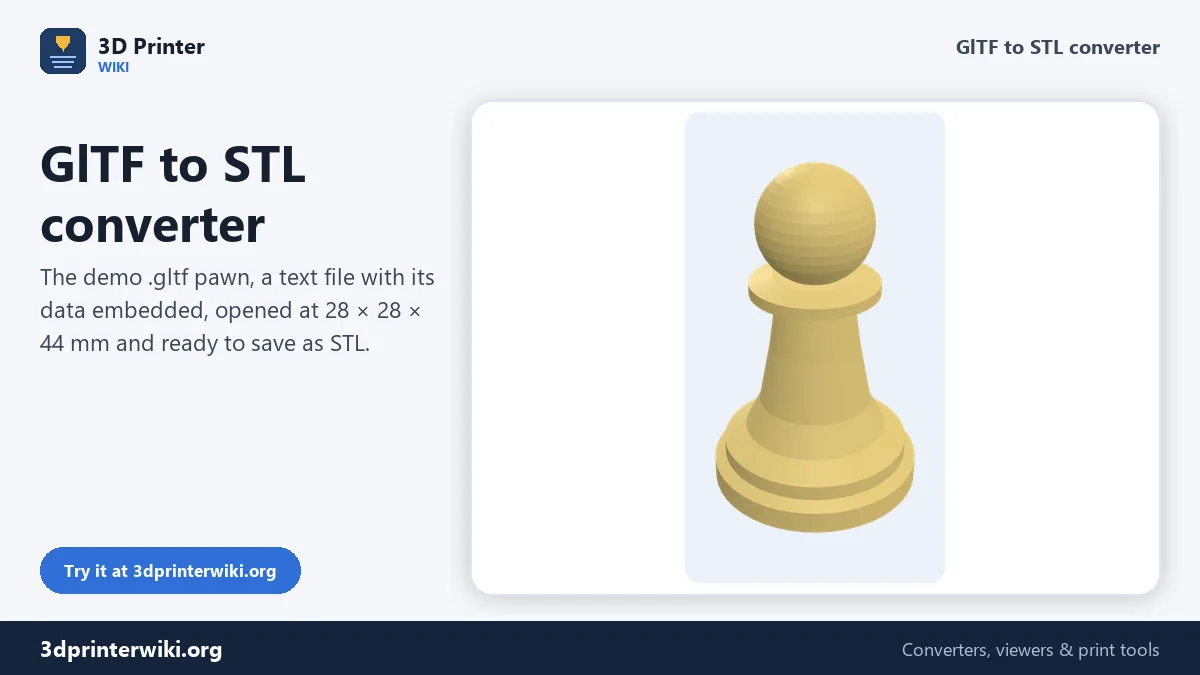
The glTF standard is fixed: one unit is one metre, and Y points up. Slicers read STL numbers as millimetres with Z up, so a glTF used directly would be a thousand times too small and lying on its back. The converter multiplies by 1,000 and turns the model upright. The demo pawn is stored as 0.028 × 0.044 m and comes out at 28 × 28 × 44 mm. A few exporters ignore the standard and write centimetres or arbitrary units; if the size looks wrong, change Source units.
Scenes with many parts
A glTF scene is a tree of nodes, each with its own position, rotation and scale. The converter applies all of them, so every mesh ends up where it was placed, and lists how many parts there are. Animated models are posed at the first frame of their first animation; under More options, Pose can switch to the middle of the animation or the rest pose. Cameras, lights and empty helper nodes are ignored.
Preparing the STL for printing
Models made for screens are not always printable. Check the result for open holes and parts with no thickness, such as leaves, hair cards or flat signs. The STL repair tool closes holes and fixes flipped faces. Many web models are also quite small or quite large in real terms, so set the height you want with the STL scaler. For a single-file .glb, the GLB to STL converter works the same way.
Compressed glTF files
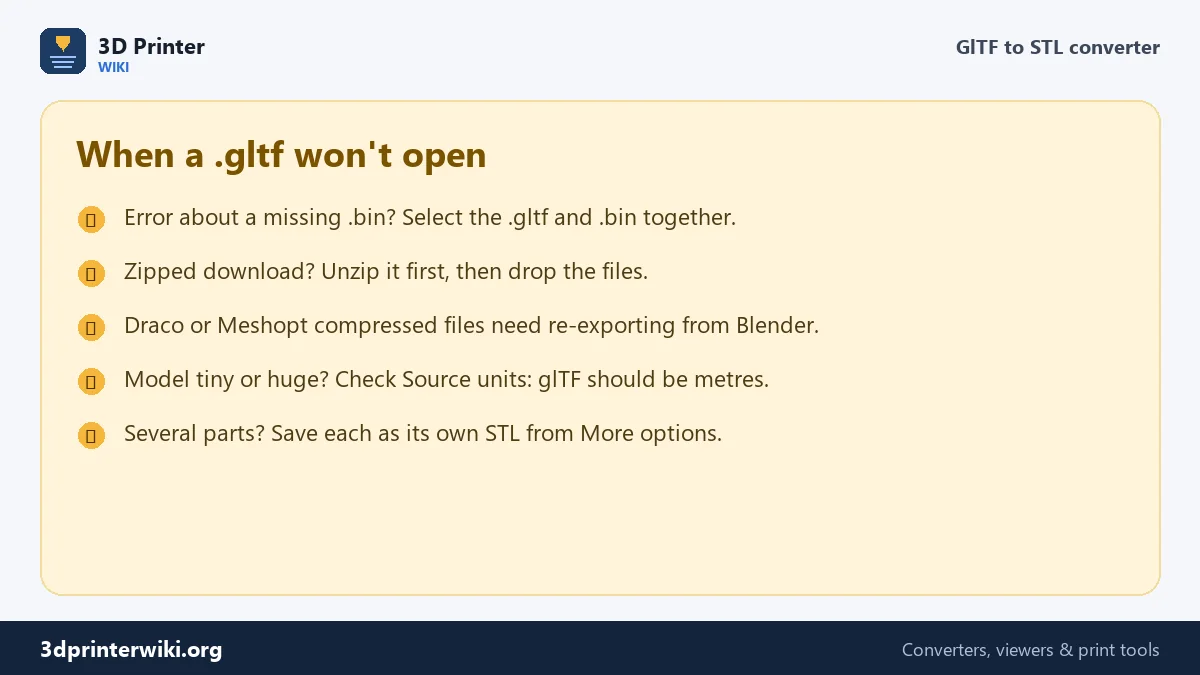
Some glTF files are compressed with Draco or Meshopt to load faster on the web. Those need a decoder this page doesn't include. Open the file in Blender (File → Import → glTF 2.0), then export it again without compression, or export STL directly from Blender.
Exporting glTF from Blender for printing
If you make the model yourself in Blender, you can export it so it converts perfectly. In File → Export → glTF 2.0, choose glTF Binary (.glb) for a single file, or glTF Separate if you want the .gltf, .bin and textures as separate files; both work here. Under Include, tick Selected Objects to export only what you want to print. Under Data → Mesh, keep Apply Modifiers on, so mirrors, subdivisions and booleans end up in the geometry. Keep the default +Y Up under Transform: the converter turns it to Z-up for printing. Model at real size in metres, and the STL comes out at the size you designed.
glTF to STL questions
How do I convert a .gltf file to STL?
Select the .gltf and its .bin file (and textures) together, drop them here, and press Download STL.
What is the difference between glTF and GLB?
Same format. A .gltf is text and may use separate files; a .glb packs everything into one binary file.
Why does my .gltf say it needs a .bin file?
Its geometry is stored in a separate .bin file. Drop both files at the same time.
Are textures kept in the STL?
No. STL stores only shape, so colours and textures are dropped.
Why is the model tiny in my slicer?
glTF uses metres. Converting here multiplies by 1,000 so the STL is in millimetres.
Can I convert glTF with textures to a colour print?
Not directly. STL has no colour; for multi-colour printing, split the model into parts and give each a filament in your slicer.
Does it work with Sketchfab downloads?
Yes. Unzip the download and drop scene.gltf and scene.bin together.
Can I drop a whole folder of glTF files?
Drop the files themselves, not the folder: select the .gltf, the .bin and the textures together. Folder names inside the .gltf are matched by file name.
More 3D printing tools
Updated November 2026 · How these tools work