Keychain STL generator
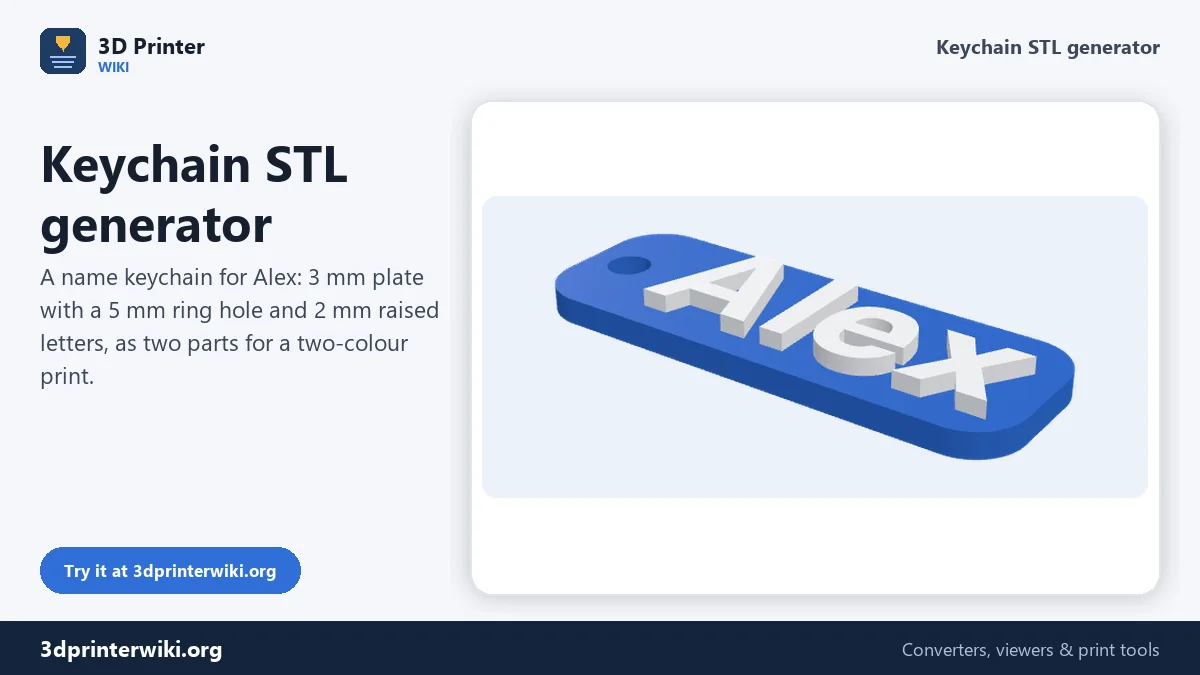
Type a name and get a printable keychain with a ring hole, ready for your slicer.
The 3MF keeps the plate and the letters as two parts, so you can print them in two colours.
More options
Name keychains are the classic first print, the favourite party favour and the best-selling item for many small print shops. This keychain generator makes them in seconds: type a name, pick a style, and you get a keychain with letters, a solid plate and a ring hole that fits a standard split ring. The preview updates as you type.
Every keychain comes as two parts, the plate and the letters, so the 3MF download is ready for a two-colour print on a printer with an AMS or a tool changer, and the STL works for single-colour prints or a colour change at the layer where the letters start.
How to make a name keychain
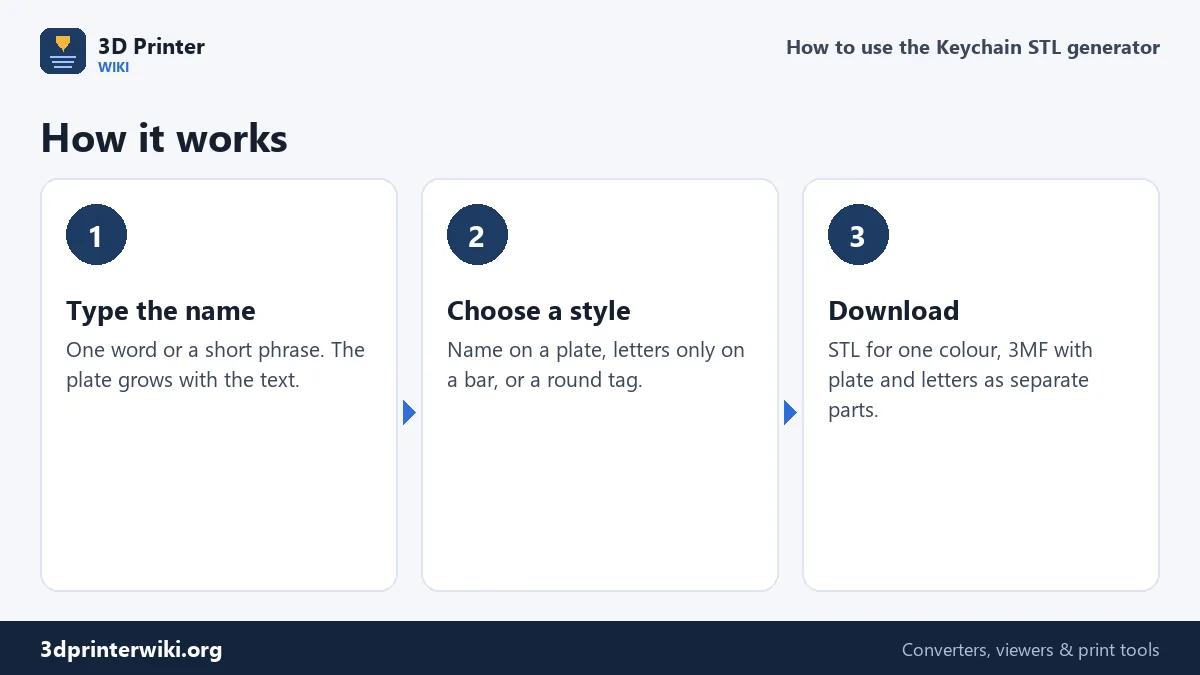
- Type the name. Short names and initials work best. Only the first line is used.
- Pick a style. Name on a plate puts raised letters on a rounded plate with the hole on the left. Letters only joins the letters with a thin bar and a ring at the start, for a cut-out look. Round tag puts the name on a disc with a tab and hole at the top.
- Fine-tune under More options: font, letter height, letter thickness, plate thickness and ring hole diameter. You can also upload your own font.
- Download the STL or the two-part 3MF.
Choosing a style
Sizes that survive a pocket
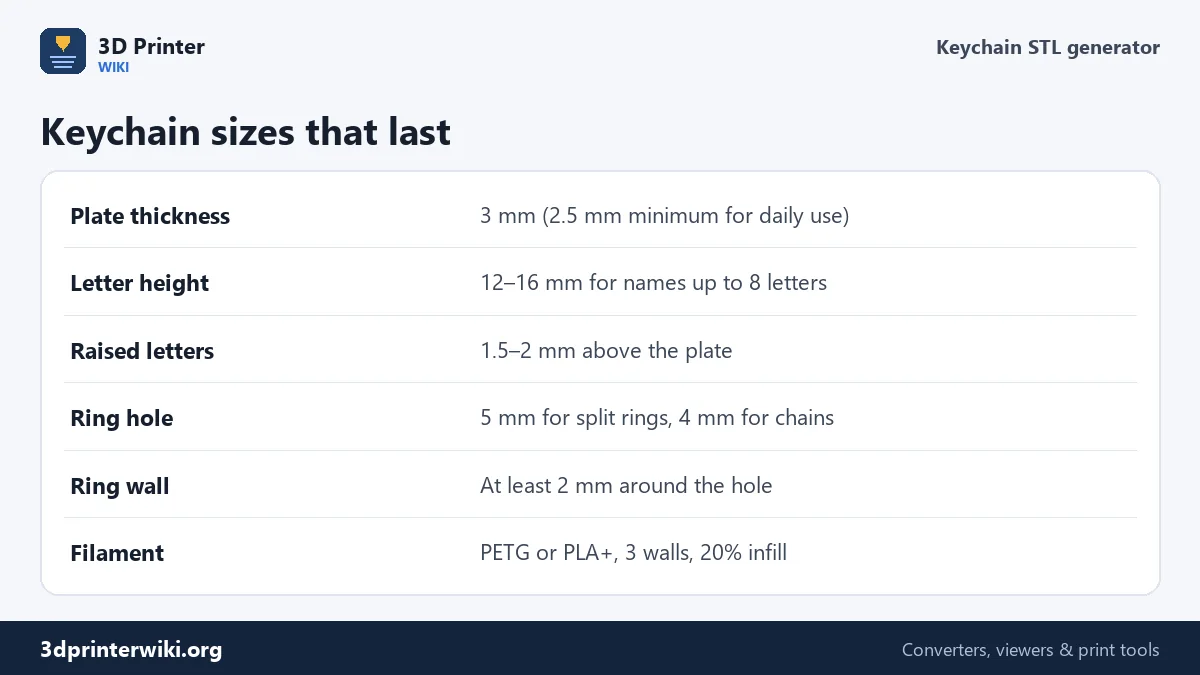
A keychain gets bent, dropped and rubbed against keys every day, so a little extra thickness pays off. The defaults are a 3 mm plate, 14 mm letter height, 2 mm raised letters and a 5 mm hole. Those dimensions hold up well in PETG and PLA+, and they print in about 15 to 25 minutes on most printers.
The ring hole needs a wall around it: the generator keeps at least 2.2 mm of plastic around the hole on every side. A 5 mm hole suits the common 20 to 25 mm split rings; for a ball chain or a lanyard clip, 4 mm is enough.
Long names make long keychains. Past about ten letters, a 14 mm high name becomes a 120 mm stick that bends easily. Lower the letter height to 10 or 11 mm for longer names, or use the round tag with initials.
Two colours without an AMS
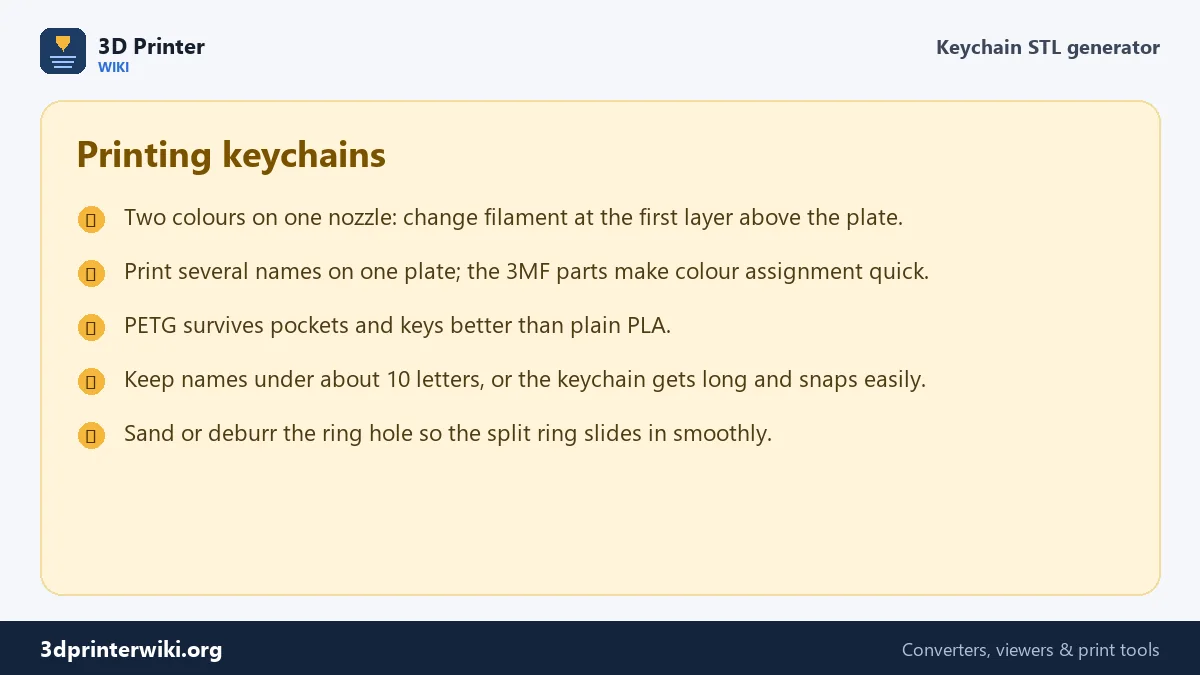
You do not need a multi-colour printer for two-colour keychains. Slice the STL and add a filament change at the first layer of the letters. With a 3 mm plate and 0.2 mm layers, that is layer 16, starting at Z = 3.2 mm. Bambu Studio and PrusaSlicer let you add the change by right-clicking the layer slider; in Cura, use Extensions → Post Processing → Pause at Height. When the printer pauses, swap the filament, purge a little, and resume.
With an AMS, open the 3MF instead. The plate and the letters are listed as two objects; give each its colour and print.
Fonts for keychains
Bold, rounded fonts read best at small sizes and keep every letter connected to the plate. Helvetiker Bold is the default; Droid Sans Bold is a little narrower, which helps long names. For a handwritten look, upload a script font you like (tick Use my own font file), but check that its thinnest strokes are at least 0.8 mm wide at your letter height.
Making keychains to sell
Personalised keychains are a popular product on Etsy and at markets because each one takes a minute to design and costs very little to print. A typical name keychain uses 4 to 6 grams of filament. With the 3D print cost calculator you can work out the true cost including electricity, failed prints and your time, and set a price that pays.
Keychain generator questions
How do I make a name keychain STL?
Type the name on this page, choose a style, and press Download STL. The keychain includes a plate and a ring hole and is ready to slice.
What size should a 3D printed keychain be?
About 50 to 70 mm long, 20 to 25 mm tall and 4 to 5 mm thick in total works for most names.
How big should the keychain hole be?
5 mm for standard split rings, 4 mm for ball chains. Keep at least 2 mm of material around it.
Can I make a two-colour keychain on a single-colour printer?
Yes. Add a filament change at the layer where the letters begin, just above the plate.
Can I sell keychains made with this generator?
Yes. The files are yours, and the built-in fonts come under open licences that allow commercial use. If you upload your own font, check its licence.
What filament is best for keychains?
PETG survives pockets, heat and bending better than PLA. PLA is fine for gifts and two-colour names that won't see rough use.
How long does a name keychain take to print?
Usually 15 to 30 minutes on a modern printer, depending on size, layer height and speed.
More 3D printing tools
Updated November 2026 · How these tools work