STL volume calculator
Drop an STL to get its volume, weight at your infill, filament length and cost.
More options
How much filament will this model need? What will it weigh? How much resin? Is the print worth selling at this price? Every one of those questions starts with the volume of the model. This STL volume calculator measures the exact volume of the mesh, then turns it into a realistic print weight at your infill and wall settings, the length of filament, and the material cost. It also gives the volume in mm³, cm³ and cubic inches, and the surface area.
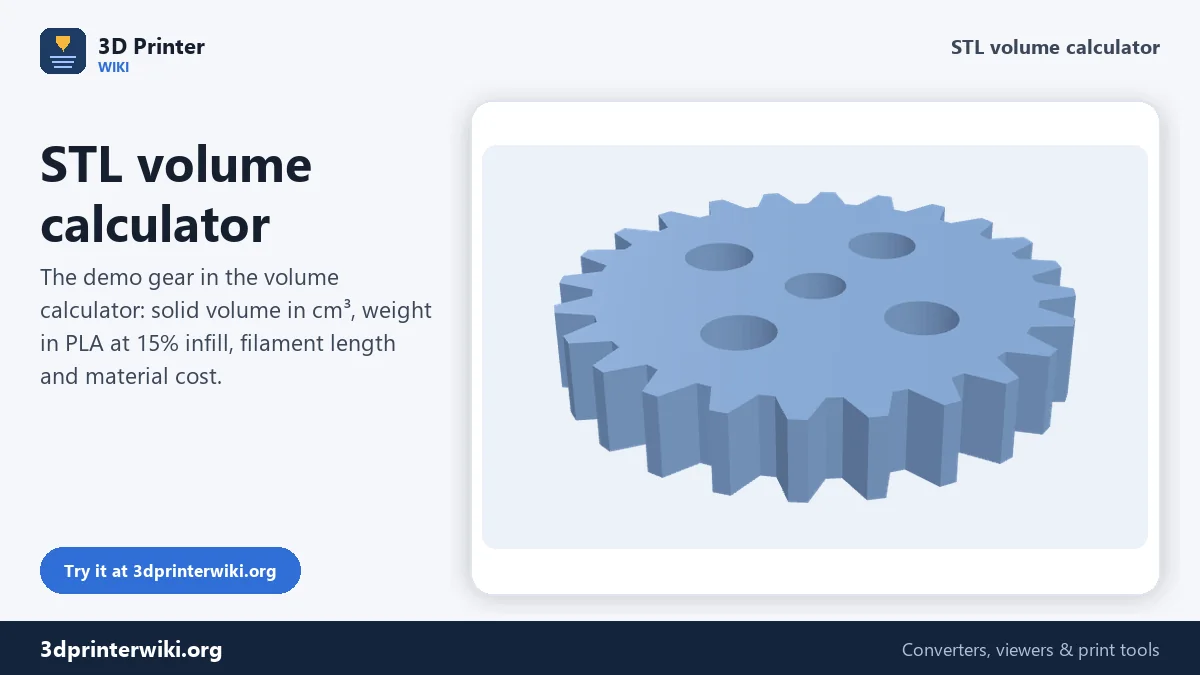
How to calculate the volume of an STL
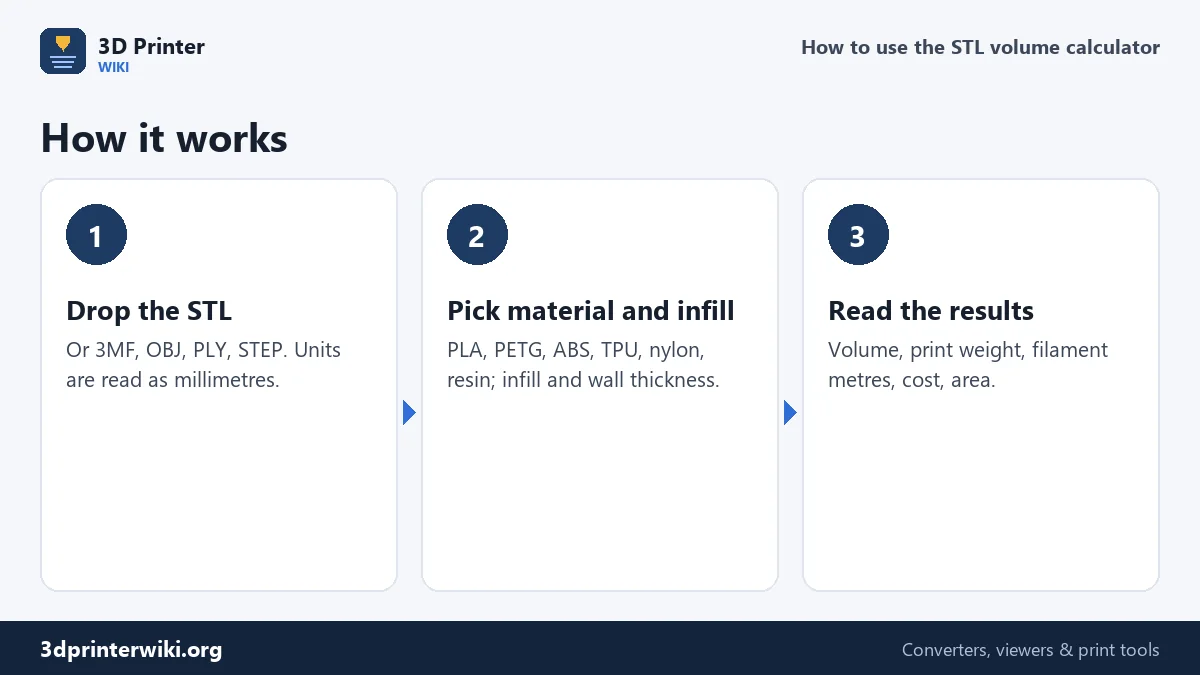
- Drop the STL (3MF, OBJ, PLY and STEP also work).
- Read the volume in the dark box, plus the weight at the current settings, the filament length, cost, solid weight and surface area.
- Adjust the settings under More options: material, infill, shell thickness, filament diameter, spool price and source units. The numbers update instantly.
How the volume is measured
An STL is a closed surface made of triangles. For each triangle, the calculator takes the small pyramid (tetrahedron) between the triangle and the origin and adds up their signed volumes. Triangles facing away from the origin add, triangles facing towards it subtract, and what is left is exactly the volume inside the surface. It is the same method CAD programs and slicers use, and it is exact for a watertight mesh, no matter how complicated the shape.
If the mesh has holes, the result is an estimate, and the calculator says so. The STL repair tool closes holes; run the model through it for an exact figure.
From volume to print weight
A printed part is not solid. Slicers print the outside as solid walls and top and bottom skins, then fill the inside with a sparse infill pattern. So the weight depends on two things: how much of the part is shell and how dense the infill is.
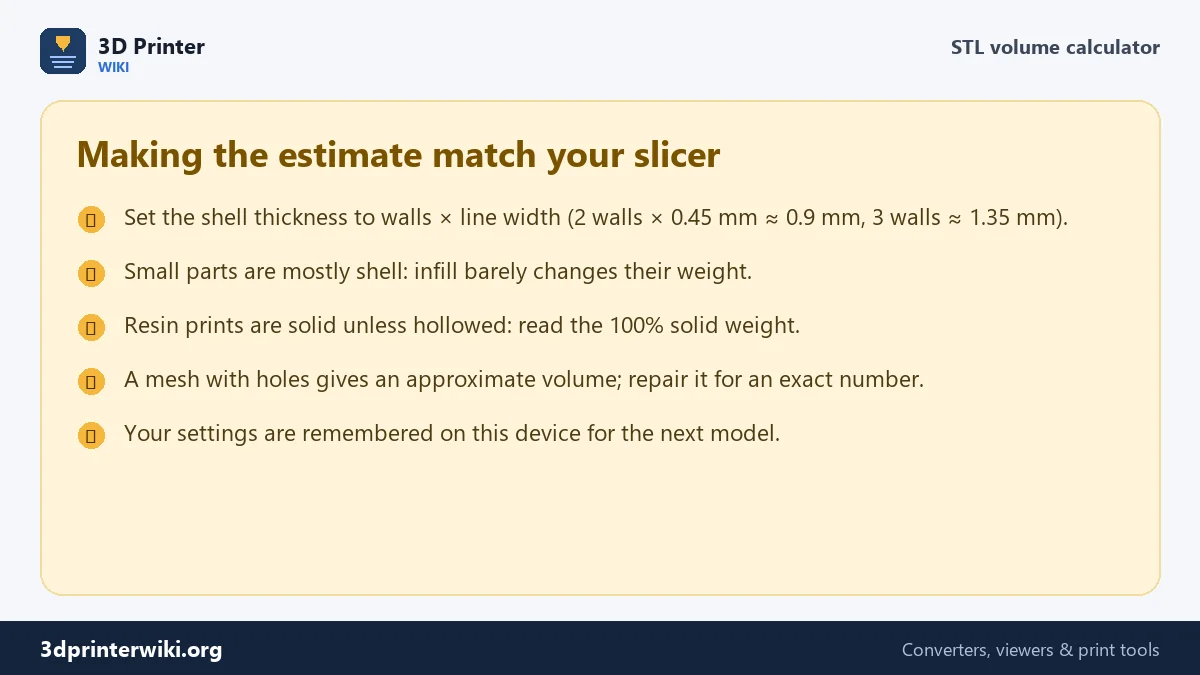
The calculator estimates the shell as surface area × shell thickness (1.2 mm by default, about three walls of a 0.4 mm nozzle), capped at the whole volume for thin parts. The rest is filled at your infill percentage. Weight = (shell volume + infill share of the core) × material density. For a small or thin part, almost everything is shell, so infill hardly changes the weight. For a big chunky part, infill dominates.
The result lands close to what slicers report for ordinary settings. For the closest match, set the shell thickness to your number of walls times your line width, and remember that slicers add a little for brims, supports and purge lines.
Filament length and cost
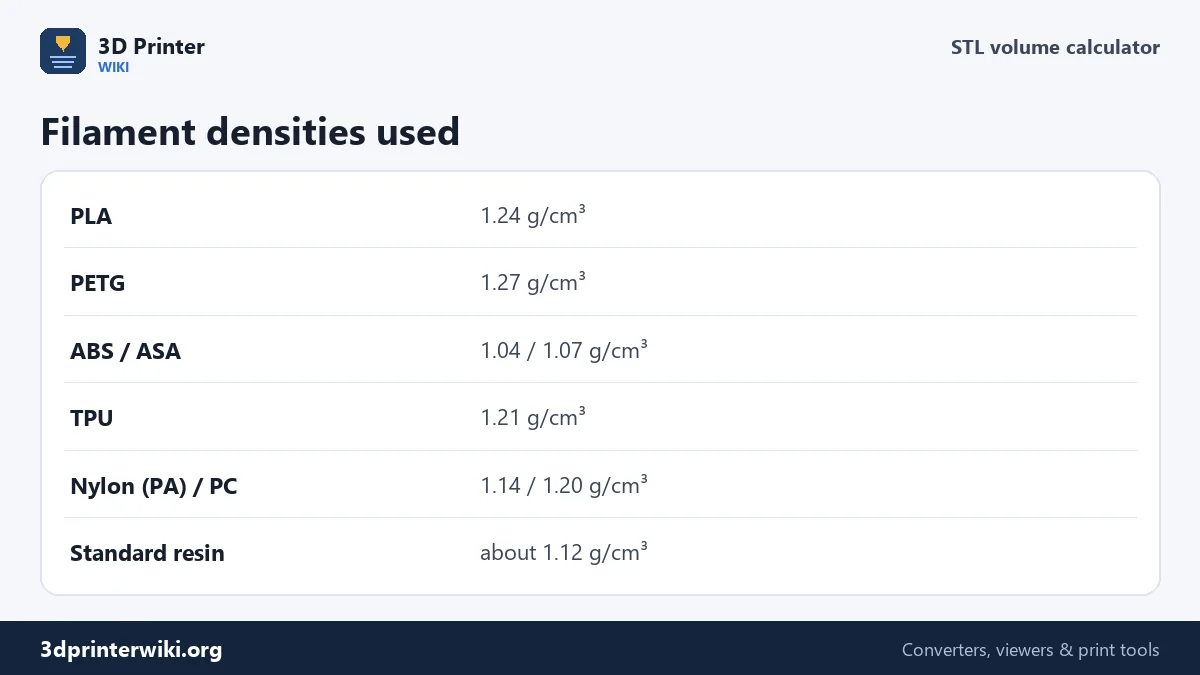
Filament length comes from the weight: grams ÷ density gives cm³, and dividing by the cross-section of the filament gives the length. One kilogram of 1.75 mm PLA is about 335 metres; 2.85 mm filament is far shorter per kilo, which is why the diameter setting matters. Cost is simply the weight times your spool price per kilogram. For electricity, machine wear and selling prices, use the 3D print cost calculator.
Units and conversions
STL files carry no units; the calculator reads them as millimetres, like every slicer. If your model was drawn in inches, choose inches under Source units, otherwise the volume comes out 16,387 times too small (25.4 cubed). The results include cm³ (the same as millilitres), mm³ and cubic inches.
When the volume can be trusted
An STL's volume is only meaningful if the mesh is closed. The calculation adds up the space enclosed by the triangles, and if there's a hole in the surface, the result is off by an amount that depends on where the hole is. A small gap barely changes it; a missing bottom on a scanned object can make the number nonsense.
Two quick signs of trouble: the volume seems much too small or large for the size of the part, or it is far from what your slicer reports for the same model at 100% infill. If either happens, run the file through the STL repair tool, which closes holes and fixes flipped faces, then measure again. Models with several overlapping shells, common in game assets and some figurines, are counted twice where shells overlap, so their volume comes out higher than the real amount of plastic.
STL volume questions
How do I find the volume of an STL file?
Drop it on this page. The volume appears in cm³ straight away, with mm³ and cubic inches below.
How do I calculate how much filament an STL needs?
The calculator turns the volume into a print weight at your infill and shell settings, then into metres of filament for your diameter and material.
Is the volume the same as the weight in grams?
No. Multiply cm³ by the material density for a solid part (PLA is 1.24 g/cm³). Printed parts weigh less because of infill.
Why is the volume different in my slicer?
Slicers report filament used, which includes walls, infill, supports and brim. The model volume here is the solid volume of the mesh.
Can I calculate resin volume from an STL?
Yes. Choose Resin, and read the solid weight or the cm³ (millilitres) value. Add 10 to 20% for supports.
Why is the volume of my STL wrong?
The mesh is probably open or has overlapping shells. Repair it and measure again.
How do I convert cm³ to grams?
Multiply by the material density: 1 cm³ of PLA weighs about 1.24 g, PETG 1.27 g, ABS 1.04 g.
More 3D printing tools
Updated November 2026 · How these tools work