STL to DXF converter
Cut a 2D profile out of a 3D model and save it as a DXF.
More options
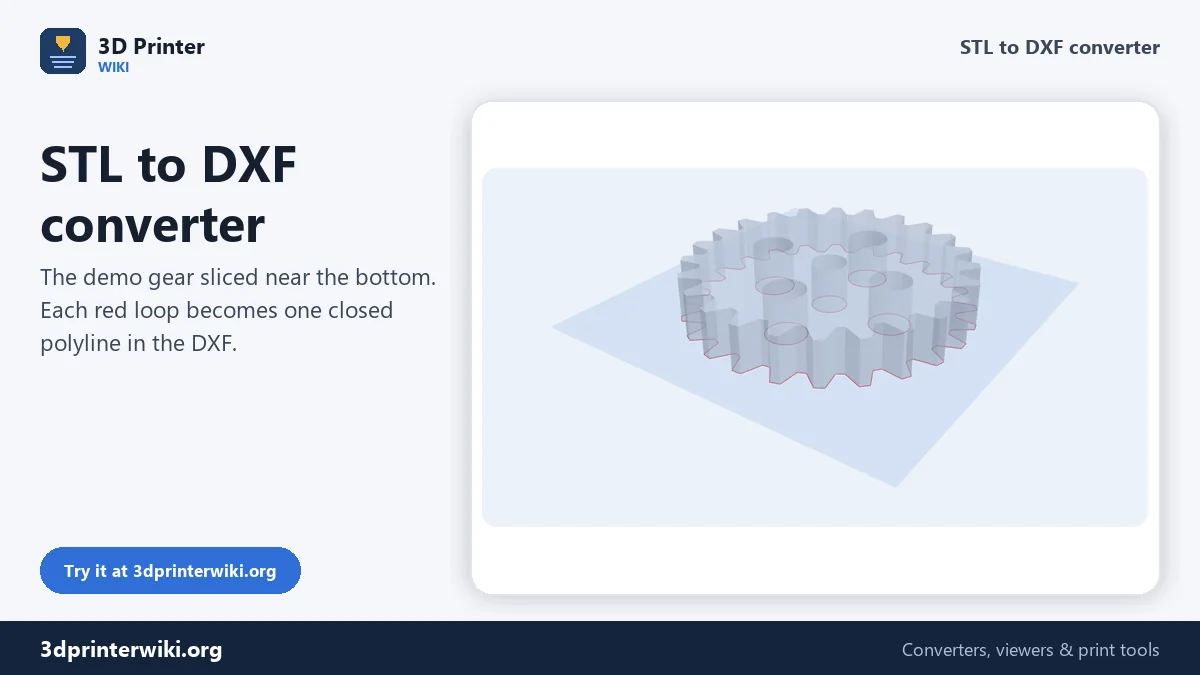
DXF is the everyday 2D format of CAD, CNC and cutting machines. Getting one out of an STL is surprisingly hard: most CAD programs import meshes awkwardly, and most mesh programs don't write DXF. This converter does exactly that job. It cuts the model at the height you choose, or traces its whole outline, and writes the result as closed polylines in millimetres, ready for a CAD sketch, a CAM profile, or a laser or waterjet cutting service.
How to convert STL to DXF
- Drop the STL on the box. 3MF, OBJ, PLY and STEP files work too.
- Choose the view under More options: Top cuts parallel to the bed, Front and Side cut vertically through the model.
- Drag the Cut height slider until the red line shows the profile you need. The slider shows the height in millimetres from the bottom of the part.
- Or tick Outline of the whole part for the full silhouette from that direction.
- Download the DXF.
What the DXF contains
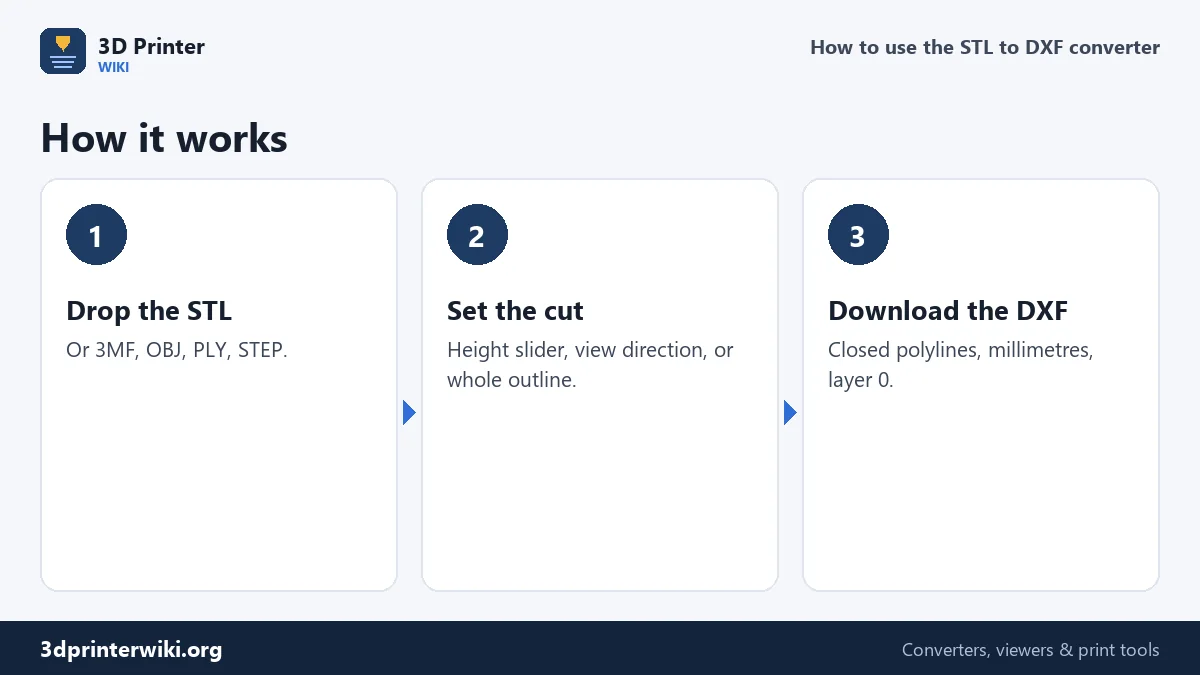
The file is a plain ASCII DXF in the classic R12 style that every CAD and CAM program can read, from old AutoCAD versions to Fusion, FreeCAD, LibreCAD, QCAD, SolidWorks, Inkscape and LightBurn. Each loop of the section is one closed POLYLINE on layer 0. The header marks the drawing units as millimetres, and the coordinates are the model's own X and Y (or X and Z, Y and Z for the front and side views), so profiles cut at different heights line up when you import them together.
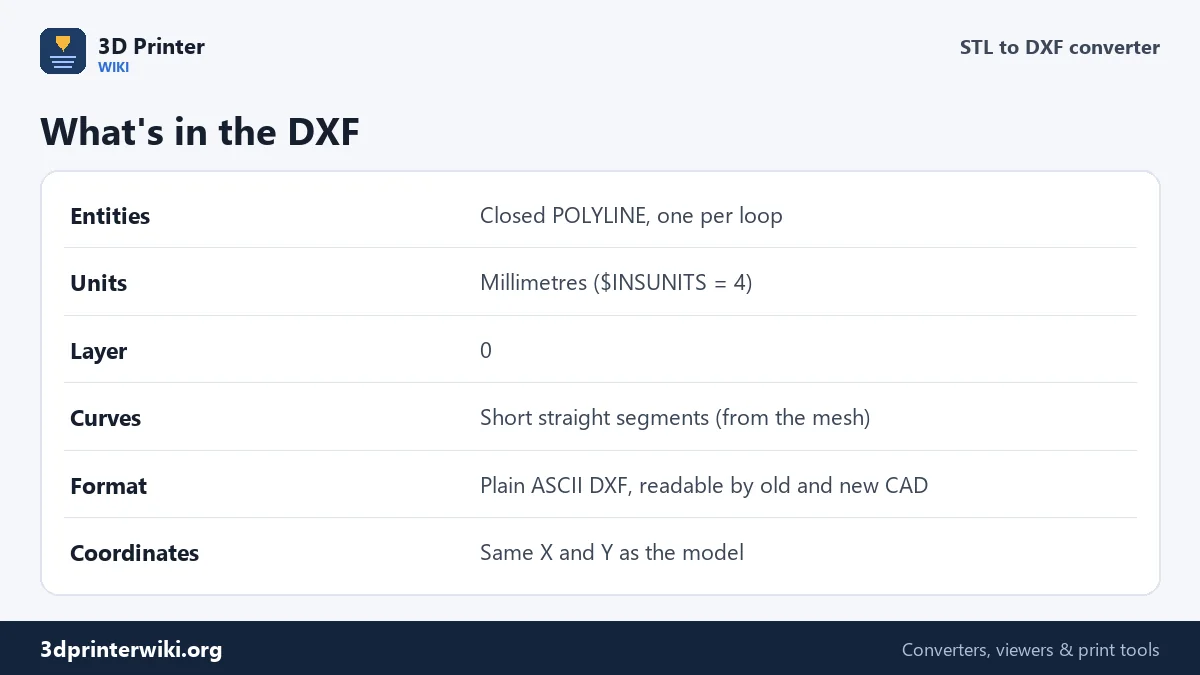
There are no arcs or circles in the file. A mesh doesn't contain true curves, only flat triangles, so round holes come out as polygons with many short sides, as smooth as the triangles of the STL. For a CNC cut or a laser part that's fine. For a precise fit, for example a bearing seat, redraw the circle in CAD over the polygon.
Bringing it into CAD
In Fusion, use Insert → Insert DXF, pick a plane and set the unit to millimetres; the loops appear as sketch curves you can extrude, offset or use as a reference. In FreeCAD, File → Import with the DXF importer brings in the polylines as wires that can be turned into faces. In SolidWorks, open the DXF as a sketch. If your program asks for the unit, choose millimetres; some older readers ignore the unit setting in the file.
For CNC, laser and waterjet
Closed polylines are exactly what CAM software needs for profile cuts and pockets. Import the DXF, check the size against the model, and assign the toolpath. Online laser, waterjet and sheet-metal cutting services usually ask for a DXF too. Before you order, open the file in a DXF viewer or CAD program and check the overall size, since a part ordered 25.4 times too small is an expensive surprise. If the STL itself is in the wrong unit, fix it first with the STL scaler.
Open outlines
The status line counts the outlines and how many are closed. Open outlines mean the mesh has small gaps at that height, so the ends don't meet. CAM software usually won't cut an open profile. Raise Join gaps up to under More options (0.05 to 0.1 mm closes most gaps), move the slider a little, or repair the model with the STL repair tool first.
For vector graphics programs, laser software that prefers SVG, or vinyl cutters, the STL to SVG converter makes the same sections as SVG. To turn a DXF drawing into a 3D printable part, use DXF to STL.
Profiles at several heights
Many parts change shape with height: a flange with a boss on top, a stepped bracket, a housing with a lip. For CAD or CAM you often need the outline at each step. Move the slider to each height you need and download a DXF each time; the status line shows the height of the cut. Because every DXF keeps the model's own coordinates, the files line up exactly when you import them into one drawing. Put each on its own layer, and you have a complete set of profiles to work from.
The same works sideways. Choose Front or Side under More options, and the slider cuts vertically through the part, which gives a section view like the ones in engineering drawings. Together with a top section and the outline, three DXF files are often enough to redraw a simple printed part in CAD as a proper editable model.
STL to DXF questions
How do I convert an STL to DXF?
Drop the STL on this page, set the cut height or choose the whole outline, and press Download DXF.
Can a DXF from an STL have real circles?
No. A mesh has only flat triangles, so curves become short straight segments. Redraw critical circles in CAD.
What units does the DXF use?
Millimetres, the same as the STL. Choose millimetres if your CAD program asks.
Can I get a side profile instead of a top view?
Yes. Choose Front or Side under More options, then move the slider.
Why won't my CAM software cut the DXF?
Some outlines are probably open. Raise Join gaps up to, or repair the STL, and export again.
Can I convert STL to DWG?
Save the DXF here, open it in AutoCAD or another DWG-capable program, and save it as DWG.
Can I get a 3D DXF from an STL?
No. The DXF is a 2D profile. For a 3D CAD file, use the STL to STEP converter.
More 3D printing tools
Updated November 2026 · How these tools work