3DS to STL converter
Open an old .3ds model from 3D Studio or a model archive and save it as STL.
Same file as: · · · ·
More options
The .3ds format dates from 1990 and the DOS program 3D Studio, the ancestor of Autodesk 3ds Max. For many years it was the common language of 3D, so a huge number of free and paid models from the 1990s and 2000s are still around only as .3ds files. Modern slicers don't open them. This converter reads the 3DS file, shows every object in 3D with its size, and saves an STL you can print.
How to convert 3DS to STL
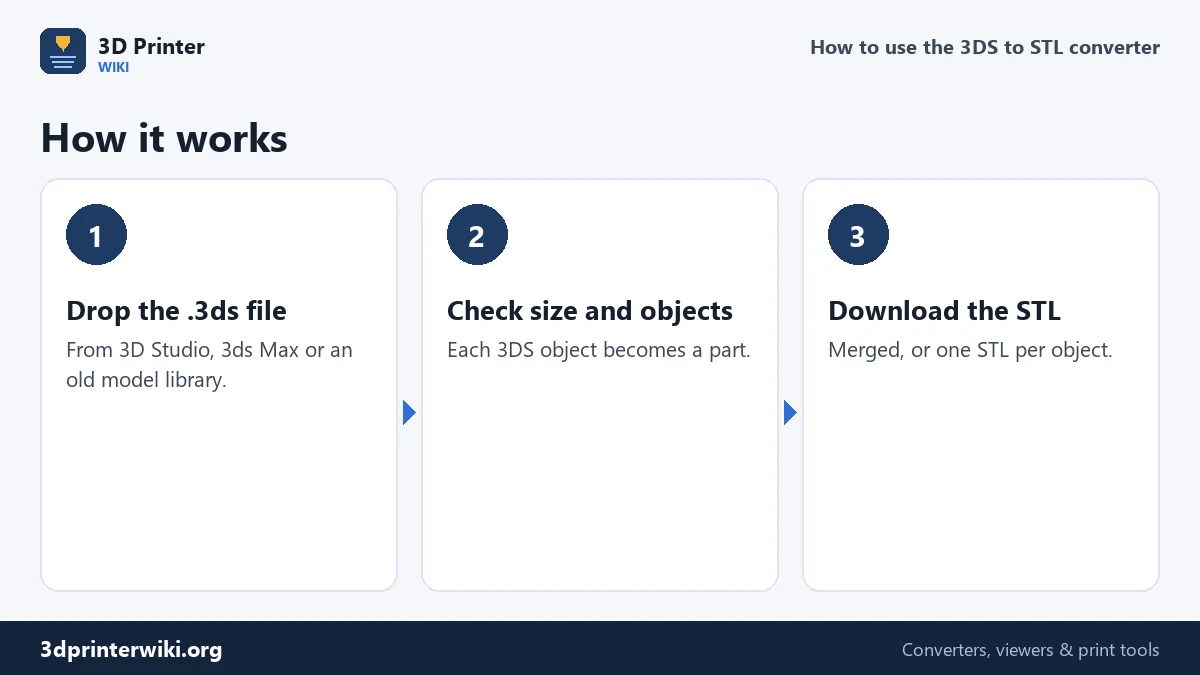
- Drop the .3ds file on the box.
- Look at the model. The size line shows millimetres, triangles and the number of objects (parts) in the file.
- Fix size or orientation if needed under More options: Source units if the model is far too big or small, Up axis if it lies on its side.
- Download the STL, either as one file or with Save each part as its own STL for a zip with one file per object.
What's inside a 3DS file
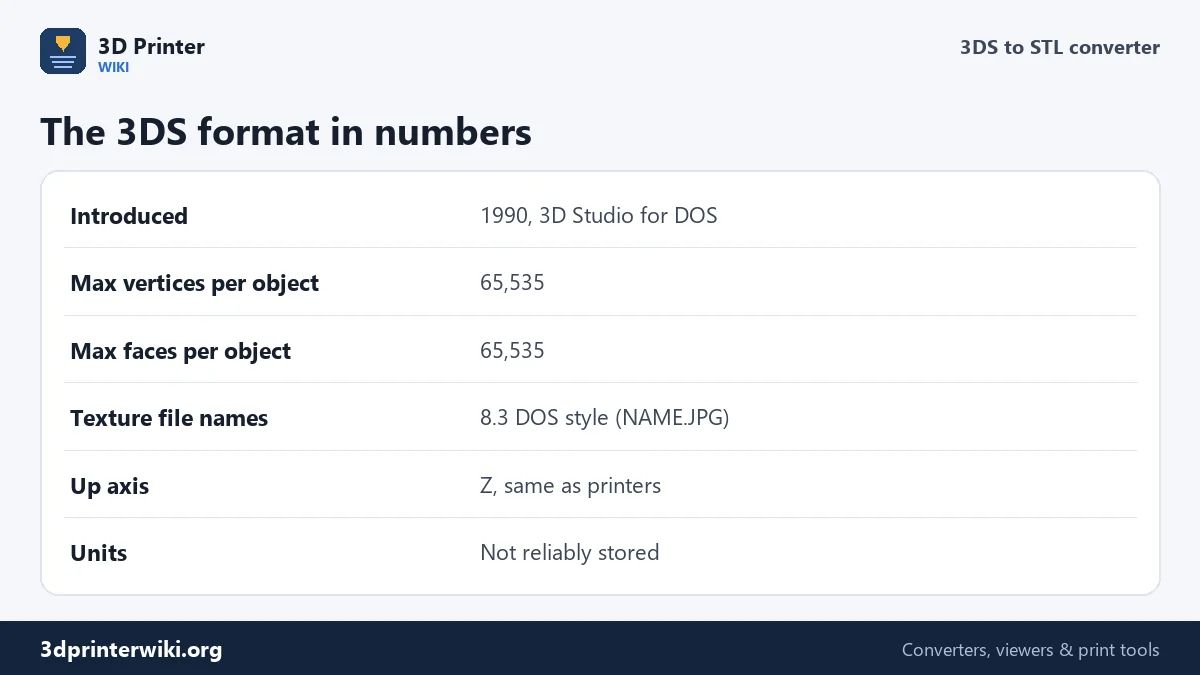
A 3DS file is a tree of binary "chunks", each with an ID and a length. The main chunk holds an editor chunk, which holds named objects, which hold triangle meshes: a list of vertices and a list of faces that point to them. Materials, lights, cameras and keyframe animation have their own chunks. The converter reads the meshes and their names and ignores the rest.
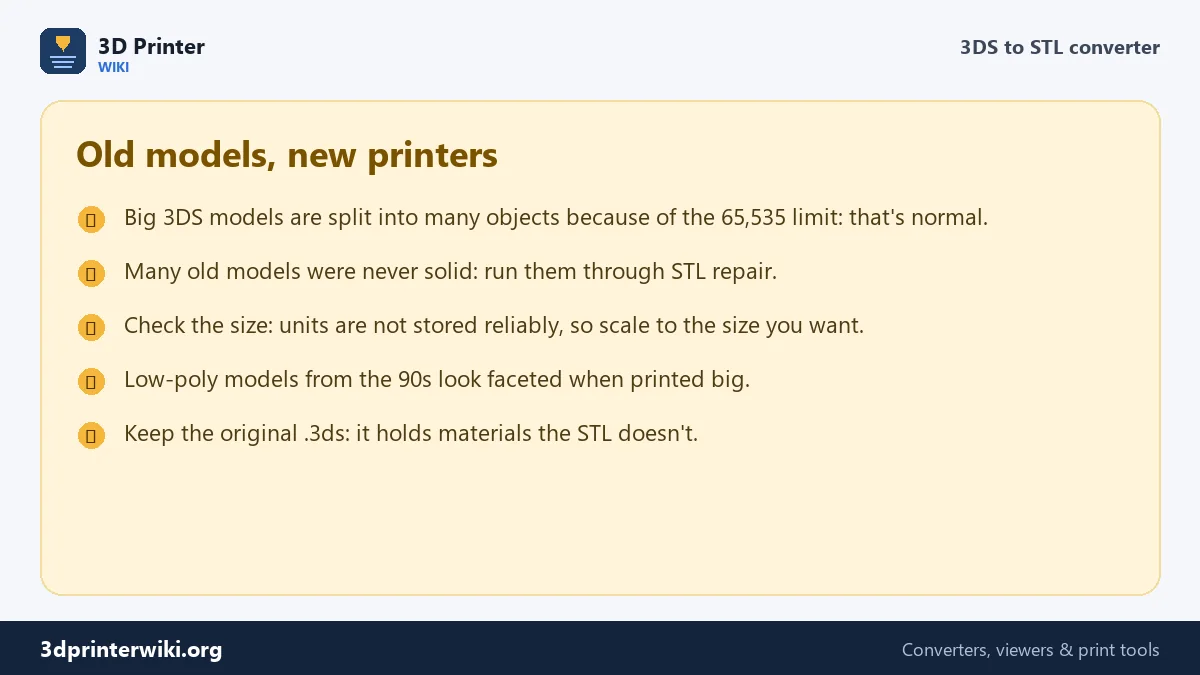
Because the vertex and face counts are stored as 16-bit numbers, a single object can have at most 65,535 vertices and 65,535 faces. Detailed models were therefore split into many objects, and you will often see dozens of parts in an old 3DS file. That's not a problem; merged into one STL they print as one model.
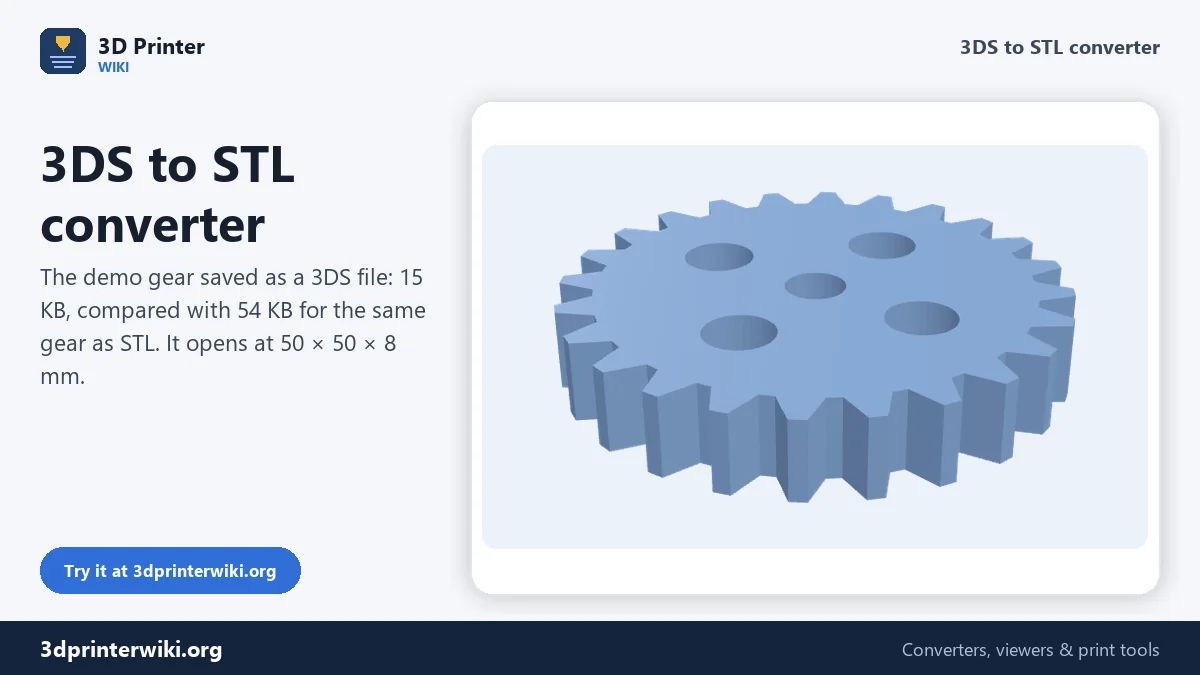
Storing each corner once also makes 3DS compact. The demo gear is 15 KB as a 3DS file and 54 KB as a binary STL.
Units and orientation
3D Studio had a unit setting, but many exporters didn't store it, or stored something that doesn't match the numbers. The converter reads 3DS numbers as millimetres and shows you the result. If a model of a car comes out 4,000 mm long, it was drawn in real millimetres; if a chair is 0.9 mm tall, it was in metres. Set the right Source units, or scale the STL to the size you want with the STL scaler.
3D Studio and 3ds Max use Z up, the same as 3D printers, so 3DS models normally stand the right way without changes.
Making an old model printable
Most 3DS models were made for rendering, years before home 3D printing. They look fine in a render but are rarely closed solids:
- Open edges and gaps between objects. The STL repair tool closes holes and turns flipped faces around.
- Single-sided parts such as leaves, flags and glass have no thickness. They need to be thickened in Blender or removed.
- Low polygon counts. Models from the 90s were kept light for slow computers. Printed large, curved surfaces show facets. Print smaller, or smooth the model in Blender with a Subdivision Surface modifier.
- Tiny pieces. Screws, lights and decals may be separate tiny objects. Save each part separately, or use the STL splitter to drop what you don't want.
Materials and textures
3DS materials refer to texture images by 8.3 DOS file names, such as WOOD02.JPG, which often went missing when models were copied around. None of that matters for printing, because STL only stores shape. The original .3ds file keeps its materials, so hold on to it if you also want to render the model.
3DS, OBJ or FBX: which to use?
If the same model is offered in several formats, the choice matters more than you'd think. 3DS is the oldest of the three and has hard limits: 65,535 vertices per object, short names, and no reliable units. OBJ is plain text, has no vertex limit and is read everywhere, but it has no units either. FBX carries units, skeletons and animation, which helps for characters and is useful if you want to pose a figure before printing.
For printing a static model, OBJ is usually the safest download, then 3DS. Choose FBX when the model is a rigged character you want in a particular pose. All three convert here, and in every case the size line shows you whether the units came across correctly before you download the STL.
3DS to STL questions
How do I convert a 3DS file to STL?
Drop it on this page, check the preview and size, and press Download STL.
Why does my 3DS model have so many parts?
A 3DS object can hold at most 65,535 vertices, so detailed models were split into many objects. They merge into one STL.
Can I open a 3DS file without 3ds Max?
Yes. This page shows it in 3D, and Blender can import 3DS too with its Autodesk 3DS add-on.
Is 3DS the same as 3ds Max's .max format?
No. .max is 3ds Max's own project format and can only be opened by 3ds Max. .3ds is the older exchange format.
Why is my converted model the wrong size?
3DS files often don't store units. Change Source units, or scale the STL to the size you want.
Can a 3DS file contain animation?
Yes, 3DS files can hold keyframes, but the converter reads only the meshes and their positions.
Why are some parts of my 3DS model in the wrong place?
Some old exporters stored object positions in ways that newer readers interpret differently. Move the part in your slicer, or open the file in Blender and export again.
More 3D printing tools
Updated November 2026 · How these tools work