Lithophane maker
Choose a photo and get a lithophane that shows the picture when light shines through it.
More options
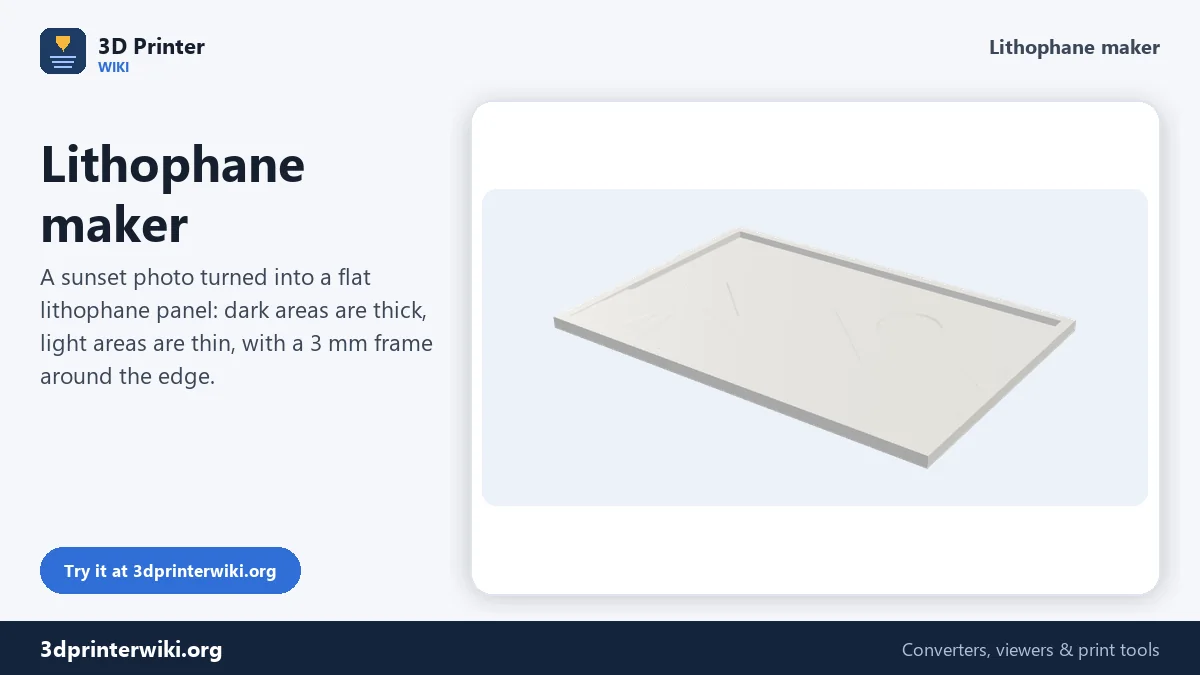
A lithophane is a thin panel whose thickness changes with the brightness of a photo. Hold it up to a window or put a light behind it, and the thick parts block more light while the thin parts let it through. The picture appears out of what looks like a plain white plastic tile. They make great gifts, night lights and window decorations, and a 3D printer is the easiest way to make one.
This lithophane maker turns any photo into a printable STL. You choose the shape (flat panel, curved panel, full cylinder for a lamp, or a heart), the size and the thickness range, and the 3D preview shows the result straight away. Everything is computed on your device, so your family photos are never uploaded.
How to make a lithophane
- Choose a photo. Tap the box and pick a JPG, PNG or WebP. Crop it on your phone first if you want a particular part of the picture.
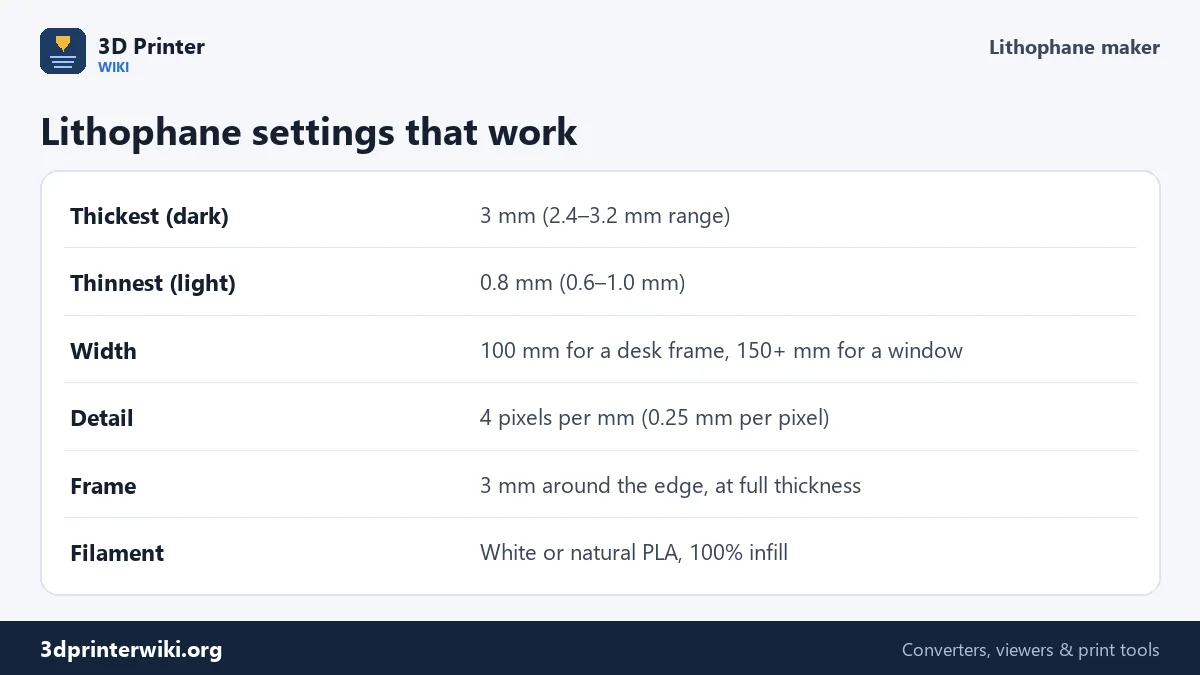
- Pick the shape. Flat panels are the easiest to print. Curved panels stand on their own. A cylinder makes a lampshade you can put over an LED tea light. The heart shape trims the picture to a heart outline.
- Adjust if needed. Under More options set the width, the thickest and thinnest points, the detail level and the frame width. The preview updates after each change.
- Download the STL and slice it with the settings below.
How thickness becomes a picture
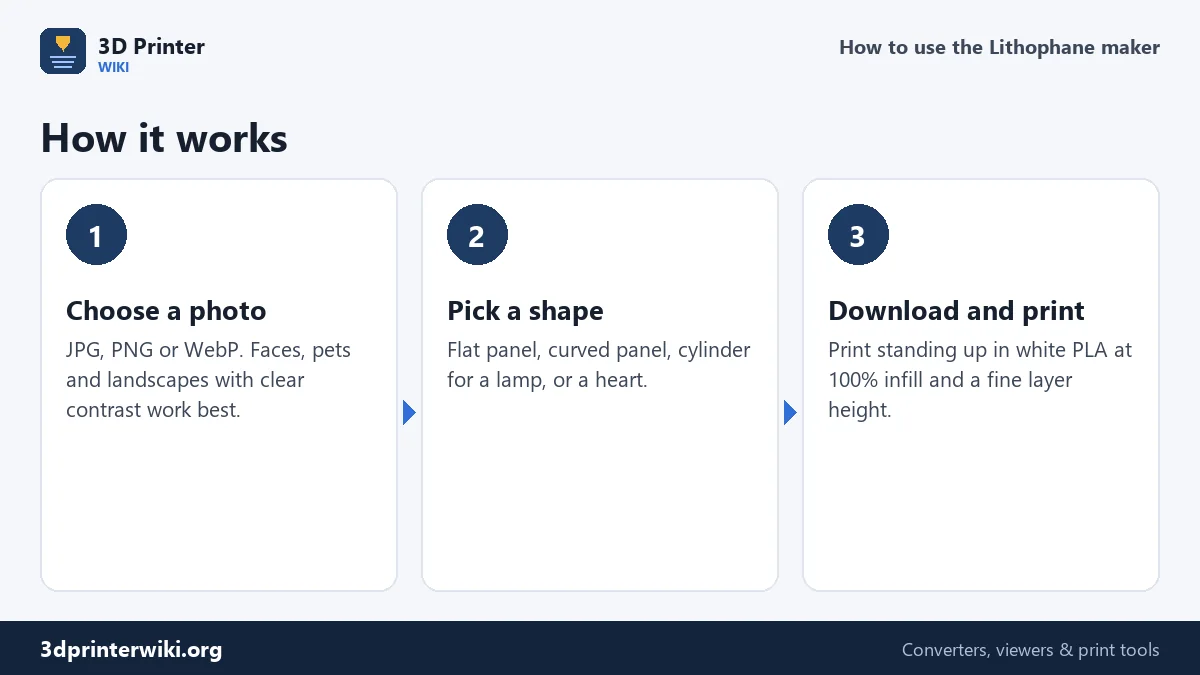
Every pixel of the photo becomes a column on the panel. A black pixel gets the full thickness you set under Thickest (3 mm by default) and a white pixel gets the minimum under Thinnest (0.8 mm). Everything in between is spread evenly. With white PLA, 3 mm blocks almost all light from a normal lamp and 0.8 mm lets most of it through, which gives a good range of greys.
If your lithophane looks washed out, increase the thickest value to 3.2 or 3.5 mm. If the dark areas look like solid black blobs with no detail, lower it to 2.4 mm. The thinnest value should stay at or above 0.6 mm, or the thin areas become fragile and may show holes.
Invert flips the rule so dark areas become thin. That is rarely what you want for a lithophane, but it is useful for relief carvings lit from the front.
Detail level and file size
The Detail setting is the number of pixels per millimetre. At the default of 4, every pixel is 0.25 mm wide, which matches what a 0.4 mm nozzle can show when the panel is printed upright. Going higher makes the STL much bigger but rarely improves a printed lithophane; going lower (2 or 3) gives a faster print with a slightly softer picture.
A 100 mm wide panel at detail 4 has about 120,000 pixels, which becomes roughly half a million triangles. That is a 20 to 25 MB STL, completely normal for lithophanes, and every slicer handles it. The maker caps very large pictures so the file never gets out of hand on a phone.
Choosing a shape
Print settings for a great lithophane
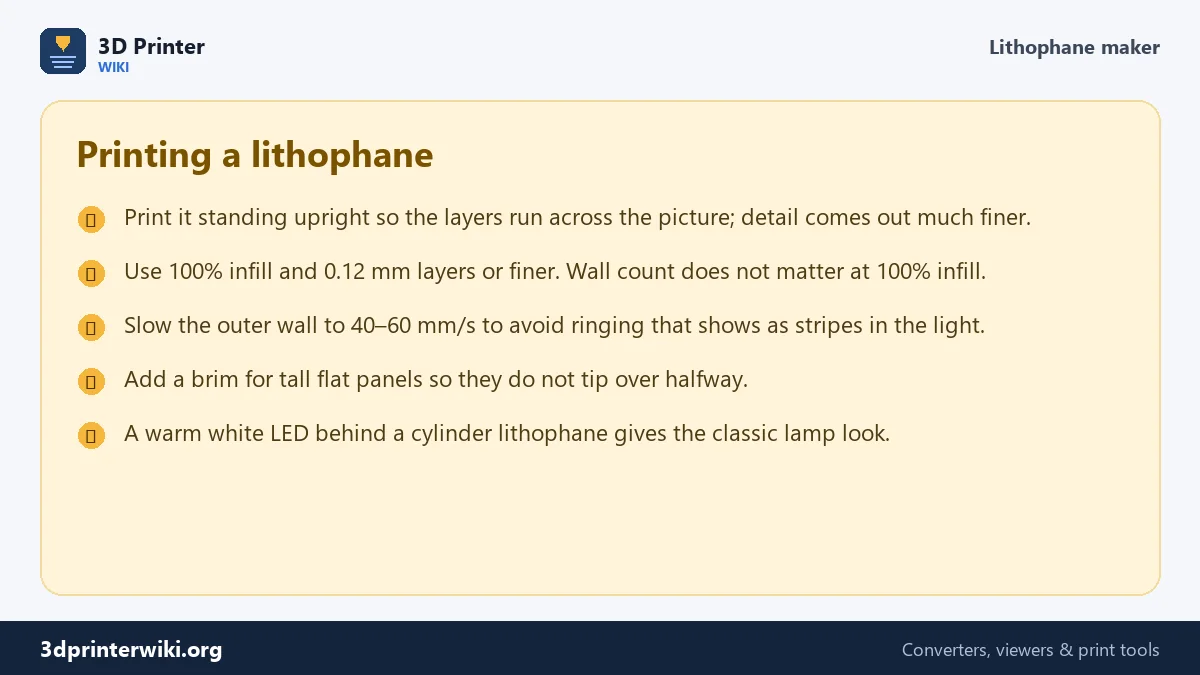
Orientation matters more than anything else. Stand the panel upright on its bottom edge so the nozzle draws the picture in the X and Y directions, where printers are most accurate. Printed flat, the thickness changes come out as visible layer steps and the picture looks blocky.
- Filament: white or natural PLA. Coloured filament works but cuts the contrast.
- Infill: 100%. Any infill pattern shows up as a shadow grid in the light.
- Layer height: 0.12 mm or less. 0.08 mm gives the finest detail.
- Speed: slow the outer wall down to reduce ringing, which shows as faint stripes.
- Brim: add a 5 to 8 mm brim for flat panels taller than about 80 mm.
Fixing common lithophane problems
The picture is too dark even with light behind it
The panel is too thick. Lower Thickest to 2.6 mm and keep Thinnest at 0.8 mm, or use a brighter light source.
There are holes in the bright areas
The thinnest areas are below what your printer can close. Raise Thinnest to 0.9 or 1.0 mm.
The picture is back to front
Some people view their panels from the back. Tick Mirror the picture under More options so text and faces read the right way from the side you look at.
Lithophane questions
What is the best thickness for a lithophane?
3 mm at the darkest and 0.8 mm at the lightest is the most common setting for white PLA, and it is the default here.
What infill should I use for a lithophane?
100%. A lithophane relies on solid plastic of different thickness; infill patterns would show through as a grid.
Can I make a lithophane lamp?
Yes. Choose Cylinder (lamp) as the shape. The width you set becomes the length around the cylinder, so 100 mm gives a tube about 33 mm across. Set a larger width for a bigger lamp.
Can I print a lithophane on a resin printer?
Yes, with a white or clear-white resin. Resin shows even finer detail. Print it upright and keep it solid, not hollowed.
Do lithophane makers like ItsLitho work the same way?
The idea is the same: brightness controls thickness. This maker runs entirely on your device without an account, and gives you the STL directly.
More 3D printing tools
Updated November 2026 · How these tools work