FBX viewer
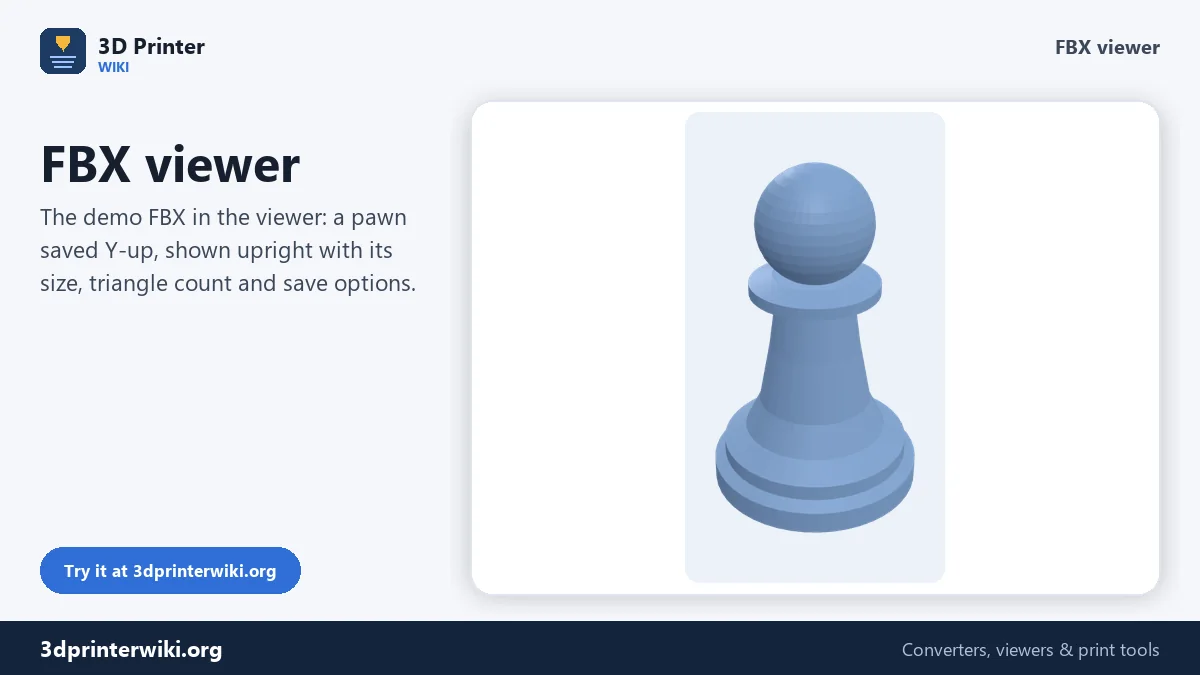
Open an FBX model to check what is inside before you import it anywhere.
Save as: · · ·
More options
FBX is the standard exchange format for games and animation, but you normally need Blender, Maya, 3ds Max or a game engine just to see what's in one. That's slow when you only want to check a download, compare a few assets, or look at a file someone sent you. This FBX viewer opens the file in your browser and shows the model in 3D, with its size, triangle count, separate meshes and animation, and lets you save it as STL, 3MF or OBJ.
How to view an FBX file
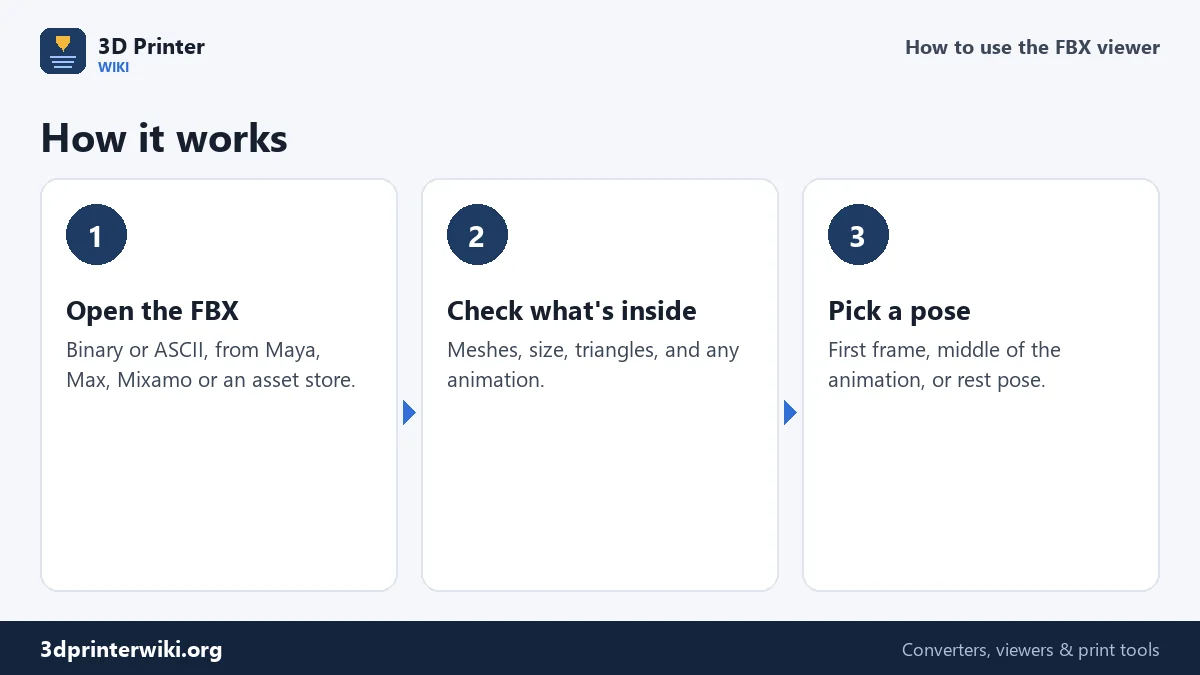
- Drop the .fbx file on the box. Binary FBX from version 6.4 and ASCII FBX from version 7.0 are read.
- Look at the model. Rotate, zoom, and switch between 3D, Top, Front and Side. Tick Show wireframe under More options to see how the mesh is built.
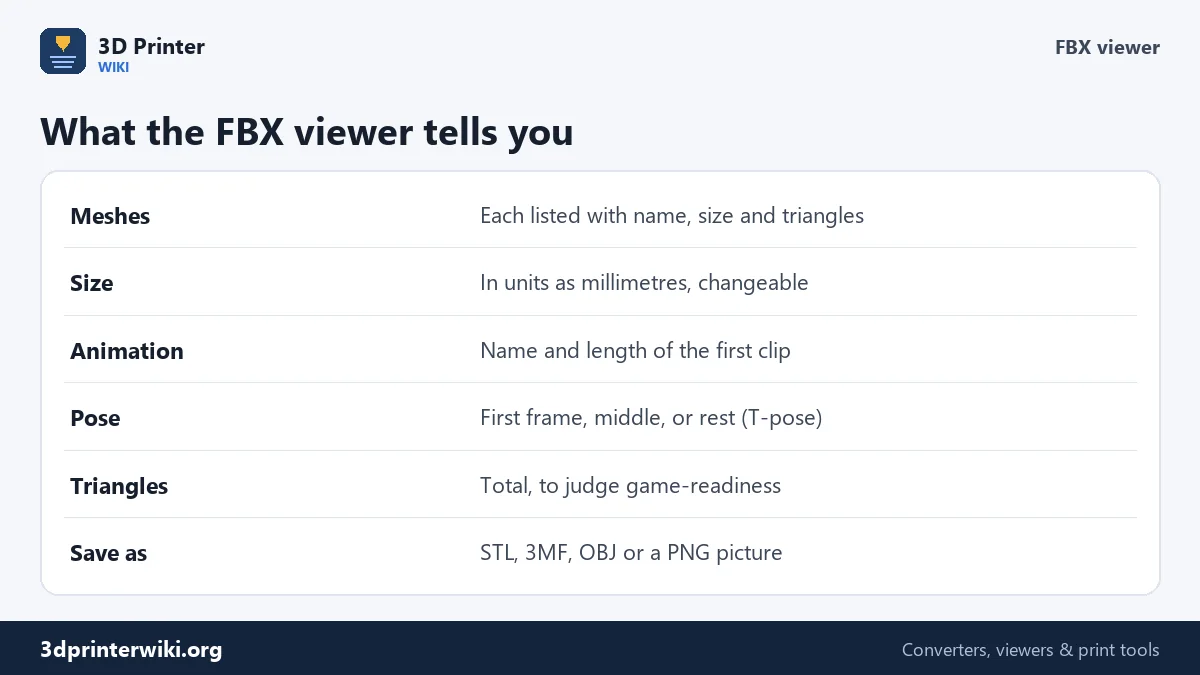
- Read the details. The size and triangle count are under the model. For several meshes, a list shows each one. If the file has an animation, a line tells you its name and length.
- Choose a pose for animated models under More options, and save as STL, 3MF, OBJ or PNG if you need to.
Animated models and poses
An animated character in an FBX is a mesh plus a skeleton plus one or more animation clips. The viewer applies the skeleton, so you see the model the way an engine would. By default it shows the first frame of the first animation clip. Under More options, Pose switches to the middle of the animation, or to the rest pose stored in the file, which is usually a T-pose or A-pose. The status line names the clip and gives its length in seconds, which helps when you're sorting through a folder of Mixamo downloads or an asset pack.
Meshes, names and triangle counts
Characters are often split into several meshes: body, head, hair, eyes, clothes, weapon. Each appears in the part list with its name, size and triangle count, and in its own colour in the 3D view when there are several. The total triangle count tells you how heavy the model is. A few thousand triangles is typical for mobile games, tens of thousands for PC and console characters, and hundreds of thousands or more for film-quality and sculpted models.
Size and orientation
FBX files are usually built with Y up; the viewer turns them so Z is up, the way printers and CAD programs expect, and places the model on a grid. The size is shown with the file's numbers read as millimetres. Programs disagree about FBX units: Maya, 3ds Max and Mixamo usually work in centimetres, so a character modelled 180 cm tall shows as 180 mm. Change Source units if you want real-world sizes. If a model comes out lying down, switch the Up axis.
What the viewer doesn't show
The viewer is about shape, size and pose. Textures and materials aren't displayed; models are drawn in plain colours. Cameras, lights and bone shapes are ignored. Blend shapes (morph targets) are applied as they are set in the file. If you need to edit the model, retarget animations or check UVs, you'll still need Blender or another 3D program, but you'll know what's in the file before you open it.
Printing an FBX model
To 3D print a character or prop, save it as STL or use the FBX to STL converter, which can also save every mesh as its own STL. Game models usually need some work to print well: holes need closing, thin parts thickening, and the size setting. The FBX to STL page explains what to look for.
Checking an asset pack
Asset store packs and Mixamo downloads often come as dozens of FBX files. Opening each in a full 3D program takes time; dropping them here one after another takes seconds. A quick check covers:
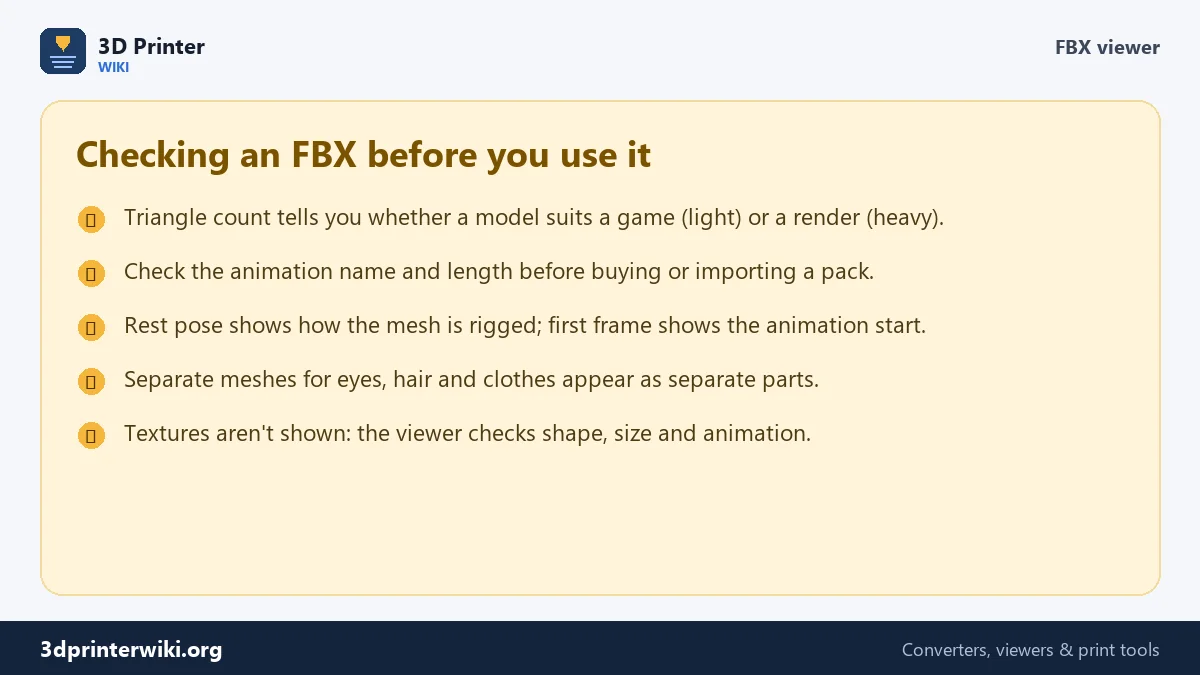
- Triangle budget. Does the triangle count fit your project? A mobile game and a film render have very different limits.
- Scale. Do the characters come out at a consistent size? If one is 100 times bigger than the rest, it was exported in a different unit.
- Parts. Are eyes, hair and props separate meshes you can swap or hide, or is everything merged?
- Animation. Does the file contain the clip you expect, and how long is it?
- Pose. Does the rest pose look clean, or are there twisted joints when you switch between rest and the first frame?
FBX viewer questions
How can I open an FBX file without Blender?
Drop it on this page. It opens in your browser with its size, meshes and animation.
Can I see the FBX animation?
The viewer shows a pose from the animation: the first frame, the middle, or the rest pose. It names the clip and its length but doesn't play it.
Why are there no textures?
The viewer shows shape, size and pose only. Textures need a 3D program or game engine.
Why is my FBX model so small or so big?
FBX files are often in centimetres. Change Source units under More options to see real-world sizes.
Can I convert FBX to STL or OBJ here?
Yes. Use the Save as links under the viewer.
Can I open FBX files on a Mac or Chromebook?
Yes. The viewer works in any current browser, including Safari and Chrome on macOS and ChromeOS.
Does the viewer read embedded textures?
FBX files can carry textures inside them, but the viewer shows only the shape.
How do I check how many triangles an FBX has?
Open it here: the total triangle count is shown under the model, and each mesh's count is in the part list.
More 3D printing tools
Updated November 2026 · How these tools work