STL to 3MF converter
Turn an STL into a 3MF that opens at the right size in any modern slicer. Parts stay separate so each can get its own filament.
Same file as: · · · ·
More options
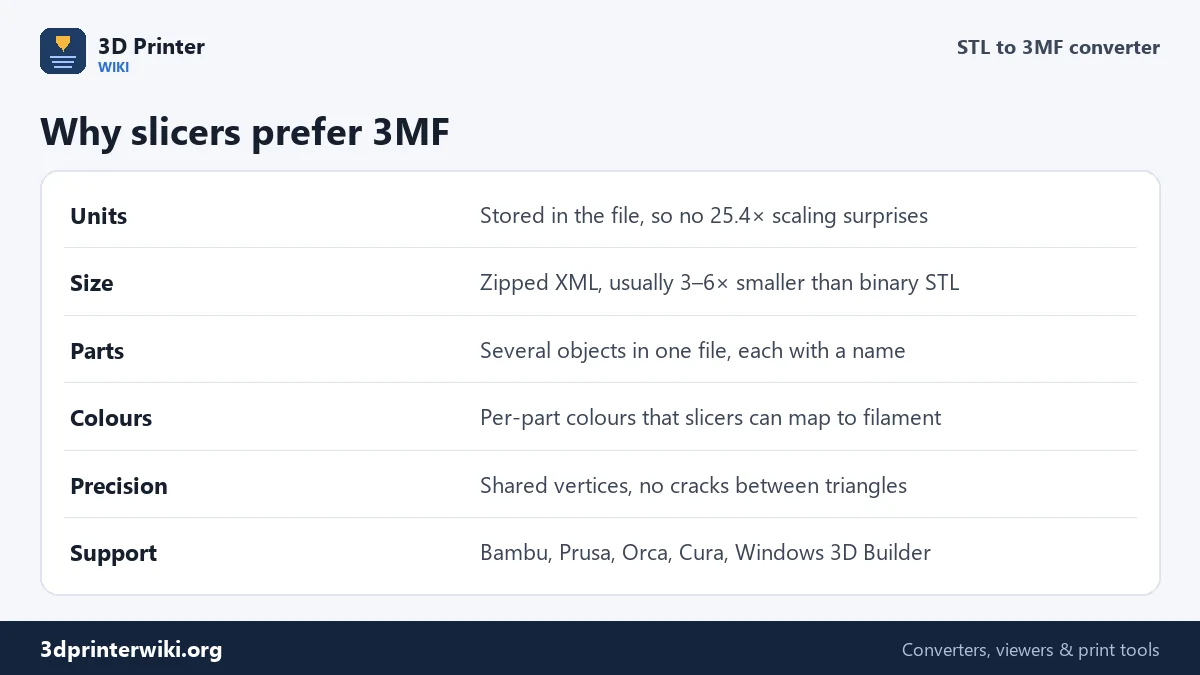
3MF is the file format modern slicers like best. Bambu Studio and OrcaSlicer save their projects as 3MF, PrusaSlicer opens 3MF by default, and Windows reads it without extra software. Compared with STL, a 3MF knows its units, stores shared vertices instead of loose triangles, can hold several named parts in one file, and is zipped, so it is much smaller.
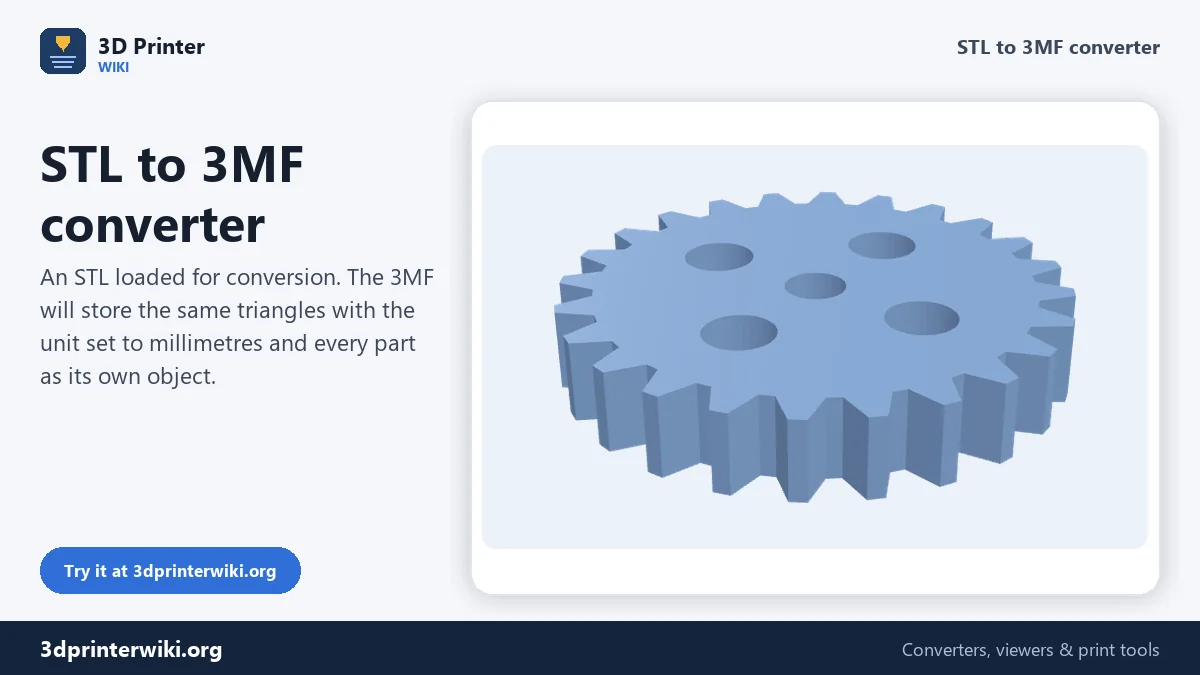
This STL to 3MF converter wraps your STL in a clean 3MF: millimetre units, welded vertices and one object per part. Before you download, you see the model in 3D with its size, triangle count and number of parts.
How to convert STL to 3MF
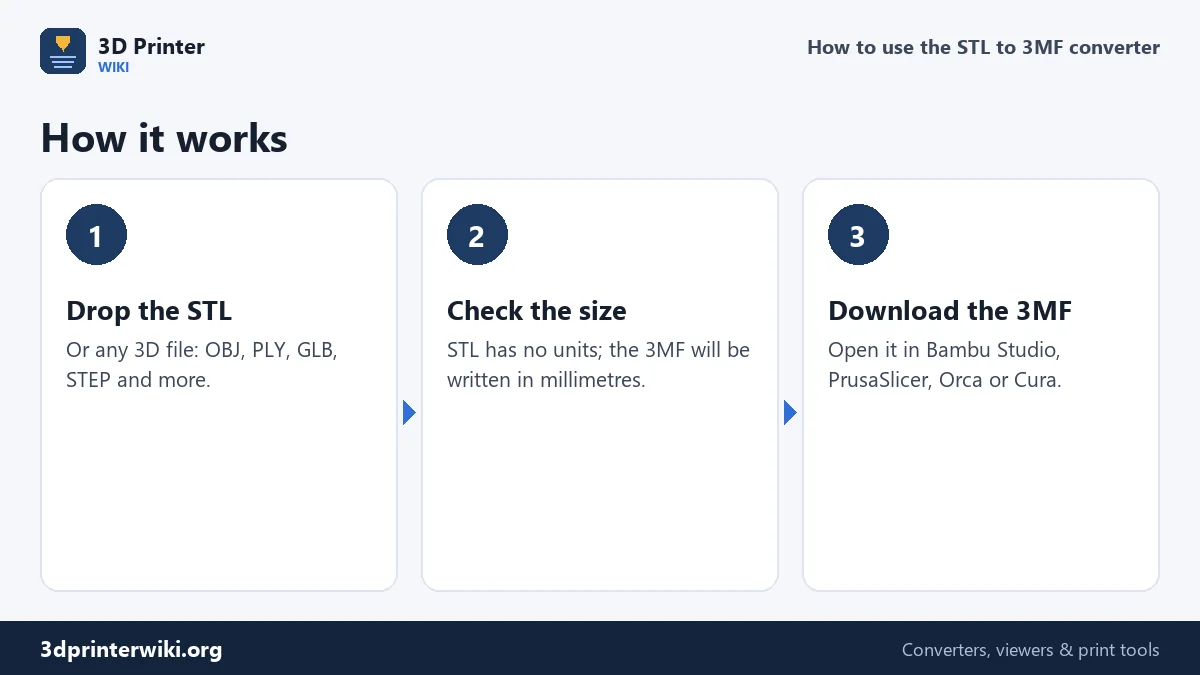
- Drop the STL on the box above. OBJ, PLY, GLB, FBX and STEP work as well.
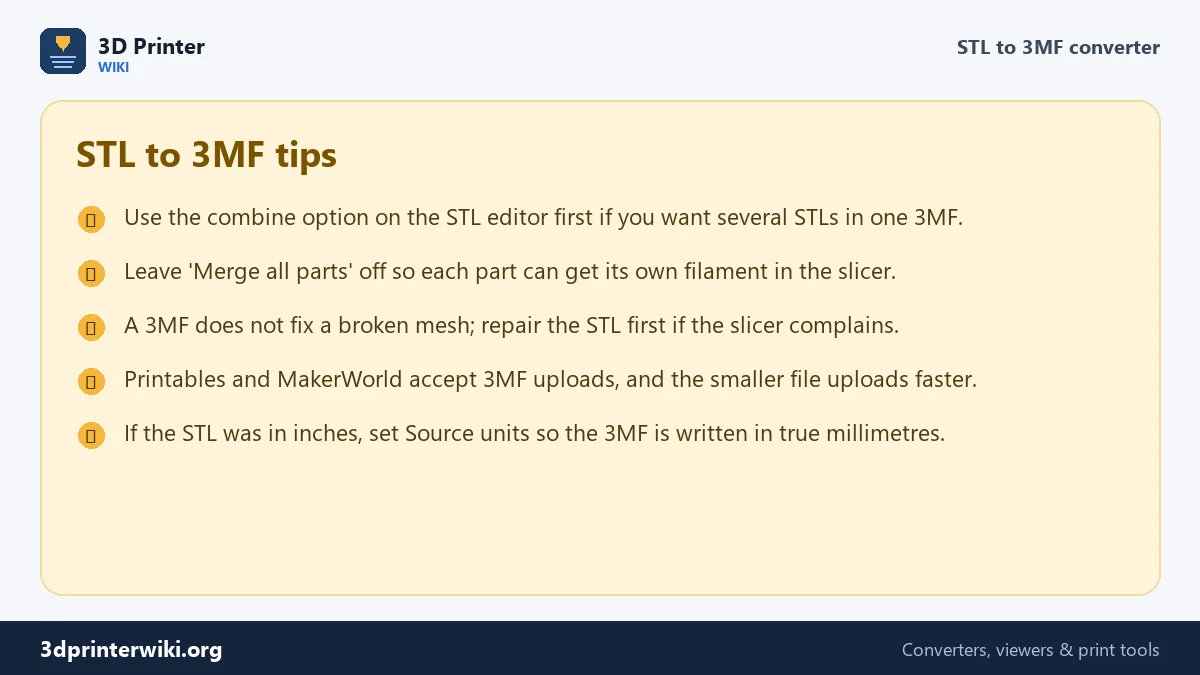
- Check the size. STL files have no units and are read as millimetres. If your STL came from a program set to inches, choose inches under Source units; the 3MF is then written at the correct size in millimetres.
- Download 3MF and open it in your slicer.
Why convert an STL to 3MF?
No more scaling mistakes
An STL is only numbers. When a model drawn in inches lands in a slicer that assumes millimetres, it shows up 25.4 times too small, and nobody notices until the tiny print comes off the bed. A 3MF says in plain text that its numbers are millimetres, so every program reads it the same way.
Smaller files
A binary STL spends 50 bytes on every triangle and repeats every corner for every triangle that touches it. A 3MF lists each corner once and refers to it by number, then zips the whole thing. Files usually come out three to six times smaller, which matters when you upload to MakerWorld, Printables or a print service, or email a model to a friend.
Several parts in one file
A 3MF holds any number of separate objects. If your STL already contains separate parts (a box and its lid, a figure and its base), each part becomes its own object in the 3MF, and your slicer lists them separately so you can move them, give them different settings, or print them in different colours.
How parts are handled
The converter keeps the parts exactly as they are in the source file. An STL is a single mesh, so it becomes a single object. A 3MF, OBJ or GLB with several named parts keeps them as separate objects with their names. If you would rather have one object, tick Merge all parts into one object under More options.
Want to combine several separate STL files into one 3MF, for example all the pieces of a kit? Open the STL editor, load the first STL, use Add another file for the rest, and download as 3MF. Each file becomes its own part, laid out side by side.
Opening the 3MF in your slicer
- Bambu Studio and OrcaSlicer: File → Import → Import 3MF/STL. When asked whether to load it as a project, choose to load the geometry only.
- PrusaSlicer: drag the 3MF onto the window. It opens like any STL, but with the right units.
- Cura: File → Open File(s). Cura reads 3MF out of the box.
- Windows: 3D Builder and the Print 3D app open 3MF directly.
Part names in the 3MF
Each part keeps a name in the 3MF. When you convert one STL, the part is named after the file. When the STL contains several separate pieces, each becomes its own object. Your slicer lists the objects by name, which makes a plate with many parts much easier to work with than one merged STL: you can hide one, change its settings, or give it another filament without hunting through the 3D view.
Does converting change the model?
No. The triangles are copied with five decimal places of precision (a hundred-thousandth of a millimetre), and identical corners are merged into shared vertices. Merging does not move anything; it only removes duplicates. A broken STL stays broken, though: if the slicer reported errors in the STL, it will report the same errors in the 3MF. Run it through the STL repair tool first.
STL to 3MF questions
Is 3MF better than STL?
For printing, yes: 3MF stores units, parts and colours, and the files are smaller. STL is still the most widely supported format, which is why both exist side by side.
Can Bambu Studio open STL files?
Yes. Bambu Studio opens both. Converting to 3MF helps when you want named parts, the correct units for an inch model, or a smaller file to upload.
How do I combine multiple STL files into one 3MF?
Use the STL editor: load one STL, add the others with Add another file, then download the 3MF. Each STL becomes its own object.
Will converting STL to 3MF add colour?
No. STL has no colour to carry over. Assign filaments to parts in your slicer after opening the 3MF.
Can I convert STL to 3MF on a Mac or phone?
Yes. The converter works in any modern browser on macOS, Linux, Windows, iPhone and Android.
Is the 3MF compatible with the 3MF standard?
Yes. The file follows the 3MF Core Specification, with the content types, relationships and model files every 3MF reader expects.
Does the 3MF keep my STL's size?
Yes. The 3MF is written in millimetres, the unit slicers assume for STL, so the size stays exactly the same.
Can PrusaSlicer and Cura open the 3MF?
Yes. The file follows the core 3MF standard that every current slicer reads.
Is a 3MF smaller than the STL?
Usually several times smaller. The demo vase is 256 KB as STL and 51 KB as 3MF.
More 3D printing tools
Updated November 2026 · How these tools work