3D print time calculator
Get a quick, honest estimate of how long a model will take to print, before you slice it.
More options
"How long will this take?" is usually the first question before printing anything, and the answer normally means opening a slicer, picking a profile and slicing the model. This 3D print time calculator gives you a good estimate straight from the STL. It works out how much plastic the print really needs, given walls and infill, divides it by the flow your printer manages, and adds time for layer changes and start-up. Every assumption is visible and adjustable, so you know exactly where the number comes from.
How to estimate print time
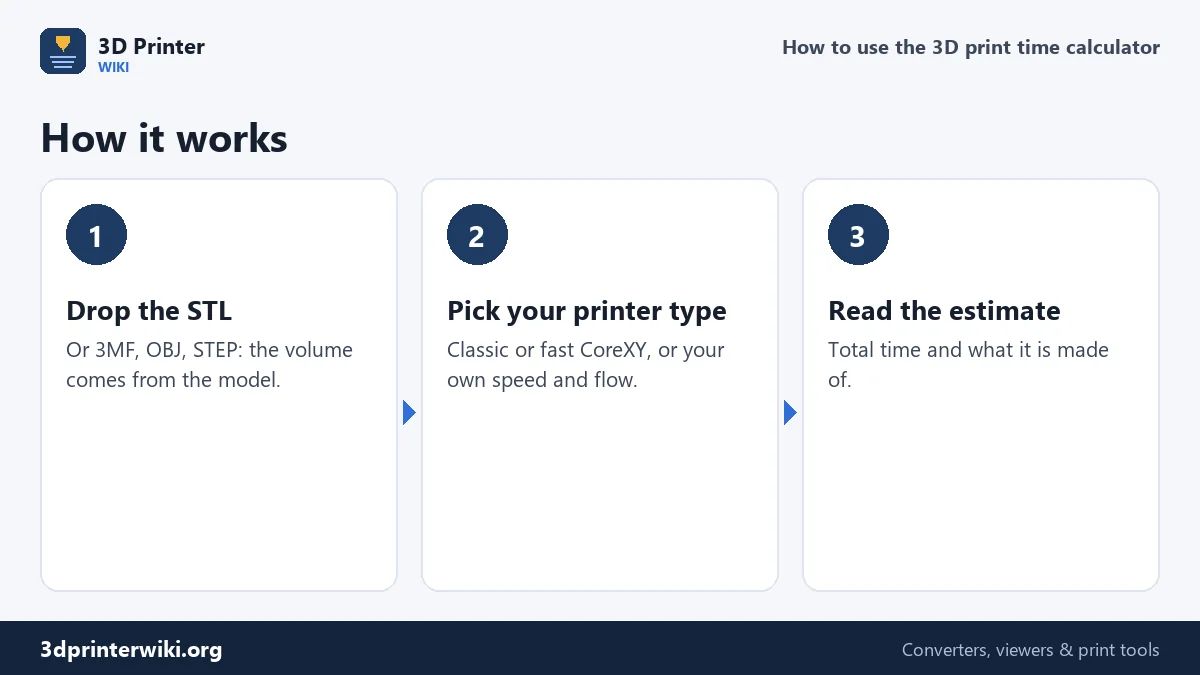
- Drop the model on the box: STL, 3MF, OBJ, PLY or STEP. The volume and height are taken from the model.
- Pick a printer type under More options. Classic bed slinger assumes an average of 50 mm/s and 12 mm³/s, typical of Ender-3 style printers. Fast CoreXY assumes 150 mm/s and 25 mm³/s, closer to Bambu Lab, Voron or Creality K1 machines.
- Set layer height, line width, infill and shell thickness to match the profile you'll print with.
- Read the estimate: the total, and how much of it is extruding, layer changes and start-up.
How the estimate works
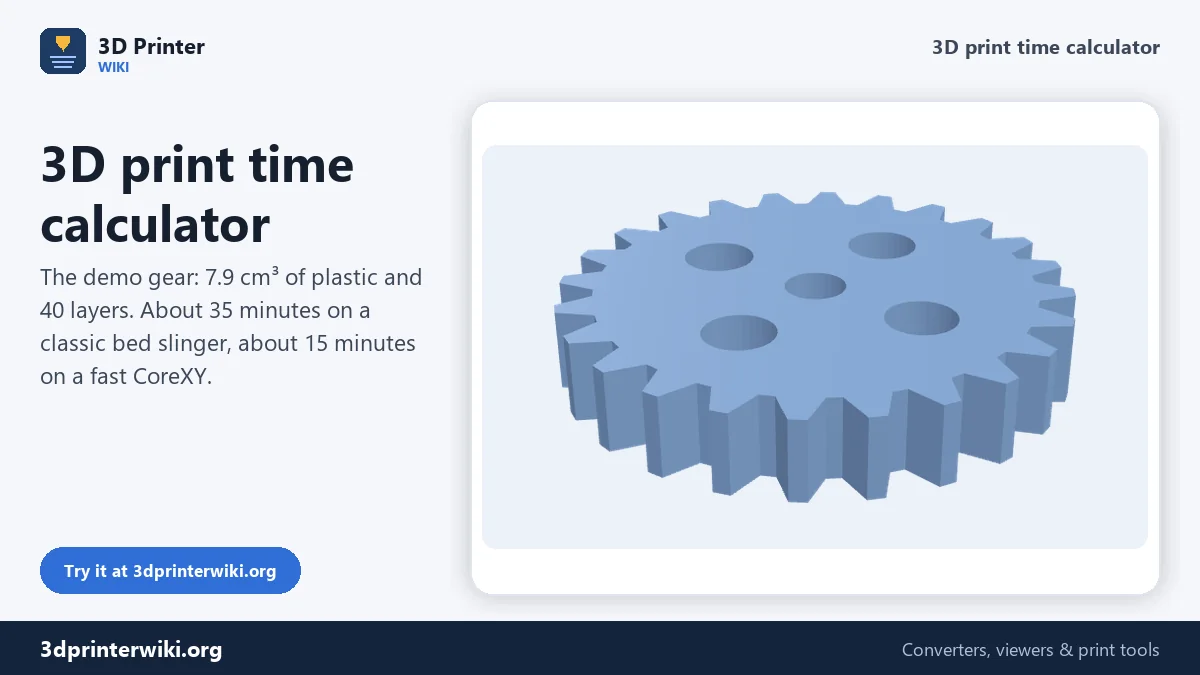
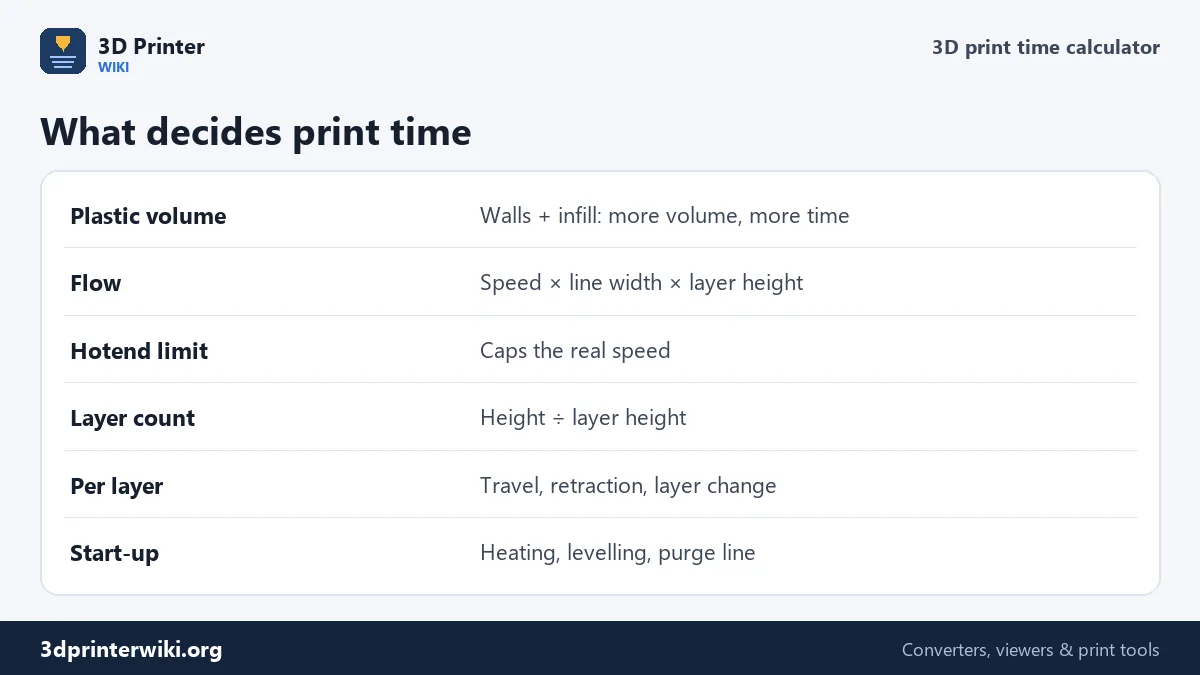
1. Plastic volume. A print isn't solid. The walls, top and bottom are, and the inside is filled with infill. The calculator takes the model's surface area times the shell thickness for the solid skin, plus the remaining inside volume times the infill percentage. For the demo gear, a 50 mm part with a volume of 12.1 cm³, that comes to 7.9 cm³ of plastic at 1.2 mm shells and 15% infill.
2. Flow. The plastic goes down at speed × line width × layer height. At 50 mm/s with 0.45 mm lines and 0.2 mm layers that is 4.5 mm³/s. If that's more than the hotend can melt, the flow is capped at its limit.
3. Extrusion time is volume ÷ flow: 7,870 mm³ ÷ 4.5 mm³/s, about 29 minutes for the gear.
4. Layers. Every layer adds a little time for travel moves, retractions and the move up to the next layer. The gear is 8 mm tall, 40 layers at 0.2 mm, with 2 seconds each.
5. Start-up: heating the bed and nozzle, bed levelling and the purge line, 5 minutes by default.
All together, about 35 minutes on a classic printer. With the fast preset, the flow becomes 13.5 mm³/s and the same gear takes about 15 minutes.
How accurate is it?
An estimate from the model can't know everything a slicer knows: the exact path of every line, how often the printer has to slow down for corners, how much support material is needed, or a cooling minimum layer time on small parts. Treat the result as a good planning number. Two things make it more accurate. First, set the average speed to what your printer really achieves: printers rarely hold the speed set in the slicer, because they accelerate and decelerate at every corner, so the real average is often half the set speed or less. Second, compare one estimate with your slicer's time for the same model and adjust the average speed until they match; after that, the calculator stays close for similar prints.
For the exact time of a sliced file, open the G-code in the G-code viewer, which reads the time the slicer calculated.
What makes prints faster
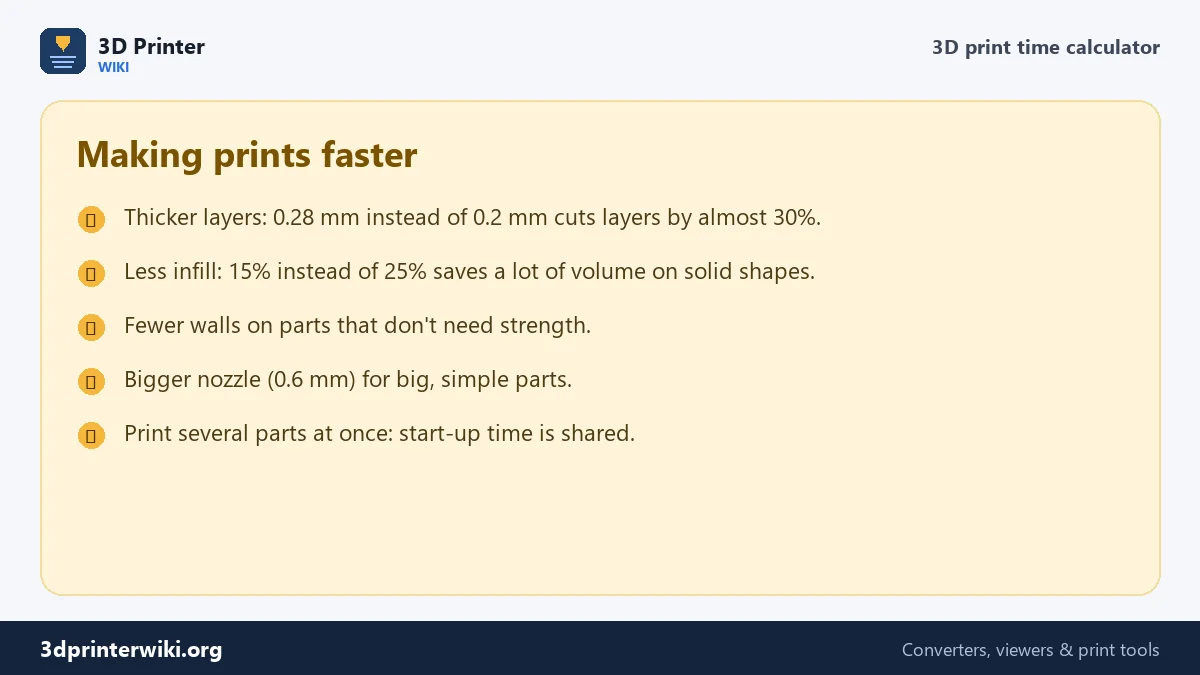
The method above shows where the time goes. Plastic volume is usually the biggest part, so fewer walls and less infill on parts that don't carry load help most. Thicker layers raise the flow and cut the number of layers at the same time. A bigger nozzle does the same for larger parts. And because start-up time happens once per print, printing several parts on one plate is faster than printing them one by one. For the cost of the same print, use the 3D print cost calculator.
Print time questions
How do I estimate 3D print time from an STL?
Drop the STL here and pick your printer type. The calculator divides the printed volume by the flow and adds layer and start-up time.
Why does my slicer show a different time?
The slicer knows the exact toolpath, supports and acceleration. Adjust the average speed here until it matches your slicer for one model.
How long does a 3D print take?
Small parts take minutes, figurines a few hours, large parts a day or more. Volume, layer height and printer speed decide it.
Does infill change print time?
Yes. More infill means more plastic and more time, especially for large, solid shapes.
How much faster is a Bambu Lab printer?
Fast CoreXY printers often print two to three times faster than classic bed slingers on the same model, mostly because of higher flow and acceleration.
Can I estimate print time without a slicer?
Yes, roughly. Drop the STL here; the estimate comes from the model's volume and height and your printer's speed and flow.
Does layer height change print time?
A lot. Thicker layers mean fewer layers and more plastic per second, so 0.28 mm prints much faster than 0.12 mm.
How long does a 20 mm calibration cube take?
Drop the cube's STL here: with the presets here it comes to about 22 minutes on a classic printer and about 11 minutes on a fast CoreXY at 0.2 mm layers, start-up included.
More 3D printing tools
Updated November 2026 · How these tools work