3MF to STEP converter
Bring a 3MF from a slicer or a model site into your CAD program as a STEP file.
Same file as: · · · ·
More options
Models from slicers and model sites now often come as 3MF: Bambu Studio, OrcaSlicer and MakerWorld use it by default. That is fine for printing, but CAD programs cannot do much with it. SolidWorks, Inventor and Onshape do not open 3MF at all, and Fusion 360 brings it in as a mesh you cannot easily edit. Converting the 3MF to STEP gives you a file every CAD program opens, with the model as faces and, when the mesh is closed, as a solid body.
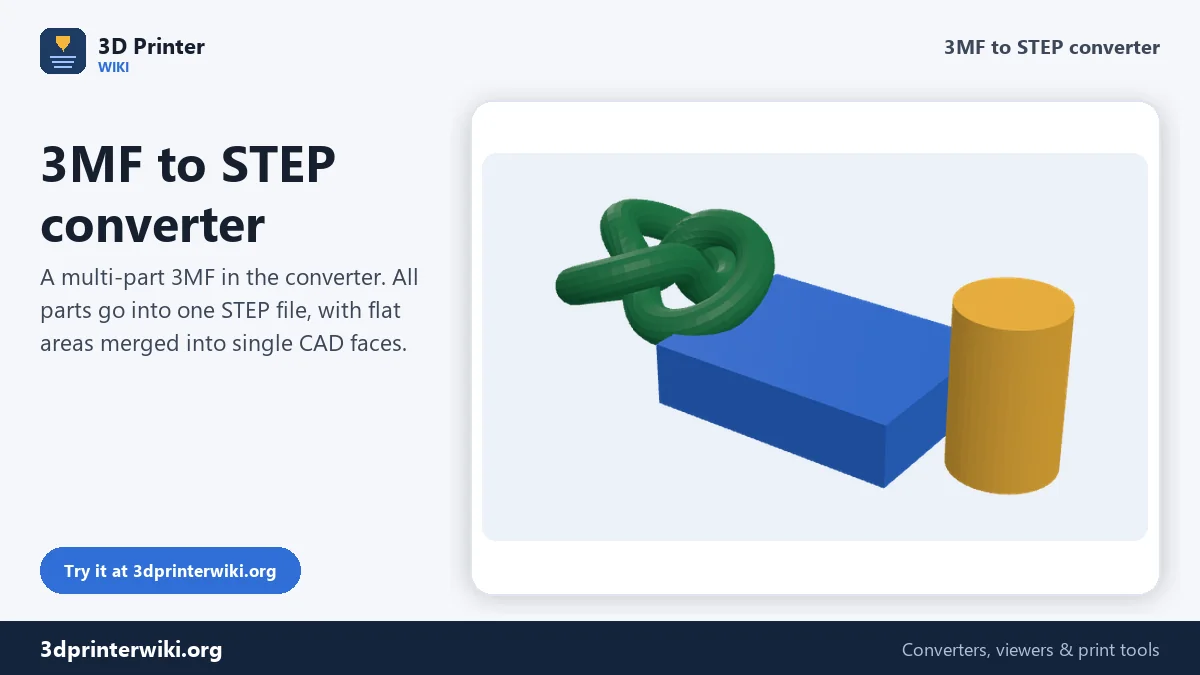
The converter reads every object in the 3MF, applies the positions from the build plate, and writes a single STEP file. Flat areas are merged into single planar faces, so you can click a face, put a sketch on it and add features as you would on any CAD part.
How to convert 3MF to STEP
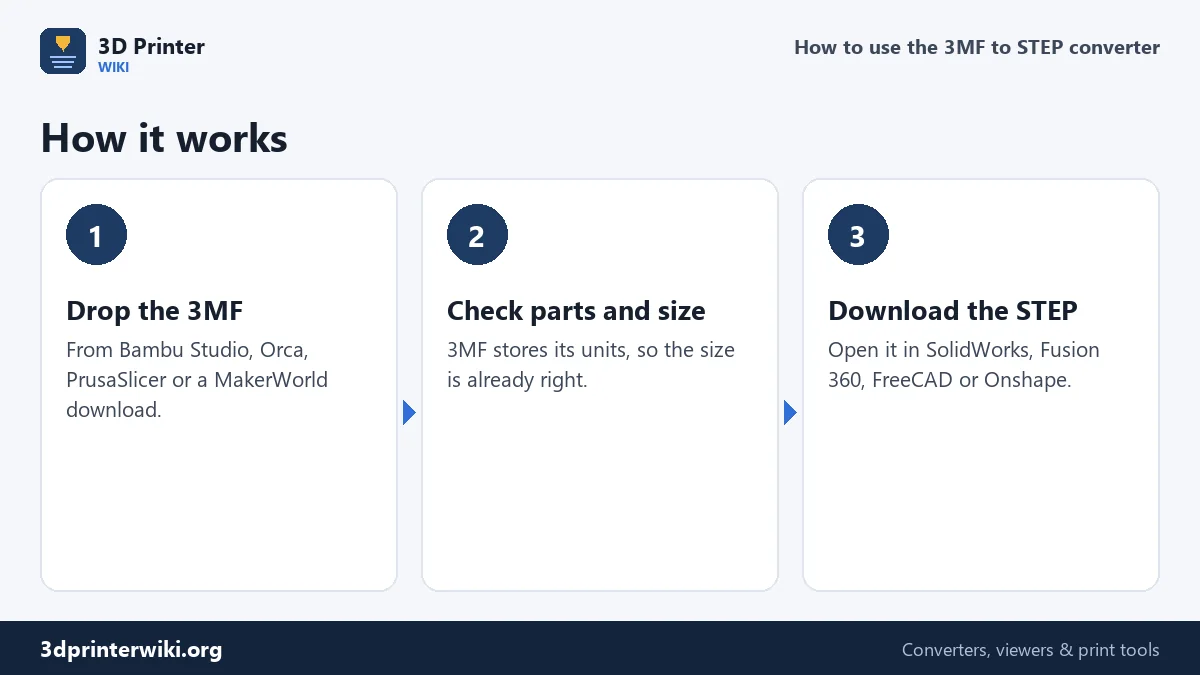
- Drop the 3MF. Project files from Bambu Studio and OrcaSlicer, PrusaSlicer exports and MakerWorld downloads all work.
- Check the preview. 3MF stores its units, so the size shown is the real size in millimetres. The parts are drawn in their colours.
- Press Download STEP. When it is done you see the number of faces, how many are merged flat faces, and whether the result is a closed solid.
Why go from 3MF to STEP?
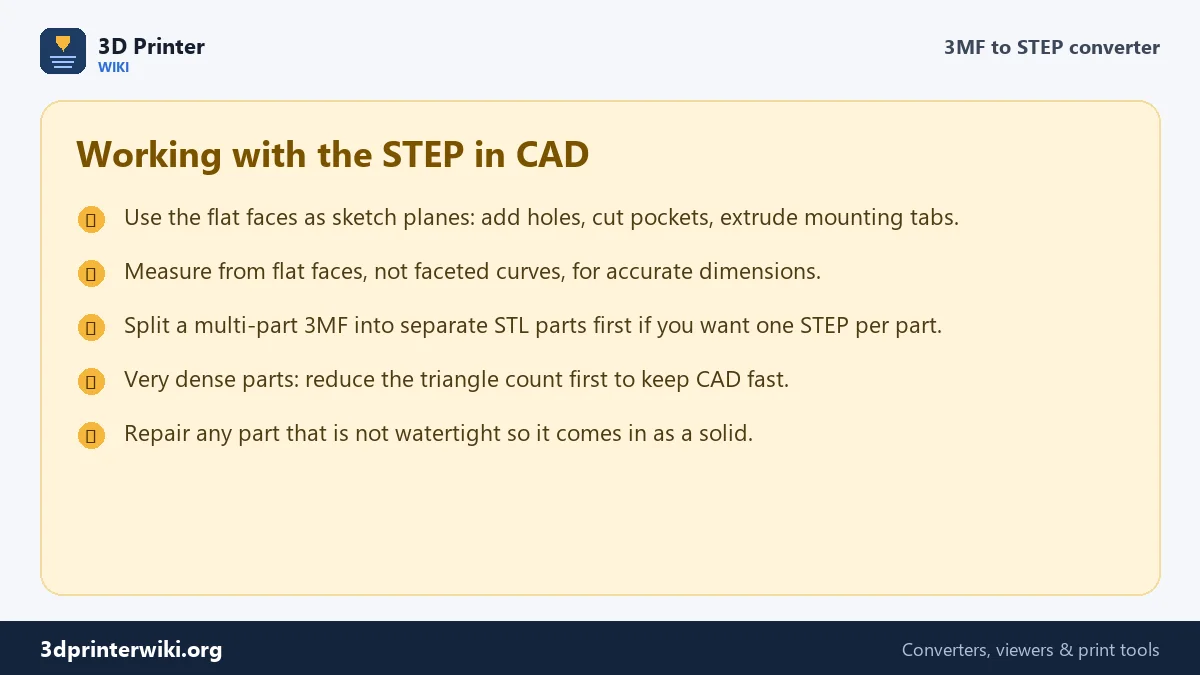
The usual reason is that you want to change a model. A bracket from MakerWorld is 2 mm too short for your shelf, an enclosure needs one more hole for a cable, a phone stand needs a wider slot. Doing that in the slicer is impossible, and doing it on a mesh in Blender is fiddly. In CAD it takes a minute: open the STEP, sketch on the flat face, extrude or cut, export.
The second reason is sharing with people who work in CAD. A machinist, a colleague in SolidWorks or a teacher using Onshape will ask for STEP, not 3MF. The STEP from this converter opens in all of them.
Flat faces versus curves
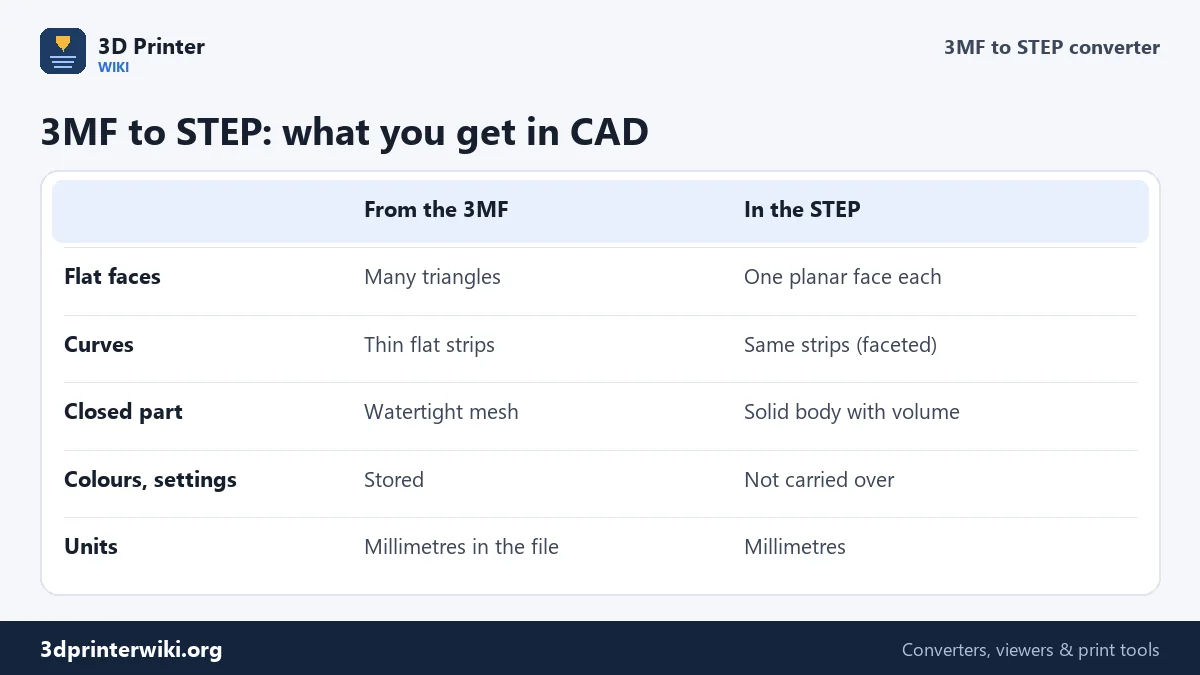
A 3MF stores the model as triangles, just like STL. On flat areas, the converter can tell that many triangles lie in one plane and merges them into a single face with its real outline. That is what makes the STEP pleasant to work with: the top of a box is one face you can select.
Curved areas cannot be recovered the same way. The original cylinder or fillet was replaced by thin flat strips when the model was saved as a mesh, and the STEP keeps those strips as faceted faces. They measure close to the real size (within the resolution of the mesh), so you can still check a hole diameter. But to change a hole, draw a new one through the faceted area rather than editing the old one.
Getting a solid body, not surfaces
CAD treats a closed, watertight shell as a solid: it has volume and mass, and you can cut into it. The converter checks the mesh and writes a solid when it is watertight. Models made in CAD and exported to 3MF are almost always watertight. Sculpted and scanned models, or projects where parts were glued together without a Boolean, may not be; then the STEP holds surfaces and the converter tells you how many open edges it found.
To fix that, convert the 3MF to STL with the 3MF to STL converter, run it through the STL repair tool, and convert the repaired file on the STL to STEP page.
Opening the STEP file
- SolidWorks: File → Open → STEP. Run Import Diagnostics if offered.
- Fusion 360: upload to a project, or Insert → Insert Mesh is not needed: the STEP arrives as a body.
- FreeCAD: File → Import. Use Part → Check geometry to confirm the solid.
- Onshape: import into a document; it creates a Part Studio.
- Inventor, Creo, CATIA, Solid Edge, Rhino: all open AP214 STEP files directly.
Keeping the file manageable
STEP is verbose: every face, edge and point gets its own named line of text. Mechanical parts with large flat areas stay compact after face merging. Organic models with hundreds of thousands of triangles can turn into a STEP that takes minutes to open. If that happens, reduce the mesh first with the STL size reducer; a model at 30,000 to 50,000 triangles converts quickly and opens smoothly in CAD.
3MF to STEP questions
Can SolidWorks open 3MF files?
Recent SolidWorks versions can import 3MF as a mesh body, which is hard to edit. A STEP made here opens as a regular solid with real faces.
Can Fusion 360 convert 3MF to STEP?
Fusion 360 can import a 3MF as a mesh and convert it with Mesh to BRep, which needs a paid feature set for large meshes. This page gives you the STEP directly.
Does the STEP keep the colours of my 3MF?
No. The STEP contains geometry only. Colour and print settings stay in the 3MF.
Is the STEP file editable?
Yes. You can sketch on faces, add or cut features, and combine it with other bodies. You cannot edit features that were never stored in the mesh, such as the original fillet radius.
What STEP version is produced?
AP214, the version almost every CAD program reads and writes.
Can I convert a Bambu Studio 3MF to STEP?
Yes. Bambu Studio and OrcaSlicer projects are read with every part; helper volumes such as modifiers are left out.
Why is the STEP file so much bigger than the 3MF?
STEP is uncompressed text that describes every face, edge and point, while 3MF is a zipped mesh.
More 3D printing tools
Updated November 2026 · How these tools work