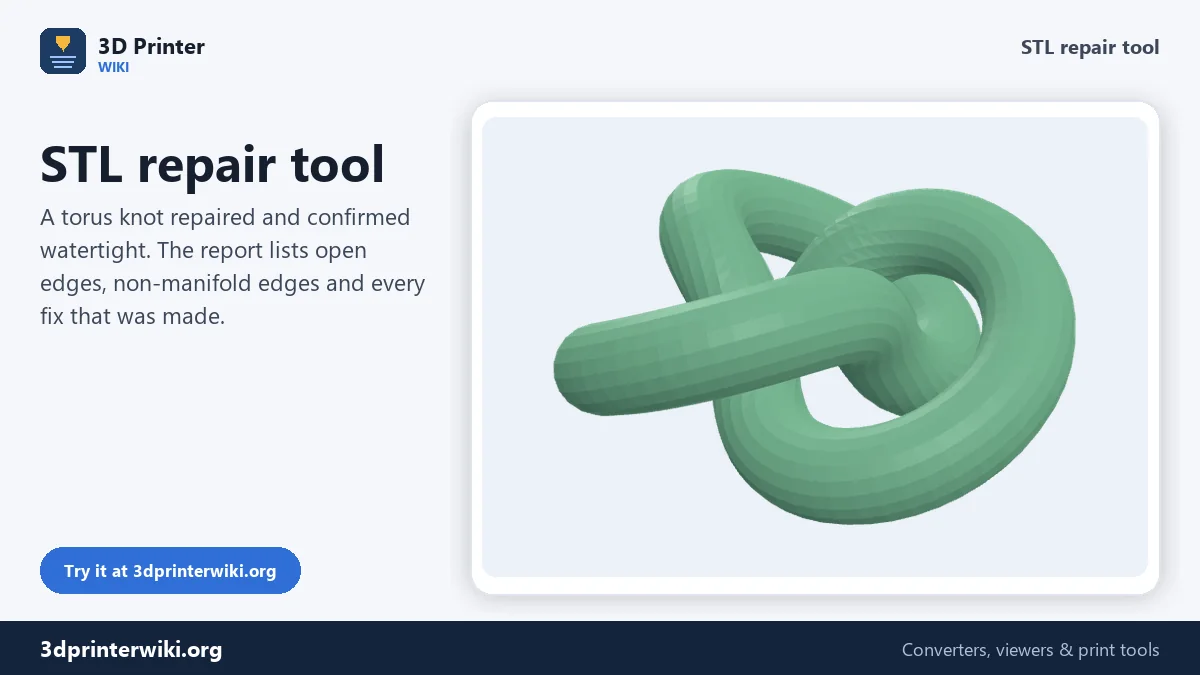
STL repair tool
Drop a broken STL. You get a report of what was wrong and a fixed file back.
More options
Slicers are forgiving, but only up to a point. A model with holes, flipped faces or broken triangles can slice with missing walls, odd gaps in the toolpath, or not at all. Bambu Studio and OrcaSlicer warn about "non-manifold edges", PrusaSlicer reports "errors detected", and Cura simply leaves parts of the model out. This STL repair tool finds those problems and fixes them, and tells you exactly what it changed.
The repair runs on your device. Drop the file and a few seconds later you see the repaired model in green if it is now watertight, or amber if some problems remain, with a before-and-after report underneath.
How to repair an STL file
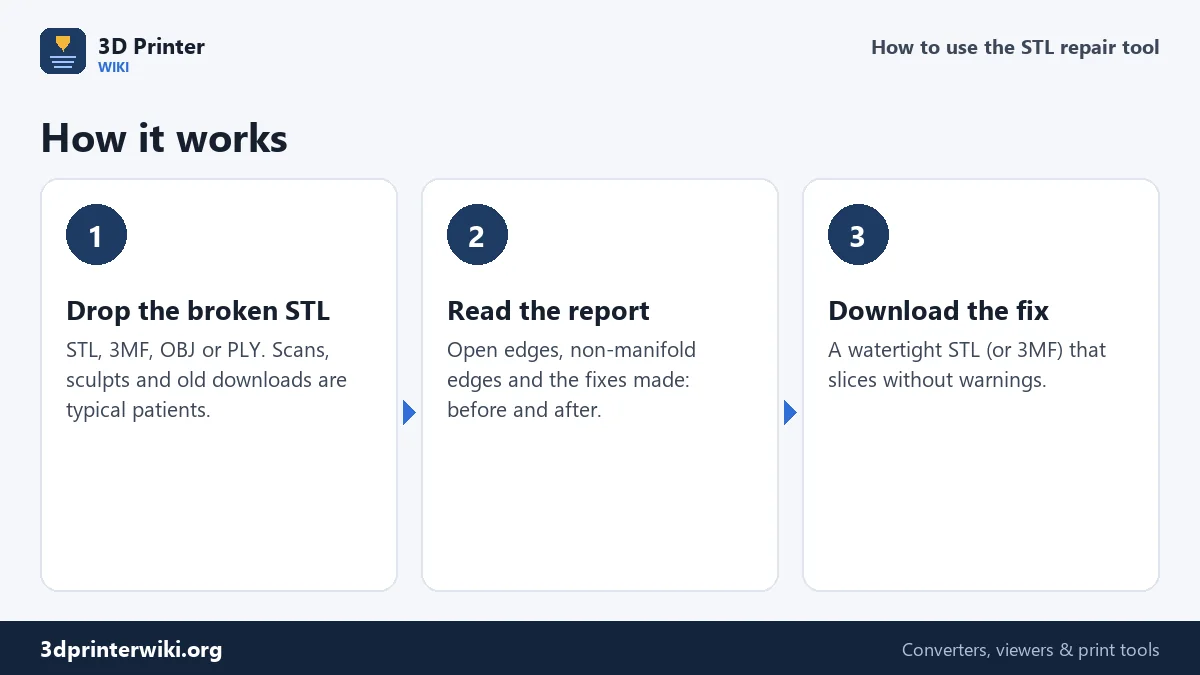
- Drop the STL (or 3MF, OBJ, PLY, GLB) on the box above.
- Read the report. It shows open edges (holes) and non-manifold edges before and after, the triangle count, and a list of fixes: flipped faces turned, inside-out shells corrected, holes filled, junk triangles removed.
- Download the repaired STL or the 3MF. The model keeps its exact size and position.
Each step of the repair can be switched off under More options, and you can change how close two vertices must be before they are merged. Changing an option re-runs the repair at once.
What gets repaired
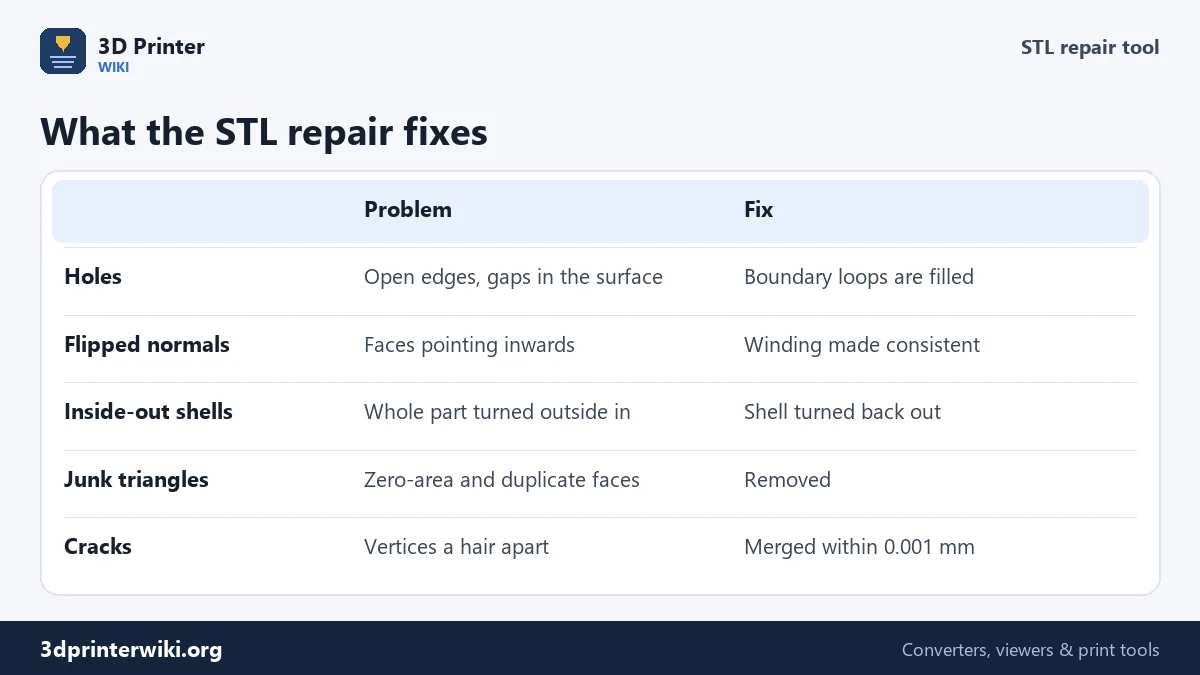
1. Cracks between triangles
Many files store each triangle with its own copy of its three corners. When two neighbouring triangles have corners that differ by a tiny amount, say 0.0001 mm from rounding in the exporting program, the surface has an invisible crack. The repair merges vertices that are closer than 0.001 mm, which closes these cracks without changing the shape you can see.
2. Zero-area and duplicate triangles
Triangles whose corners lie on one line have no area and no direction. Duplicates are the same triangle stored twice. Both confuse slicers and both are removed.
3. Flipped faces and inside-out shells
Every triangle has a front and a back, set by the order of its corners. In a good mesh, all fronts face outward. The repair walks over the mesh from triangle to neighbouring triangle and turns around any face whose winding disagrees with its neighbours. Then it checks the volume of each closed shell: a negative volume means the whole shell is inside out, so it is flipped back. In our test, a model with 300 flipped triangles came back with every face pointing outward and exactly the original volume.
4. Holes
Edges that belong to only one triangle mark the rim of a hole. The repair follows each rim around to make a closed loop and fills it with new triangles, projected onto the best-fitting plane of the hole so the patch lies flat across it. Small and medium holes, the kind left by bad exports or scans with a few gaps, close cleanly.
Reading the repair report
Open edges are edges used by a single triangle. Zero open edges means the surface has no holes. Non-manifold edges are edges shared by three or more triangles, which happens where parts touch along a line or where faces are doubled. Zero of both means the mesh is watertight, and the model turns green.
Some files keep a few non-manifold edges after repair. Almost always these come from separate parts that intersect, for example letters pushed into a plate, or a figure's arm passing through its body. That is not damage: slicers union intersecting parts when they slice, and the print comes out fine. If you need one single clean shell, for example for STL to STEP conversion, combine the parts with a Boolean union in CAD or Blender first.
Where broken STL files come from
- 3D scans and photogrammetry, which miss areas the camera could not see.
- Sculpting programs when parts were joined without a Boolean, or a mesh was decimated too far.
- Game and animation models that were never meant to be solid: open eyes, single-sided planes, overlapping clothes.
- Old CAD exports with coarse tolerance settings that leave cracks between faces.
- Files converted several times between formats, each step rounding the numbers a little.
What a repair cannot do
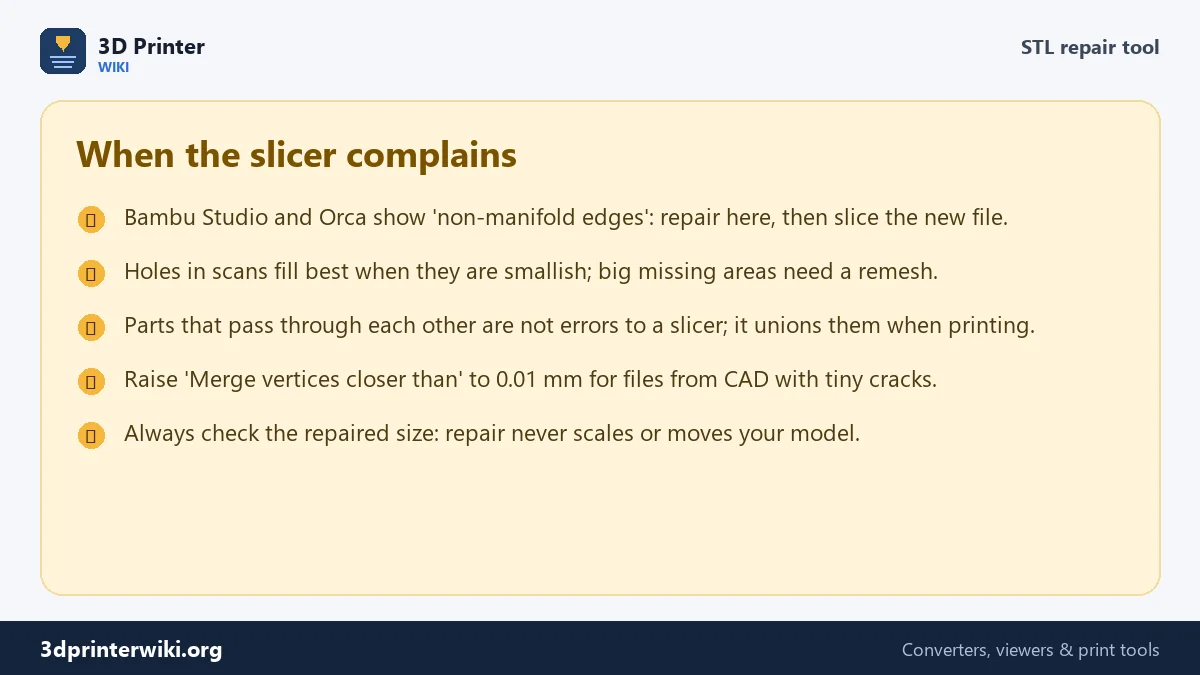
Hole filling closes holes with flat patches. A large missing area, such as the back of a head that a scanner never saw, gets a flat cap rather than a rounded skull. For those cases, a remeshing tool (Blender's Remesh modifier, Meshmixer's Make Solid) rebuilds the whole surface. Repair also never changes thin walls: a wall that is too thin to print stays too thin. Check thickness with your slicer's preview.
STL repair questions
How do I fix non-manifold edges in an STL?
Drop the file here. Cracks, duplicates and holes that cause non-manifold and open edges are fixed automatically. Remaining non-manifold edges usually come from intersecting parts, which slicers handle on their own.
How do I know if my STL is watertight?
After loading, the report shows open edges and non-manifold edges. If both are zero, the model is watertight and the preview turns green.
Can I repair an STL for free without Netfabb?
Yes. This tool covers the common repairs Netfabb Basic and the old Microsoft 3D Builder did: holes, normals, inverted shells and junk triangles, with no sign-up.
Does STL repair change the size of my model?
No. The model keeps its exact dimensions and position. Only damaged triangles are changed.
Can I repair STL files in Bambu Studio?
Bambu Studio offers "Fix model" on Windows only. On a Mac, Linux or a phone, repair the file here and import the fixed STL.
What does "inverted normals" mean?
Triangles whose front side faces into the model. Slicers can then think the inside is outside. The repair turns them so every face points out.
More 3D printing tools
Updated November 2026 · How these tools work