G-code commands explained
Paste any 3D printer G-code to see what each line does, or open a file to see every command it uses.
G-code is the language your 3D printer actually speaks. The slicer turns a model into thousands of short instructions: move here, extrude this much, heat to that temperature, turn on the fan. Most of the time you never need to look at it, but when a print starts oddly, when you want to change the start sequence, or when you're debugging a printer, being able to read G-code helps a lot. This tool explains every line in plain English. Paste a few lines or a whole start script into the box, or open a .gcode file to see a summary of every command it contains and how often it is used.
How to use the G-code explainer
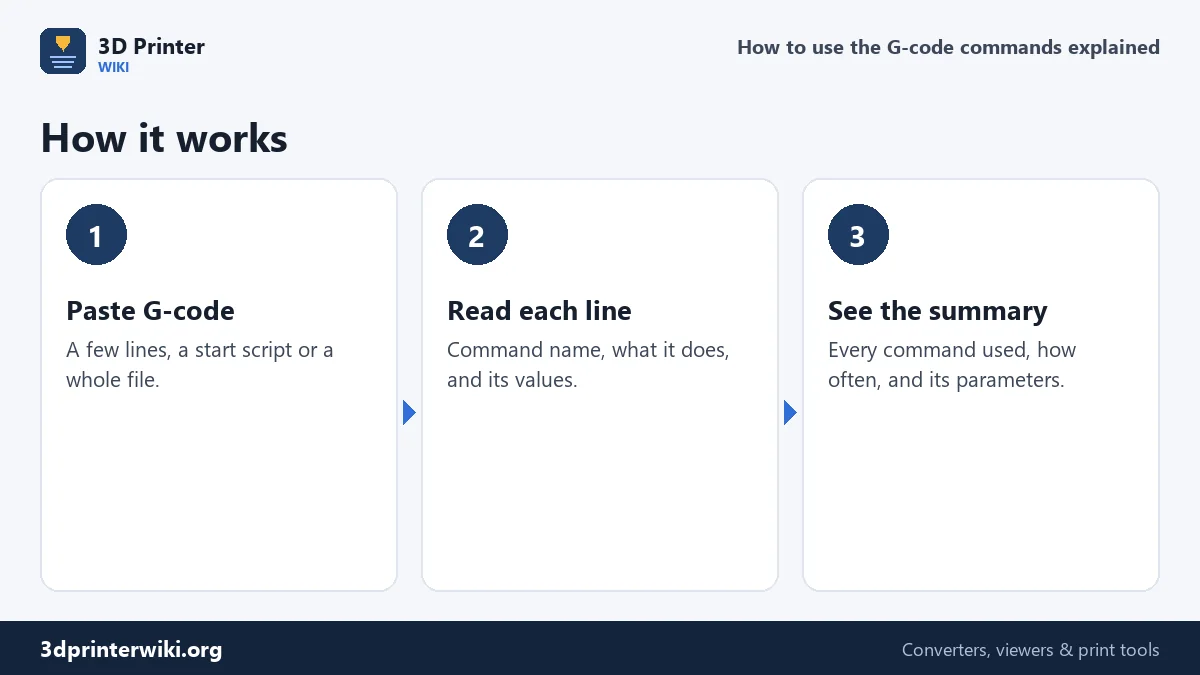
- Paste G-code into the box. A sample start script is there to begin with; replace it with your own.
- Read the line-by-line table. Each line gets the command's name, what it does, and the values it carries, such as the target temperature or the speed in mm/s.
- Or open a whole file. Choose a .gcode file below the box. The summary then counts every command in the file, and the first 60 lines are explained.
Anatomy of a G-code line
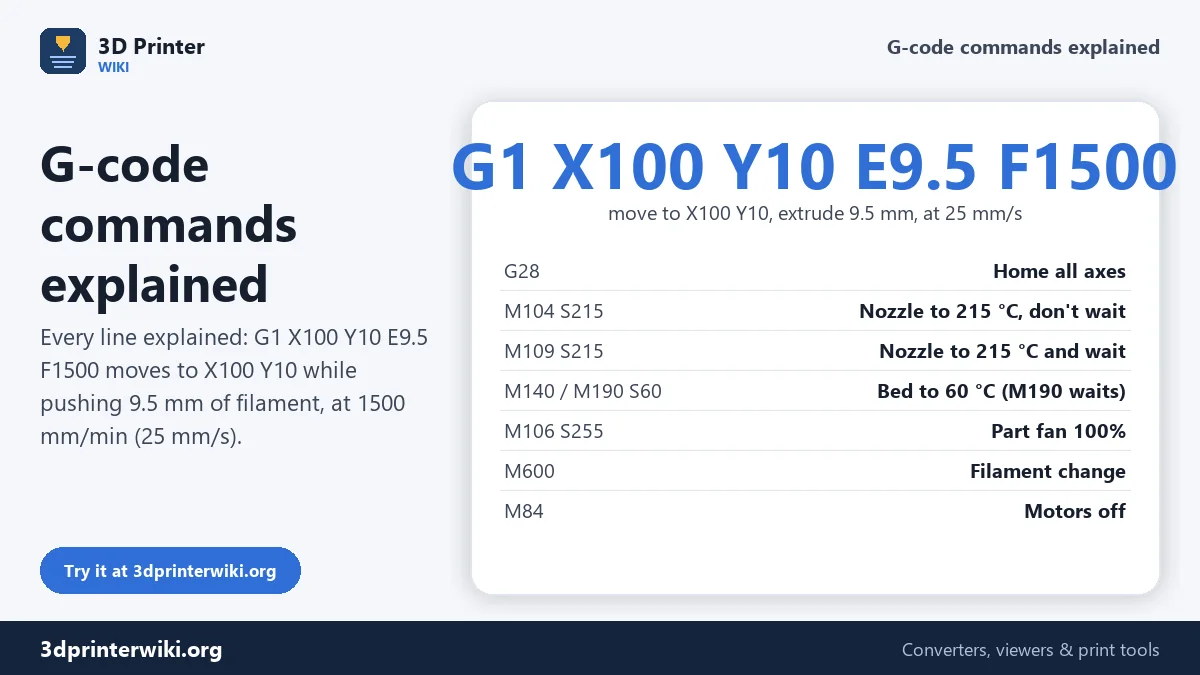
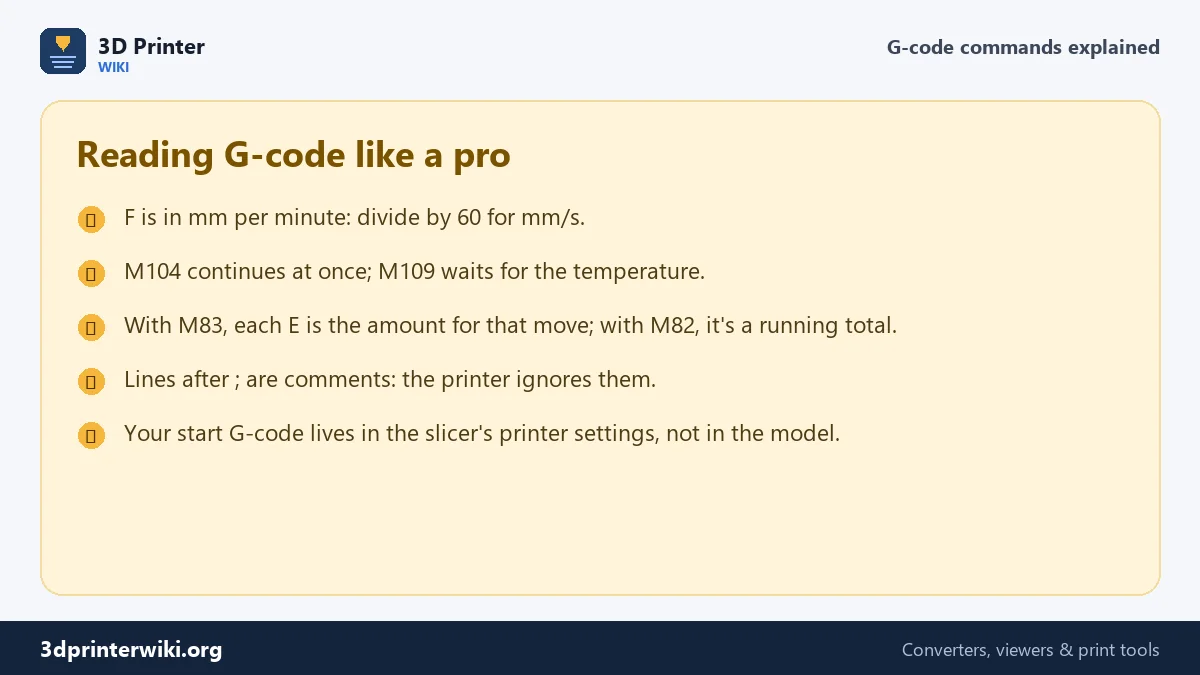
A line starts with a command, a letter and a number such as G1 or M104, followed by parameters, each a letter and a value. Take G1 X100 Y10 E9.5 F1500. G1 is a straight move. X100 and Y10 are the target position in millimetres. E9.5 tells the extruder to push 9.5 mm of filament during the move. F1500 is the speed, in millimetres per minute: 1500 ÷ 60 = 25 mm/s. Everything after a semicolon is a comment, which the printer ignores but slicers use to mark layers, features and print time. G commands are mostly about motion; M commands control everything else: heaters, fans, motors, settings and the display.
The most common commands
| Command | What it does |
|---|---|
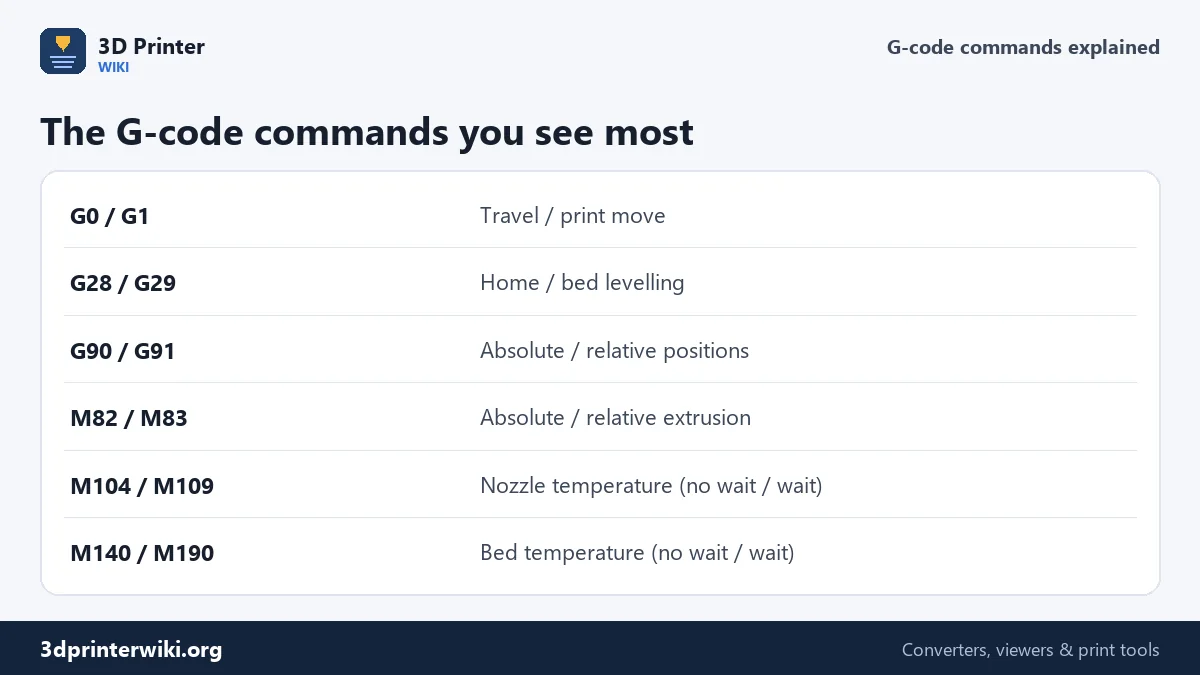
G0, G1 | Move in a straight line. G0 is meant for travel, G1 for printing; on most 3D printer firmware both behave the same. |
G2, G3 | Arc moves, clockwise and counter-clockwise, with I and J giving the centre. Written by slicers with arc fitting enabled. |
G4 | Wait: P in milliseconds or S in seconds. |
G28 | Home the axes to find zero. G28 X homes only X. |
G29 | Probe the bed for automatic bed levelling. |
G90, G91 | Absolute or relative positions. |
G92 | Set the current position without moving. G92 E0 resets the extruder count. |
M82, M83 | Absolute or relative extrusion: whether E values are totals or amounts per move. |
M104, M109 | Set the nozzle temperature. M104 carries on at once; M109 waits until it's reached. |
M140, M190 | Set the bed temperature, without and with waiting. |
M106, M107 | Part fan speed from 0 to 255, and fan off. |
M220, M221 | Speed and flow as a percentage of what was sliced. |
M84 | Turn the motors off, usually the last line of a print. |
M500, M503 | Save settings to memory, and list the current settings. |
M600 | Filament change: park, unload, wait for new filament. |
Marlin, Prusa, Klipper and Bambu
Most consumer printers run Marlin or firmware based on it, and the commands above are Marlin's. Prusa firmware uses the same core plus its own additions, such as M601 to pause and M862 to check that a file was sliced for the right printer and nozzle. Klipper understands standard G-code but adds named commands and macros like PRINT_START, SET_PRESSURE_ADVANCE and BED_MESH_CALIBRATE; the explainer recognises the common ones and labels any other capitalised word as a macro from the printer configuration. Bambu Lab printers use Marlin-style G-code with their own commands for the AMS and calibration, such as M620 and M621, which the tool marks as Bambu-specific. Slicer comments like ;LAYER_CHANGE, ;LAYER:12, ;TYPE:Perimeter and ;TIME: are explained too.
When reading G-code helps
- Checking a start script before using it, especially one copied from a forum.
- Finding why a print paused or changed temperature unexpectedly: look for M600, M0, M104 or M106 lines in the file.
- Checking which printer a file is for: the header comments and printer checks tell you.
- Learning what your slicer actually does at layer changes, retractions and the end of a print.
To change a sliced file, for example to add a pause at a layer or change the temperature halfway, use the G-code editor. To see the toolpaths in 3D, the G-code viewer draws every layer.
G-code questions
What does G1 mean in G-code?
A straight move to the X, Y and Z given, extruding the E amount, at speed F in mm per minute.
What is the difference between G0 and G1?
G0 is meant for travel moves and G1 for printing moves. On most 3D printer firmware they behave the same.
What does M104 do?
It sets the nozzle temperature and carries on straight away. M109 sets it and waits until it's reached.
What is the G-code for a filament change?
M600 on Marlin and Prusa printers. Klipper usually uses a PAUSE macro, Bambu Lab printers M400 U1 for a pause.
What does G28 do?
It homes the axes: the printer moves to its endstops to find the zero position.
What does M84 mean?
It turns the stepper motors off, usually at the end of a print.
Where can I find the full Marlin G-code list?
Marlin's documentation lists every command with all options. This page covers the ones that appear in everyday printing.
More 3D printing tools
Updated November 2026 · How these tools work