SVG to STL converter
Drop an SVG logo, sign or icon and get an extruded 3D model.
More options
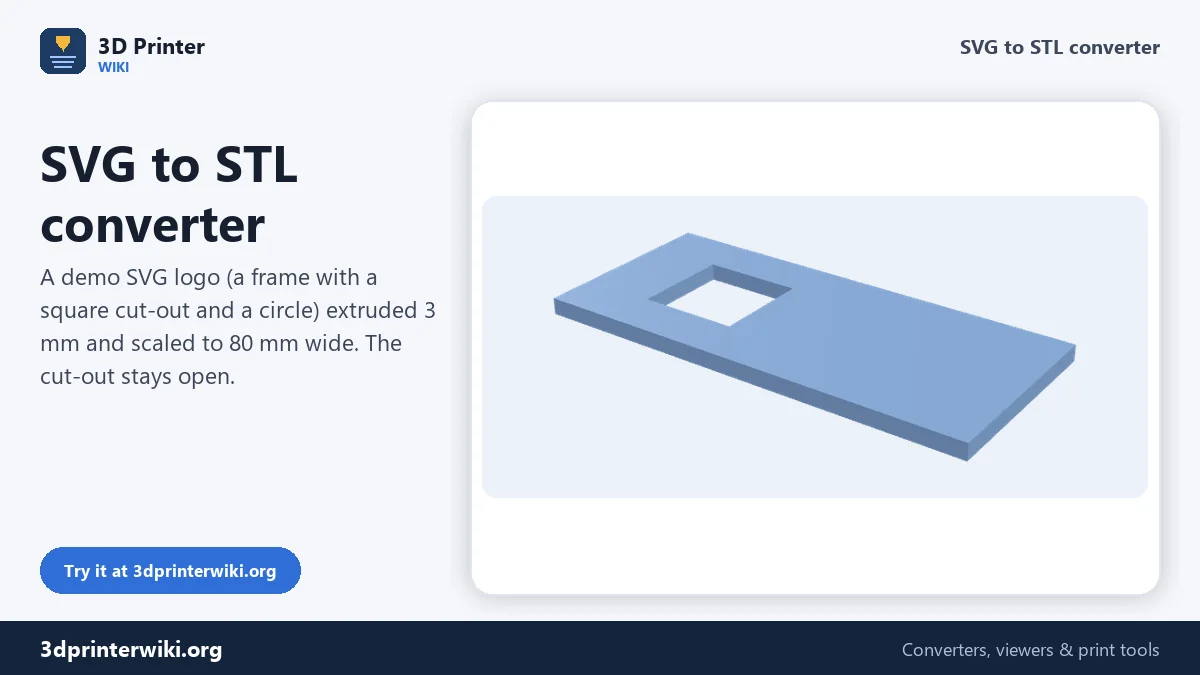
SVG is how logos, icons, cutting files and lettering are usually saved. Because an SVG describes shapes with exact curves, it makes the cleanest 3D prints of all: no jagged pixel edges, and any size you like. This SVG to STL converter reads the filled shapes in your SVG, keeps the holes in letters and cut-outs open, and extrudes everything to the height you set.
You can scale the design to an exact width in millimetres, add a backing plate behind it, and download either an STL or a 3MF in which the plate and the raised shapes are separate parts for a two-colour print.
How to convert SVG to STL
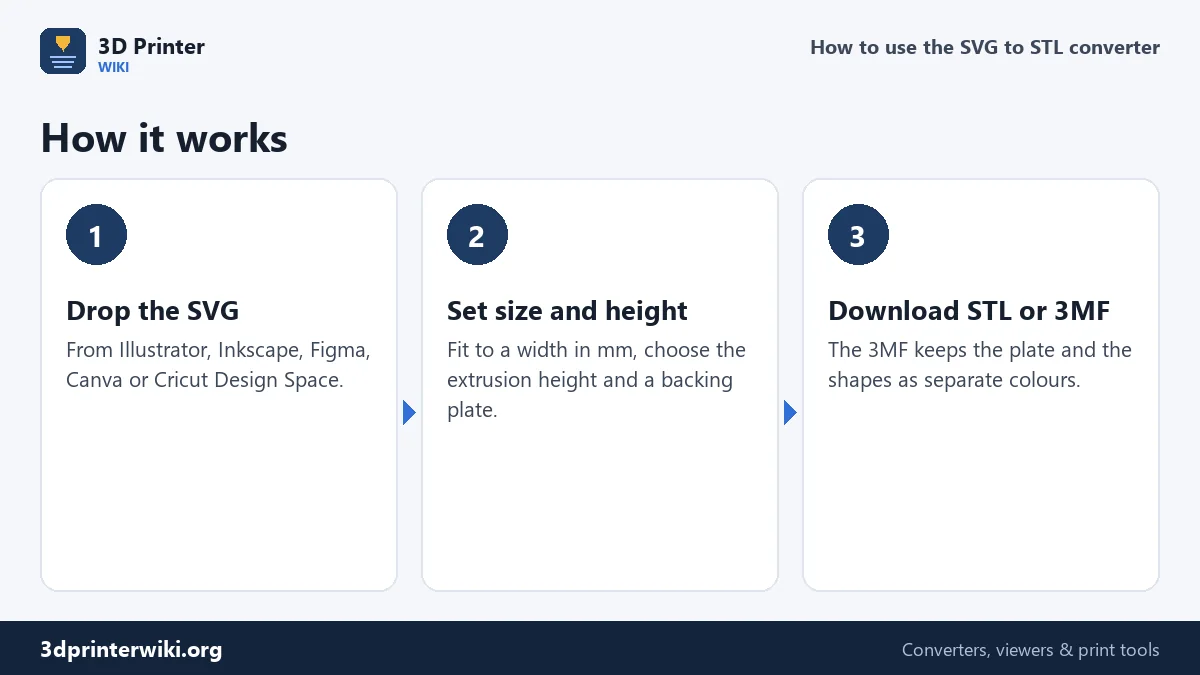
- Drop the SVG file. Exports from Adobe Illustrator, Inkscape, Affinity Designer, Figma, Canva and Cricut Design Space all work.
- Set the size. Under More options, Fit to width scales the whole design so its widest point is that many millimetres (80 mm by default). Set it to 0 to keep the size from the SVG.
- Set the height. Extrusion height is how tall the shapes stand. Add a Backing plate if the parts should stay together on a base.
- Download the STL, or the 3MF to keep plate and shapes apart.
Which parts of the SVG are used
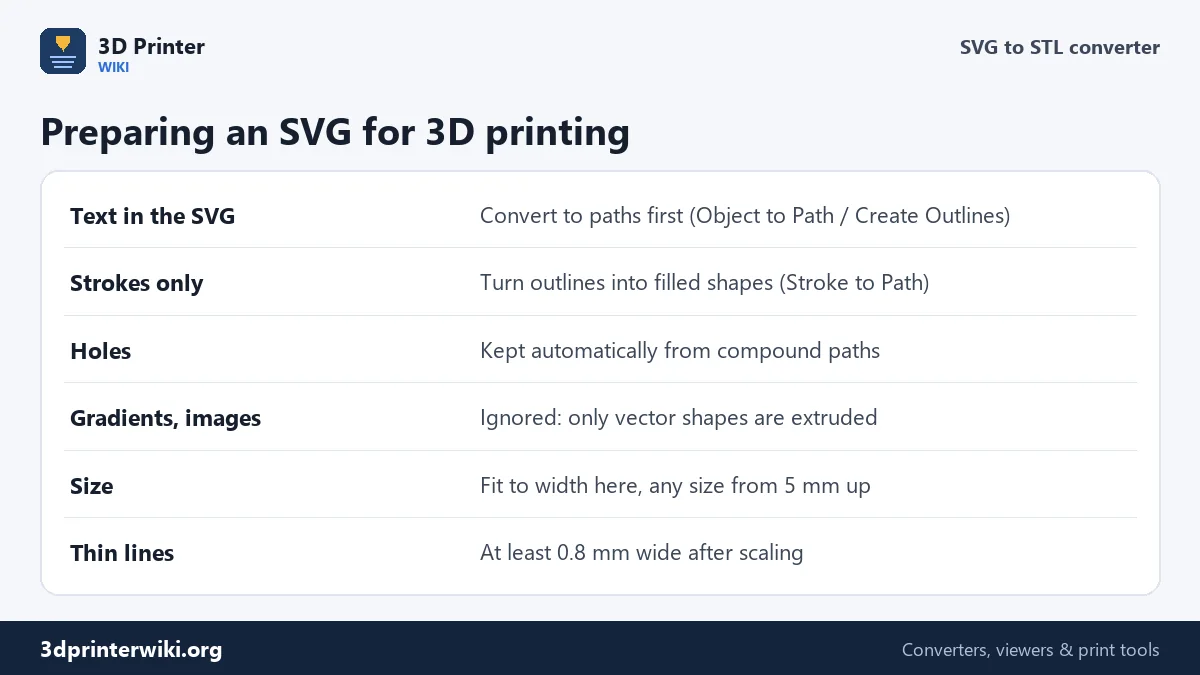
The converter extrudes filled shapes: rectangles, circles, polygons and paths that have a fill colour. Compound paths, like a letter O with its counter, or a logo built with Pathfinder, keep their holes open. Gradients, embedded photos and filters are skipped, because they are not shapes.
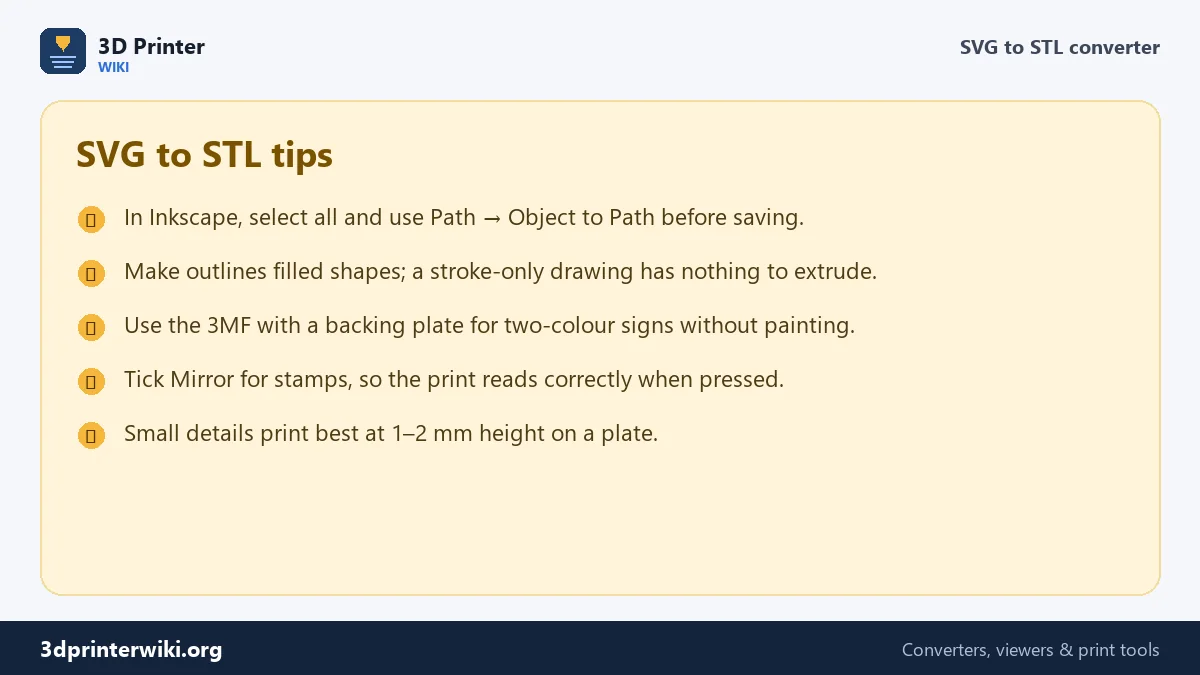
Two things trip people up. First, text that is still live text in the SVG is not a shape yet. In Illustrator use Type → Create Outlines; in Inkscape use Path → Object to Path. Second, drawings made only of strokes (outlines with no fill) have no area to extrude. Convert strokes to filled shapes with Path → Stroke to Path in Inkscape, or Object → Expand in Illustrator. If the SVG contains only strokes, the converter uses closed stroked paths as shapes; untick Use filled shapes only to include them alongside filled shapes.
Getting the size right
SVG files have their own units (pixels, points or millimetres) and many programs set the size loosely, so the converter works from the shapes themselves. With Fit to width set, the widest extent of all shapes together becomes exactly that width, and the height follows. That is usually what you want for a sign or a keyring: "make the logo 60 mm wide".
Keep the smallest details in mind. A line that is 0.5 px in a big logo might be 0.3 mm after scaling, too thin for a 0.4 mm nozzle. As a rule, every line and gap should be at least 0.8 mm wide in the finished size. Make the model bigger or simplify the logo if the slicer preview shows missing lines.
What to make from an SVG
- Signs and plaques: a logo 1.5 mm high on a 2 mm plate, printed in two colours with the 3MF.
- Cookie cutters and clay cutters: extrude an outline drawing 12 to 15 mm high, no plate.
- Stamps: tick Mirror so the stamp prints the right way round, then glue the extrusion to a handle.
- Wall art and stencils: large silhouettes at 200+ mm, 2 to 3 mm thick.
- Inlays: extrude a shape to fit a pocket in another print, for a flush two-colour inlay.
Two-colour prints from one SVG
With a backing plate turned on, the 3MF download holds two objects: the plate and the shapes. Open it in Bambu Studio, OrcaSlicer or PrusaSlicer and assign a filament to each object. On a single-nozzle printer, slice the STL and add a filament change at the first layer above the plate. The plate grows 3 mm beyond the design on every side, so there is a clean border around the logo.
If your SVG has several colours and you want each colour as its own part, export one SVG per colour from your design program and convert them one at a time with the same Fit to width value turned off (0), so they line up in the slicer.
If the result looks wrong
"No closed filled shapes were found"
The SVG has text or strokes but no filled shapes. Convert text and strokes to paths and save again.
A hole is filled in
The hole is a separate shape drawn on top in white instead of a real cut-out. In your design program, combine the shapes into a compound path (Pathfinder → Minus Front in Illustrator, Path → Difference in Inkscape).
The design is upside down or mirrored
SVG counts Y downward and printers count it upward; the converter flips it for you so it reads correctly from above. If it is still mirrored, the SVG itself was mirrored; tick Mirror to turn it back.
SVG to STL questions
How do I convert SVG to STL for free?
Drop the SVG on this page, set the width and height under More options, and download the STL. No sign-up, no limits.
Can Tinkercad convert SVG to STL?
Yes, Tinkercad imports SVG and extrudes it. This page gives you more control: exact width, a backing plate, mirroring and a two-part 3MF for colour prints.
Why does my SVG convert with nothing in it?
Usually because the artwork is live text or strokes. Convert them to filled paths in your design program first.
Can I convert an SVG with several colours?
All shapes are extruded together. For separate colours, export one SVG per colour, or use the backing plate for a simple two-colour sign.
What is the best height for an SVG sign?
1.5 to 2 mm of raised logo on a 2 to 3 mm plate reads clearly and prints quickly.
More 3D printing tools
Updated November 2026 · How these tools work