STL to SVG converter
Get a 2D outline of your model for laser cutting, vinyl or drawings.
More options
Sometimes the thing you need from a 3D model is flat: the outline of a base plate to cut from acrylic, a stencil of a logo, the exact footprint of a part for a drawing, or a profile through a model to cut a matching insert. This STL to SVG converter slices the model at any height, or traces its whole outline from above, the front or the side, and saves the result as an SVG with closed paths at true millimetre size.
How to convert STL to SVG
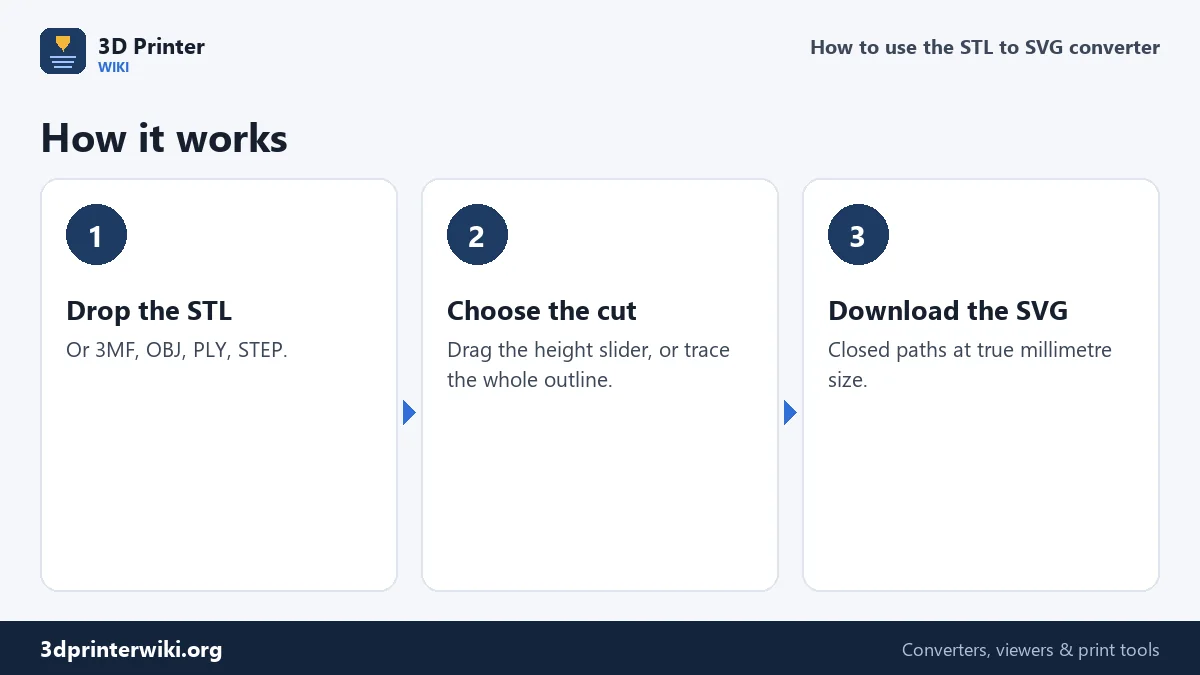
- Drop the STL on the box. 3MF, OBJ, PLY and STEP files work too.
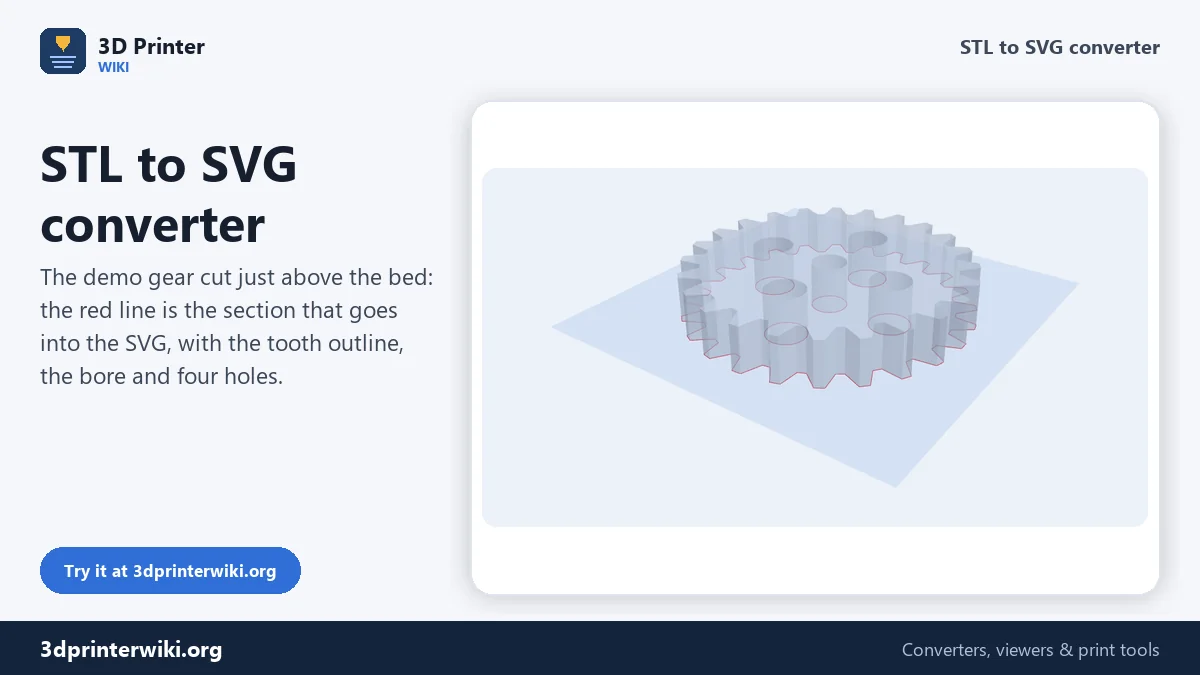
- Drag the Cut height slider. A blue plane shows where the model is cut, and the section appears as a red line. The status line counts the outlines and how many of them are closed.
- Or trace the whole outline. Tick Outline of the whole part under More options to get the silhouette instead of one slice.
- Pick a view if needed: Top (cut parallel to the bed), Front or Side.
- Download the SVG.
Cross-section
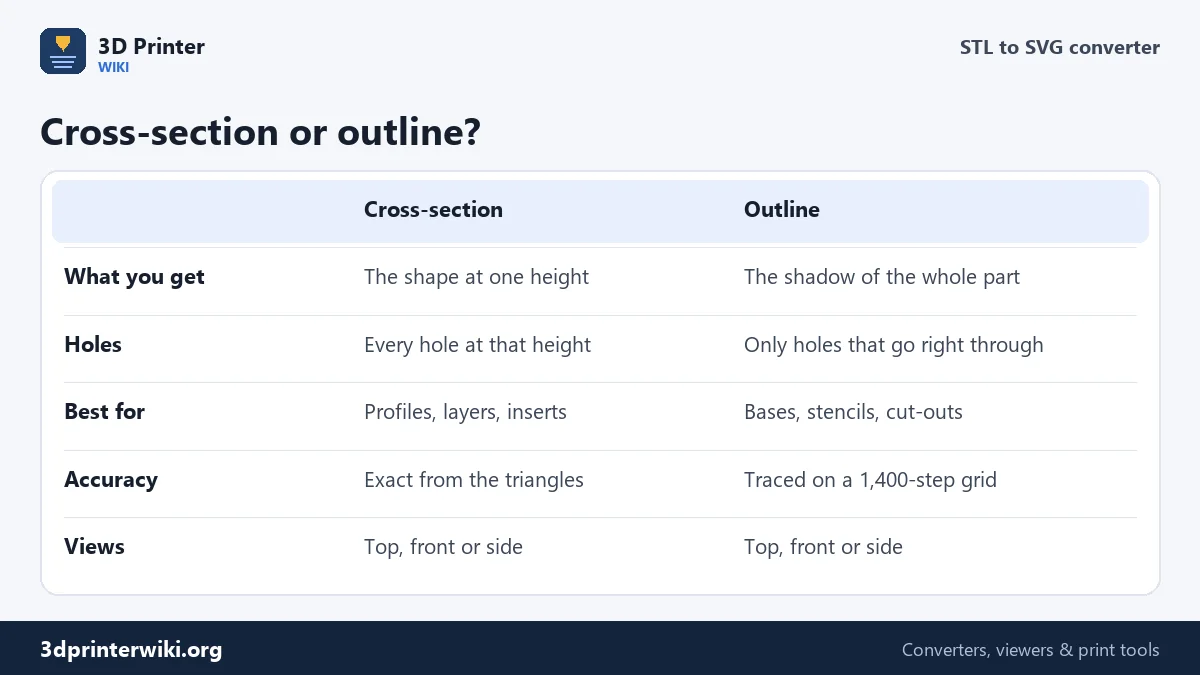
A cross-section is what you'd see if you sawed through the model at one height: the outer edge plus every hole and pocket at that level. The converter computes it exactly from the triangles. Every triangle the cut plane crosses gives a short line, and the lines are joined end to end into closed paths. On the demo gear, a cut just above the bed gives six closed paths: the toothed outer edge, the centre bore and four lightening holes.
If a model has small gaps, the ends of the lines may not quite meet and a path stays open. The status line then shows fewer closed paths than total paths. Join gaps up to under More options closes gaps up to the distance you set; 0.01 mm is the default, and 0.05 to 0.1 mm fixes most rough scans.
Whole outline (silhouette)
The outline is the model's shadow seen from straight above, the front or the side: everything the part covers, at any height, merged into one shape. That's what you want for a base plate, a sticker, a shadow box, or a hole in a panel that the part must fit through. Holes appear only where you could look straight through the part. The outline is traced on a fine grid of 1,400 steps across the longest side, about 0.07 mm on a 100 mm part, well below what a laser or vinyl cutter can resolve.
What's in the SVG
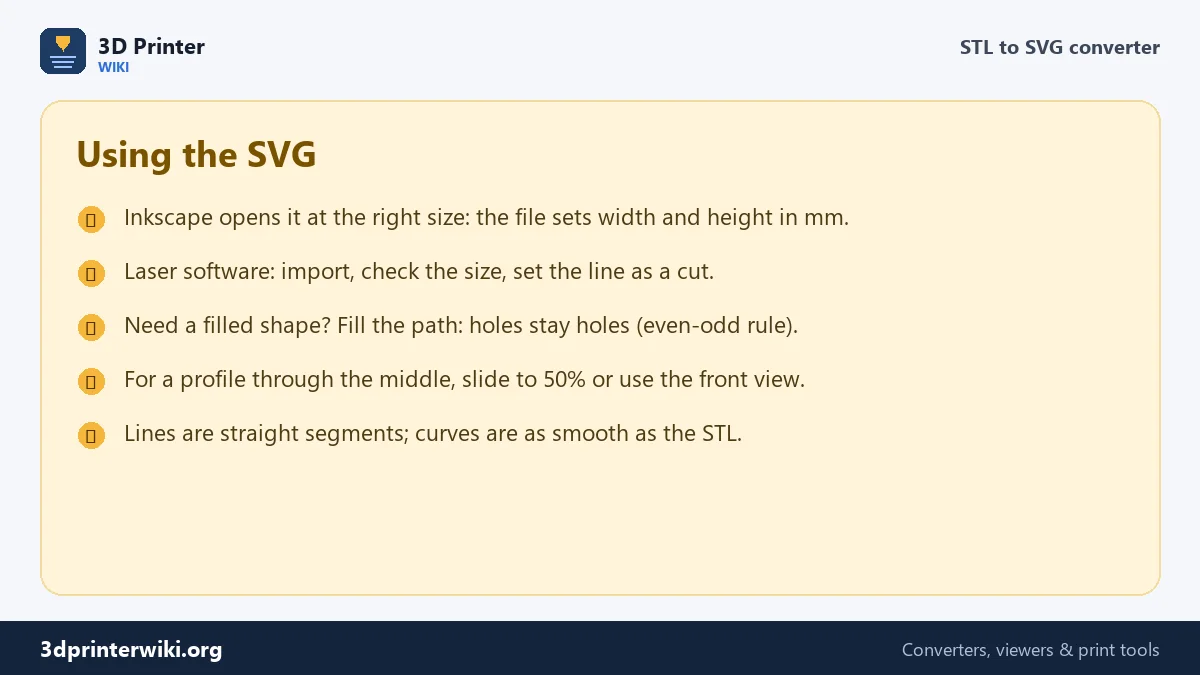
The SVG has its width and height set in millimetres, with one unit per millimetre inside, so Inkscape, Illustrator, Affinity Designer and most laser and cutter programs open it at the exact size of the model. All outlines sit in one path with a thin black stroke and no fill, which laser software normally reads as a cut line. The path uses the even-odd fill rule, so if you fill it, holes stay holes. Curves come out as many short straight segments, exactly as smooth as the triangles of the STL.
Typical uses
- Laser cutting a base, a lid or a mounting plate that matches a printed part exactly.
- Vinyl and paper cutting of logos and lettering made as 3D models.
- Stencils and templates for drilling holes or painting around a part.
- Documentation: a clean outline or profile for an assembly guide or a website.
- Checking a layer: see exactly what the slicer will print at a certain height.
Working in CAD or CAM instead? The STL to DXF converter gives the same sections as a DXF. To go the other way, from a drawing to a 3D model, use SVG to STL.
Example: a laser-cut base for a print
Say you printed a figure and want an acrylic or wooden base cut to its footprint. Drop the STL, tick Outline of the whole part and keep the Top view. The outline is the figure's full shadow from above. Download the SVG and open it in Inkscape or your laser software. To leave a border, use Path → Outset in Inkscape, or the offset tool in LightBurn, and grow the shape by 3 to 5 mm. Set the line as a cut and the space inside as nothing, and the base comes out exactly the shape of the figure, a few millimetres wider all round.
For a recess that holds the figure, cut a slice a millimetre above the bottom instead of the whole outline. That gives the shape of the feet only, which you can engrave a little into the base so the figure sits in place. Add 0.2 to 0.3 mm of clearance with an outset so the print fits without force.
STL to SVG questions
How do I convert an STL to SVG?
Drop the STL on this page, choose a cut height or the whole outline, and press Download SVG.
Can I get the outline of an STL from above?
Yes. Tick Outline of the whole part under More options and keep the Top view.
Will the SVG be the right size?
Yes. The SVG is written in millimetres, at the size of the model.
Why are some outlines open?
The model has small gaps at that height. Raise Join gaps up to, or repair the STL first.
Can I use the SVG for laser cutting?
Yes. It contains closed paths with a thin stroke, which laser software reads as cut lines.
Can I use the SVG with a Cricut or Silhouette?
Yes. Import it as a cut file, then check the size: some cutter programs assume a different resolution and need the width set by hand.
Can I get a cross-section through the middle of the model?
Yes. Drag the slider to the height you want; the status shows the cut height in millimetres.
More 3D printing tools
Updated November 2026 · How these tools work