STL to STEP converter
Get a STEP file your CAD program can open as a solid body. Flat regions of the mesh are merged into single faces, so a box is 6 faces, not 12 triangles.
Same file as: · · · ·
More options
STEP (also written STP) is the file CAD programs use to swap real solid models. It describes surfaces, edges and faces, not triangles. STL is the opposite: a cloud of tiny triangles with no idea where one face ends and the next begins. So when SolidWorks, Fusion 360 or Onshape opens an STL, you get a mesh you can look at but hardly edit. Converting the STL to STEP turns that mesh into a body your CAD program treats like any other part.
This STL to STEP converter does more than wrap each triangle in STEP syntax. It finds every flat area of the mesh, joins the triangles that lie in the same plane, and writes each area as a single planar face with its real outline and holes. A cube comes out as 6 faces. A bracket with a flat base, two flat sides and four screw holes comes out with one face for the base instead of hundreds of triangles. When the STL is closed (watertight), the result is a proper solid body.
How to convert STL to STEP
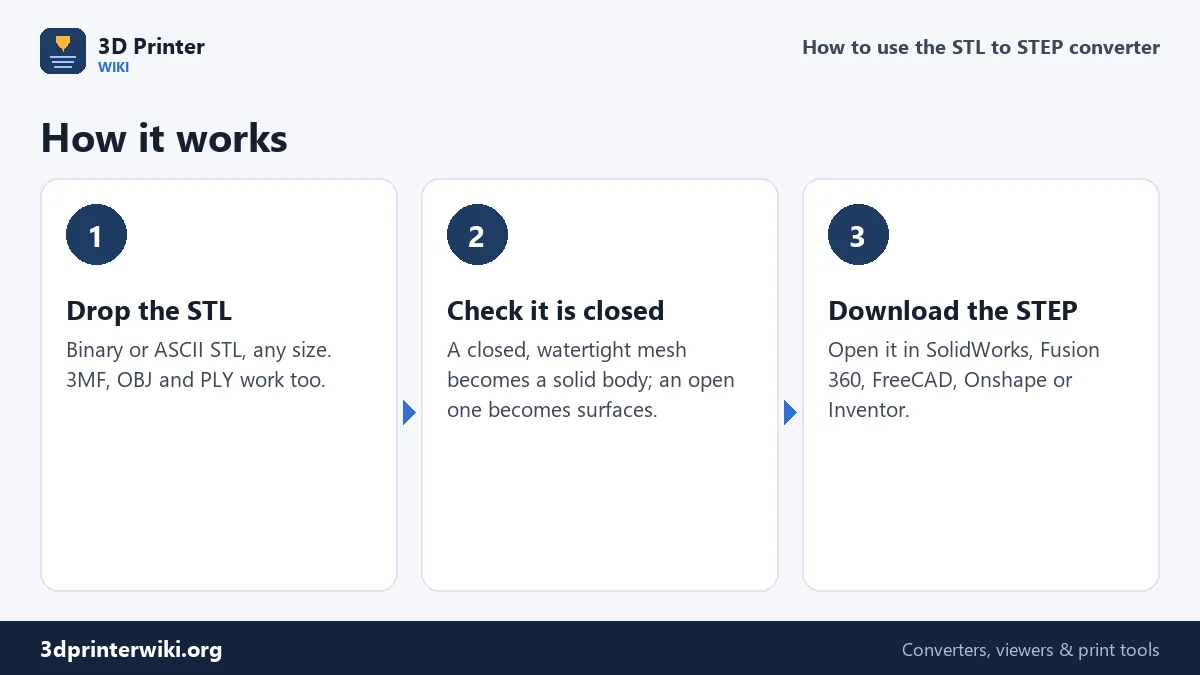
- Drop your STL on the box above, or tap to choose it. Binary and ASCII STL both work, and so do 3MF, OBJ and PLY files.
- Check the preview and size. STL files carry no units, so they are read as millimetres. If the part looks 25 times too small, it was drawn in inches: set Source units to inches under More options.
- Press Download STEP. After a moment you see how many faces the STEP file has, how many of them are merged flat faces, and whether it is a closed solid.
Then open the .step file in your CAD program with File → Open or Insert → Part. In SolidWorks it appears as an imported solid body, in Fusion 360 as a body in the browser, in FreeCAD as a Part object you can measure and use in Boolean operations.
Why merged flat faces matter
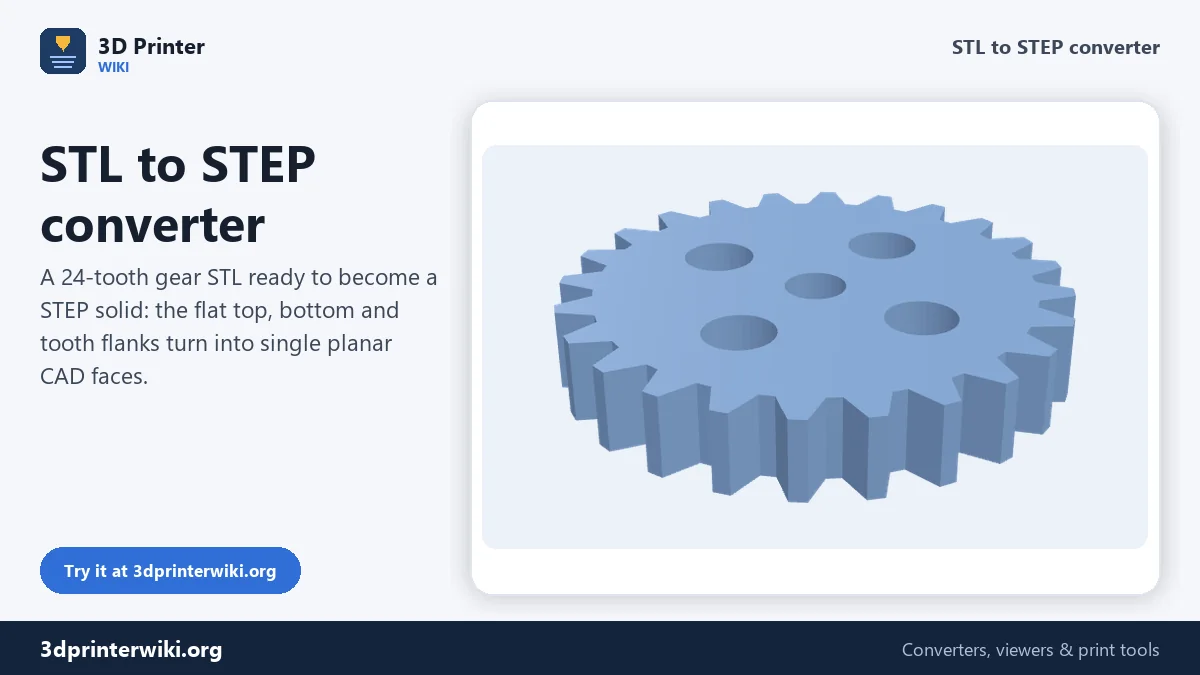
Most free converters write one STEP face per STL triangle. That file opens, but it behaves badly. A simple 40 × 30 × 10 mm block is 12 triangles, so 12 faces. Our 50 mm test gear with 24 teeth, a bore and four lightening holes is 1,104 triangles, which means 1,104 faces, each with its own edges. Select the top of the gear and you select one sliver of it. Try to put a sketch on it and CAD refuses because the "face" is a thin triangle.
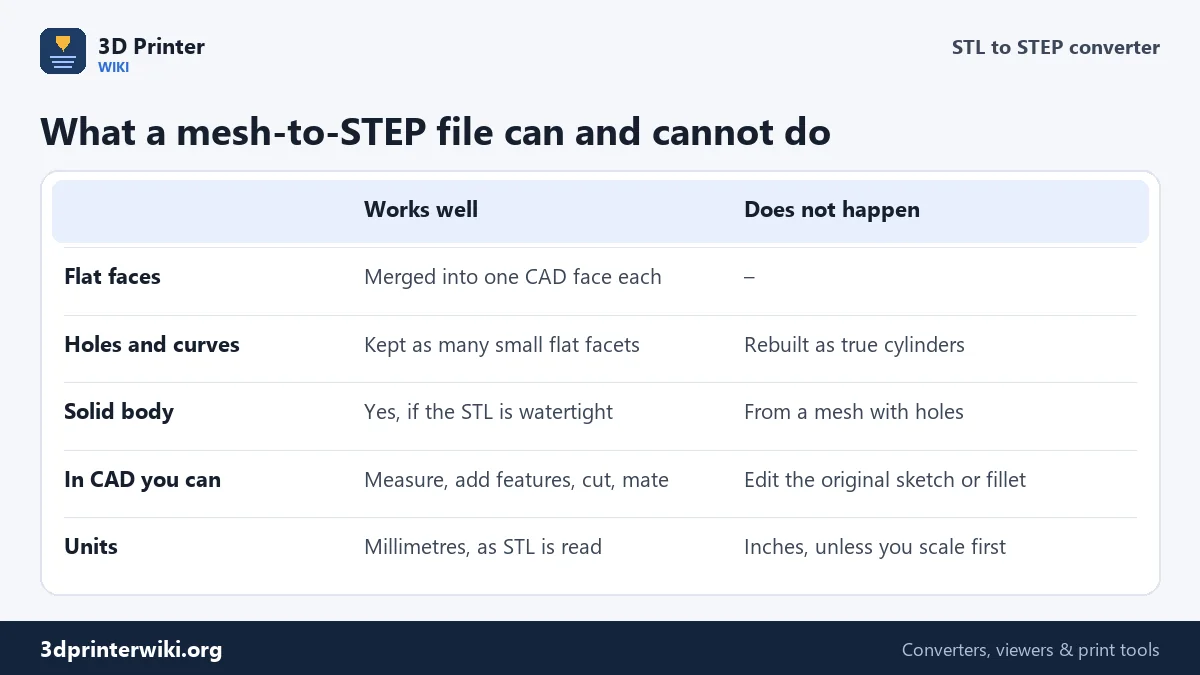
With flat areas merged, the top of that gear is one face. You can click it, sketch a logo on it, extrude a boss, or mate it to another part in an assembly. The flanks of straight-cut teeth are flat too, so each flank becomes one face. In our test the gear went from 1,104 triangles to 274 faces, came out as one closed solid, and the file shrank from 724 KB to 300 KB. Reading it back with OpenCascade, the geometry kernel inside FreeCAD, gave no errors.
Curved surfaces are a different story. A hole that was a smooth cylinder in the original CAD model was cut into flat strips when it became an STL. Those strips are still flat strips in the STEP file. No converter can turn them back into a perfect cylinder without guessing, and guessing gets diameters wrong. So expect holes and rounds to show as faceted surfaces. They measure correctly to within the STL's resolution, which is fine for most fits, but you cannot change a hole's diameter by editing a single cylindrical face.
Solid body or surfaces?
A STEP solid needs a closed shell: every edge must be shared by exactly two faces. The converter checks the mesh before it writes the file. If the STL is watertight, the STEP contains a manifold solid, which CAD shows as a body with volume and mass. If the mesh has holes or overlapping parts, the converter still writes the file, but as an open shell of surfaces, and tells you how many open edges it found.
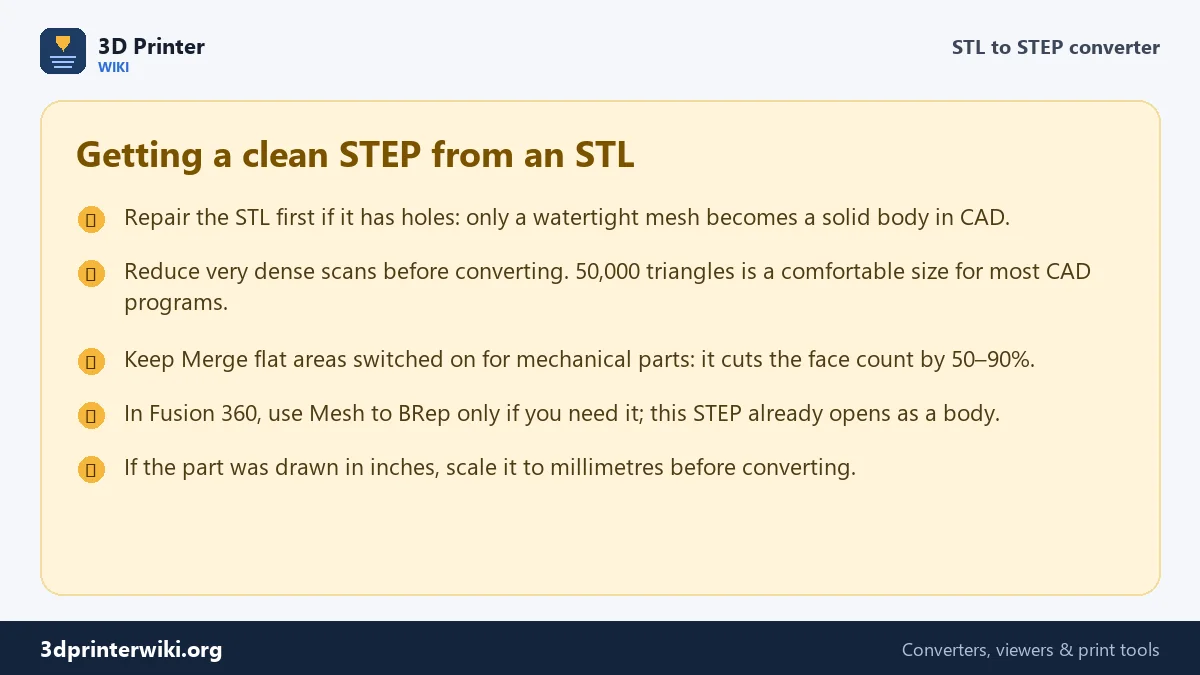
Surfaces can still be measured and used as a reference, but you cannot add a hole or combine them with other bodies. The fix is simple: run the file through the STL repair tool first, download the repaired STL, and convert that. Most downloaded models from Printables or Thingiverse are already watertight; scans and quick exports from sculpting programs often are not.
File size and very dense meshes
STEP is a text format, and every face, edge and point is written out by name, so a STEP from a mesh is much bigger than the STL. Merging flat faces helps a lot for mechanical parts. For organic models such as figurines or scans, almost no two triangles are in the same plane, and the STEP file can be ten times the size of the STL and slow to open.
A good rule: keep the mesh under about 50,000 triangles before converting it to STEP. Use the STL size reducer to bring a 500,000-triangle scan down; the shape barely changes, and CAD stays responsive.
Opening the STEP in your CAD program
- SolidWorks: File → Open, choose STEP. If asked, let it run Import Diagnostics; with a watertight STL it should report no faults.
- Fusion 360: Upload the file to a project or use Insert → Insert Derive/Upload. The part arrives as a body, ready for sketches and joints.
- FreeCAD: File → Open or Import. The part shows up as a solid in the tree; Part → Check geometry confirms it is closed.
- Onshape: Import into a document; the STEP becomes a Part Studio with one part.
STL to STEP questions
Can STL be converted to STEP?
Yes. The triangles of the STL become faces in the STEP file, and flat regions are merged into single faces. What you do not get back is the original design intent: sketches, dimensions and perfect curves are not stored in an STL, so they cannot appear in the STEP.
Is STL to STEP the same as STL to STP?
Yes. .step and .stp are two extensions for the same ISO 10303 format. If a program asks for STP, rename the downloaded file from .step to .stp; nothing inside changes.
Why is my STEP file not a solid in SolidWorks or Fusion 360?
The STL had holes, overlapping parts or non-manifold edges, so the converter wrote surfaces instead of a solid. Repair the STL first, then convert again.
Can I convert STL to STEP in FreeCAD instead?
Yes, with the Mesh Design workbench: Shape from Mesh, Make Solid, then Refine Shape, then export. This page does the same steps in one click and merges flat faces for you.
Which STEP version is the file?
The file uses the AP214 schema (automotive design), which every current CAD program reads, including SolidWorks, Inventor, Fusion 360, Onshape, Creo, CATIA, FreeCAD and Rhino.
Does converting STL to STEP improve print quality?
No. A STEP made from a mesh has the same detail as the STL. Convert when you want to edit or measure the part in CAD, not to print it better.
More 3D printing tools
Updated November 2026 · How these tools work