3DS to OBJ converter
Give an old .3ds model a second life in modern 3D software.
Same file as: · · · ·
More options
For about fifteen years, .3ds was the common exchange format of 3D. Model libraries, CD-ROM collections, game mods, architecture visualisations and university projects from the 1990s and 2000s are full of 3DS files, and many of those models exist in no other format. Modern software support for 3DS is patchy: some programs dropped their importer, others need an add-on. OBJ, by contrast, opens everywhere. This 3DS to OBJ converter reads the old binary format and writes a clean OBJ, with every 3DS object as a named object and coordinates in the style your software expects.
How to convert 3DS to OBJ
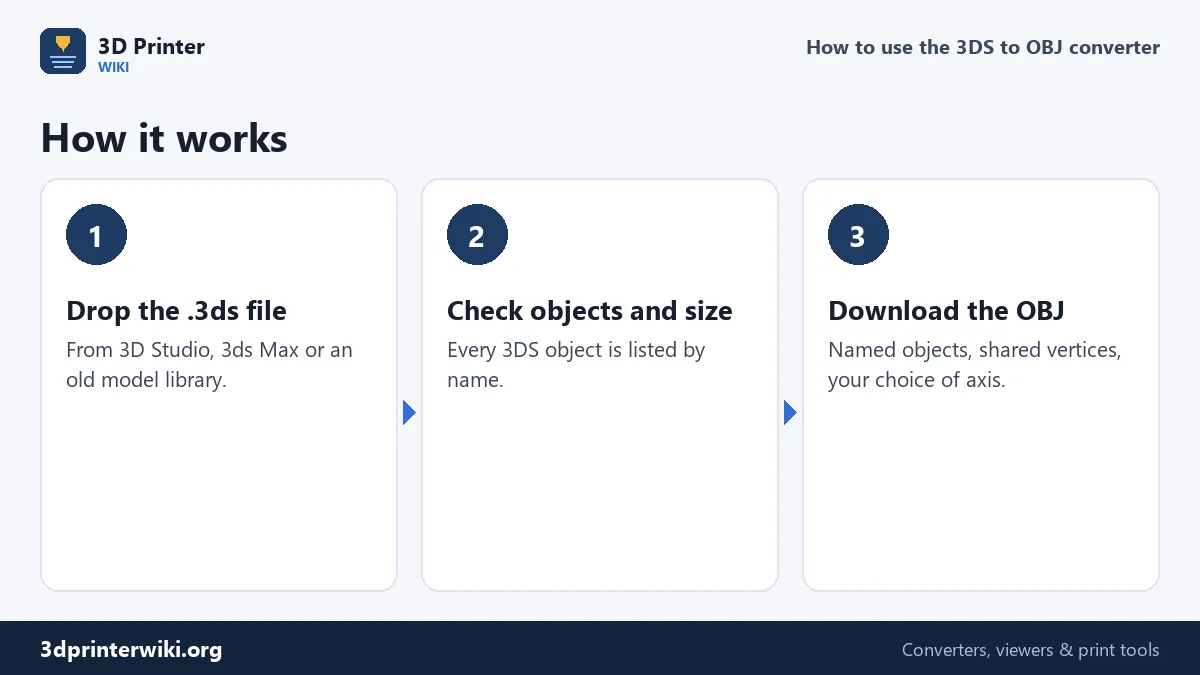
- Drop the .3ds file on the box.
- Check the preview. The size is shown with the 3DS numbers read as millimetres, together with the triangle count and the number of objects.
- Fix the size if needed with Source units under More options. Old models were made in all sorts of units.
- Choose the OBJ coordinates: Z up, millimetres (default) keeps the numbers as they are; Y up, metres suits Blender, Unity and other Y-up programs.
- Download the OBJ.
Objects, names and the 65,535 limit
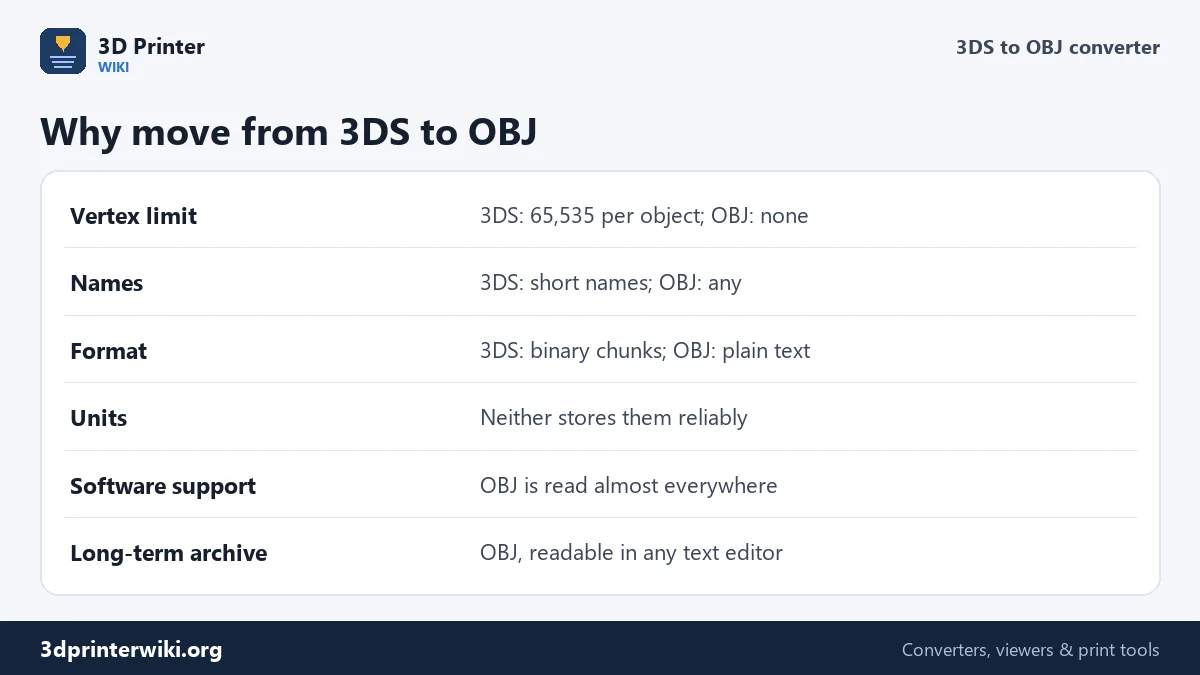
Inside a 3DS file, a model is a list of named objects, each with its own vertex and face list. Those counts are 16-bit numbers, so no object can have more than 65,535 vertices or faces. Detailed models were therefore split into many objects, often with short, cryptic names like "WHEEL01" or "BODY_L". The converter keeps every object as its own o object in the OBJ, with its name, so the structure of the original model survives. OBJ has no such limit, so in your 3D program you can join the pieces into one mesh if you prefer.
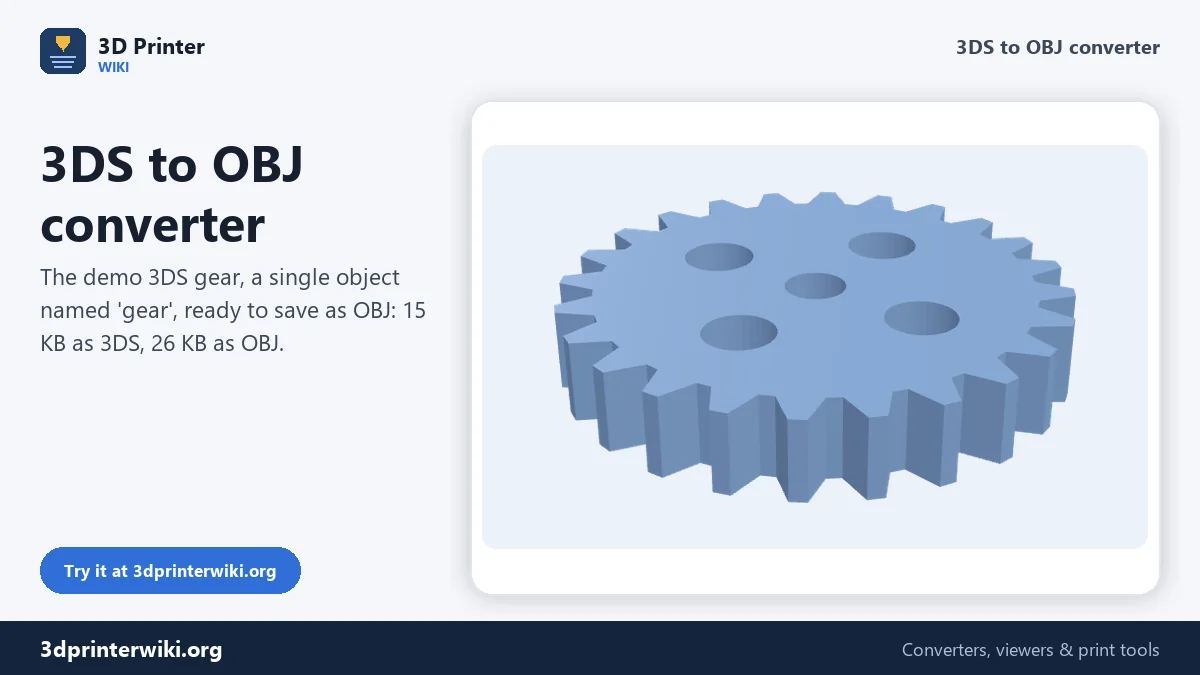
3DS stores each corner once and refers to it from the faces, and the OBJ does the same, which keeps both compact and lets smooth shading work in modern programs. The demo gear is 15 KB as 3DS and 26 KB as OBJ, the difference being only binary versus text.
Units and orientation
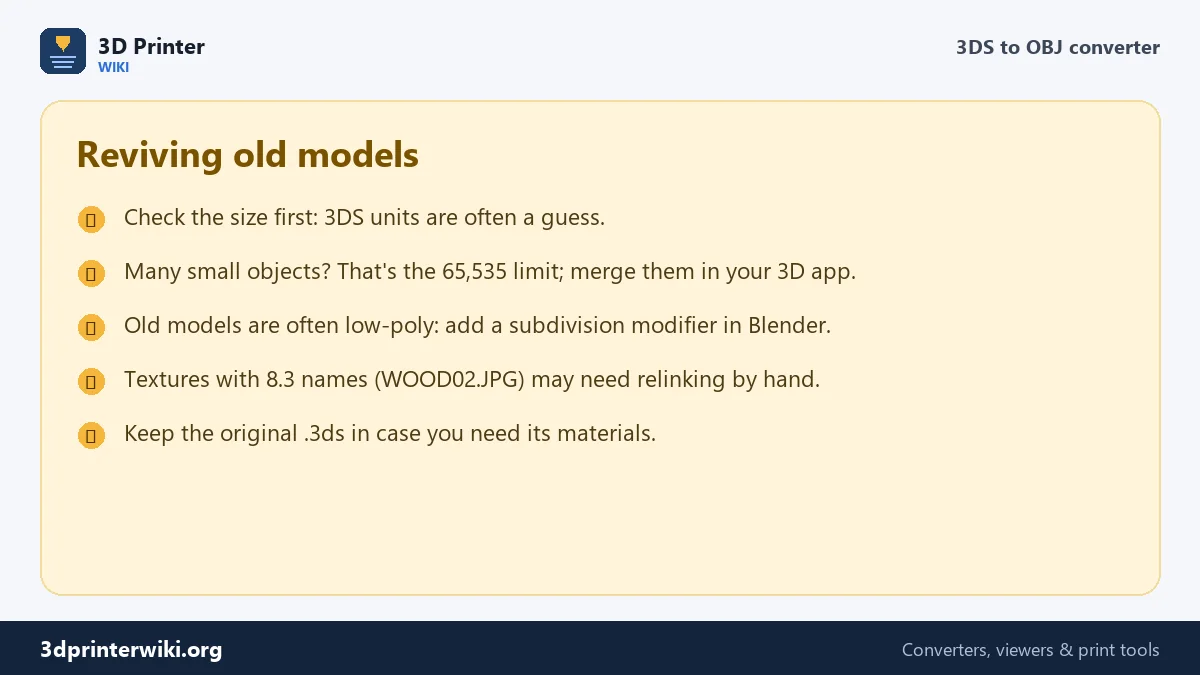
3D Studio had a unit setting, but many 3DS exporters didn't store it, or stored something that doesn't match the numbers. The converter reads the numbers as millimetres and shows the result; if a car comes out 4.5 mm long, it was modelled in metres, so choose Metres in Source units. 3D Studio and 3ds Max use Z as up, like CAD and printers, so with Z up, millimetres the OBJ keeps the original orientation. With Y up, metres, the model is turned to stand upright in Y-up programs and written at real size in metres, once the source unit is right.
Materials and textures
3DS files carry materials that reference texture images by 8.3 DOS file names, such as BRICK04.JPG. Those images were often lost when collections were copied, and the OBJ written here contains the shape only, without a material file. Rebuilding materials in a modern program is usually worth it anyway, because 3D Studio's old shading model doesn't match today's physically based materials. If you have the original texture images, apply them to the objects by name after importing.
Related conversions
For 3D printing, the 3DS to STL converter makes a print file directly. For the web and AR, the GLB button in the Same file as row writes a GLB. Have models in other old formats? The 3D model converter reads thirteen formats.
Importing the OBJ into Blender
Choose Y up, metres before downloading, and set Source units to whatever the 3DS was really made in: Millimetres if the size line already looks right, Metres for most architecture and vehicle models. Then use File → Import → Wavefront (.obj) in Blender with the default settings. Every 3DS object arrives as its own Blender object, named as in the 3DS file, at real size and standing upright. With Z up, millimetres instead, set Forward to Y and Up to Z in the import dialog, and a scale of 0.001.
After importing, check the normals: some old exporters wrote faces in mixed order, which shows up as dark or see-through patches. In Edit Mode, select everything and use Mesh → Normals → Recalculate Outside. Duplicate vertices along object seams can be merged with Merge by Distance.
Converting a whole library
Converting one file at a time works well for a handful of models. For a large collection, sort the files first: keep the models you will actually use, check one or two to learn which unit the collection was made in, and then use the same Source units setting for all of them, so the converted library is consistent. The converter keeps your settings while the page is open, so you can drop one file after another.
3DS to OBJ questions
How do I convert 3DS to OBJ?
Drop the .3ds file on this page, check the size, choose the OBJ coordinates and press Download OBJ.
Are the 3DS objects kept separate?
Yes. Each 3DS object becomes its own named object in the OBJ.
Does the OBJ include the textures?
No. The OBJ holds the shape only; re-apply textures in your 3D program.
Why is the converted model the wrong size?
3DS files often don't store their unit. Set Source units under More options and convert again.
Can Blender import 3DS files?
With its Autodesk 3DS add-on, yes. OBJ works in every Blender version without add-ons.
Is 3DS the same as 3ds Max's .max format?
No. .max files can only be opened by 3ds Max. .3ds is the older, open exchange format.
What unit are old 3DS models in?
It varies by collection: often inches, centimetres or metres. Convert one model, compare its size with the real object, and use that unit for the rest.
More 3D printing tools
Updated November 2026 · How these tools work