Reduce STL file size
Make a big STL small enough to upload, email or open in Tinkercad.
More options
3D scans, sculpts, AI-generated models and high-resolution exports can easily reach 100 MB or more. That is too big for Tinkercad (25 MB limit), slow to upload to Printables or Thingiverse, a pain to email, and heavy for your slicer. Usually, most of those triangles add nothing you can see in a print. This tool reduces STL file size by keeping only the share of triangles you choose, while keeping the overall shape.
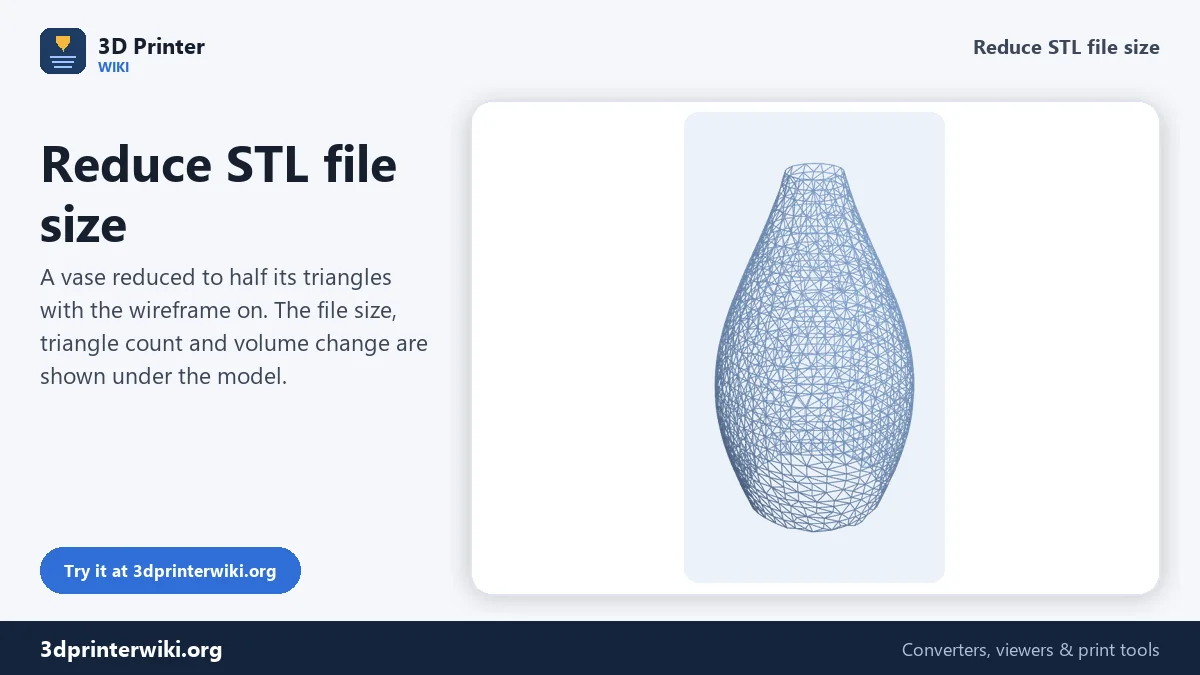
How to reduce the size of an STL
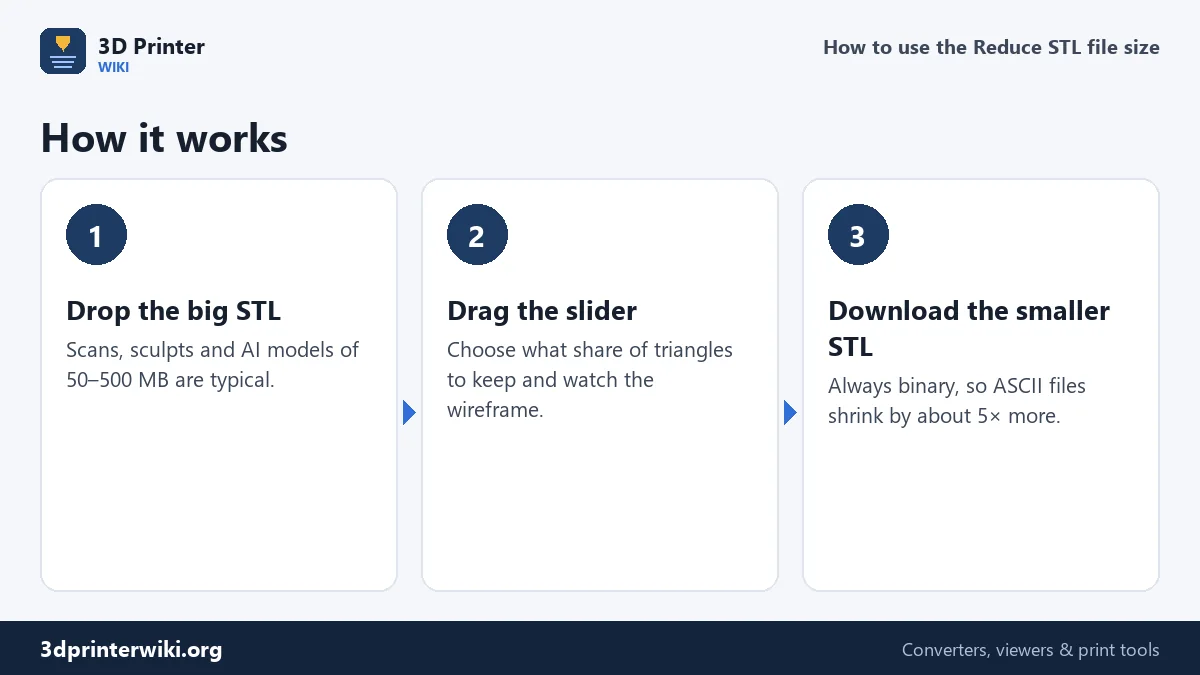
- Drop the STL (or 3MF, OBJ, PLY).
- Drag the slider to choose how much of the mesh to keep. Large files start at 25%, others at 50%. The wireframe shows the triangles, so you can see the effect.
- Read the result: triangles before and after, file size before and after, and the change in volume.
- Download the smaller STL.
How the reduction works
The tool uses vertex clustering. It lays an invisible 3D grid over the model and moves all the corners that fall into the same grid cell to their average position. Triangles that collapse to a line or a point disappear, and triangles that stay become slightly bigger. Making the grid finer keeps more detail; making it coarser removes more triangles. The tool searches for the grid size that gives the share of triangles you asked for.
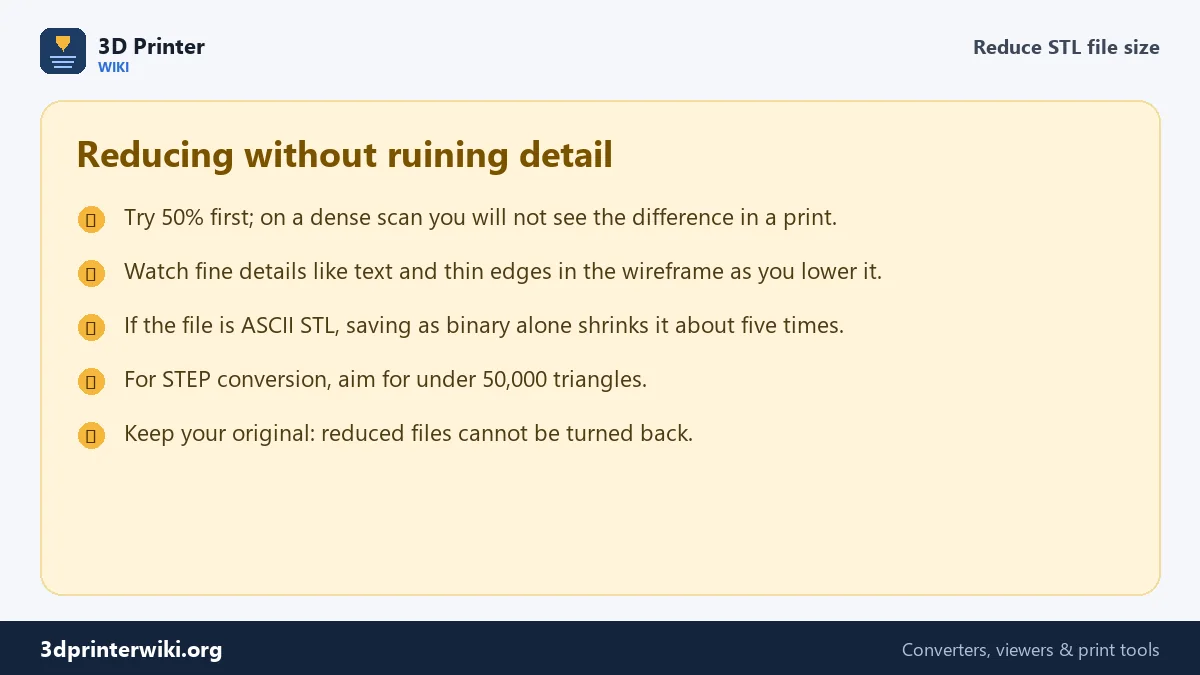
The method is very fast even on multi-million-triangle scans, and it keeps the overall form well. It works evenly over the whole model, so flat areas lose as much detail as curved ones. That is why it is best at 25% and above for parts with fine text or sharp edges; for organic scans, 10% often still looks the same on the printer.
Where the file size comes from
A binary STL is 84 bytes of header plus exactly 50 bytes per triangle, so file size is directly tied to the triangle count: 1 million triangles is about 48 MB, 100,000 is about 4.8 MB. ASCII STL files are about five times bigger for the same model because every number is written out as text. The download here is always binary, so an ASCII STL shrinks a lot even at 100%.
Picking a target
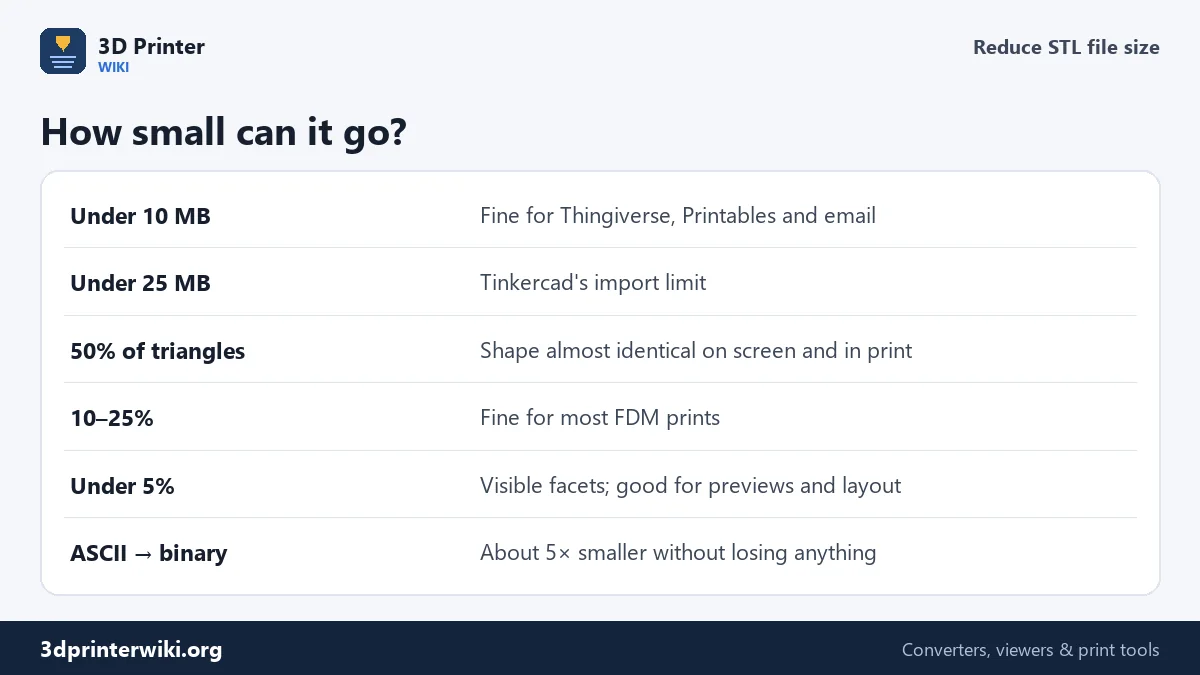
- For Tinkercad: under 25 MB, so under about 500,000 triangles.
- For uploading a model: under 10 to 20 MB uploads quickly everywhere.
- For a slicer that struggles: under 1 million triangles slices fast on any computer.
- For STEP conversion: under 50,000 triangles keeps CAD programs responsive (see STL to STEP).
- For web viewing: 50,000 to 200,000 triangles is plenty; consider the STL to GLB converter for web use.
Will a reduced STL print worse?
At sensible levels, no. A 0.4 mm nozzle and 0.2 mm layers cannot show details smaller than that. A scan with triangles 0.05 mm across has far more detail than any FDM printer can reproduce, and reducing it to triangles 0.2 to 0.3 mm across makes no visible difference on the print. Resin printers show finer detail, so be gentler there: 50% is a safe starting point.
Smaller files without losing any triangles
Reducing triangles is not the only way to make a file smaller. If the shape has to stay exactly as it is, try these first:
- ASCII to binary. An ASCII STL writes every number out as text and is about five times bigger than the same model as binary STL. Any download from this page is binary, so an ASCII file shrinks a lot even with the slider at 100%.
- STL to 3MF. A 3MF stores every corner once and is zipped, so it is usually several times smaller than a binary STL of the same model. The demo vase is 256 KB as STL and 51 KB as 3MF. Every current slicer opens 3MF; use the STL to 3MF converter.
- Zip the STL. For email or file sharing, a zipped STL is smaller and arrives in one piece, and the person receiving it gets the exact same file back.
Only when the file is still too big, or a program struggles with the number of triangles, does it make sense to reduce the mesh itself.
Reduce STL file size questions
How do I reduce the file size of an STL?
Drop it on this page and drag the slider to keep fewer triangles. Download the smaller STL. Converting ASCII to binary also shrinks it about five times.
How do I reduce an STL file size for Tinkercad?
Tinkercad imports files up to 25 MB. Reduce the triangle count until the new size shown is under 25 MB, then download.
Does reducing an STL change its size in millimetres?
No. The dimensions stay the same; only the number of triangles changes.
Can I reduce STL file size in Blender or Meshmixer?
Yes, with Blender's Decimate modifier or Meshmixer's Reduce. This page does it without installing anything.
What is a good triangle count for 3D printing?
For most FDM prints, 100,000 to 500,000 triangles is plenty, even for detailed figurines.
Why does my reduced model look broken in places?
At very low settings, nearby corners merge and thin parts can collapse or leave small holes. Move the slider up, or run the result through STL repair.
Is a 3MF smaller than an STL?
Usually yes, several times smaller, because 3MF shares corners and is zipped. The demo vase is 256 KB as STL and 51 KB as 3MF.
Does reducing an STL change its volume?
Slightly. The result line shows the change in volume, which stays under a percent or two at sensible settings.
More 3D printing tools
Updated November 2026 · How these tools work