STL editor
Make quick changes to an STL without installing CAD or Blender.
More options
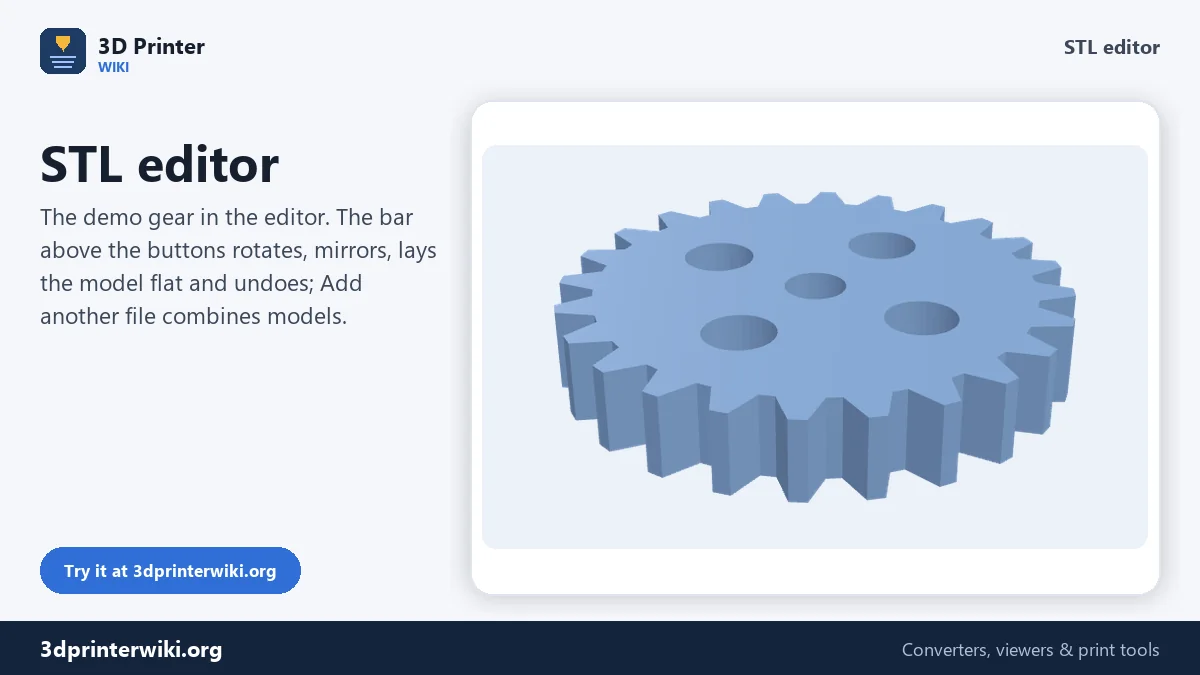
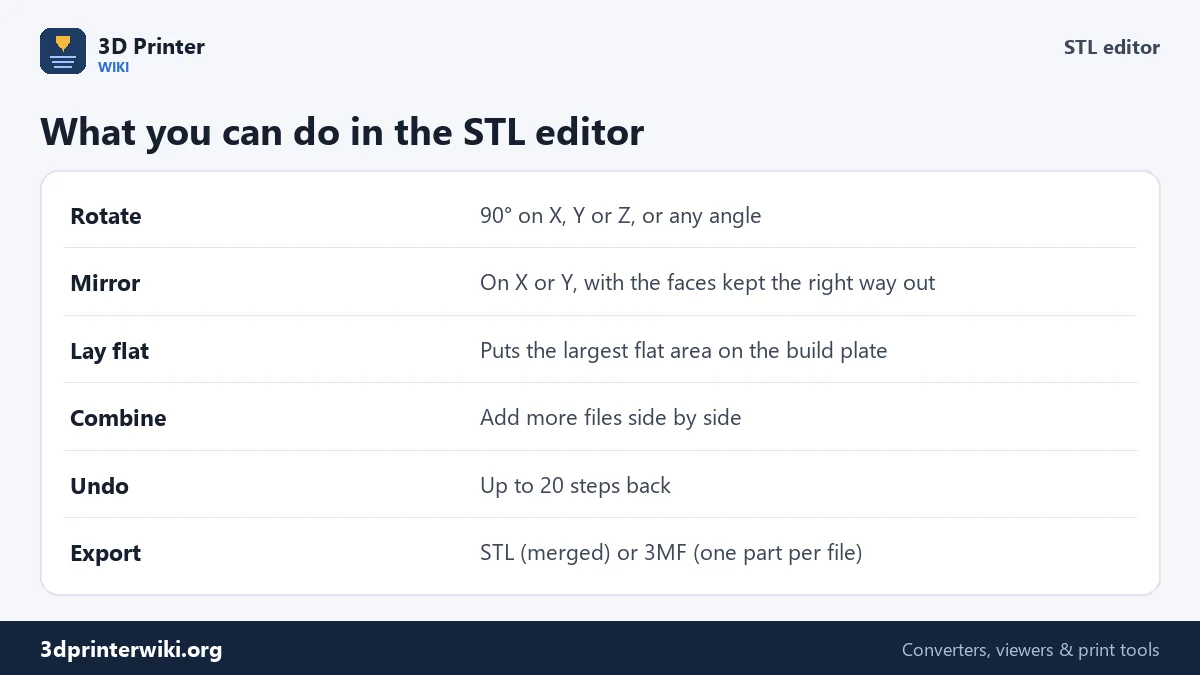
Not every change needs CAD. Sometimes a downloaded model is lying on its side, the left-hand version of a bracket is missing, the base is tilted so the slicer wants supports everywhere, or you want a model and its stand in one file. This STL editor handles those everyday edits in the browser: rotate, mirror, lay flat on the biggest face, combine several files, and undo. The result downloads as one STL, or as a 3MF with each file as its own part.
How to edit an STL
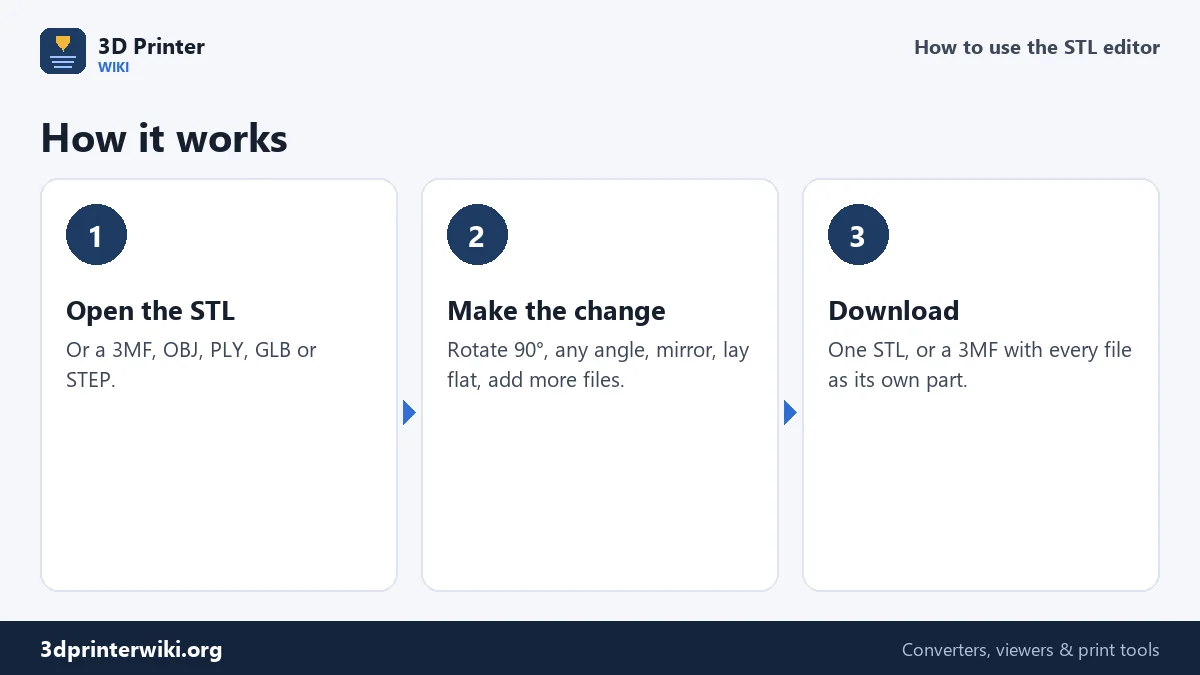
- Open the model: drop an STL, 3MF, OBJ, PLY, GLB or STEP file on the box.
- Use the buttons above Download: Rotate X/Y/Z 90°, Mirror X, Lay flat and Undo. For other angles, enter an angle and axis under More options and press Apply rotation.
- Add more files with Add another file. Each one is placed next to what is already there.
- Download the STL (everything merged) or the 3MF (one part per file).
Lay flat on the biggest face
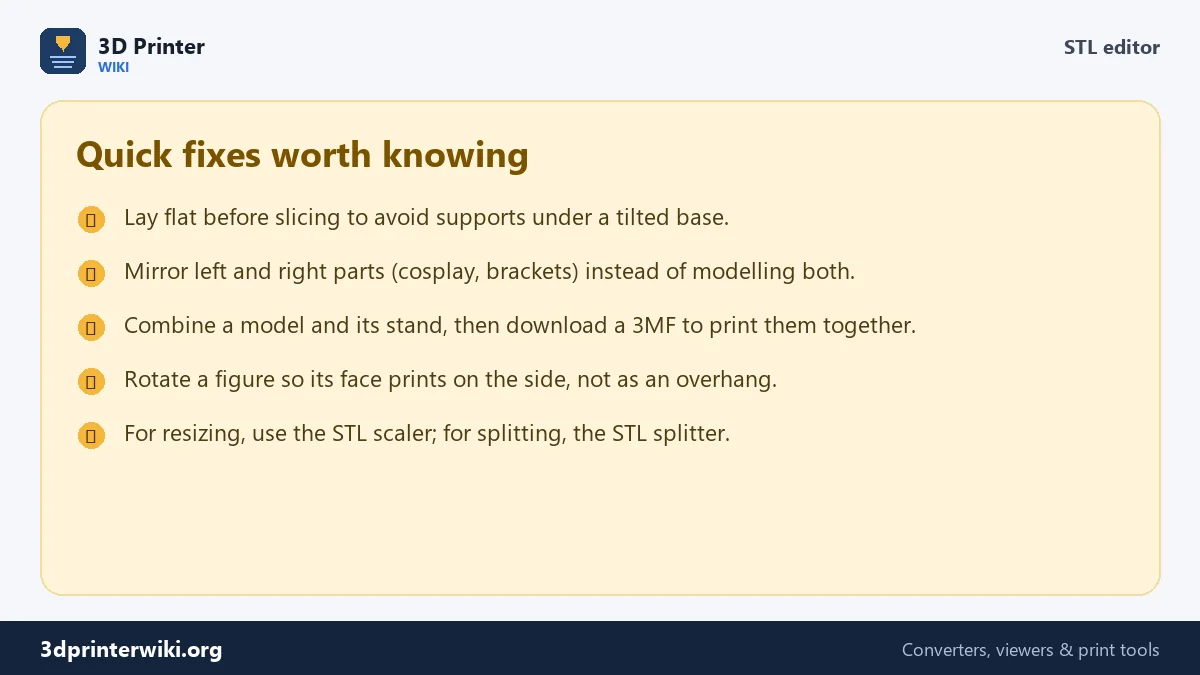
A model that sits on a tilted or rounded base needs supports under it and has a tiny first layer that easily comes loose. Lay flat looks at every face of the model, groups faces that lie in the same plane, and picks the plane with the largest total area. The model is then turned so that plane faces down onto the build plate. For a bracket, an enclosure or a sign, that is almost always the side you would choose yourself. Slicers have a similar "place on face" tool, but laying the file flat here means it opens the right way up for everyone you share it with.
Mirroring without inside-out faces
Mirroring flips a model like a reflection: a left hand becomes a right hand, a left bracket becomes a right bracket. Mirroring also flips the order of every triangle's corners, which would turn the model inside out if nothing were done about it. The editor swaps the corner order back automatically, so the mirrored model is a normal, printable solid. Choose Mirror on Y instead of X under More options to mirror front to back.
Combining several STL files
Add another file loads a second model and places it 5 mm to the right of what is already on the plate. Add as many as you like: parts of a kit, a model and its base, a set of chess pieces. In the preview each file has its own colour. Downloaded as STL, they become one file with everything in it. Downloaded as 3MF, each file stays a separate object with its own name, so you can give each its own filament or settings in Bambu Studio, OrcaSlicer or PrusaSlicer.
Undo
Each rotate, mirror, lay flat or add can be undone with the Undo button, up to 20 steps back. Nothing is saved until you press Download, and the original file on your device is never changed.
Other edits
- Resize to an exact size or fix inches vs millimetres: STL scaler.
- Split a file into its separate pieces: STL splitter.
- Fix holes and flipped faces: STL repair.
- Make it lighter: reduce STL file size.
- Add text to a model: make the text with text to STL, then add it here with Add another file and position it in your slicer.
Which way up? Orientation tips
Rotating a model is quick; choosing the best orientation takes a little thought. These rules of thumb cover most prints:
- Strength. FDM parts are weakest between layers. Turn functional parts such as brackets and hooks so the load runs along the layers, not across them.
- Holes. Holes that run vertically print round. Holes that run horizontally sag a little at the top. Turn a part so its important holes stand upright, or plan a teardrop shape.
- Overhangs. Most printers handle overhangs up to about 45° without supports. Rotate the model so steep undersides face upwards.
- Visible surfaces. The top surface and the vertical walls look best; the side on the bed takes the texture of the plate, and surfaces on supports are rough. Put the face you want to show on top or on a wall.
- Text. Raised text prints cleanest on a top surface or on a vertical wall, not on an underside.
Lay flat gives a good starting point for most mechanical parts. For figures, a slight tilt often looks better than lying the model flat; try a rotation of 10° to 20° with Apply rotation and compare the support preview in your slicer.
STL editor questions
Can I edit an STL file online?
Yes. This editor rotates, mirrors, lays flat and combines STL files in the browser, with nothing to install.
How do I rotate an STL file?
Use Rotate X, Y or Z for 90° turns, or enter any angle under More options and press Apply rotation. Then download the new STL.
How do I combine two STL files into one?
Open the first file, press Add another file for the second, then download. STL merges them; 3MF keeps them as separate parts.
Can I change the shape of an STL here?
Not in detail. For sculpting or adding features, use Blender, Meshmixer or a CAD program; convert the STL to STEP first for CAD.
Does mirroring an STL break it?
No. The editor fixes the triangle order after mirroring, so the model stays a correct solid.
What is the best orientation for 3D printing?
The one with the fewest overhangs, holes standing upright, and the load running along the layers. Lay flat is a good start for mechanical parts.
Can I rotate an STL by a custom angle?
Yes. Enter any angle and axis under More options and press Apply rotation.
More 3D printing tools
Updated November 2026 · How these tools work