STEP to STL converter
Open a STEP or STP part from any CAD program and save it as an STL your slicer can print.
Same file as: · · · ·
More options
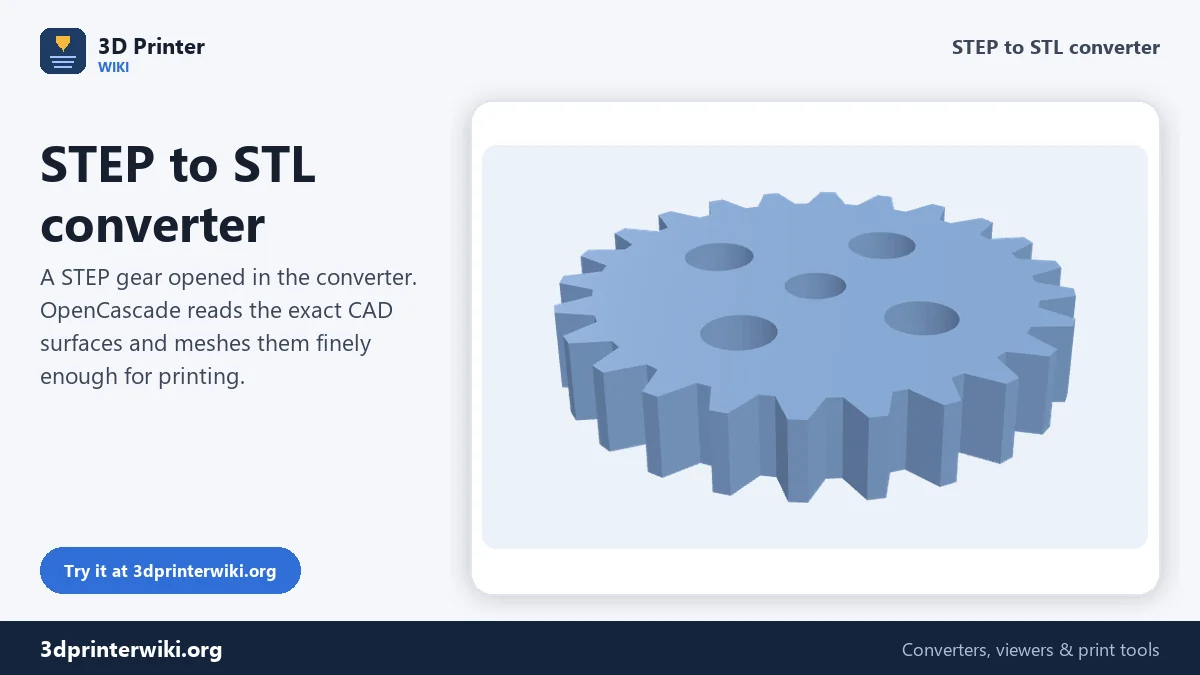
Engineers, part suppliers and CAD programs share models as STEP files. Slicers want STL. This STEP to STL converter sits in between: it reads the exact CAD geometry in a .step or .stp file, turns every surface into a fine triangle mesh, and hands you an STL that any slicer opens at the right size.
The STEP reader is OpenCascade, the same geometry kernel used by FreeCAD and KiCad. It runs inside the page as WebAssembly, so the file never leaves your device and there is nothing to install. The first STEP you open takes a few seconds while the reader loads; after that, parts open almost instantly.
How to convert STEP to STL
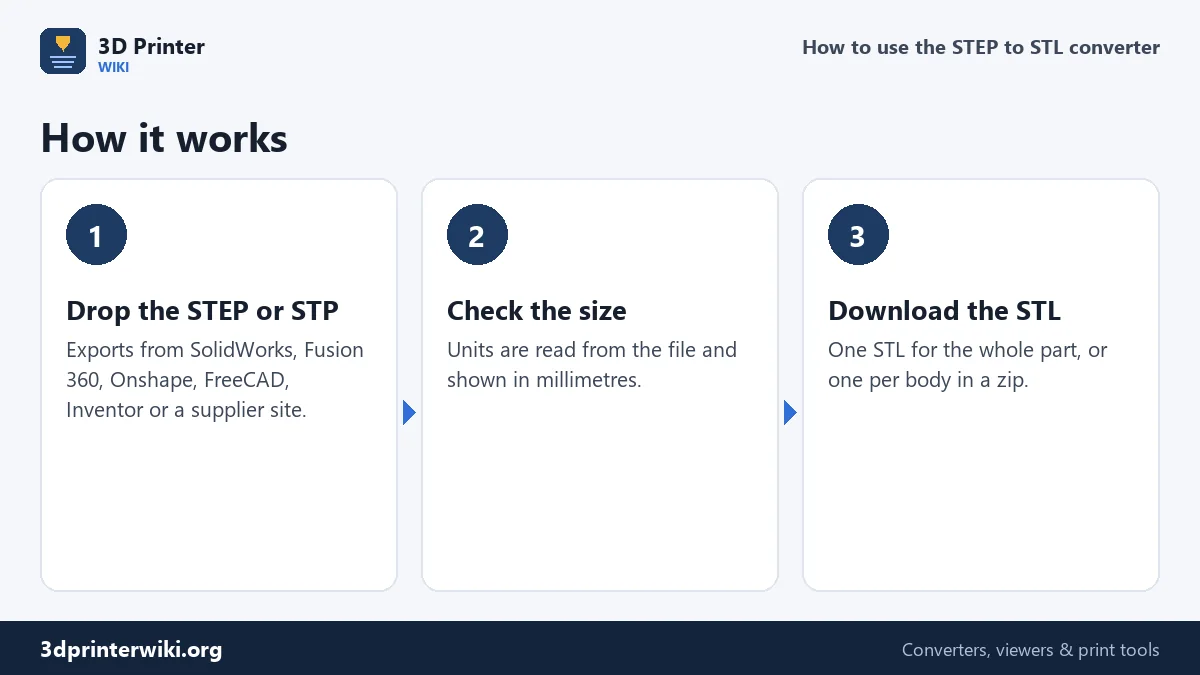
- Choose or drop the .step or .stp file. Exports from SolidWorks, Fusion 360, Onshape, Inventor, Creo, CATIA, Solid Edge, FreeCAD and Rhino all work, as do STEP downloads from part libraries.
- Check the model. STEP files carry their units, so the size under the preview is the real size in millimetres. Each body in the file keeps the colour it had in CAD, so assemblies are easy to read.
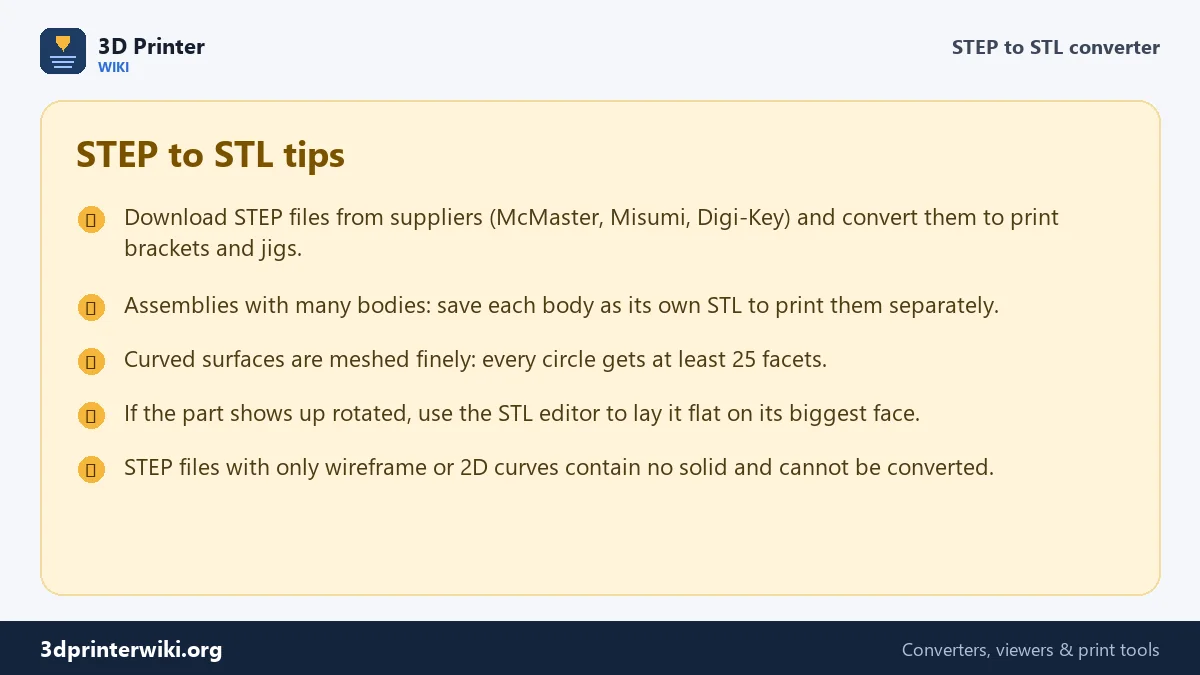
- Download STL. You get one STL of everything. Tick Save each part as its own STL under More options to get a zip with one STL per body, which is what you want for an assembly you will print piece by piece.
How fine is the STL?
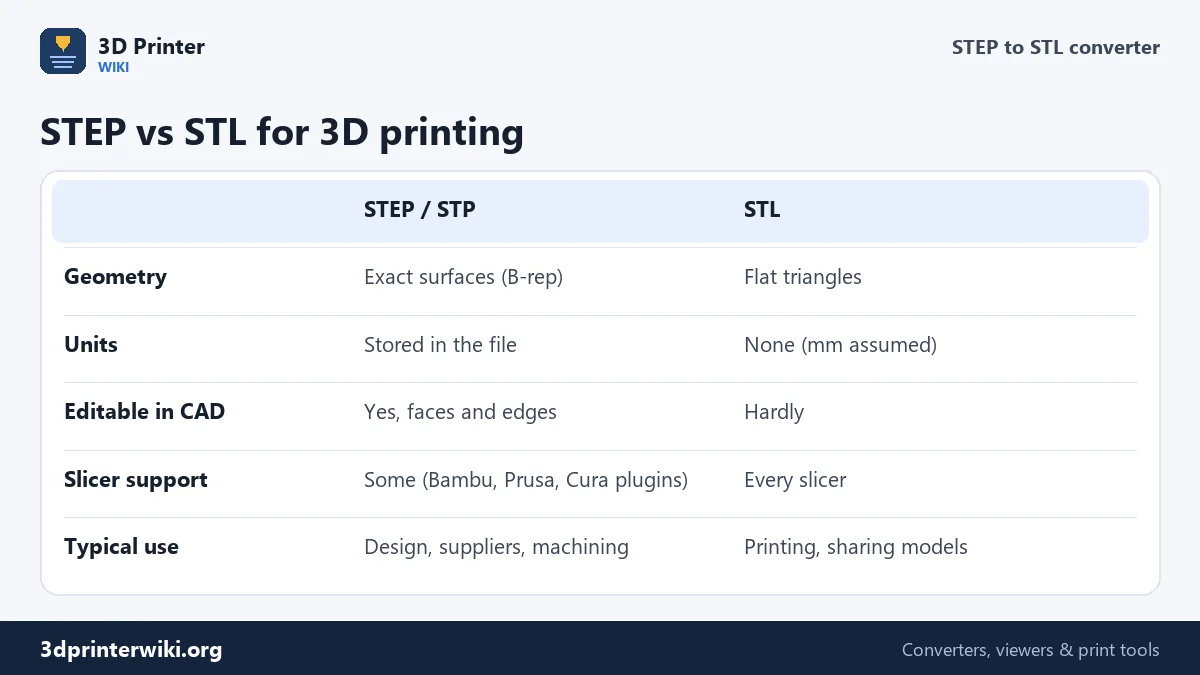
A STEP file describes a cylinder as a perfect cylinder. An STL can only approximate it with flat strips, so the converter has to decide how many strips to use. It allows the mesh to stray from the true surface by at most 0.05% of the part's overall size, and never lets two neighbouring facets differ by more than about 14 degrees. In practice every circle gets at least 25 facets, and a 30 mm hole in a 100 mm part gets around 35, with each facet within about 0.05 mm of the true curve. That is finer than an FDM printer can show and fine for most resin prints.
Flat faces stay as a handful of large triangles, so boxy parts produce small STL files, and curved parts produce bigger ones. A typical bracket with a few holes ends up between 100 KB and 2 MB. If you need a lighter file, the STL size reducer trims it down afterwards.
When to convert STEP to STL
- Your slicer does not open STEP. Cura needs a plugin for STEP, many printer brand slicers do not read it at all, and resin slicers such as Chitubox and Lychee expect STL.
- Supplier parts. Electronics and hardware suppliers publish STEP models of connectors, motors and enclosures. Converting them lets you print mock-ups and test fits.
- Sharing for printing. Model sites and print services ask for STL, and STL avoids the question of which CAD program the other person uses.
- Quick checks. Open a STEP from an email on your phone, check its size, and pass on an STL without starting CAD.
If the STEP file will not open
"No solid or surface geometry was found"
Some STEP files contain only 2D sketches, wireframe curves or product data without shapes. There is nothing to mesh in those. Ask the sender for a STEP export of the solid body, or export it again with "solids" or "B-rep" selected.
The part is huge or tiny
The converter reads the unit stored in the STEP file and converts to millimetres, so this is rare. When it happens, the exporting program wrote the wrong unit. Use Source units under More options, or fix the STL afterwards with the STL scaler.
The part is lying on its side
CAD programs differ on which axis points up. Most use Z-up, but some STEP exports arrive Y-up. Slicers let you rotate the part, or use the STL editor to lay it flat on its biggest face before saving.
Very large assemblies are slow
An assembly with hundreds of screws and gears can take a while to mesh, and a phone may run out of memory on files above about 100 MB. Delete parts you do not need in CAD before exporting, or convert on a computer.
STEP, STP, AP203, AP214, AP242
.step and .stp are the same format. Inside, a STEP file follows an "application protocol". AP203 is the old mechanical standard, AP214 adds colours and layers and is what most CAD programs export, and AP242 is the newest, with richer product data. The converter reads all three, along with IGES files on the IGES to STL page and BREP files from OpenCascade.
STEP to STL questions
Can you 3D print a STEP file directly?
Some slicers can: Bambu Studio, OrcaSlicer and PrusaSlicer import STEP and mesh it on load. Others, including standard Cura and most resin slicers, need an STL, which is what this converter produces.
Is STEP to STL conversion accurate?
Yes. Flat faces are exact, and curved faces are approximated within a tiny fraction of a millimetre, far below what a printer can show. The overall size matches the CAD model.
Can I convert STEP to STL without SolidWorks or Fusion 360?
Yes. That is what this page is for. It needs no CAD license, no account and no installation, and it works on Windows, macOS, Linux, Android and iOS.
How do I convert STEP to STL in FreeCAD?
Open the STEP, select the body, choose File → Export and pick STL. In the Mesh Design workbench you can set the tessellation first. This page does the same thing with sensible settings in one step.
Can I convert a STEP assembly to separate STL files?
Yes. Tick Save each part as its own STL under More options. Each body becomes its own STL inside a zip file, placed where it sat in the assembly unless you tick Place on the build plate.
Is my STEP file uploaded anywhere?
No. OpenCascade runs on your device inside the page. That matters for supplier drawings and work files you are not allowed to share.
More 3D printing tools
Updated November 2026 · How these tools work