GLB to STL converter
Turn a GLB or glTF model into a printable STL at the right size. Textures are dropped, the shape is kept.
Same file as: · · · ·
More options
GLB is the single-file version of glTF, the format the web, AR apps, phone scanners and AI 3D generators use. It is excellent for showing a model on screen, but slicers want STL or 3MF. This converter opens the GLB, keeps the shape, drops the textures, and fixes the two things that go wrong when you print a glTF model as is: it turns metres into millimetres, and turns the model from Y-up to Z-up so it stands on the build plate.
How to convert GLB to STL
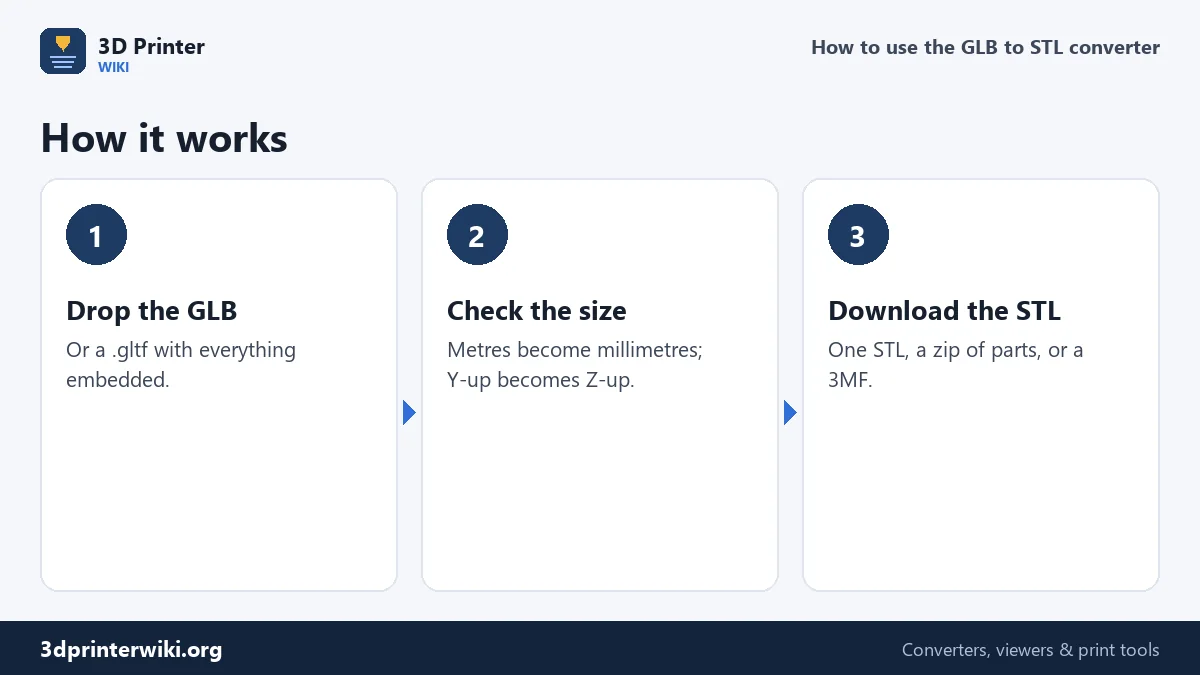
- Drop the .glb file on the box. A .gltf file works too, as long as its buffers are embedded; if it points to a separate .bin file, export it again as a single GLB.
- Check the preview. The size line shows the real size in millimetres, the triangle count and how many separate meshes the file has.
- Set the size if needed. Change Source units under More options if the size looks wrong; the STL scaler can then set an exact height.
- Download the STL, or tick Save each part as its own STL for a zip with one file per mesh.
Metres, millimetres and the up axis
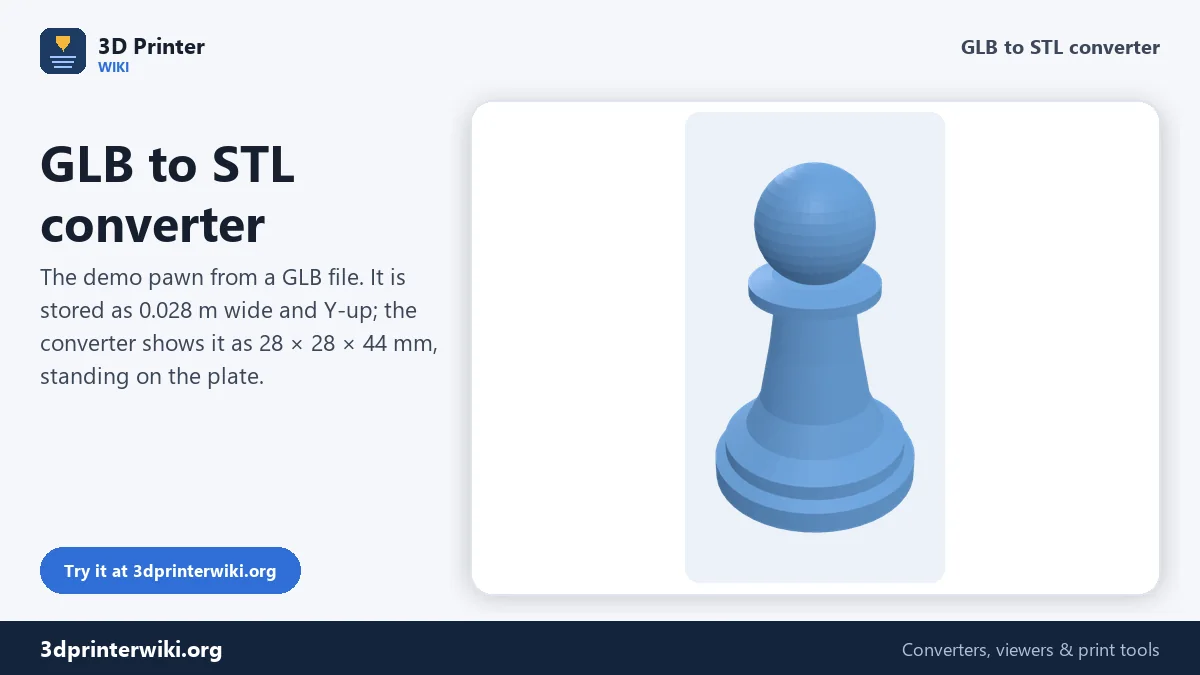
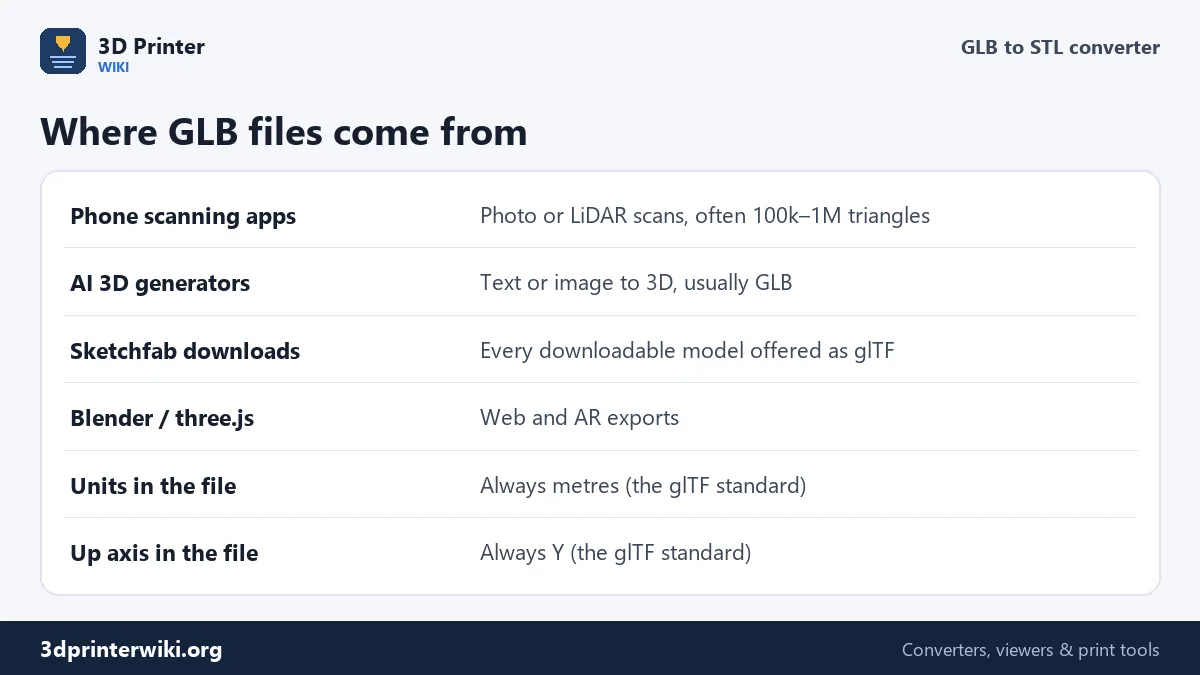
The glTF standard is strict: one unit is one metre, and Y points up. That's why a GLB model dropped straight into a slicer usually shows up tiny and lying on its back: a 10 cm figure is stored as 0.1, which a slicer reads as 0.1 mm. The converter multiplies by 1,000 and turns Y-up into Z-up, so the 10 cm figure comes out 100 mm tall and upright. The demo pawn on this page is stored as 0.028 × 0.044 m and comes out at 28 × 28 × 44 mm.
Some apps don't follow the standard and write centimetres or arbitrary units. If your model comes out 10 or 100 times too big or small, pick the matching Source units, or just rescale it to the size you want.
Phone scans
Scanning apps that use the iPhone's LiDAR sensor or photogrammetry export GLB, along with OBJ and USDZ. A scan usually has a few problems before it can be printed:
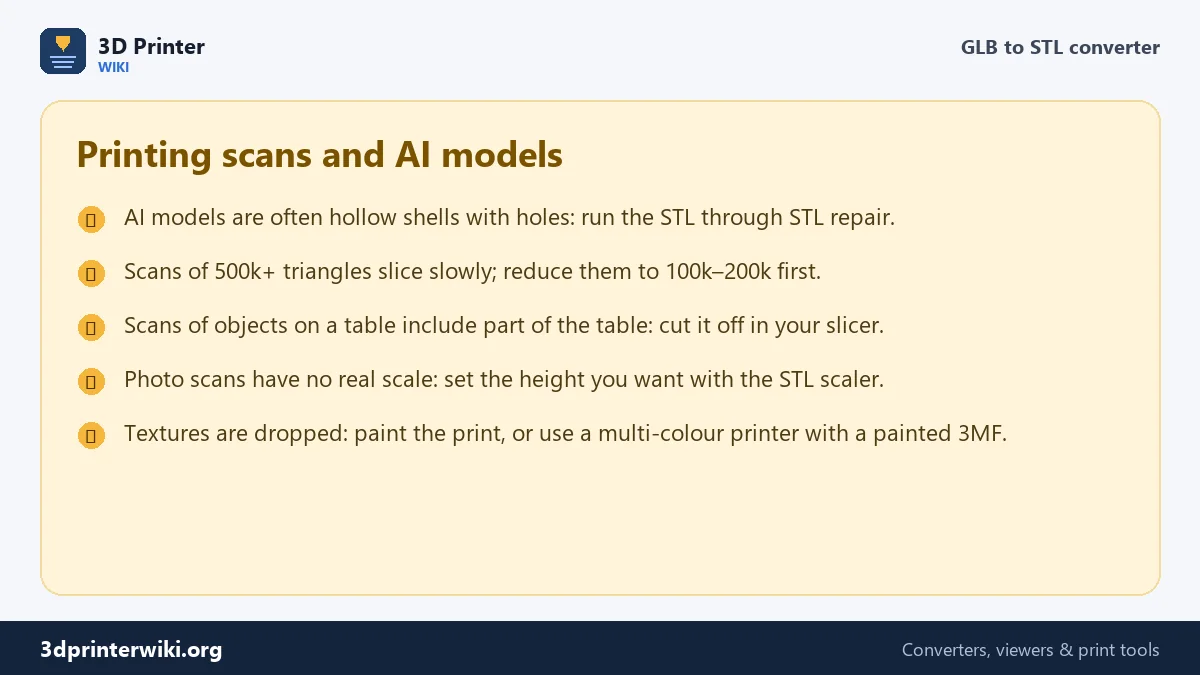
- Part of the floor or table is scanned along with the object. Cut it off with your slicer's cut tool, or split loose pieces off with the STL splitter.
- Holes where the camera couldn't see, often underneath. The STL repair tool fills them.
- Too many triangles. A scan of half a million triangles or more slices slowly and adds nothing a printer can show. Reduce it to 100,000 to 200,000.
- Uncertain scale. LiDAR scans are close to real size; photo-only scans can be any size. Measure the real object and scale the STL to match.
AI-generated 3D models
Text-to-3D and image-to-3D generators almost always deliver GLB, because it carries the texture that makes the result look good. The geometry underneath is often rougher than it looks: open bottoms, internal faces, very thin parts and sometimes several overlapping shells. Convert to STL here, then run it through the repair tool and check thin areas in the slicer preview. Fingers, horns and thin accessories may need to be thickened or printed larger. A common trick for AI figures is to print them big enough that the thinnest part is at least 1.5 to 2 mm thick.
Sketchfab and other model sites
Sketchfab offers every downloadable model in glTF and GLB, whatever format the author uploaded. Those files convert well here. Keep the licence in mind: many models are free to download under a Creative Commons licence that requires credit, and some don't allow commercial use, which matters if you sell the prints.
What the converter can't read
Some GLB files are compressed with Draco or Meshopt to make them smaller on the web. If a file can't be read, open it in Blender (File → Import → glTF) and export it again without compression, or export it straight to STL there. Point clouds and Gaussian splats contain no surfaces at all; they need to be turned into a mesh first.
Why a GLB can have many parts
A GLB is built as a scene: a tree of nodes, each with its own position, rotation and scale, holding one or more meshes. A character might be split into body, clothes, hair and eyes; a scan might be split into tiles to keep each mesh small. The converter applies every node's position, so the parts come out where they belong, and lists how many there are. Save them as one STL for a single-colour print, or tick Save each part as its own STL to work on them separately.
GLB to STL questions
How do I convert GLB to STL?
Drop the GLB on this page, check the size, and press Download STL.
Why is my GLB tiny in the slicer?
glTF stores sizes in metres and slicers read millimetres, so the model is 1,000 times too small. The converter fixes that automatically.
Does GLB to STL keep colours?
No. STL only stores shape. Textures and colours are dropped.
Can I convert glTF to STL?
Yes, if the .gltf has its data embedded. If it uses a separate .bin file, export a single .glb file instead.
Can I print an AI-generated 3D model?
Yes. Convert the GLB to STL here, repair it, and check thin parts in your slicer before printing.
Can I convert USDZ to STL?
Not here. Import the USDZ into Blender, export it as GLB or STL, and convert or print from there.
Why does my GLB have many parts?
glTF scenes are often split into several meshes, for example clothes and hair, or scan tiles. They merge into one STL.
More 3D printing tools
Updated November 2026 · How these tools work