Vase generator
Design a vase in seconds and print it in vase mode.
Slice with spiral vase mode (Spiralize outer contour in Cura) for a hollow vase.
More options
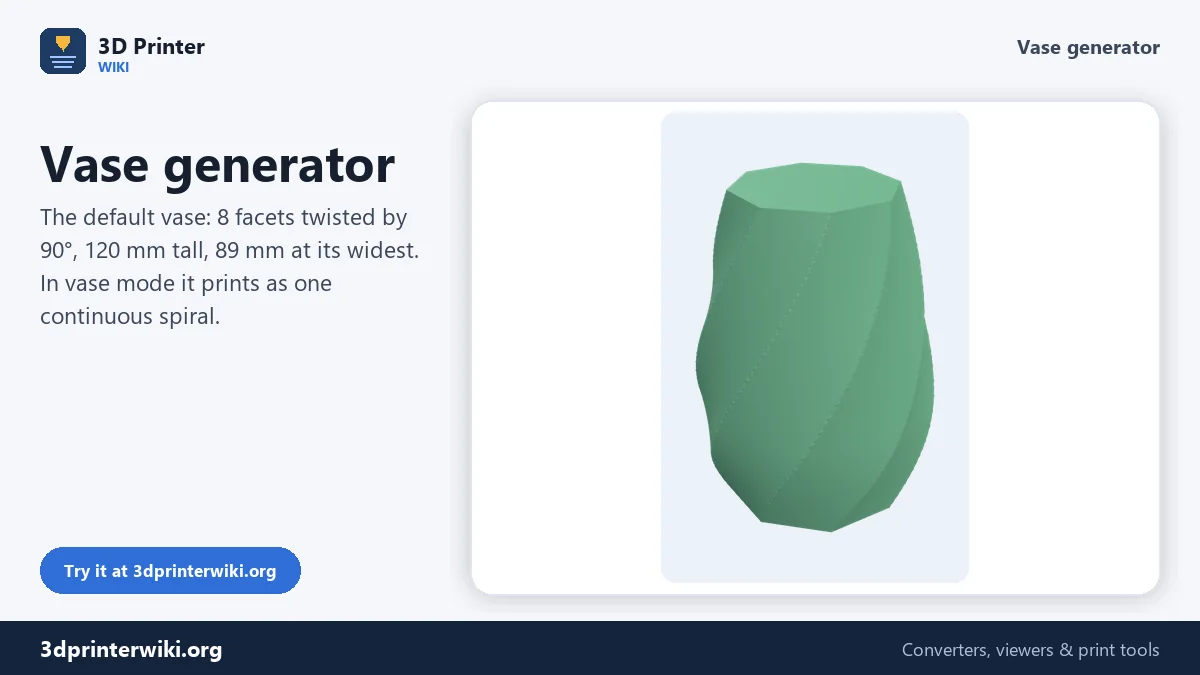
Vases are the classic showpiece of 3D printing. In spiral vase mode, the slicer prints a single outer wall as one continuous spiral, rising smoothly without any seam, so even a large vase prints quickly and with a perfect surface. All you need is a solid model of the vase's outer shape. This vase generator makes one: faceted, round or wavy, with a twist, a bulge and the size you choose, as a closed solid ready for vase mode.
How to make a vase
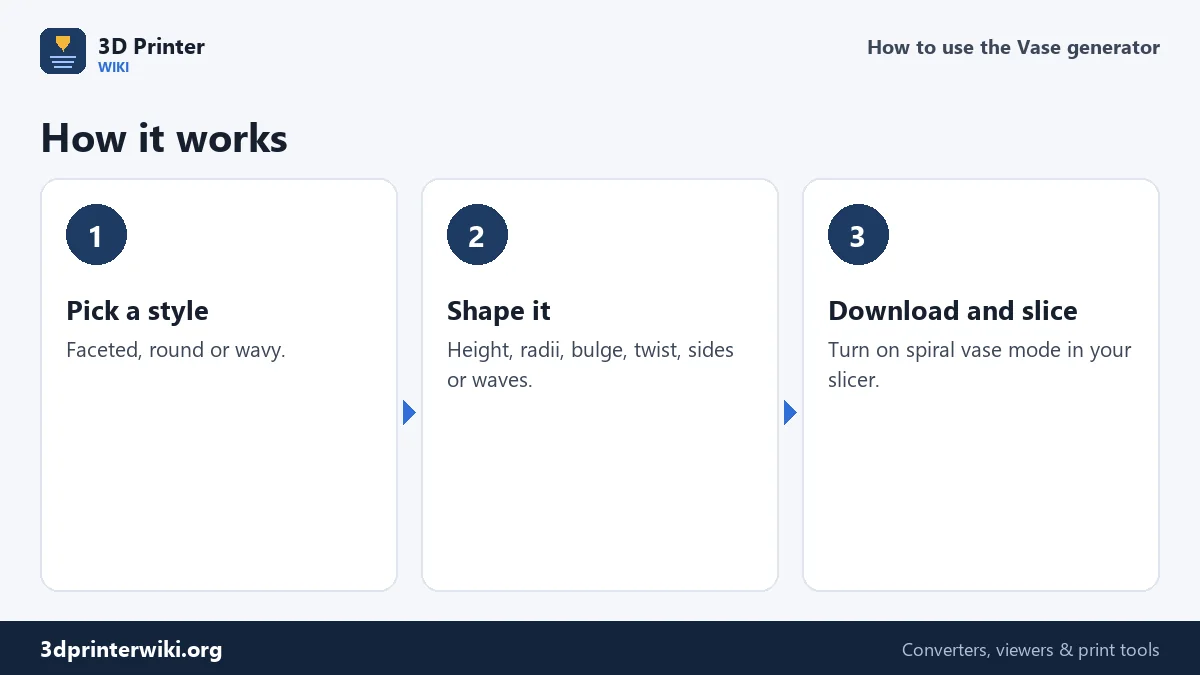
- Pick a style: faceted (a polygon with flat sides), round, or wavy (a ripple around the circumference).
- Set height, base radius and twist. The twist rotates the cross-section from bottom to top; 90° gives a gentle spiral, 360° a full turn.
- Shape it further under More options: the top radius, the size and height of the bulge, the number of sides for the faceted style, and the number and depth of waves for the wavy style.
- Download the STL or 3MF.
- Slice with vase mode on: Spiral vase in PrusaSlicer, OrcaSlicer and Bambu Studio, Spiralize Outer Contour in Cura.
How the shape is built
The vase is a stack of cross-sections, one per millimetre of height. Each section's radius follows a straight line from the base radius to the top radius, plus a smooth bulge that peaks at the height you choose. With the defaults, a 35 mm base, a 30 mm top and a 12 mm bulge at 35% of the height give a vase that is 89 mm across at its widest, 120 mm tall. The cross-section is then shaped by the style: an eight-sided polygon for the faceted default, a circle, or a circle with waves. Finally, each section is rotated a little more than the one below, which creates the twist. The result is a closed solid with a flat bottom and a flat top. Vase mode doesn't need a hollow model; the slicer uses the outer surface and prints only that, plus a few solid bottom layers.
Printing in vase mode
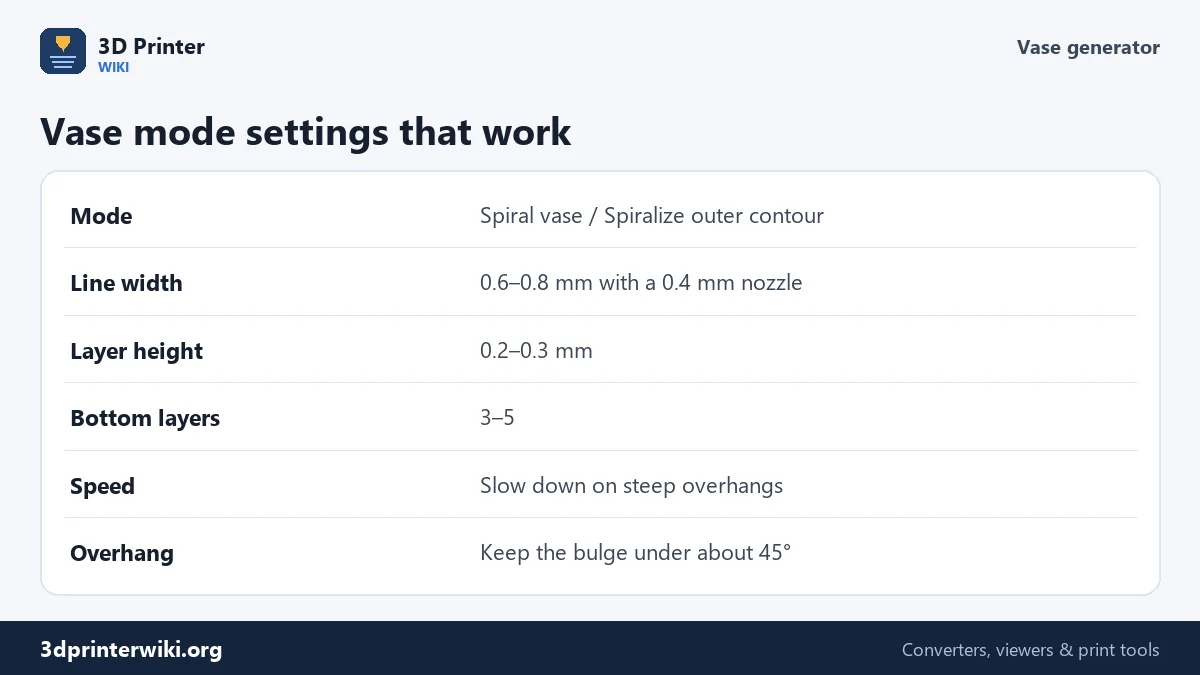
Vase mode prints one wall, so the line width is the wall thickness. With a 0.4 mm nozzle, widen the lines to 0.6 to 0.8 mm for a sturdier vase that hides layer lines better; most slicers allow up to about twice the nozzle size. Layer heights of 0.2 to 0.3 mm print fast and look good. Use 3 to 5 bottom layers. Because the nozzle never stops, there are no seams, no retractions and no stringing, which is why vase mode is also the fastest way to print a large object: the default vase uses a single line climbing 120 mm, with a modest amount of filament.
Keep overhangs in check. A bulge that grows too quickly, or a twist that turns the facets too steeply, makes the wall lean out more than about 45°, where it may droop. The preview shows the shape clearly; if in doubt, reduce the bulge or the twist slightly.
Choosing a style
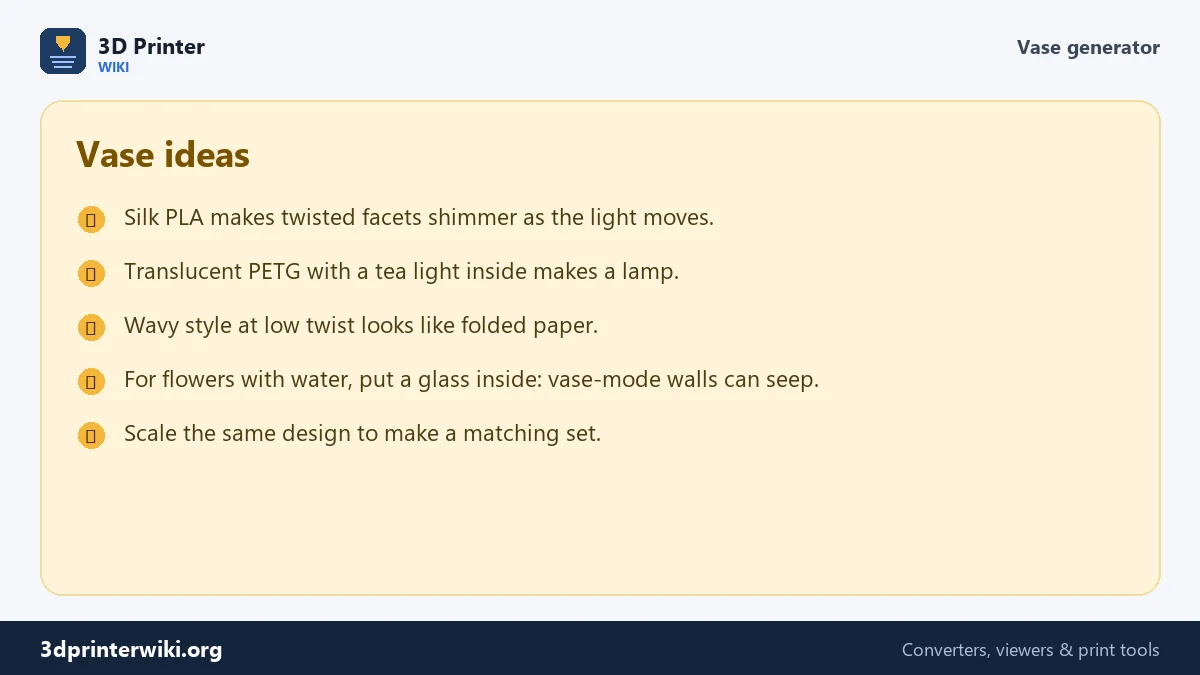
Faceted vases catch the light on each flat side, and a twist turns the facets into spirals. Fewer sides, 5 to 8, look bold; 12 or more look almost round with subtle ribs. Wavy vases have a ripple running around them; few deep waves look like a flower bud, many shallow ones like corrugated paper. With a twist, the waves spiral up the vase. Round vases put all the attention on the profile: try a strong bulge low down for a classic amphora, or a negative bulge for a waisted, hourglass shape.
Can it hold water?
Sometimes. A single wall printed in vase mode is thin, and tiny gaps between layers can let water seep through, especially in PLA with thin lines. Wider lines, a slightly higher temperature and PETG improve it, and some people coat the inside. The safe solution for fresh flowers is a glass or a plastic cup inside the printed vase, which also lets you print wider shapes than a cup could support. For dried flowers, pens and decoration, the print is perfect as it is.
Want a pattern instead of a smooth wall? The Voronoi generator makes open-cell panels. For a lamp, the lithophane maker wraps a photo around a cylinder.
Vase generator questions
How do I make a vase for 3D printing?
Choose a style and size here, download the STL, and slice it with spiral vase mode turned on.
What is vase mode?
A slicer setting that prints a single outer wall as one continuous spiral, with no seam and no top. Called Spiral vase in PrusaSlicer, OrcaSlicer and Bambu Studio, and Spiralize Outer Contour in Cura.
Why is the downloaded vase solid?
Vase mode needs a solid model. The slicer prints only its outer surface and a solid bottom.
What line width should I use for vase mode?
0.6 to 0.8 mm with a 0.4 mm nozzle gives a stronger, smoother wall.
Will a vase-mode vase hold water?
Not reliably. Use wide lines and PETG, or put a glass inside for fresh flowers.
How do I make a twisted vase?
Set the Twist value. 90° gives a gentle spiral, 360° a full turn from bottom to top.
How long does a vase take to print in vase mode?
Usually one to three hours for a 120 mm vase, depending on line width, layer height and speed. Vase mode is fast because the nozzle never stops.
Can I print the vase normally, without vase mode?
Yes, but it prints as a solid block. Use vase mode, or set 0% infill, no top layers and two walls for a hollow vase with a thicker wall.
More 3D printing tools
Updated November 2026 · How these tools work