PLY to OBJ converter
Move a scan from your scanner software into any 3D program by converting the PLY to OBJ.
Same file as: · · · ·
More options
Scanners and scanning programs, such as Revo Scan, Creality Scan, MeshLab, CloudCompare and many photogrammetry tools, save their results as PLY. Most 3D art and engineering programs, though, are happier with OBJ: Blender, ZBrush, Meshmixer, Cinema 4D, 3ds Max, Maya, and plenty of CAD and CAM tools import OBJ without plug-ins or surprises. This PLY to OBJ converter turns a scanned mesh into a clean OBJ with shared vertices, written in the coordinate style the receiving program expects.
How to convert PLY to OBJ
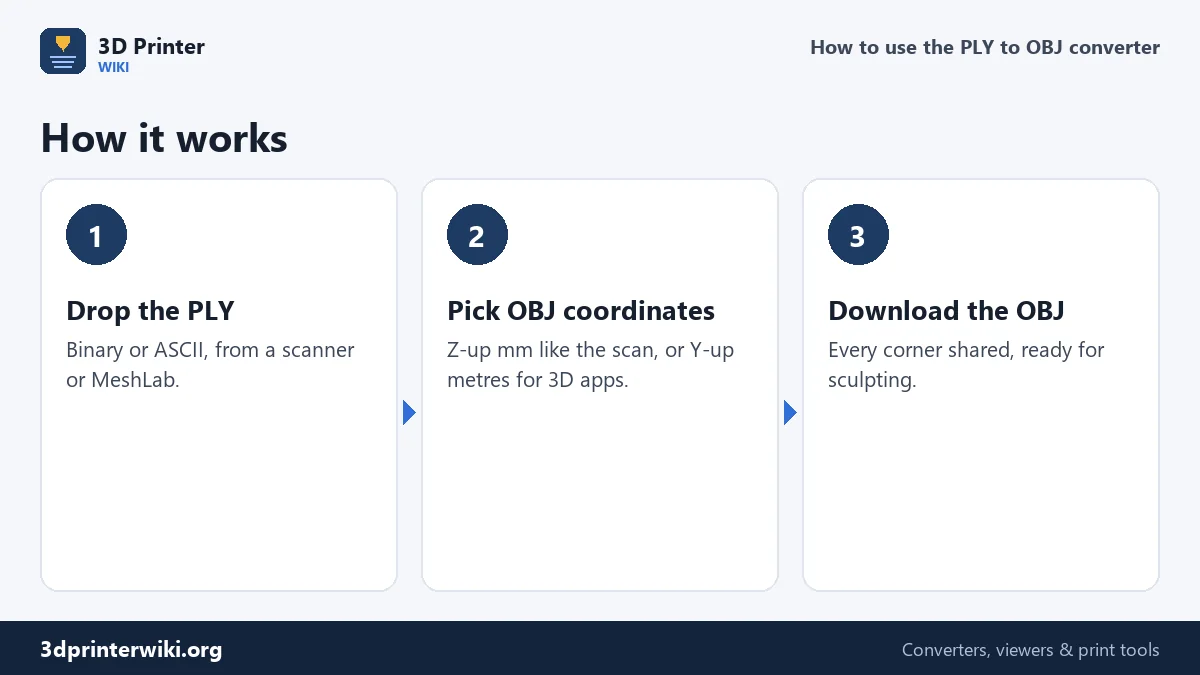
- Drop the .ply file on the box. Binary and ASCII PLY are both read.
- Check the preview. The size in millimetres and the triangle count are shown. If the PLY is only a point cloud, the converter tells you so.
- Choose the OBJ coordinates under More options. Z up, millimetres (the default) keeps the numbers exactly as in the scan. Y up, metres suits Blender, Unity and most 3D apps.
- Download the OBJ.
What the OBJ contains
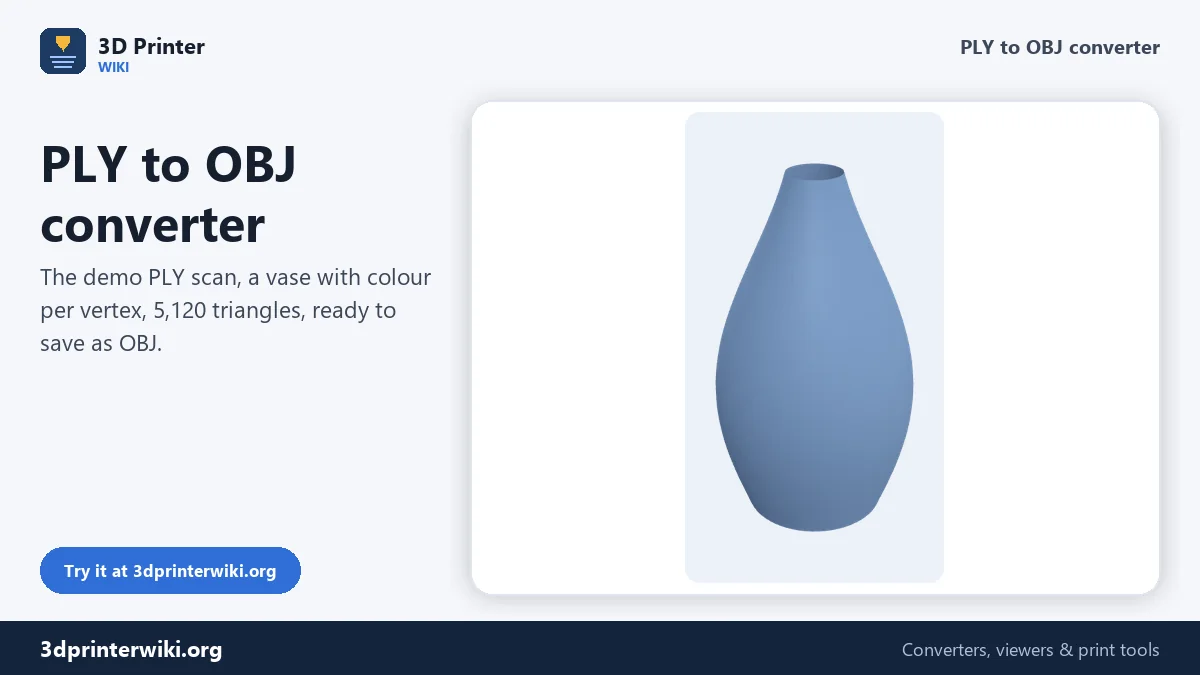
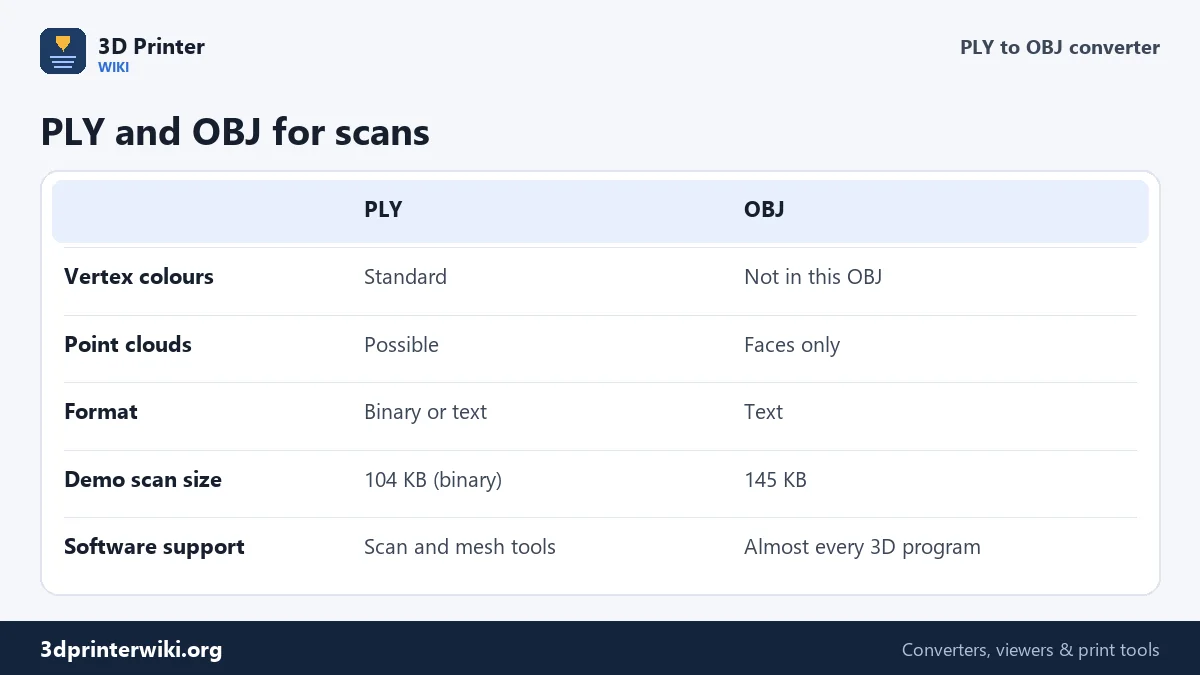
The OBJ contains the scanned surface: every vertex once, and every triangle as a reference to its three corners, so neighbouring triangles share their corners just as in the PLY. That matters for sculpting and smoothing tools, which need a connected surface. The demo scan, 5,120 triangles, becomes a 145 KB OBJ from a 104 KB binary PLY. OBJ is plain text and so is a little larger than a binary PLY, but it is far smaller than the same scan as STL, which repeats every corner for each triangle.
What doesn't come along is the colour. Scans usually store a colour for every vertex, which is what makes them look photographic on screen. This OBJ holds shape only. Keep the PLY if you want the colours later, for example to project them onto a cleaned-up model as a texture.
Point clouds
Some scanners export a raw point cloud as PLY, a set of points with no surface. OBJ can technically list points, but no sculpting or rendering program can use them as a model. The converter detects point clouds and explains what to do: create a mesh first in your scanner's software, or in MeshLab with Surface Reconstruction: Screened Poisson, then convert the meshed PLY.
Which coordinates?
A PLY has no fixed unit or up axis, but most scanners write millimetres with Z up, like printers. Z up, millimetres writes the OBJ with exactly the same numbers, which is the right choice for CAD, CAM, Meshmixer and slicers, and for keeping measurements comparable with the original scan. Y up, metres divides by 1,000 and turns the scan so it stands upright in Y-up programs, which is what Blender, Maya, Unity and three.js expect; a 70 mm vase then imports as 0.07 m, its real size. The comment at the top of the OBJ records which style was used.
Typical next steps
- Sculpting and repair in ZBrush, Blender or Meshmixer: close holes, smooth noise, add a base.
- Retopology for animation or games, using the scan as a reference surface.
- Reverse engineering in CAD, tracing the scan to model a clean part.
- Rendering a scanned object for a catalogue or a portfolio.
For printing, the PLY to STL converter goes straight to a print file, and the PLY viewer shows whether the scan is a closed solid.
Cleaning a scan before or after converting
Raw scans rarely go straight into a sculpting or rendering job. Typical cleanup, which you can do before converting, in your scanner software or MeshLab, or afterwards in Blender or ZBrush:
- Remove the support. Turntables, tables and hands often appear as loose pieces or a flat skirt. The STL splitter separates loose pieces; flat skirts are easiest to cut in a 3D program.
- Fill holes. The underside, deep recesses and shiny areas are usually open. Blender's Fill Holes, Meshmixer's Inspector and ZBrush's Close Holes all fix them.
- Remove noise. A light smoothing pass removes scanner noise without losing shape.
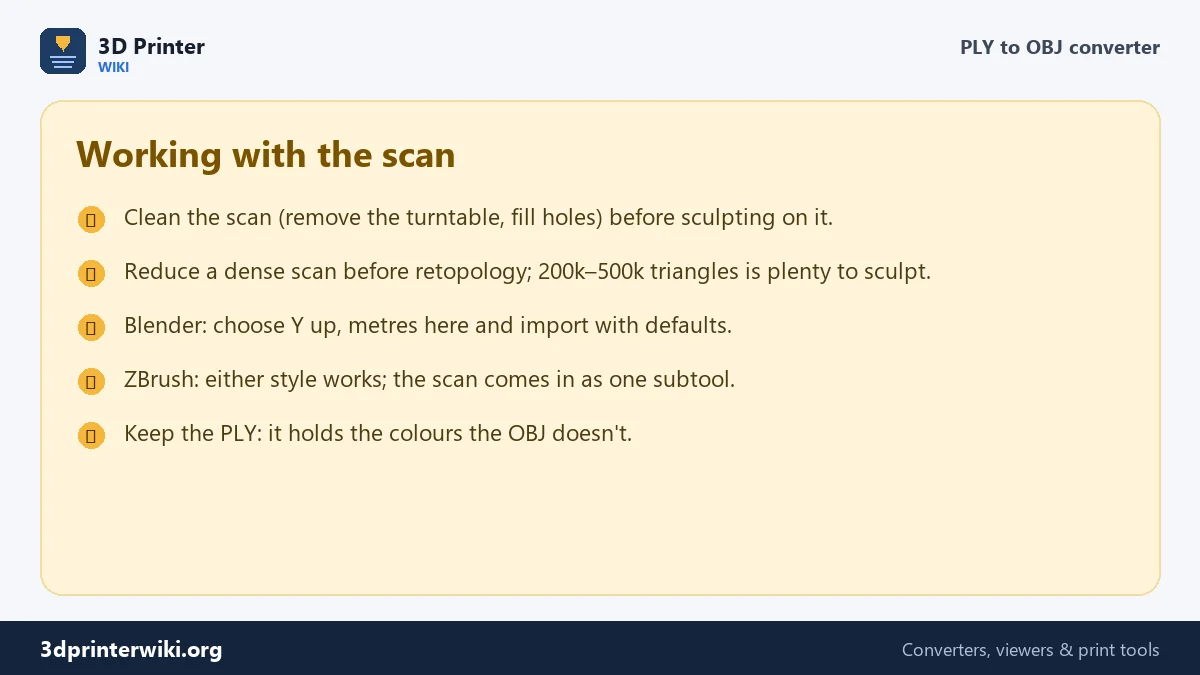
- Reduce density. Scans of millions of triangles are slow to work with. 200,000 to 500,000 is plenty for sculpting; for real-time use, retopologise.
The triangle count under the preview tells you how heavy the scan is before you commit to opening it in a big program.
PLY to OBJ questions
How do I convert PLY to OBJ?
Drop the PLY on this page, choose the OBJ coordinates, and press Download OBJ.
Does the OBJ keep the scan colours?
No. The OBJ holds the shape only. Keep the PLY for the colours.
Can I convert a point cloud PLY to OBJ?
Not as a usable model. Mesh the points first in your scanner software or MeshLab, then convert.
Can Blender open PLY files?
Yes, Blender imports PLY too. OBJ is still the safer choice for most other programs, and for scans without colour.
Why is the OBJ bigger than the PLY?
OBJ is text and PLY is usually binary. Both store each corner once, so the difference is small.
How do I convert PLY to OBJ in MeshLab?
File → Export Mesh As and choose OBJ. This page does the same without installing anything.
Can ZBrush open the OBJ?
Yes. ZBrush imports OBJ directly as a subtool, at the scale you choose in its import settings.
What is the difference between PLY and OBJ?
PLY is made for scans and can store colours per point and point clouds. OBJ is a general 3D format read by almost every program, storing shape and optional textures.
Will the OBJ be the same size as my scan?
Yes. With Z up, millimetres the numbers are copied unchanged; with Y up, metres they are divided by 1,000.
More 3D printing tools
Updated November 2026 · How these tools work