Box generator
A custom box with a lid that fits, sized by what has to go inside.
The 3MF keeps the box and the lid as two parts.
More options
Sometimes the most useful print is the simplest: a box. A case for a circuit board, a container for screws, a gift box, a holder for SD cards or batteries, a drawer insert. Downloaded boxes are never quite the right size, and modelling one in CAD takes longer than printing it. This box generator makes a box with rounded corners and a lift-off lid from the inside dimensions you need, with walls, floor and lid clearance you can adjust, and downloads both parts ready to print.
How to make a box
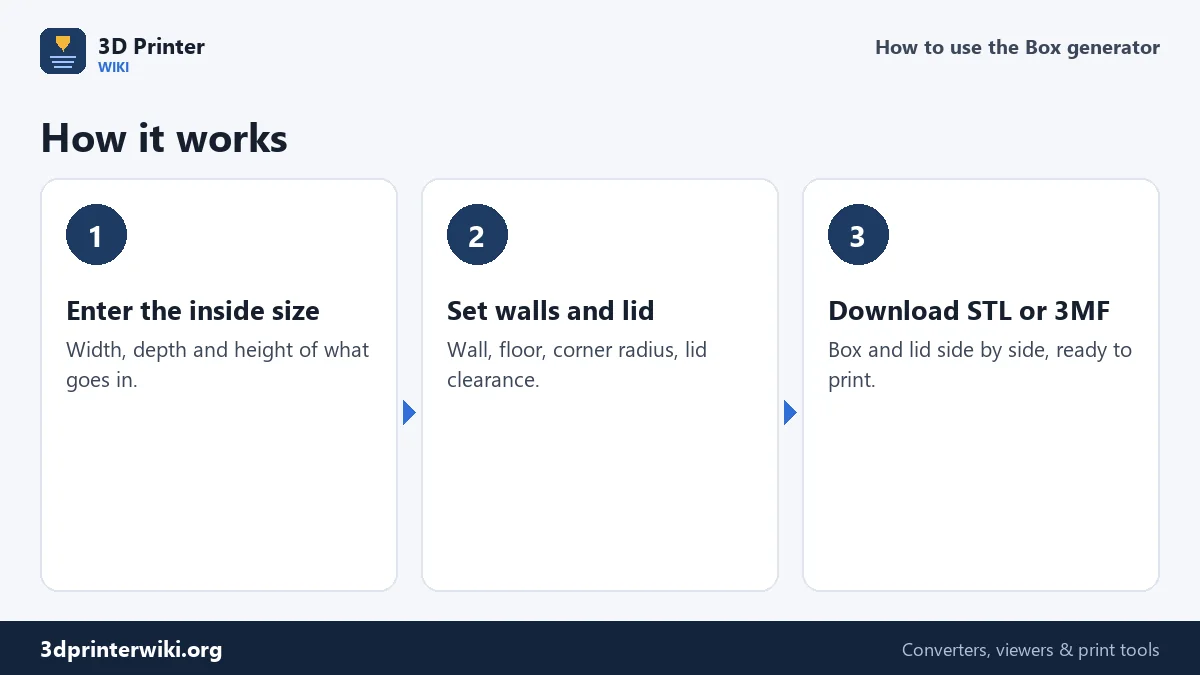
- Enter the inside width, depth and height: the space you need for what goes in. Add a millimetre or two of room if the contents should come out easily.
- Choose the lid: a lift-off lid with a lip, or no lid.
- Adjust the details under More options: wall and floor thickness, inside corner radius, lid clearance, lip height and lid thickness.
- Check the size line: it gives the outside dimensions, so you can see whether the box fits its place.
- Download the STL, or the 3MF to get the box and the lid as separate parts.
Why the inside size
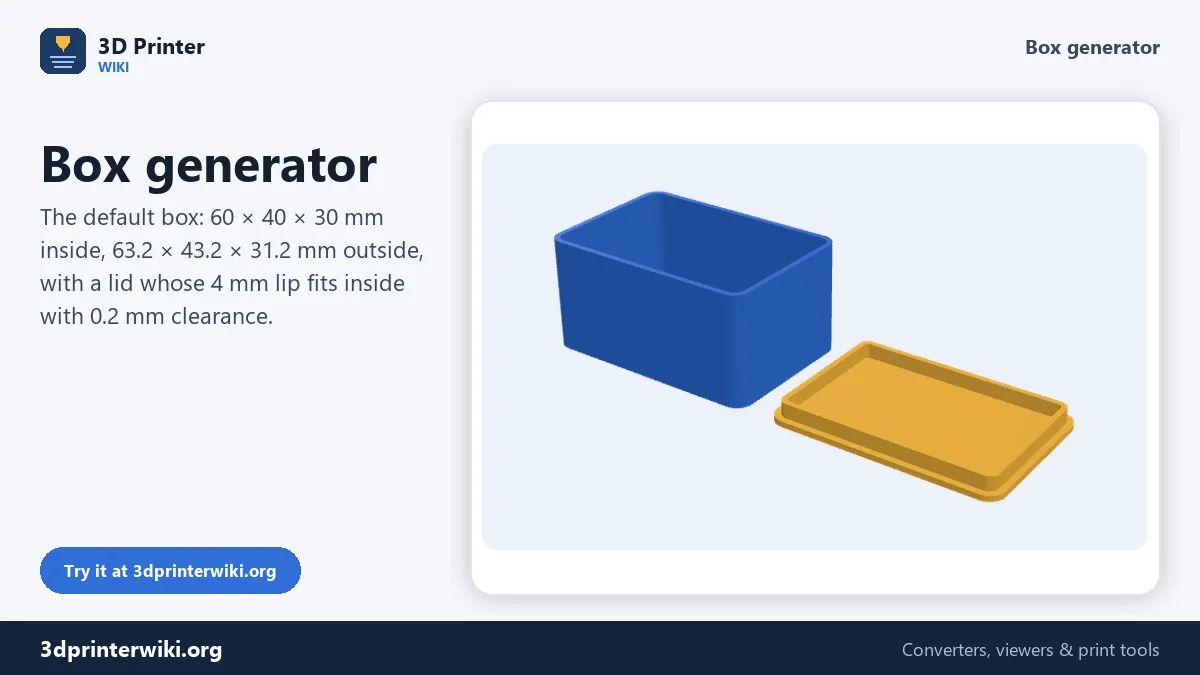
A box is defined by what has to fit in it, so the generator works from the inside. The walls are added around it, so the outside grows by twice the wall thickness, and the floor is added underneath. With the defaults, a 60 × 40 × 30 mm inside becomes 63.2 × 43.2 × 31.2 mm outside. The inside corner radius you set is kept inside; the outside corners are rounder by the wall thickness, so the wall stays the same thickness all the way round.
How the lid fits
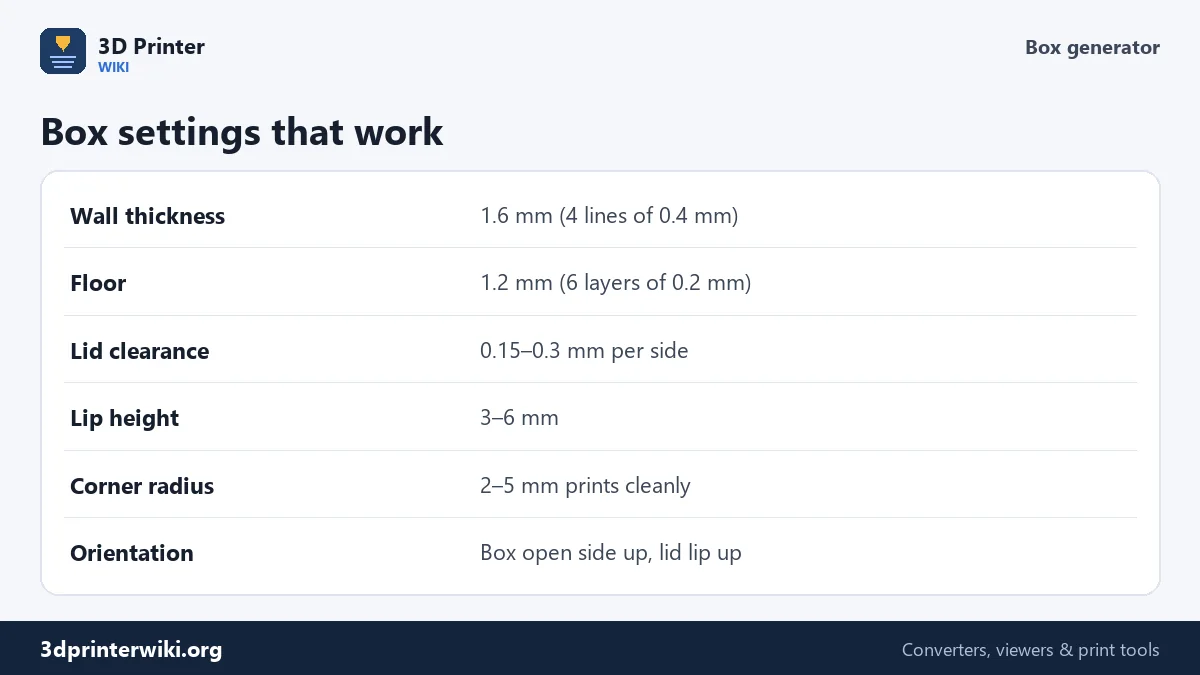
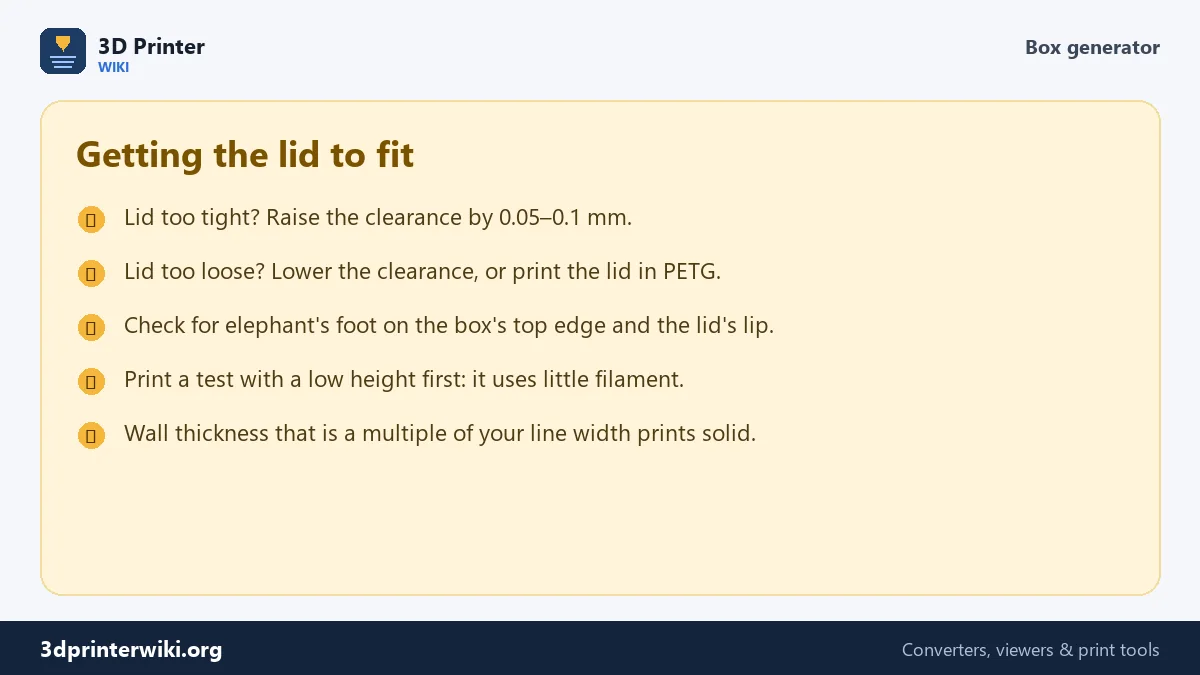
The lid is a flat plate the size of the box's outside, with a lip on its underside that slips inside the box walls. The lip is made smaller than the box's inside by the Lid clearance on every side: 0.2 mm by default, so it slides in without force but doesn't rattle. Printers differ, so the right clearance depends on yours: 0.15 mm gives a snug fit on a well-tuned printer, 0.3 mm a loose one on a printer that over-extrudes. The lip is 4 mm high by default, enough to keep the lid in place; raise it for a lid that holds more firmly.
Walls and floor
Thin walls save filament and time, but they need to be thick enough to print solidly. The best wall thickness is a multiple of your line width: with a 0.4 mm nozzle printing 0.4 to 0.45 mm lines, 1.6 mm gives four solid lines with no gap between them. The floor is 1.2 mm, six layers at 0.2 mm. For heavy contents, such as tools or many screws, use 2 to 2.4 mm walls and a 2 mm floor. Large, flat boxes may warp at the corners with ABS or ASA; PLA and PETG rarely do.
Printing the box
Print the box with its open side up and the lid with its lip up, the way they lie in the preview: neither needs supports. A 0.2 mm layer height is plenty. Use at least three walls in the slicer so the walls print solid. Watch for elephant's foot on the box's top rim and the lid's lip: a slightly squashed first layer on the lid can make it tight, which the slicer's elephant foot compensation or a little more clearance fixes.
Want to label the box? Make raised text with text to STL and place it on the lid in your slicer, or print a name with the keychain generator and glue it on.
Common boxes and their sizes
- Electronics enclosures. Measure the board and add 2 to 4 mm on each side for cables and screws; a Raspberry Pi 4 board is 85 × 56 mm, so 90 × 62 mm inside leaves a little room. Drill or melt holes for connectors afterwards, or mark them in your slicer with a negative volume.
- Screw and parts boxes. Low boxes of 20 to 30 mm height are easier to reach into. Several small boxes of the same footprint stack and sort better than one big one.
- Gift boxes. A deeper lip of 6 to 8 mm makes the lid feel solid. Print the box and lid in contrasting colours.
- Card and battery holders. Add 1 mm to each inside dimension so items slide in and out without catching on the layer lines.
If something has to fit exactly, print a short test first and adjust the inside size by what you measure. Printed holes and insides usually come out a little smaller than designed, often by 0.1 to 0.3 mm.
Box generator questions
How do I make a box with a lid to 3D print?
Enter the inside size on this page, keep the lift-off lid, and download the STL. Print both parts open side up.
How much clearance does a printed lid need?
About 0.2 mm per side on most printers: 0.15 mm for a snug fit, 0.3 mm for a loose one.
How thick should the walls of a printed box be?
1.6 mm with a 0.4 mm nozzle for most boxes; 2 to 2.4 mm for heavy contents.
Can I make a box without a lid?
Yes. Choose No lid, and the generator makes just the box.
Why is my lid too tight?
The print came out slightly larger than designed. Raise the lid clearance by 0.05 to 0.1 mm and print the lid again.
How do I make the box bigger than my printer?
You can't print it in one piece. Make two smaller boxes, or cut the model in your slicer and glue the parts.
More 3D printing tools
Updated November 2026 · How these tools work