Braille label maker
Type a word or a short label and print it in braille.
The 3MF keeps the plate and the dots as two parts, for two colours.
More options
Braille labels make everyday things accessible: kitchen jars, spice racks, medicine cabinets, light switches, remote controls, games and room signs. Embossing tape and label makers exist, but a printed label is durable, can be any size, and can be glued, screwed or hung exactly where it is needed. This braille label maker turns text into uncontracted (grade 1) Unified English Braille, with domed dots at a standard size and spacing on a plate you can print in a few minutes.
How to make a braille label
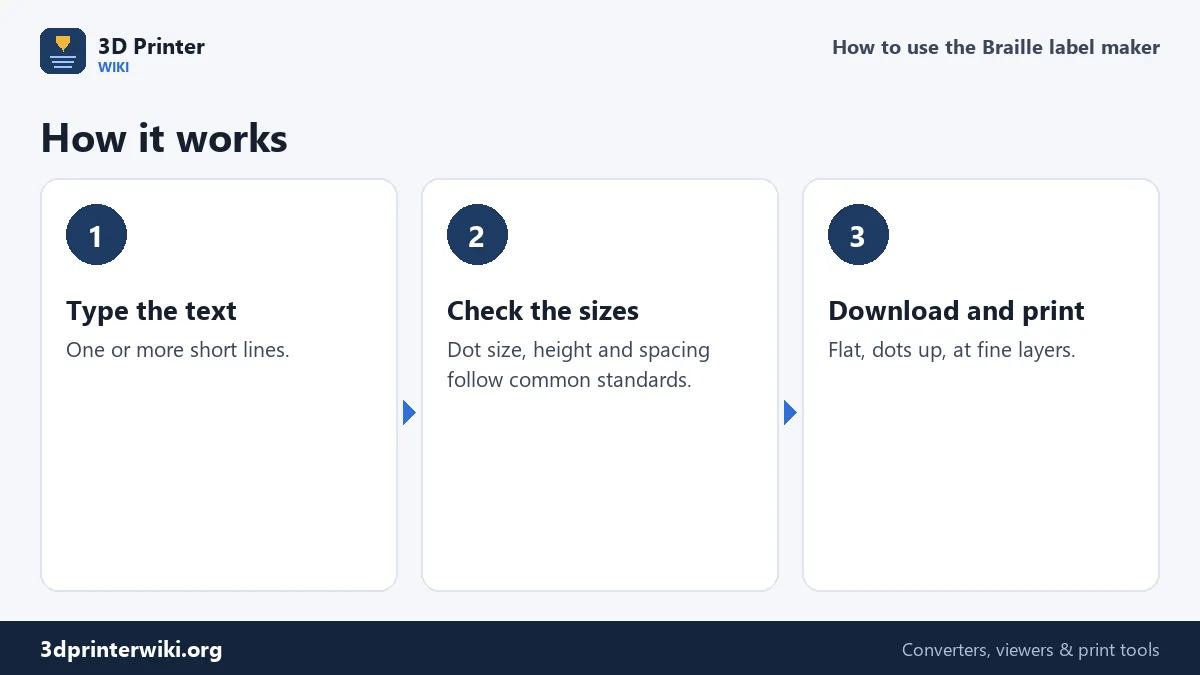
- Type the text in the box. Each line of text becomes a line of braille.
- Choose whether to mark capitals. Grade 1 braille puts a capital sign (dot 6) before a capital letter; untick it for all lower case, which many short labels use.
- Check the dimensions under More options: dot diameter and height, dot spacing, cell spacing, line spacing, plate thickness and border. Add a hole for a key ring or screw if you need one.
- Download the STL, or the 3MF to print the dots in a second colour.
How the text becomes braille
Each braille cell has six dot positions in two columns of three: dots 1, 2 and 3 down the left, 4, 5 and 6 down the right. Every letter is a pattern of those dots: a is dot 1, b is dots 1 and 2, c is dots 1 and 4, and so on. The label maker uses uncontracted braille, where every letter gets its own cell, as in Unified English Braille grade 1. Numbers are written with the number sign (dots 3, 4, 5, 6) followed by the letters a to j for 1 to 9 and 0, so "12" takes three cells. A capital sign (dot 6) goes before each capital letter. Common punctuation is supported: full stop, comma, question mark, exclamation mark, apostrophe, hyphen, colon and semicolon. Characters without a grade 1 sign are listed in the status line and left out.
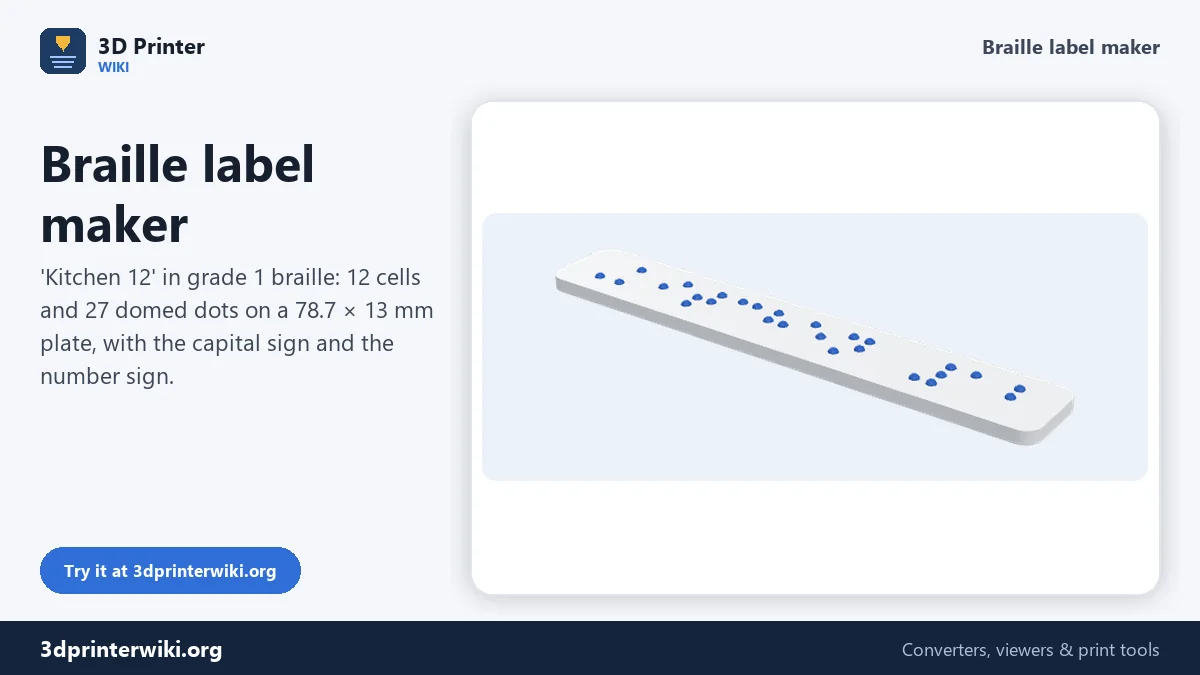
"Kitchen 12", the default, becomes 12 cells: the capital sign, seven letters, a space, the number sign and two digits, with 27 dots in total.
Dot size and spacing
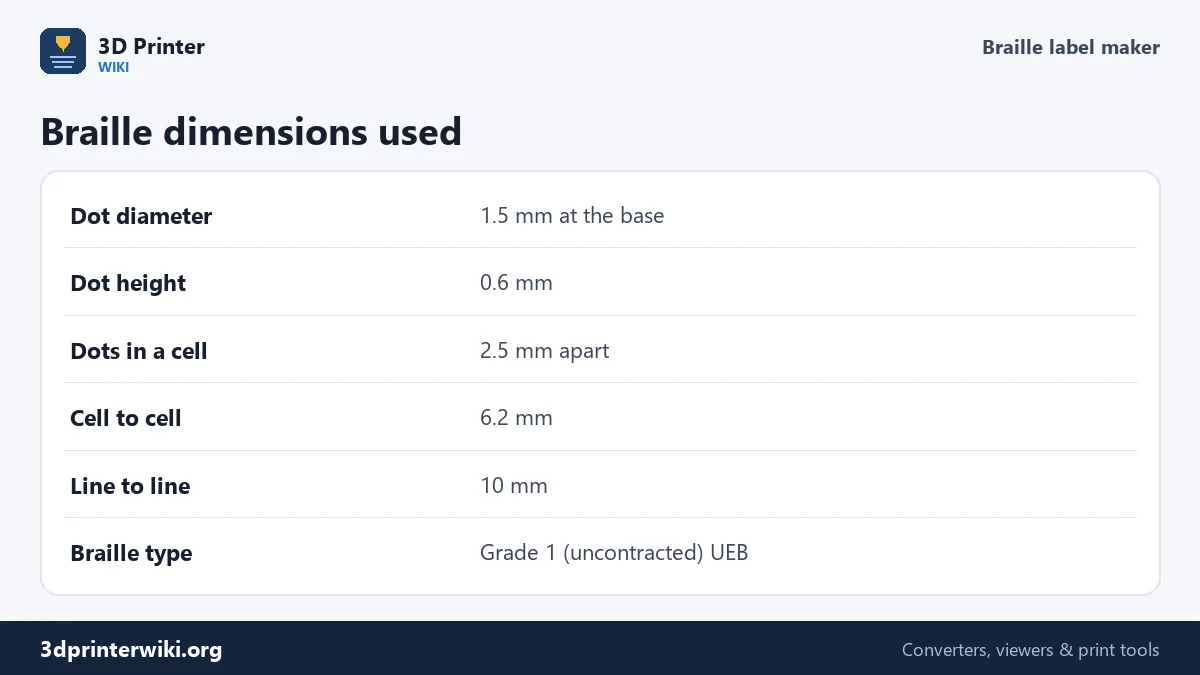
Braille only works if the dots are where fingers expect them. The defaults follow common guidelines for signs and labels: dots 1.5 mm across at the base and 0.6 mm high, 2.5 mm apart within a cell, cells 6.2 mm apart from one to the next, and lines 10 mm apart. Signage rules such as the ADA guidelines in the United States allow a small range around these numbers, and book braille uses slightly lower dots. Unless you have a specific standard to meet, keep the defaults. Make dots lower than 0.5 mm and they are hard to feel; make them much larger or closer and the cells blur together.
Printing braille that reads well
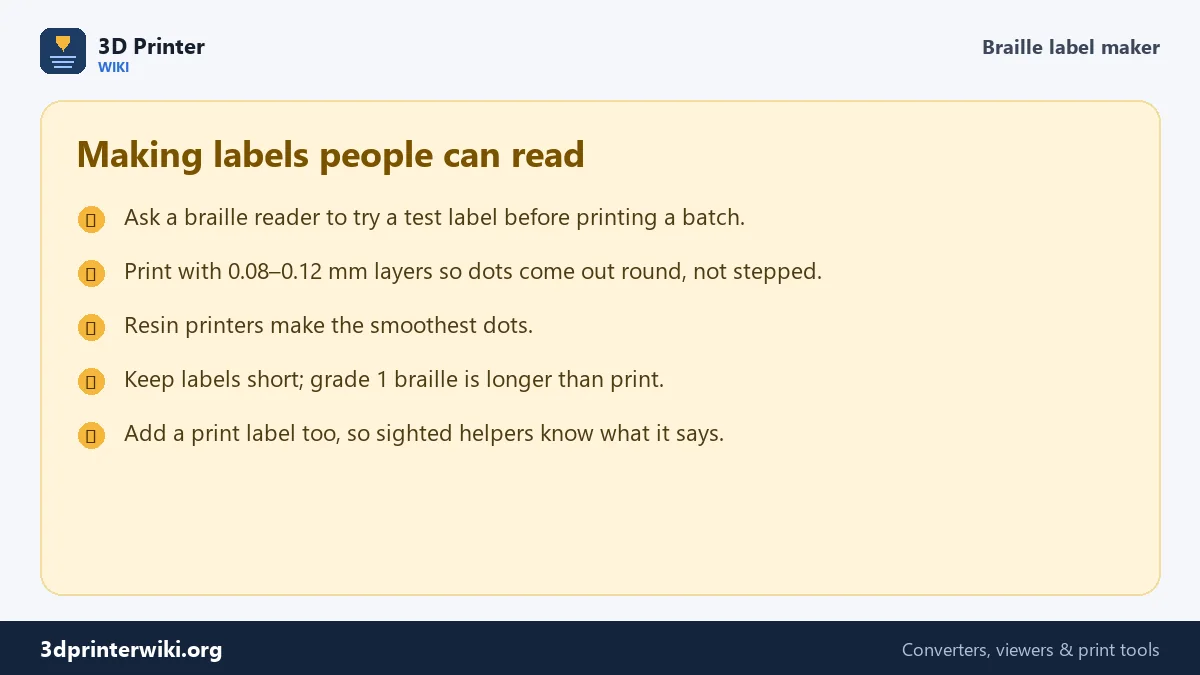
Print labels flat, with the dots pointing up. Dots are only a few layers tall, so layer height matters: at 0.2 mm, a 0.6 mm dot is three steps and feels rough; at 0.08 to 0.12 mm it comes out round and smooth. A slower outer wall speed and good cooling help too. Resin printers make the best braille, with perfectly smooth domes. Use a material that suits the place: PETG for kitchens and bathrooms, ASA outdoors. Printing the dots in a contrasting colour, with the 3MF, also helps people with low vision find the label.
What this tool doesn't do
Most experienced braille readers use contracted (grade 2) braille, where common words and letter groups have their own short signs. Contractions follow detailed rules, so this tool sticks to uncontracted braille, which every reader can read but which takes more space. For long texts, official signage or documents, use specialised braille translation software, or ask a braille transcriber. For simple labels such as "salt", "sugar", "Room 12" or "on" and "off", grade 1 is clear and widely used.
Need raised print letters instead, for a sign that sighted and blind people can both use? Combine this label with raised letters from text to STL in your slicer, or make a separate tag with the keychain generator.
Braille label questions
How do I 3D print braille?
Type your text here, download the STL, and print it flat with the dots up at 0.08 to 0.12 mm layers.
What size are braille dots?
About 1.5 mm across and 0.6 mm high for signs and labels, 2.5 mm apart within a cell, with cells 6.2 mm apart.
Does the label maker use grade 2 braille?
No. It uses uncontracted (grade 1) braille, one cell per letter, which every braille reader can read.
How are numbers written in braille?
With the number sign (dots 3, 4, 5, 6) followed by the letters a to j for 1 to 9 and 0.
Can I print braille on an FDM printer?
Yes, with fine layers and slow outer walls. Resin printers give smoother dots.
What material is best for braille labels?
PETG for kitchens and bathrooms, ASA for outdoors, PLA for indoor labels.
How do I attach a braille label?
Double-sided tape or glue for jars and boxes, a screw through the optional hole for doors and walls, or a key ring for keys and bags.
Can I make braille for a sign with print letters?
Yes. Put raised print letters above the braille: make them with text to STL and combine both in your slicer.
More 3D printing tools
Updated November 2026 · How these tools work