FBX to GLB converter
Turn an FBX character or prop into a GLB for the web, AR or a game engine, with its animations.
Same file as: · · · ·
More options
FBX is the standard exchange format of games and animation, but browsers can't read it and the web has settled on glTF instead. If you want a character or prop from Mixamo, an asset store, Maya, 3ds Max or Cinema 4D on a website, in an AR viewer, in three.js or Babylon.js, or in a glTF-based engine, you need a GLB. This converter reads the FBX, keeps its skeleton, skin and animation clips, converts the units to metres as glTF requires, and saves one compact GLB file.
How to convert FBX to GLB
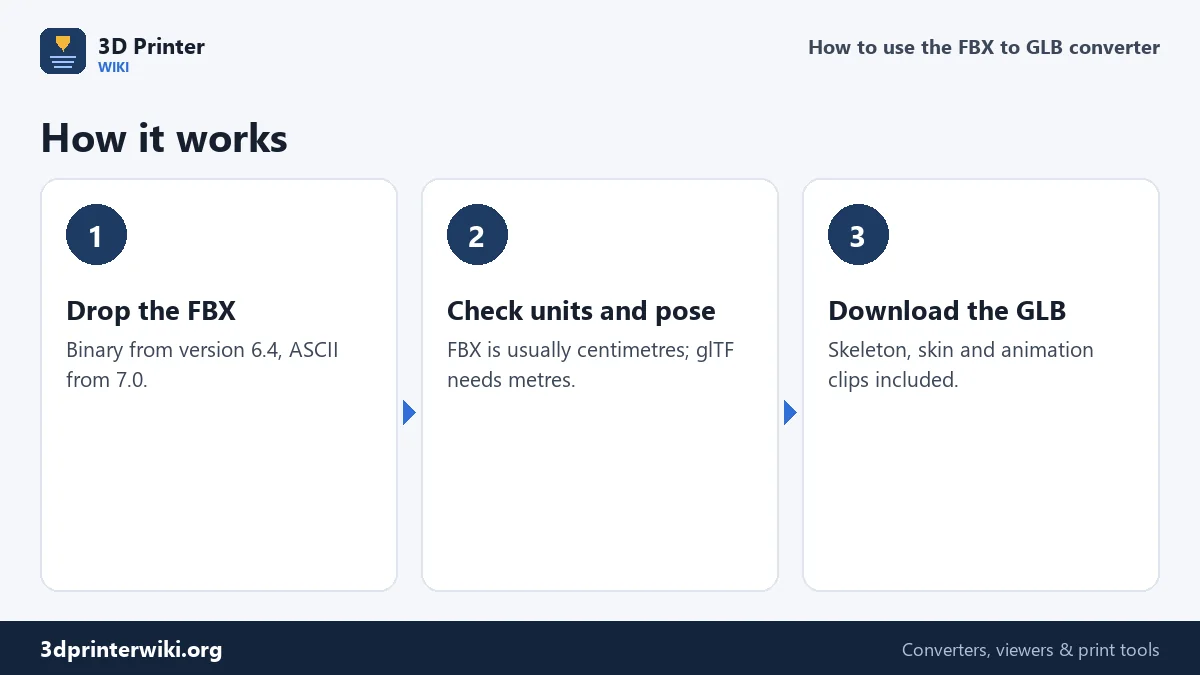
- Drop the FBX file on the box. Binary FBX from version 6.4 and ASCII FBX from version 7.0 are read.
- Check the size. This page reads FBX numbers as centimetres, the unit of Maya, 3ds Max and Mixamo. A person should come out about 1,700 to 1,900 mm tall. If not, change Source units under More options.
- Check the animation line. If the file has animation clips, the status names the first one and gives its length.
- Download the GLB. With Keep skeleton and animations ticked (the default), the rig and every clip go into the file.
Skeleton, skin and animations
When the FBX contains a rigged model, the converter writes it to the GLB as a rigged model: the bones as a node hierarchy, the skin weights on the mesh, the bind pose, and every animation clip with its name. The default pose in the GLB is the bind pose, usually a T-pose or A-pose, and an engine or viewer plays the clips on top of it. In three.js you'd load the file with GLTFLoader and play gltf.animations with an AnimationMixer; in model-viewer the clips are available through the animation-name attribute.
Files without a rig, such as props, buildings and vehicles, are written as plain meshes with smooth shading where the surface is curved and sharp edges where it is creased, which keeps the file small.
Centimetres to metres
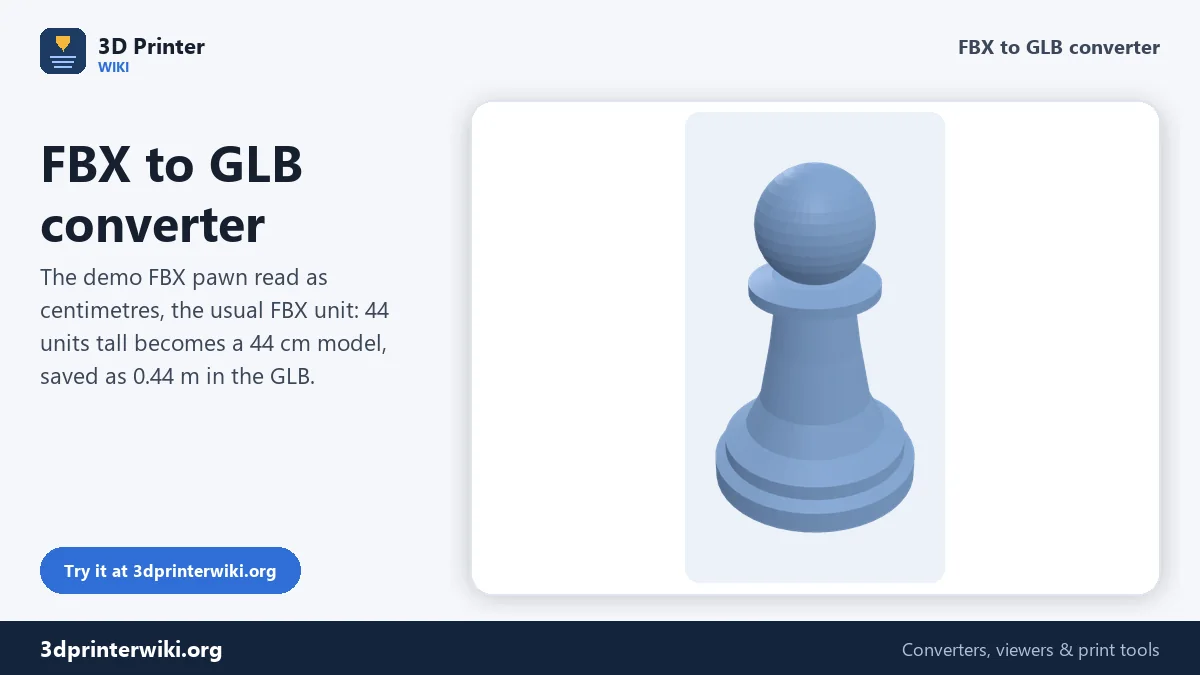
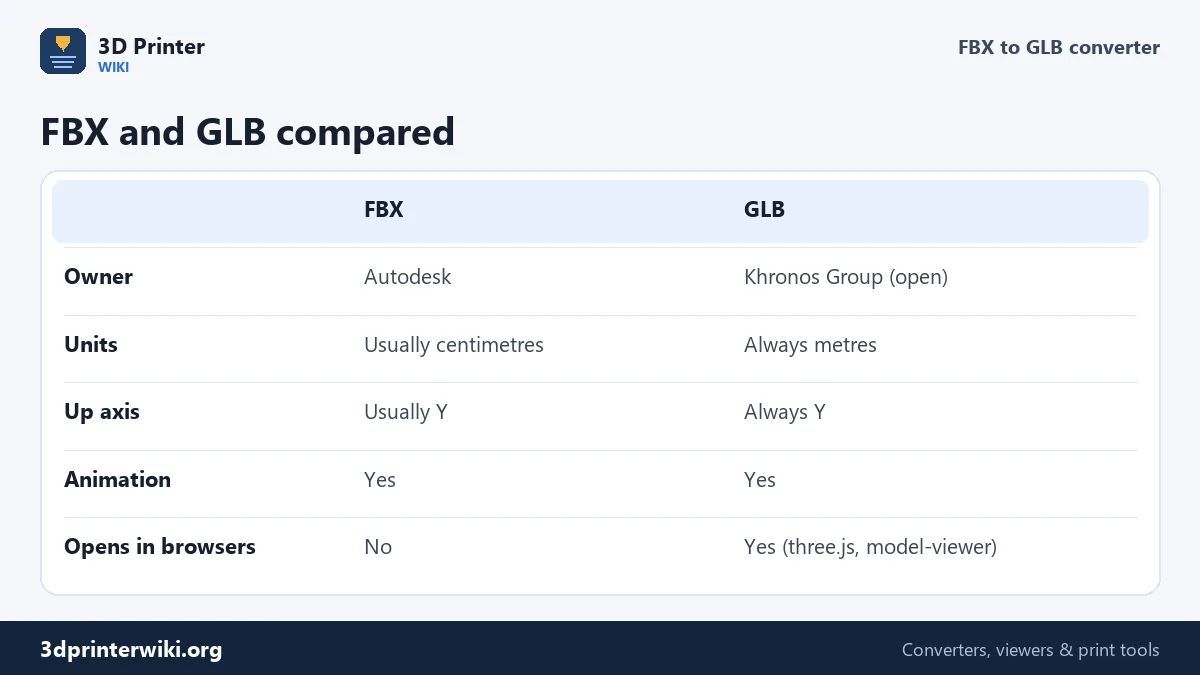
FBX does store a unit, but programs disagree on how to read it, and many FBX files are simply in centimetres. glTF has no choice: one unit is one metre. If the units go wrong, a character is 100 times too big in a web viewer, or a speck in AR. This page reads FBX numbers as centimetres by default and divides by 100 when writing the GLB, so a 180 cm character becomes 1.8 m. The demo pawn on this page is 44 units tall: read as centimetres, it becomes a 44 cm game piece, 0.44 m in the GLB. If your FBX was made in metres (some Blender and Unity exports) or millimetres, pick that in Source units and the GLB follows.
Both FBX and glTF normally use Y as up, so the model keeps its orientation.
Materials and textures
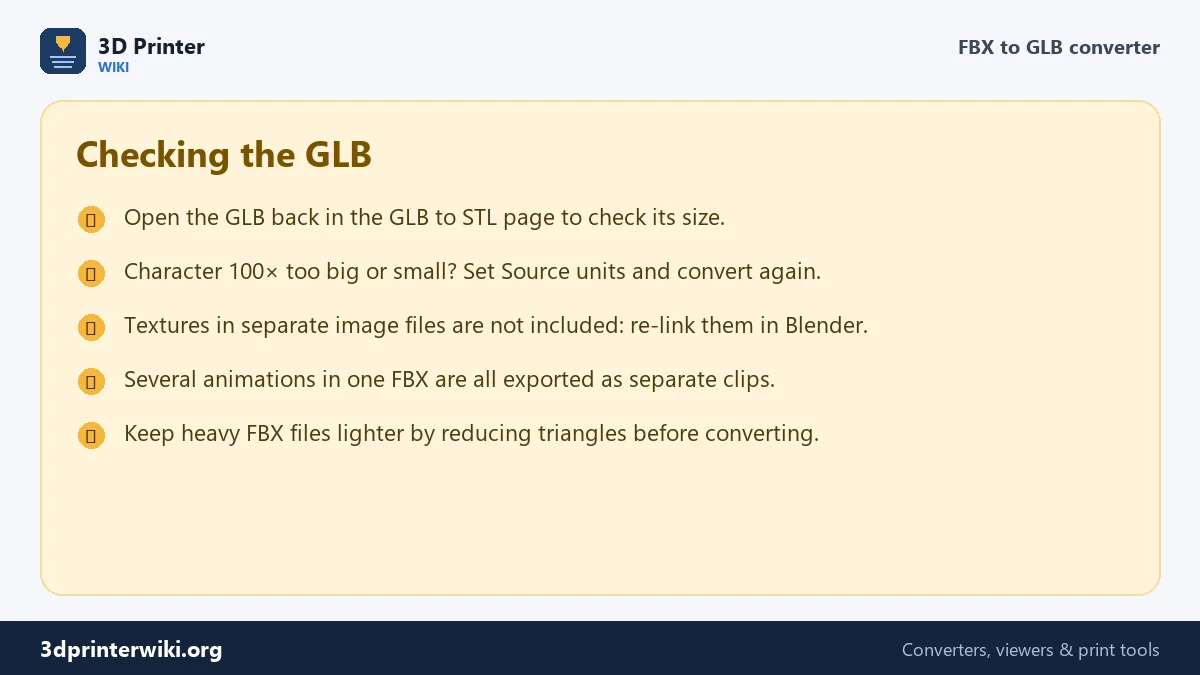
FBX materials are converted to glTF's standard metal-roughness materials, keeping their base colour. Textures stored as separate image files next to the FBX are not included, so a character may come out in plain colours. To add the textures back, open the GLB in Blender (File → Import → glTF 2.0), connect the images to the material's Base Color, and export glTF 2.0 again. This round trip is often worth doing anyway, to check the rig and clips before you ship the file.
Keeping the GLB light
Web pages load faster with small files. A few rules of thumb: aim for a few megabytes per model, use fewer, longer clips rather than many short ones, and reduce dense meshes. Characters from film or sculpting tools often have hundreds of thousands of triangles; a few tens of thousands is plenty for the web. Reduce the mesh in your 3D program before exporting the FBX if you need to keep the rig, since reducing a mesh changes its vertices and breaks skin weights.
If you want to print it
For 3D printing, the FBX to STL converter is the better choice. It poses the model at the frame you pick, reads FBX numbers as millimetres for a printable size, and saves a solid STL. To show a print model on the web instead, see STL to GLB.
FBX to GLB questions
How do I convert FBX to GLB?
Drop the FBX on this page, check the size, and press Download GLB. The skeleton and animations are kept.
Does FBX to GLB keep animations?
Yes. Every animation clip in the FBX is written to the GLB with its name, together with the skeleton and skin.
Why is my GLB 100 times too big or small?
The FBX used a different unit than expected. Change Source units under More options and convert again.
Are textures included?
Not when they are separate image files. Re-link them in Blender and export glTF again if you need them.
Can I use the GLB in three.js or Unity?
Yes. three.js and Babylon.js load GLB directly, and Unity and Unreal can import it with their glTF importers.
Can I convert FBX to glTF instead of GLB?
GLB is glTF 2.0 in one binary file. Every glTF viewer and engine reads it, and Blender can re-save it as .gltf if you need text.
Why is my character lying down in the viewer?
The FBX was exported with Z up. Set Up axis to Z under More options and convert again.
Does it work with Mixamo characters?
Yes. Download the character as FBX with skin, convert it here with Source units on centimetres, and the GLB has the rig and the clip at real size.
More 3D printing tools
Updated November 2026 · How these tools work