Voronoi generator
Make a Voronoi coaster, plate or panel with even, organic cells.
More options
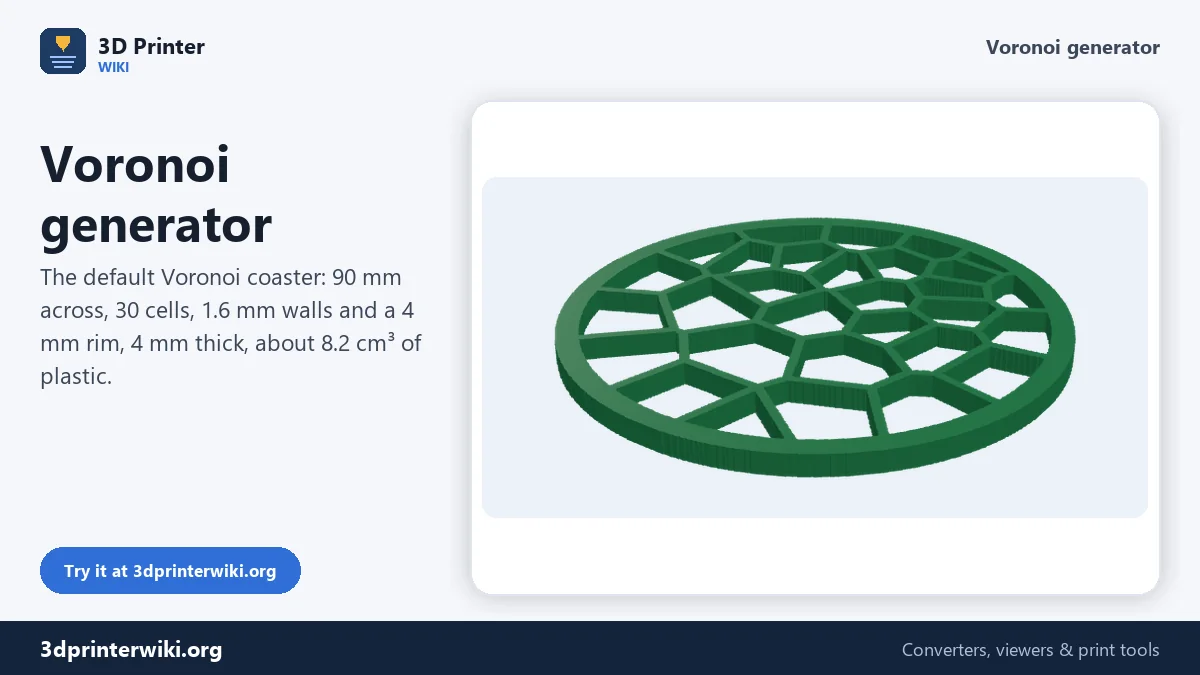
Voronoi patterns are everywhere in nature: the cells of a dragonfly wing, cracks in dry mud, giraffe skin, soap foam. They also look fantastic in 3D prints, and they are a classic way to make coasters, trivets, lamp panels, light covers, plant pot sleeves and decorative plates that use less plastic than solid ones. This Voronoi generator makes a ready-to-print pattern in a round, square, hexagonal or rectangular shape, with even cells, walls you can print reliably, a solid rim and an optional solid base.
How to make a Voronoi pattern
- Pick the shape and size: a round coaster, a square, a hexagon or a rectangle. For the rectangle, set its height under More options.
- Set the number of cells. 30 cells on a 90 mm coaster gives cells of about 15 mm.
- Adjust walls, rim and height under More options, and add a solid base if the bottom should be closed.
- Change the pattern number to get a different random layout with the same settings, until you like it.
- Download the STL or 3MF.
What a Voronoi pattern is
Start with a set of points scattered over a surface, called seeds. The Voronoi cell of each seed is the area that is closer to that seed than to any other. The borders between cells are exactly halfway between neighbouring seeds, which gives the irregular, organic polygons the pattern is known for. The generator draws a wall along every border, measured exactly from the two nearest seeds so it has the same thickness everywhere, and adds the rim around the outside.
Purely random seeds make a messy pattern, with tiny cells next to huge ones. That's why the generator relaxes the pattern first with Lloyd's method: each seed is moved to the centre of its cell, and the cells are recalculated, a few times over. After two or three steps the cells become similar in size, while the pattern still looks natural. Set the evenness to 0 for the raw random look, or to 5 or 6 for very regular, almost honeycomb-like cells.
Settings that print well
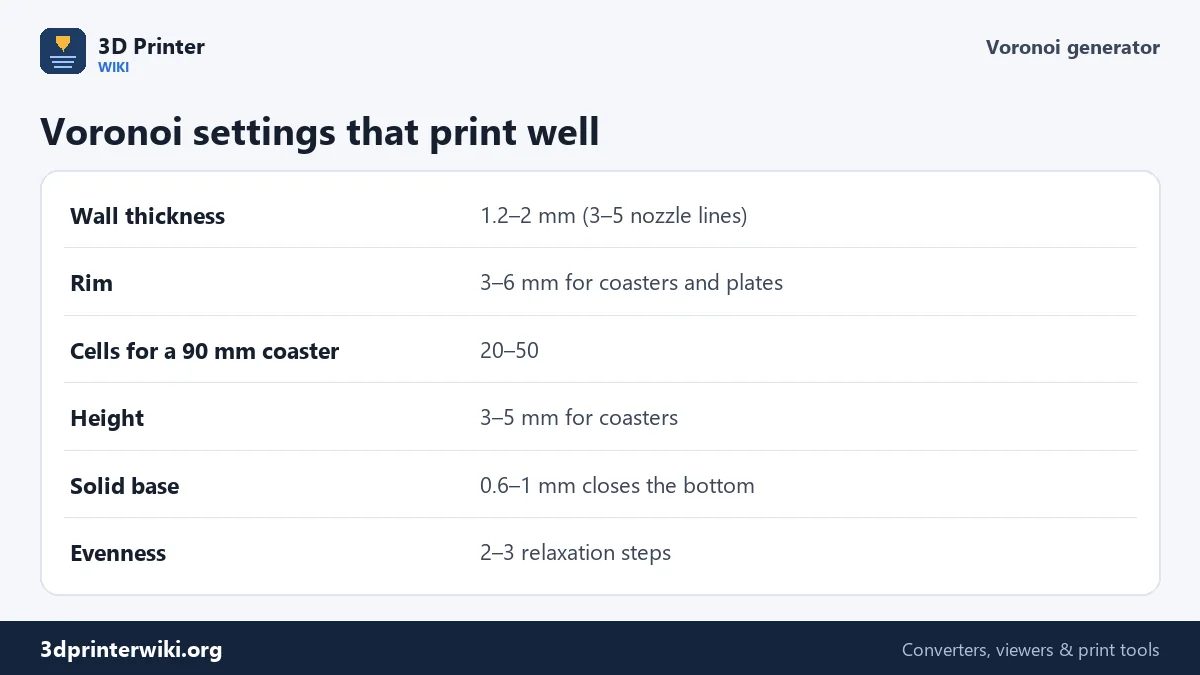
The walls are the part that has to print well. With a 0.4 mm nozzle, 1.2 mm walls are three lines, 1.6 mm four, which prints solid and is stiff enough for coasters and plates. Thinner walls look more delicate but become flimsy, and below about 0.8 mm the slicer may skip them. The rim holds the pattern together and gives a clean edge; 4 mm suits a coaster. For the default coaster, the result is about 8.2 cm³ of plastic, roughly 10 g of PLA.
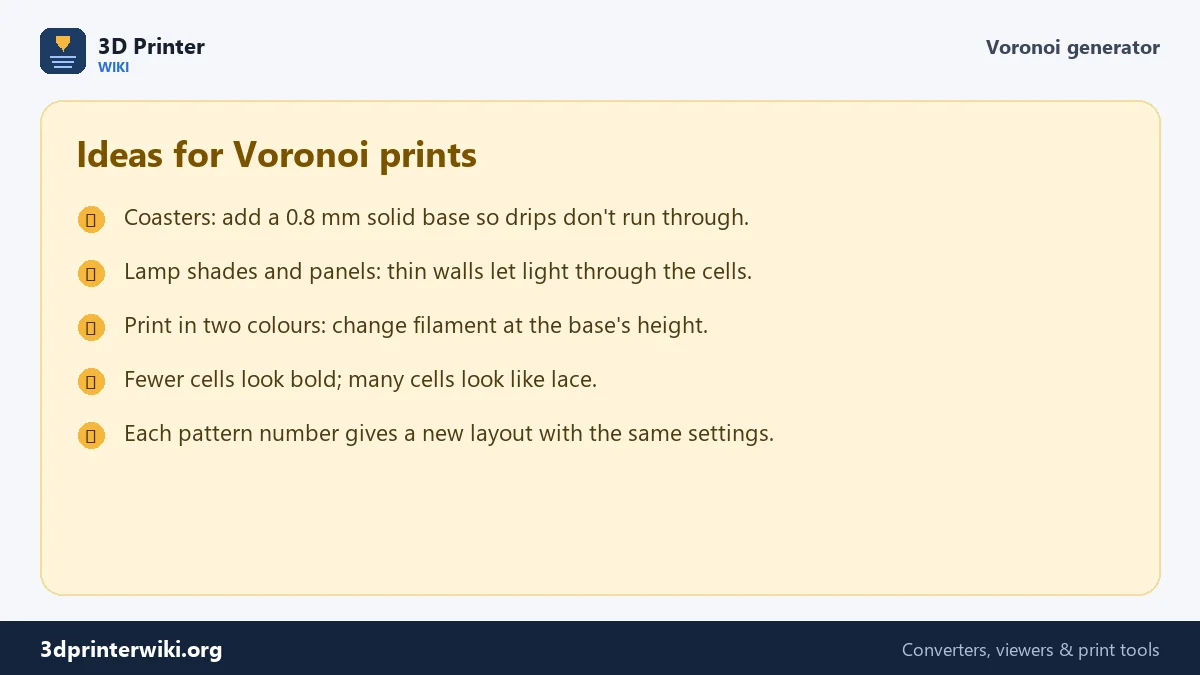
A solid base closes the bottom of the cells. For a drinks coaster, 0.6 to 1 mm stops drips running through. It also opens up a nice two-colour trick: print the base in one colour, change filament at the base's height, and print the pattern in another.
Ideas
- Coasters and trivets: round, 90 to 110 mm, with or without a base. Use PETG or ASA for trivets under hot pots, not PLA.
- Decorative plates and wall art: hexagons tile together on a wall.
- Light panels: rectangles to fit a frame, with thin walls.
- Grilles and covers for speakers or fans, where air or sound has to pass.
- Organic texture to combine with other models in your slicer or CAD.
Prefer letters or a logo? Text to STL and PNG to STL make those. The cost calculator tells you what a set of coasters costs.
Size, cells and time
The size of the cells is what you notice first, and it depends on both the shape's size and the number of cells. A rough guide: cell width is about the size divided by the square root of the number of cells. On a 90 mm coaster, 16 cells gives bold cells of over 20 mm, 30 cells about 15 mm, and 100 cells a lacy pattern of about 8 mm. Very small cells with thick walls end up mostly wall, so increase the cell count and reduce the wall thickness together.
Print time is modest because most of the area is open: the default coaster uses about 10 g of PLA and prints in well under an hour on most printers. A slower outer wall speed gives cleaner cell edges, and 0.2 mm layers are plenty. Put a 0.8 mm base under a coaster and it takes only a few minutes longer.
The pattern is drawn on a grid of 560 steps across the longest side and then traced into smooth outlines, so walls stay even and the STL stays small, around 10,000 triangles for the default coaster.
Voronoi generator questions
How do I make a Voronoi pattern for 3D printing?
Choose a shape and size on this page, set the number of cells and wall thickness, and download the STL.
What is a Voronoi pattern?
A pattern of cells where each cell holds the area closest to one seed point. The cell borders lie halfway between neighbouring seeds.
How do I make a Voronoi coaster?
Choose Round, 90 to 100 mm, 20 to 40 cells, 1.6 mm walls, and a 0.8 mm solid base so drinks don't drip through.
How thick should Voronoi walls be?
At least 1.2 mm with a 0.4 mm nozzle, which is three lines. 1.6 mm is stiffer.
How do I get a different pattern?
Change the pattern number under More options. Each number gives a new layout with the same settings.
How many cells should a Voronoi coaster have?
About 20 to 50 for a 90 to 100 mm coaster. Fewer cells look bold, more cells look delicate.
More 3D printing tools
Updated November 2026 · How these tools work