DAE to OBJ converter
Move a SketchUp or Collada model into Blender, 3ds Max, Cinema 4D or a game engine as OBJ.
Same file as: · · · ·
More options
Collada, the format behind the .dae extension, was once the common language of 3D: SketchUp exports it, 3D Warehouse and Google Earth models use it, and many older game tools write it. Today many programs have dropped or neglected their Collada support, and OBJ is the safer way to move a model between them. This converter opens the DAE, applies the unit and up axis stored in it, so a SketchUp model in inches arrives at its real size, and writes an OBJ with every object as a separate, named part.
How to convert DAE to OBJ
- Drop the .dae file on the box.
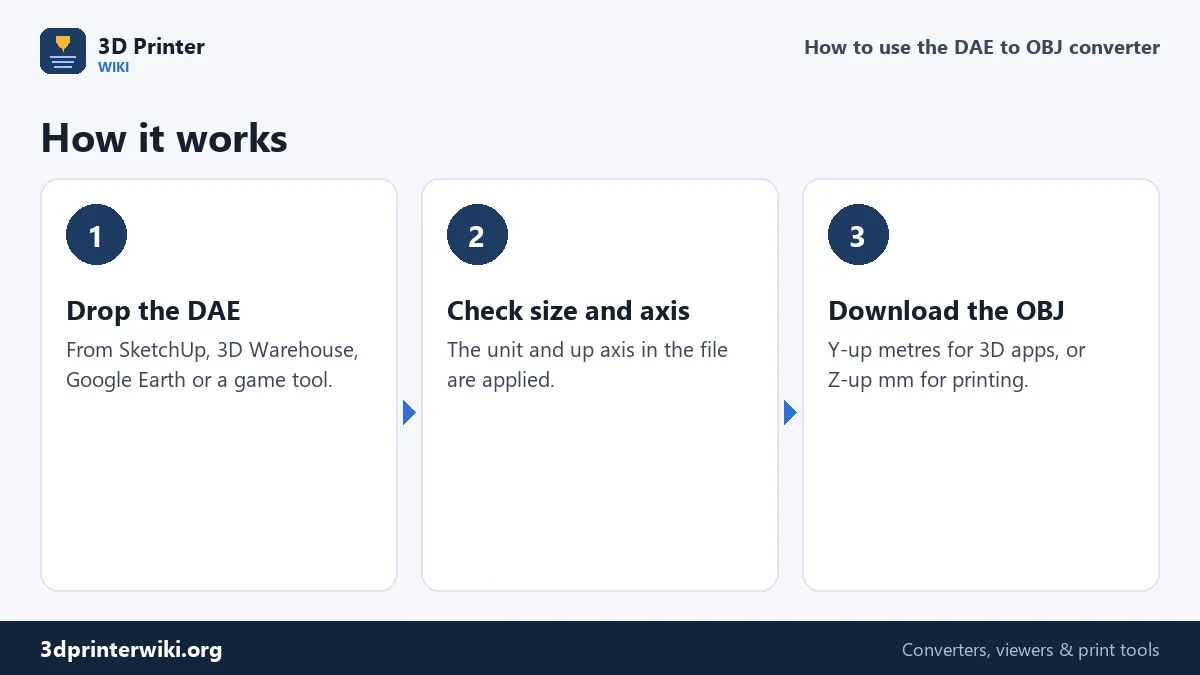
- Check the preview and size. The unit and up axis in the file are applied automatically.
- Choose the OBJ coordinates under More options. Y up, metres (default here) for Blender, 3ds Max, Cinema 4D, Unity and Unreal; Z up, millimetres for slicers and CAD.
- Download the OBJ.
Inches, metres and the up axis
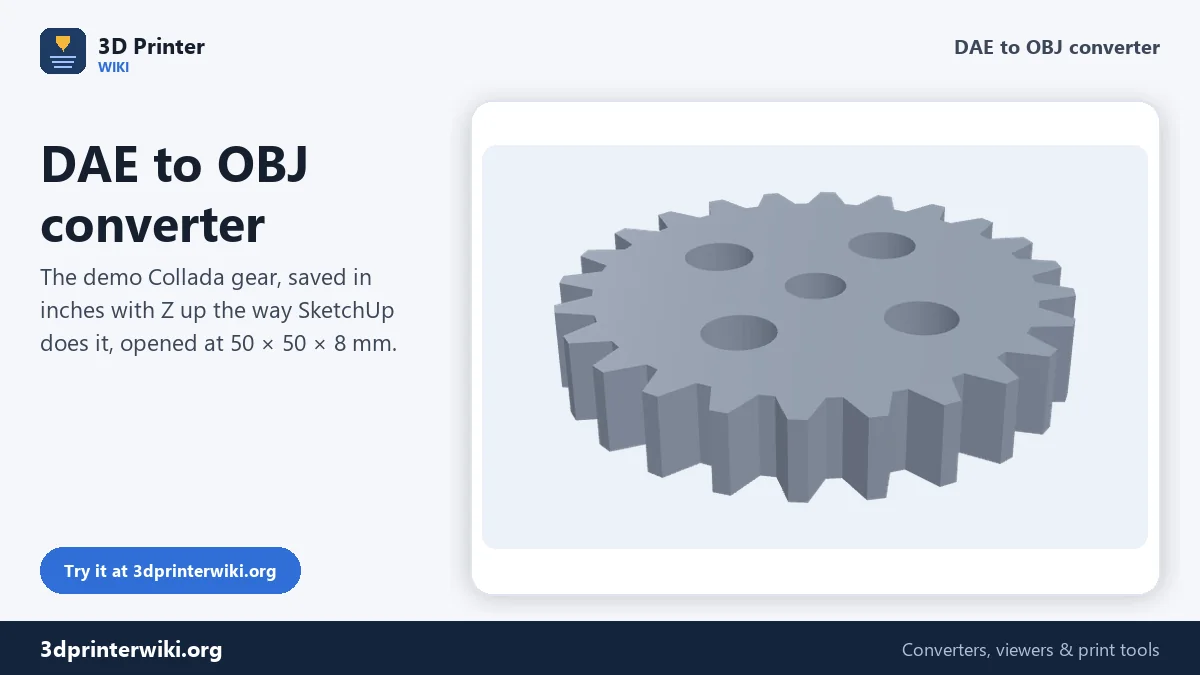
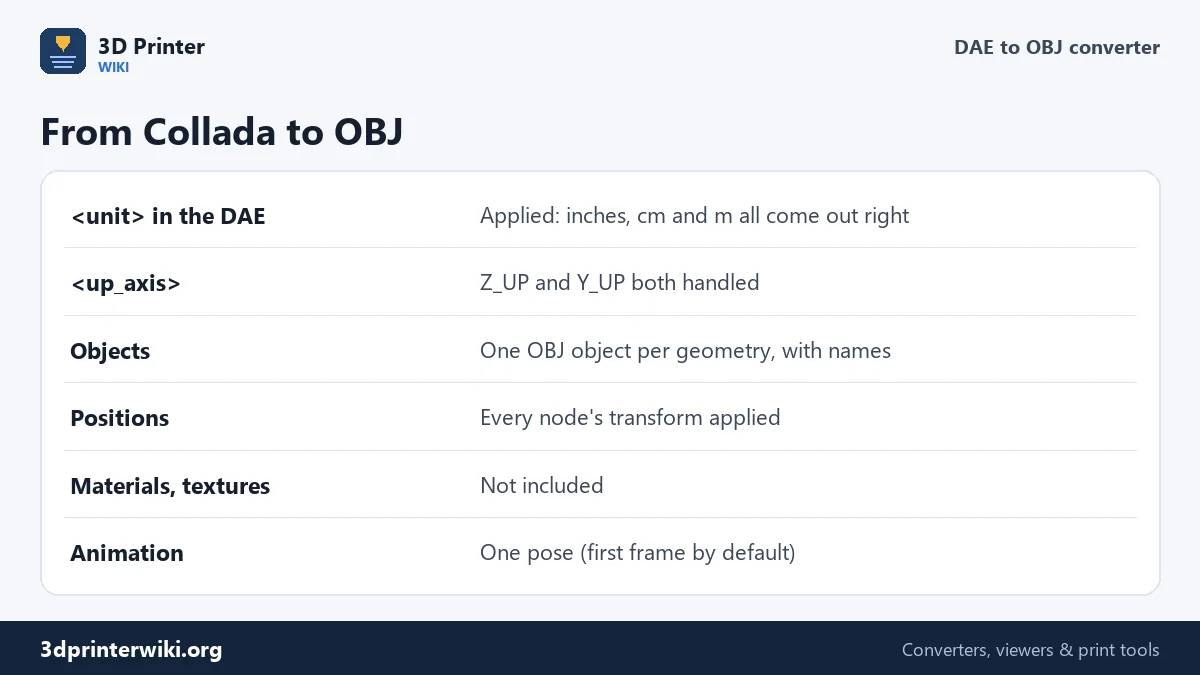
Collada records its unit in the file header, for example <unit meter="0.0254" name="inch"/>, and its up direction as <up_axis>Z_UP</up_axis>. SketchUp writes inches and Z up by default; many game tools write metres and Y up. The converter reads both. The demo file on this page is a gear stored in inches, about 1.97 inches across, and it opens at 50 × 50 × 8 mm. With Y up, metres, the OBJ then holds 0.05 m and stands the right way in a Y-up program. Nothing needs to be scaled or rotated by hand after importing.
Objects and names
A Collada scene is a tree of nodes with their own positions, rotations and scales, often many levels deep in SketchUp models, where groups and components nest inside each other. The converter applies every transform, so each piece ends up exactly where it was in SketchUp, and writes each geometry as its own o object with its name. In Blender or 3ds Max you get separate objects to work with instead of one merged lump. Corners at the same position are shared, so smooth shading works after import.
Materials and textures
The OBJ is written without a material file, so SketchUp colours and textures don't come along. In most workflows that's no loss: materials are usually rebuilt in the target program anyway, because SketchUp's simple colours and photo textures don't match the physically based materials of modern renderers and engines. If you need the exact textures, they are inside the KMZ or next to the DAE as image files, and can be applied again after import.
Google Earth and KMZ files
Models from Google Earth and some 3D Warehouse downloads come as .kmz files. A KMZ is a zip archive: rename it to .zip, open it, and drop the .dae from its models folder here. Collada files from games and animation tools can also contain a skeleton and animation. OBJ holds one pose only, so the converter uses the first frame; Pose under More options switches to the middle of the animation or the rest pose.
For 3D printing a SketchUp model, use the DAE to STL converter, which also explains how to make SketchUp models printable. For the web, the GLB button in the Same file as row saves the model as GLB.
Exporting a good DAE from SketchUp
A little care when exporting gives a much cleaner OBJ. In SketchUp, choose File → Export → 3D Model and pick COLLADA File (*.dae). In the Options dialog:
- Export Only Selection Set if you only need part of the model, such as one piece of furniture from a whole room.
- Triangulate All Faces on, so every program reads the faces the same way.
- Export Two-Sided Faces off; it doubles every face and makes the OBJ heavier.
- Export Hidden Geometry off, so construction lines and hidden helper objects stay behind.
- Preserve Component Hierarchies on, which keeps groups and components as separate pieces.
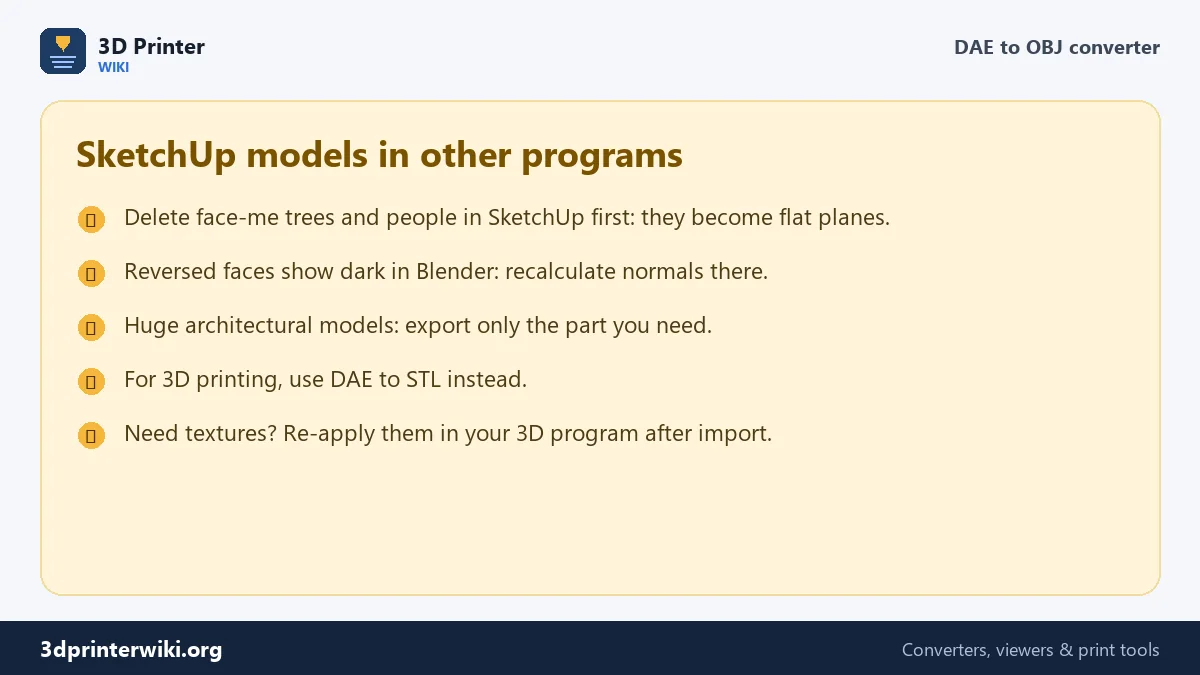
Before exporting, purge unused components and materials (Window → Model Info → Statistics → Purge Unused), and delete flat face-me people and trees. The DAE will be smaller and the OBJ cleaner. If you have the model open in SketchUp Pro, you can also export OBJ directly; this converter is the way to go when you only have the DAE, or a model from 3D Warehouse or Google Earth.
DAE to OBJ questions
How do I convert DAE to OBJ?
Drop the DAE on this page, choose the OBJ coordinates, and press Download OBJ.
Does the OBJ keep the SketchUp size?
Yes. The unit in the DAE is applied, so inches, centimetres and metres all come out at real size.
Are SketchUp groups kept separate?
Each geometry becomes its own named object in the OBJ, placed where it was in SketchUp.
Are textures included?
No. The OBJ contains the shape only; re-apply textures in your 3D program.
Can I convert a KMZ to OBJ?
Rename the KMZ to .zip, extract it, and convert the .dae inside.
Can I open a DAE file without SketchUp?
Yes. Drop it on this page to see it in 3D at its real size and save it as OBJ, STL, GLB or 3MF.
Why is my SketchUp model huge in Blender?
It was imported in the wrong unit. Converted here with Y up, metres, it comes in at real size.
Which programs read the OBJ?
Practically all of them: Blender, 3ds Max, Maya, Cinema 4D, ZBrush, Unity, Unreal, and slicers and CAD programs if you choose Z up, millimetres.
Is Collada still supported by 3D programs?
Support varies and is shrinking in some programs, which is a good reason to keep important models as OBJ, FBX or glTF as well.
More 3D printing tools
Updated November 2026 · How these tools work