QR code STL generator
Paste a link or Wi-Fi details and get a QR code plate you can print and scan.
Print the plate in one colour and swap filament at the code height, or use the two-part 3MF.
More options
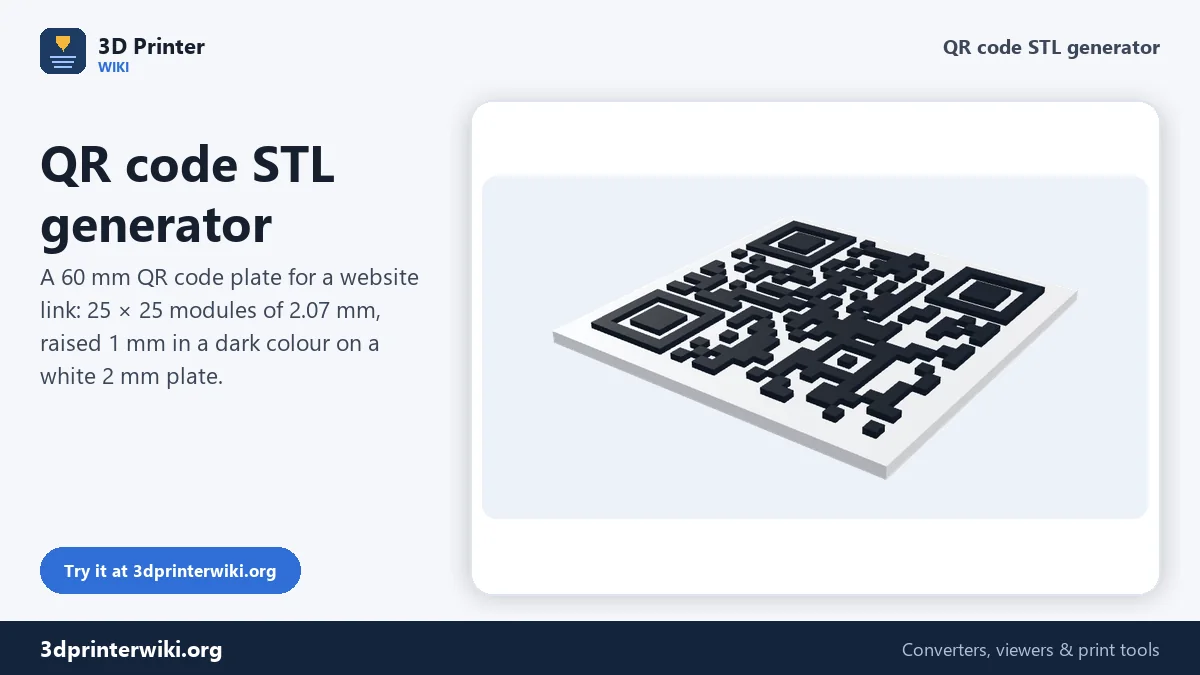
A printed QR code turns any object into a link: a sign on your shop counter that opens the menu, a plaque at a trailhead that opens the map, a coaster for guests that logs into your Wi-Fi, a tag on a print that leads to the model page. This QR code STL generator encodes your link or text and builds a solid plate with the code on it, ready to print in two colours.
Dark squares (modules) are merged into horizontal runs, so the model stays small and every block is a closed solid. The preview is a real 3D model; you can even point your phone at the screen to test it before printing.
How to make a 3D printable QR code
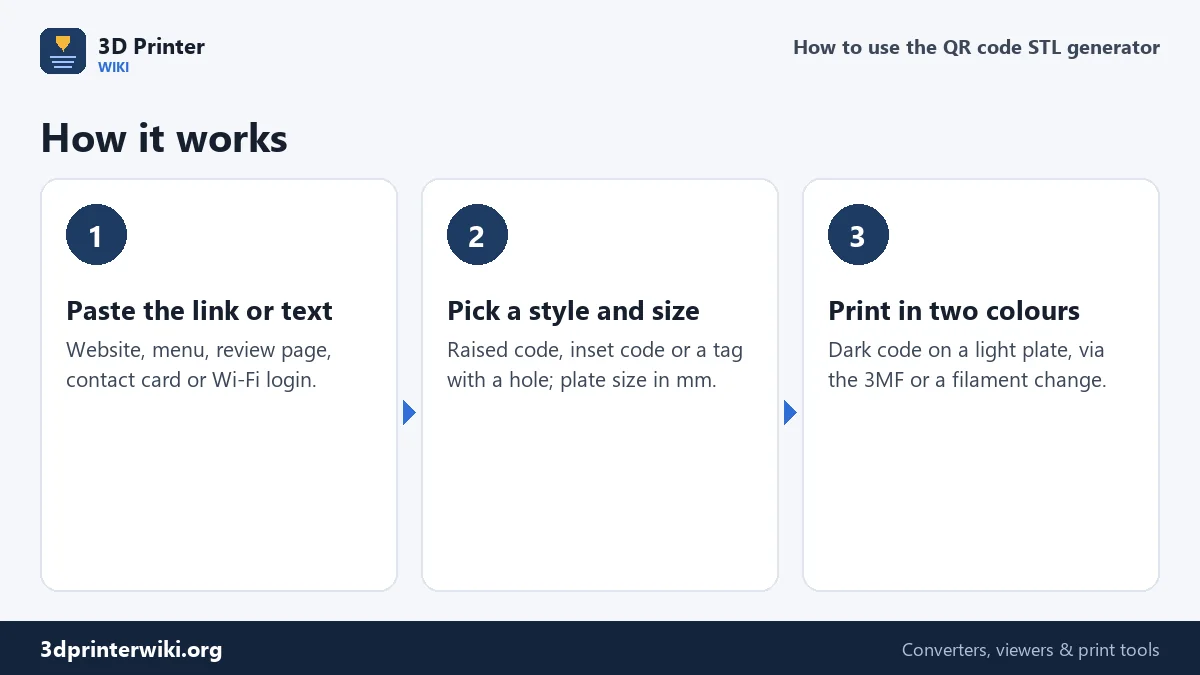
- Type or paste the link or text. For Wi-Fi, tick This is a Wi-Fi login under More options and type the network name on the first line and the password on the second.
- Choose a style. Raised puts the code on top of the plate. Inset makes the light areas tall and the code a set of pockets, which survives wear. Tag adds a tab with a hole for hanging.
- Set the size under More options: plate size, plate thickness, code height, border width and error correction.
- Download the STL, or the 3MF with the plate and code as separate parts.
How big does the code need to be?
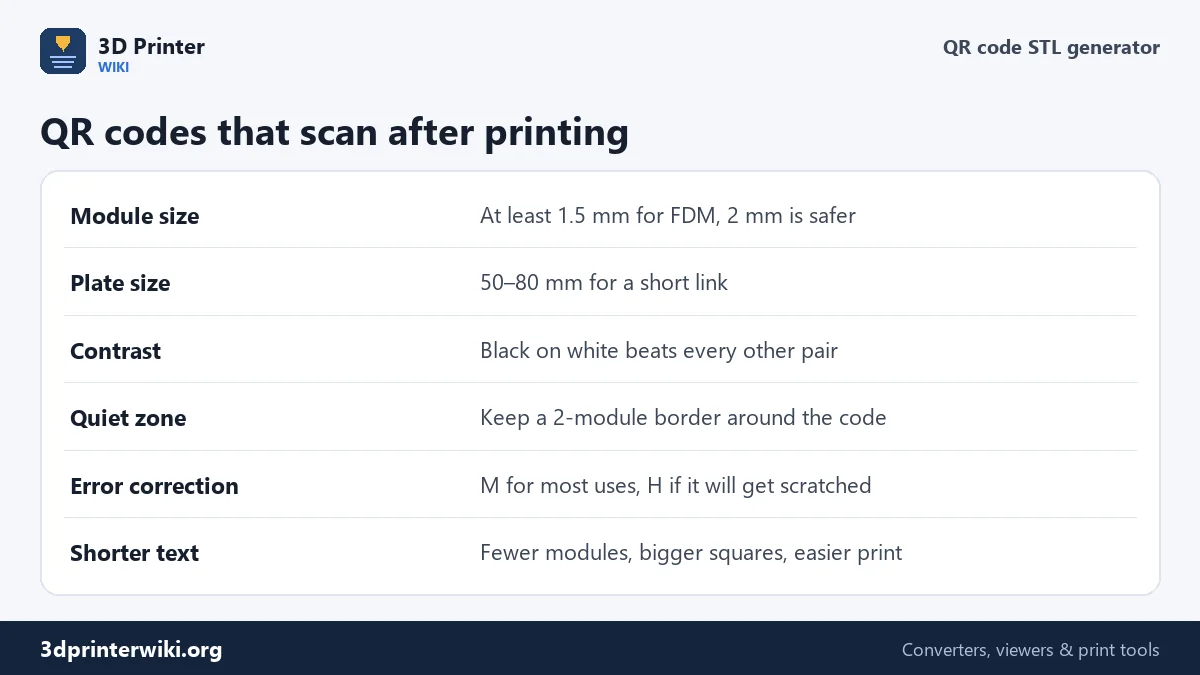
The number of modules depends on how much you encode. A short link like a domain name gives a 21 × 21 or 25 × 25 code. A long URL with tracking parameters can need 41 × 41 or more. The generator divides the plate by the number of modules (plus the border) and shows you the size of each module. Below the preview you see a line like "25 × 25 modules, each 2.07 mm".
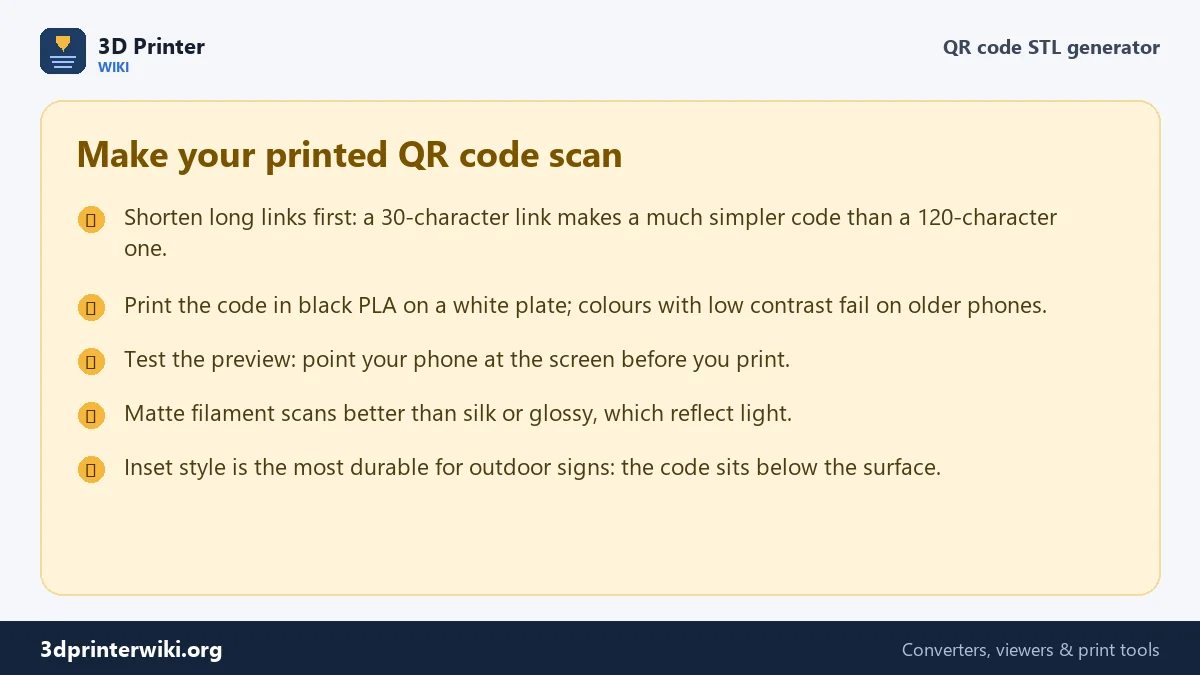
For FDM printers, keep modules at 1.5 mm or bigger; 2 mm is safer. Under that, the gaps between dark modules start to close up and the code stops scanning. If the generator warns that modules are small, make the plate bigger or shorten the link. A link shortener or a short page on your own domain makes a huge difference: halving the length of the text roughly halves the number of modules across.
Raised, inset or tag?
Getting enough contrast
Phones need contrast to read a code. Black on white is best by far. Dark blue or dark green on white works. Red on black or grey on grey often fails. With the raised style, print the plate in white and the code in black: slice the STL and add a filament change at the first layer above the plate (with a 2 mm plate on 0.2 mm layers, that is the layer starting at 2.0 mm), or open the 3MF on a multi-colour printer and assign a colour to each part.
Single colour only? Print the raised style in white and colour the tops of the modules with a permanent marker or a paint roller. Because the modules are raised, a roller touches only them.
Wi-Fi QR codes
A Wi-Fi QR code contains the network name, the security type and the password in a standard format that iPhone and Android cameras understand. Scan it and the phone offers to join the network. With the Wi-Fi box ticked, the generator builds that format for you from the two lines you type (name, then password). Leave the second line empty for an open network. A coaster or a small sign by the door saves you spelling out the password ever again.
Error correction explained
QR codes contain extra data so they still scan when part of the code is damaged or covered. Level L recovers about 7% damage, M about 15%, Q about 25% and H about 30%. Higher levels need more modules for the same text. M is a good default. Choose H for signs that will get scratched, dirty or partly covered by a logo sticker in the middle.
QR code STL questions
Can you 3D print a QR code?
Yes. Printed QR codes scan reliably when each module is at least 1.5 to 2 mm and the colours have strong contrast, such as black on white.
How do I make a QR code STL for free?
Paste your link on this page, choose the style and size, and download the STL. No account, no watermark.
What is the smallest QR code I can print?
For a short link (21 × 21 modules) with a 0.4 mm nozzle, about 35 to 40 mm square. Longer text needs a bigger plate.
Why doesn't my printed QR code scan?
Usually low contrast, modules that are too small, or a missing border. Use black on white, make the plate bigger, and keep the quiet zone at 2 modules or more.
Can I make a Wi-Fi QR code to print?
Yes. Tick the Wi-Fi option, type the network name on the first line and the password on the second.
Does the QR code stop working if the link changes?
The code always points to the text you encoded. If you might change the destination later, encode a link you control, such as a page on your own site, and change where that page points.
More 3D printing tools
Updated November 2026 · How these tools work