3MF to OBJ converter
Take the parts out of a 3MF project and open them in Blender, ZBrush or any program that reads OBJ.
Same file as: · · · ·
More options
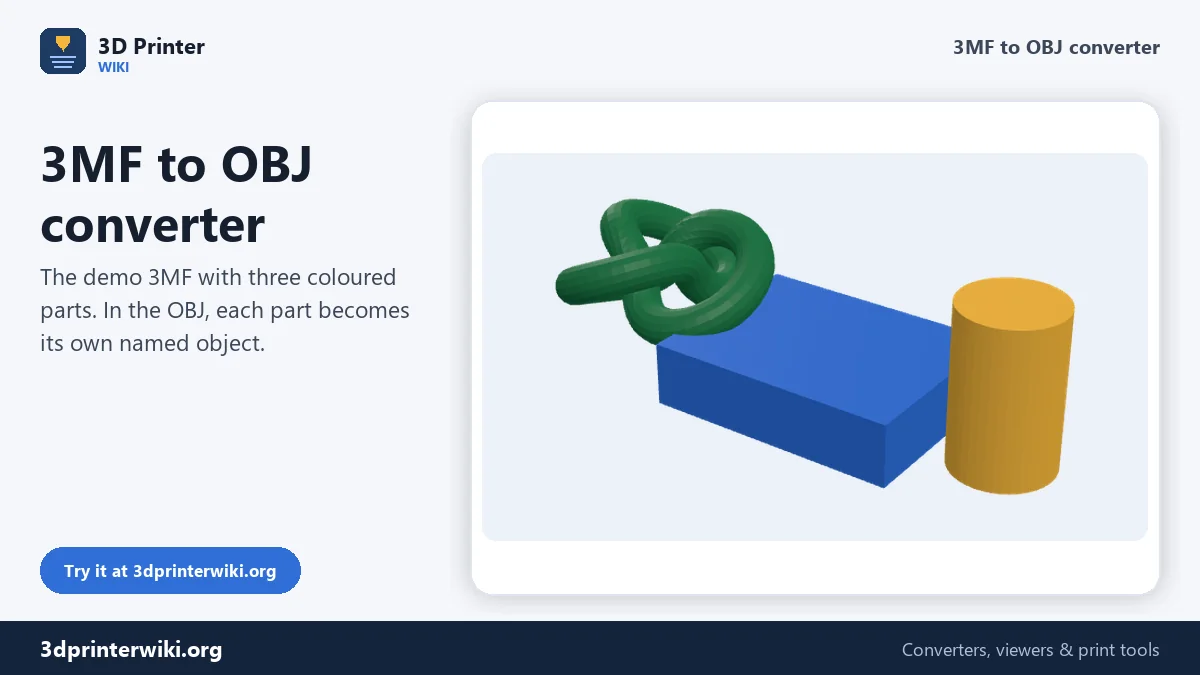
3MF is the native project format of modern slicers, and it keeps parts, names, units and colours together. Outside the printing world, though, few programs open it. Blender can't import it without an add-on, ZBrush, Meshmixer and most CAD and rendering tools prefer OBJ, and some older slicers and print services only take OBJ or STL. This converter opens a 3MF, finds every printed part, and writes them into one OBJ file as separate, named objects.
How to convert 3MF to OBJ
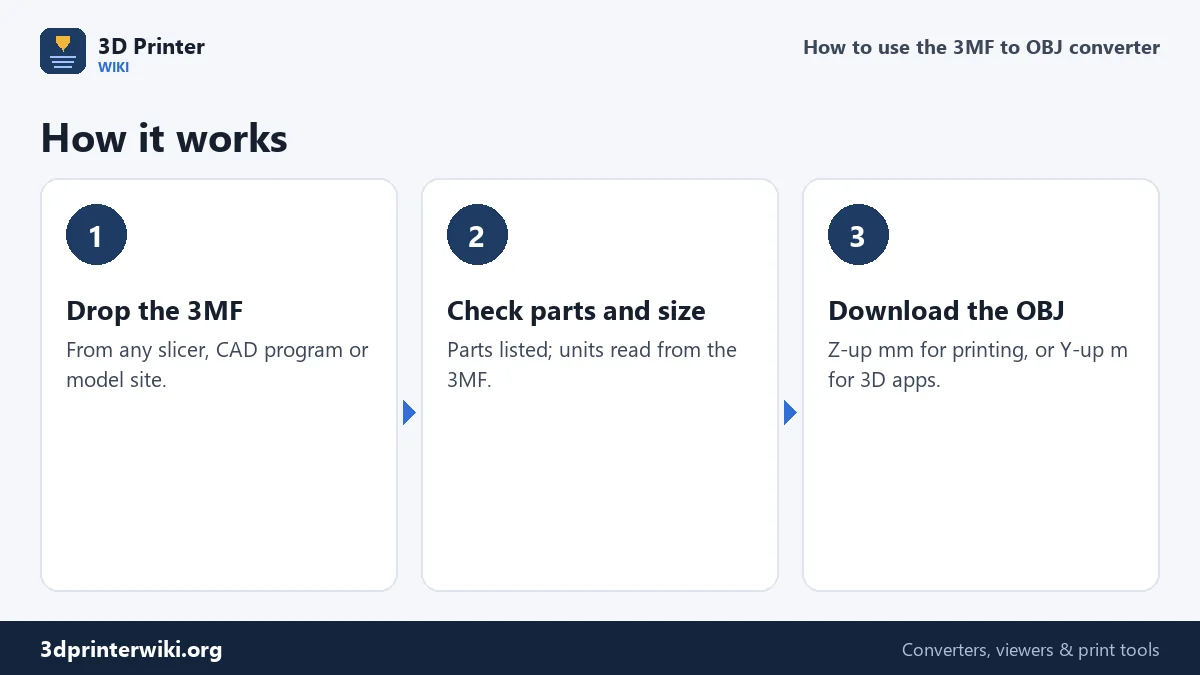
- Drop the 3MF on the box. Projects from Bambu Studio, OrcaSlicer, PrusaSlicer and Cura work, as do 3MF files from CAD programs and model sites.
- Check the preview. Every part is drawn in its filament colour. The size comes from the unit stored in the 3MF.
- Choose the OBJ coordinates under More options: Z up, millimetres (default) for slicers and CAD, or Y up, metres for Blender, Unity and most 3D apps.
- Download the OBJ.
Parts become objects
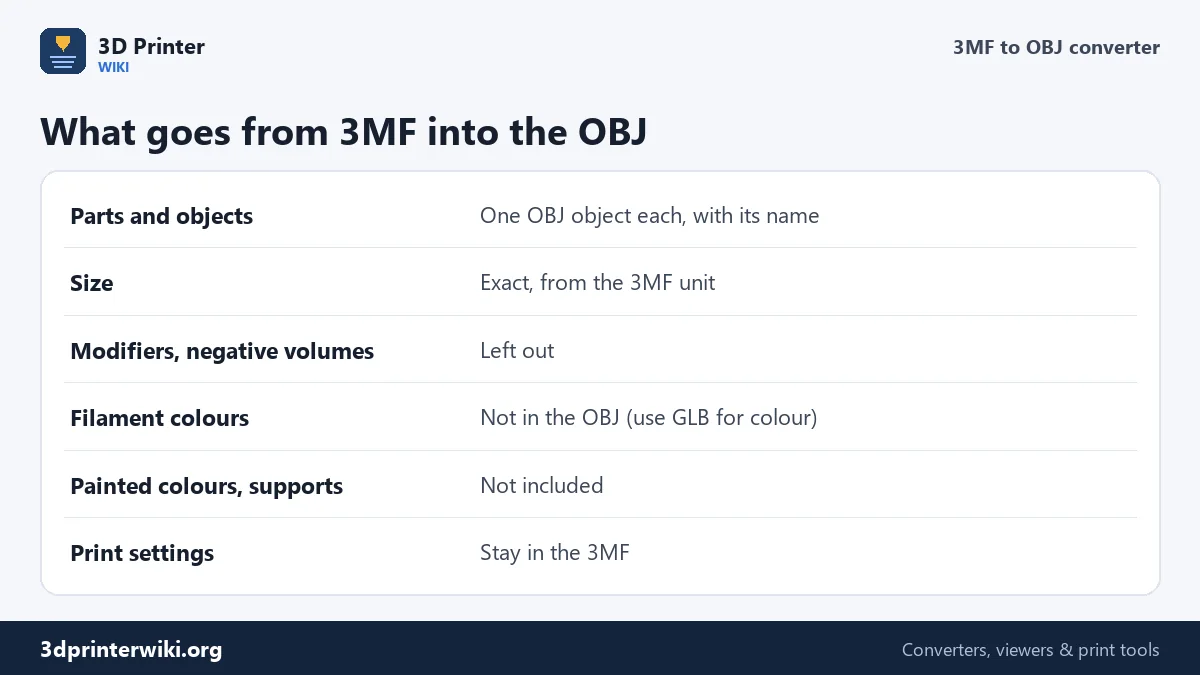
A slicer project can hold many objects, and each object can be made of several parts: a box and its lid, a sign and its letters, the separate colour parts of a multi-colour model. The converter walks through all of them, including the linked part files that Bambu Studio and OrcaSlicer store inside the 3MF, applies each part's position, and writes each one as an o object in the OBJ, named as it was in the slicer. In Blender or ZBrush they arrive as separate objects you can select, move and give their own materials.
Helper volumes that aren't printed, such as modifiers, negative volumes, support blockers and enforcers, are recognised from the slicer's settings and left out. What ends up in the OBJ is what the printer would make.
Millimetres or metres?
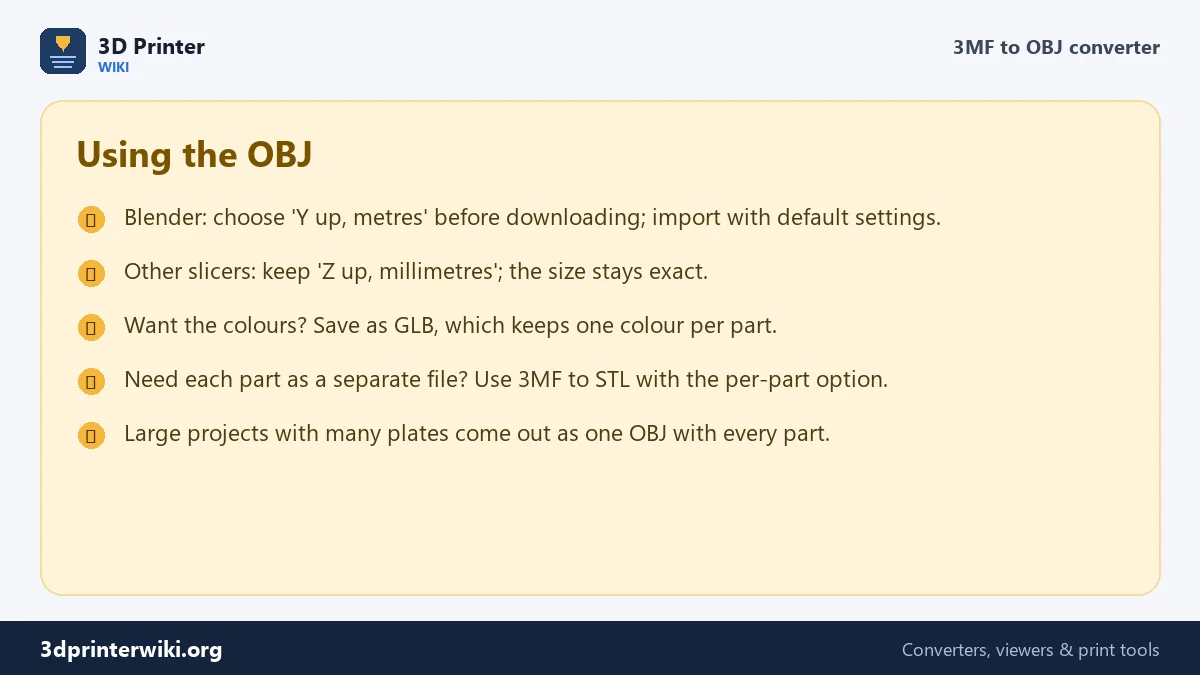
OBJ files have no unit, so the receiving program decides how to read the numbers. With Z up, millimetres, the OBJ has the same numbers as the 3MF: a 40 mm box is written as 40, which slicers and CAD programs read correctly. With Y up, metres, the same box is written as 0.04 and stands upright, which is what Blender, Maya, Unity and three.js expect, so the model imports at real size with default settings.
Colours
The OBJ written here contains shape only, without a material file, so filament colours aren't carried over. If you want to keep one colour per part, for example to render a multi-colour print in Blender, save the 3MF as GLB instead, using the GLB button in the Same file as row. Blender imports GLB with every part in its colour. Colours painted onto a model with a slicer's painting tool are a slicer-specific feature and aren't included in either format.
Typical uses
- Rendering a project in Blender, KeyShot or Cinema 4D.
- Editing a part in ZBrush, Meshmixer or a mesh program that doesn't read 3MF.
- Sending a model to a print service or a program that accepts only OBJ or STL.
- Archiving the geometry of a project in a plain-text format.
For printing in another slicer, 3MF to STL can save every part as its own STL. For CAD, 3MF to STEP turns the mesh into a solid.
Opening the OBJ in Blender
With Y up, metres chosen before downloading, the import is a one-step job: File → Import → Wavefront (.obj), pick the file, and keep the default settings. Every part appears as its own object in the Outliner, named as it was in the slicer, and at its real size: a 40 mm box measures 0.04 m, which Blender shows as 4 cm. With Z up, millimetres instead, set Up to Z and Forward to Y in the import dialog and a scale of 0.001, or scale the objects afterwards.
Once imported, right-click the objects and choose Shade Auto Smooth so curved surfaces look smooth while sharp edges stay crisp. If you plan to render several copies of the print, link them as instances rather than duplicating the mesh; large slicer projects can contain a lot of triangles.
Projects with several plates
Bambu Studio and OrcaSlicer projects can lay out objects on several build plates. Every object on every plate ends up in the OBJ, placed where the slicer put it, so plates appear side by side. If you only want the objects from one plate, delete the others in your 3D program after import, or open the project in the slicer, keep one plate, and save a new 3MF first. Objects that were set to not print are skipped.
3MF to OBJ questions
How do I convert 3MF to OBJ?
Drop the 3MF on this page, choose the OBJ coordinates, and press Download OBJ.
Can Blender open 3MF files?
Not without an add-on. Convert the 3MF to OBJ or GLB here and import that into Blender.
Are the parts kept separate?
Yes. Each printed part becomes its own named object in the OBJ.
Does the OBJ keep the filament colours?
No. Save as GLB to keep one colour per part.
Can I convert a Bambu Studio project to OBJ?
Yes. Bambu Studio and OrcaSlicer projects are read with every part; helper volumes are left out.
Does the OBJ keep the size of my 3MF?
Yes. The 3MF stores its unit, and the OBJ is written in millimetres or metres exactly as you choose.
What happens to objects on other plates?
They are included, placed where the slicer put them. Delete the ones you don't need after importing.
Can I open the OBJ in another slicer?
Yes. Keep Z up, millimetres and the OBJ opens at the right size in PrusaSlicer, Cura, Bambu Studio and other slicers that read OBJ.
More 3D printing tools
Updated November 2026 · How these tools work