OBJ to STL converter
Bring an OBJ from Blender, ZBrush, a game or a scan into your slicer as a correctly sized STL.
Same file as: · · · ·
More options
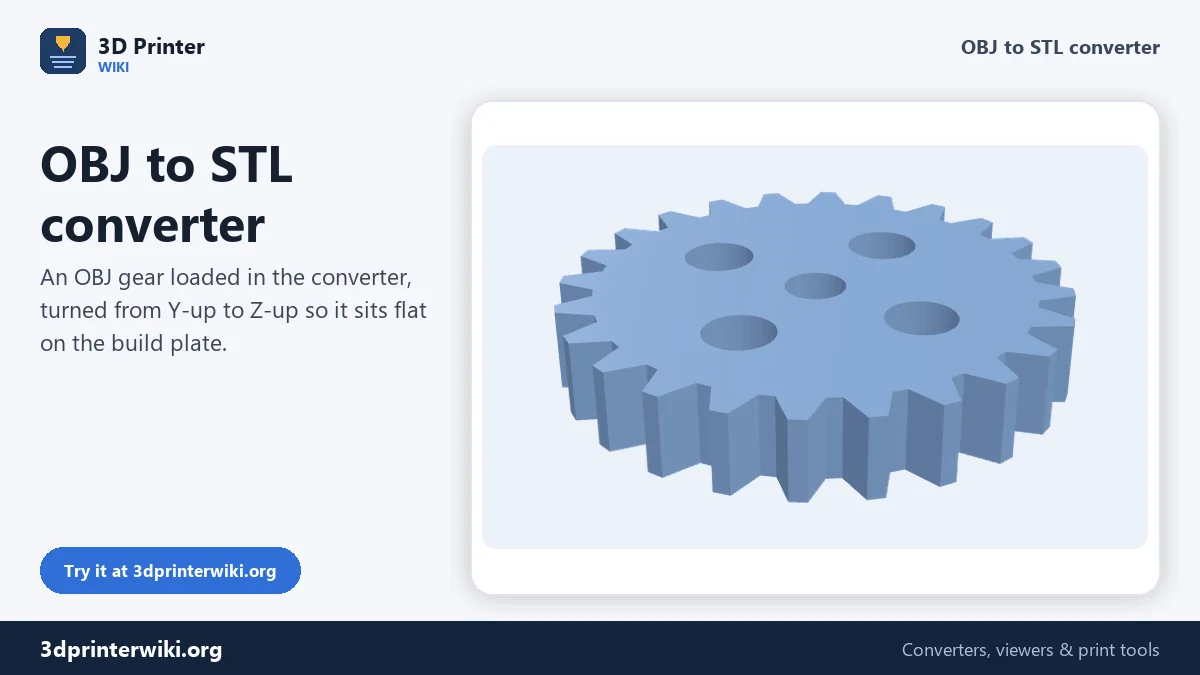
OBJ is the everyday file of 3D artists. Blender, ZBrush, Maya, Cinema 4D, SketchUp, scanners and game asset stores all export it. Printers and slicers prefer STL. This OBJ to STL converter turns the OBJ into an STL that stands the right way up and has the right size, and lets you check both before you download.
How to convert OBJ to STL
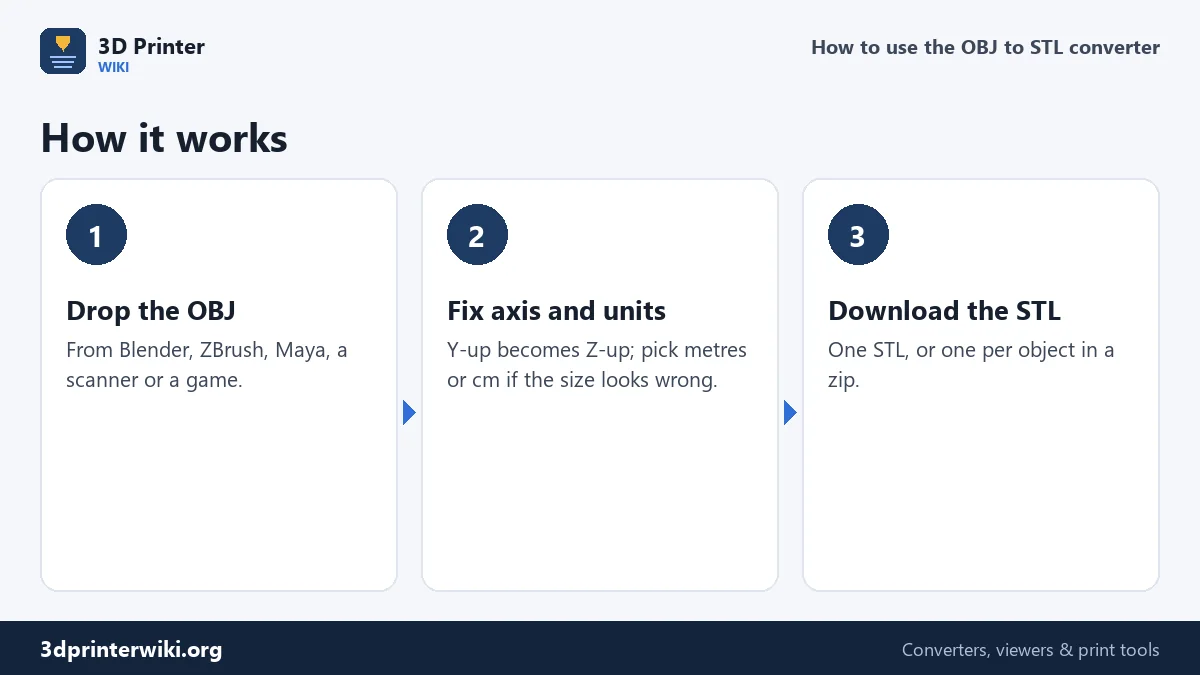
- Drop the .obj file. You do not need the .mtl file or the textures: STL holds no colour, so only the geometry is used.
- Check the size and orientation. OBJ files are usually Y-up, so the converter turns them Z-up automatically. If the size looks a thousand times too small, the OBJ was in metres; pick Metres under Source units.
- Download STL. Tick Save each part as its own STL to get every object in the OBJ as its own file.
Why OBJ models arrive lying down
In most 3D animation and game software, Y points up. In CAD and 3D printing, Z points up. An OBJ exported from Blender with default settings, from Maya or from a game engine is written Y-up, so a printing tool reading it naively sees a figure lying on its back. The converter assumes Y-up for OBJ files and rotates them so they stand on the build plate. If your OBJ came from a CAD program or a scanner that already uses Z-up, choose Z is up under More options.
Getting the size right
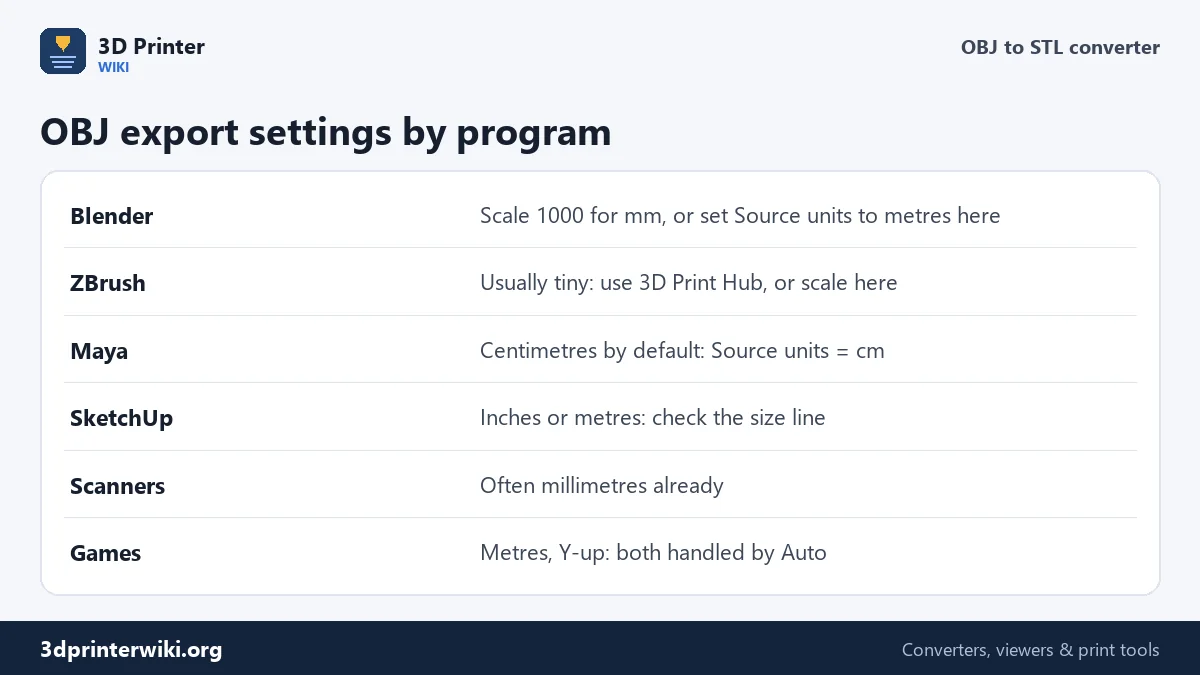
OBJ files carry no units, only numbers. What those numbers mean depends on the program that wrote them. Blender writes metres by default, so a 5 cm figurine becomes 0.05, which a slicer reads as 0.05 mm. Maya uses centimetres. ZBrush uses its own internal scale that is often arbitrary. The converter shows the size it reads and warns you when it looks unlikely. Pick the correct Source units and the STL is written in millimetres at the true size.
If you do not know the intended size, scale to a target instead: download the STL, then open the STL scaler and set the height you want.
Is the model printable?
Artists' models are built to look right on screen, not to be solid. Watch out for:
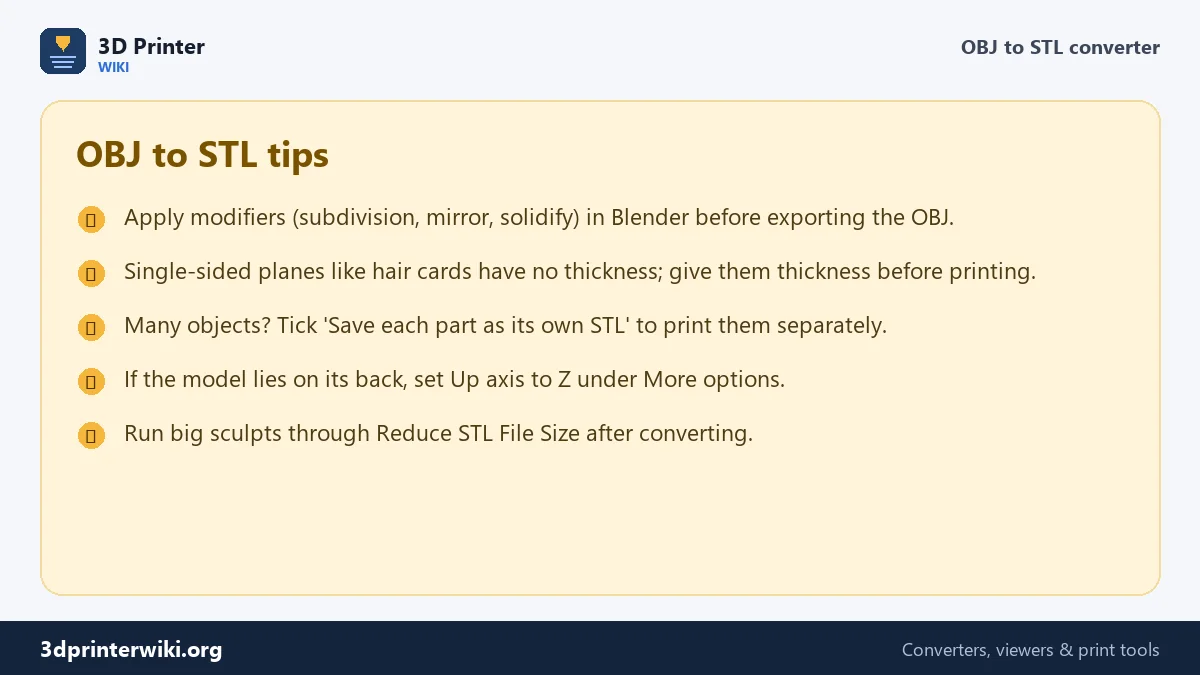
- Single-sided surfaces such as leaves, hair cards and clothing planes. They have zero thickness and will not print. Add a Solidify modifier in Blender before exporting.
- Open meshes: a character with no inside of the mouth, or a building with missing walls. The STL repair tool closes small holes.
- Overlapping parts: eyes inside a head, buttons sunk into a coat. Slicers merge these when printing, so they are usually fine.
- Unapplied modifiers: subdivision, mirror or array modifiers only appear in the OBJ if you tick Apply Modifiers when exporting.
Objects and groups in the OBJ
An OBJ can hold many objects ("o" lines) and groups ("g" lines). Each becomes a separate part here. The size line shows how many parts the file has. Merged into one STL, they print as one model; saved separately, you can print a figure and its base in different colours, or skip parts you do not need.
OBJ files from popular programs
Where an OBJ comes from tells you what settings to expect:
- Blender exports OBJ with Y up and metres by default, and applies modifiers unless you untick it. A figure modelled 15 cm tall arrives as 0.15, so choose Metres in Source units here, or scale the model in Blender before exporting.
- ZBrush works in its own units, which have nothing to do with real sizes. Its 3D Print Hub plugin exports with a real size; for a plain OBJ export, set the height you want afterwards with the STL scaler.
- Photogrammetry tools such as Meshroom and RealityCapture export textured OBJ files at an arbitrary scale. The texture is dropped here; measure the real object and scale to match.
- Game asset sites usually offer OBJ next to FBX. These models are often hollow or open, so check them with the STL repair tool.
The converter reads quads and larger polygons and splits them into triangles, so you don't need to triangulate before exporting.
OBJ to STL questions
How do I convert OBJ to STL in Blender?
Import the OBJ (File → Import → Wavefront OBJ), then export as STL (File → Export → STL). This page does it without Blender and fixes the axis and units for printing.
Can I 3D print an OBJ file directly?
Many slicers (PrusaSlicer, Bambu Studio, Cura) open OBJ files. Converting to STL helps when a program or service accepts STL only, or when the OBJ arrives at the wrong size or lying down.
Does OBJ to STL keep the colours?
No. STL has no colour. For colour, convert to 3MF instead and assign filaments per part in your slicer.
Why is my converted STL so small?
The OBJ was saved in metres. Choose Metres under Source units and download again.
Do I need the MTL file?
No. Only the .obj is needed for STL, because textures and materials are not used.
Does the converter handle quads and n-gons?
Yes. Faces with four or more corners are split into triangles automatically.
Can I keep the OBJ colours for a multi-colour print?
Textures can't be kept, but each object in the OBJ can become a separate part: save a 3MF and give each part its own filament in the slicer.
Why does my converted STL look faceted?
The OBJ was low-poly, or its smooth look came from normals that STL can't store. The print follows the real triangles, so add detail in your 3D program if needed.
More 3D printing tools
Updated November 2026 · How these tools work