STL to OBJ converter
Turn a print file into an OBJ that drops straight into Blender, Maya, 3ds Max or a game engine.
Same file as: · · · ·
More options
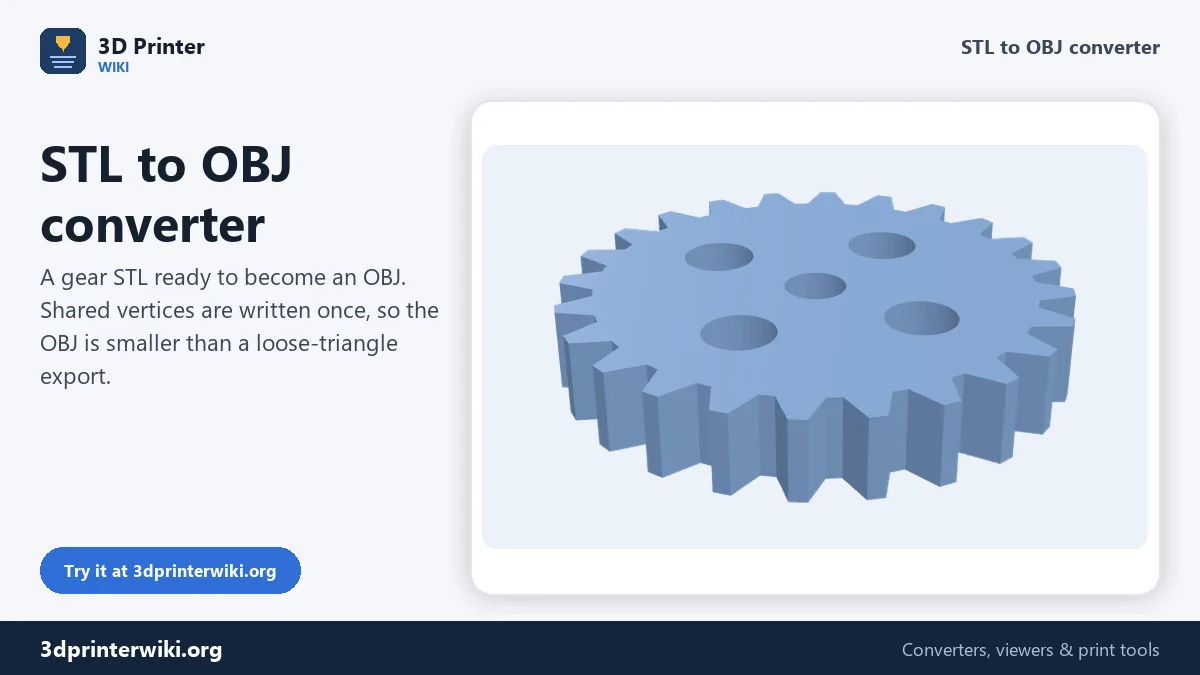
STL is made for printers; OBJ is made for 3D software. Blender, Maya, 3ds Max, Cinema 4D, Unity, Unreal and most renderers read OBJ, and it is the format people expect when they want to texture, render or animate a model. This converter turns an STL into an OBJ in a few seconds, with shared vertices and named objects, and shows you the model first so you know what you are sending.
How to convert STL to OBJ
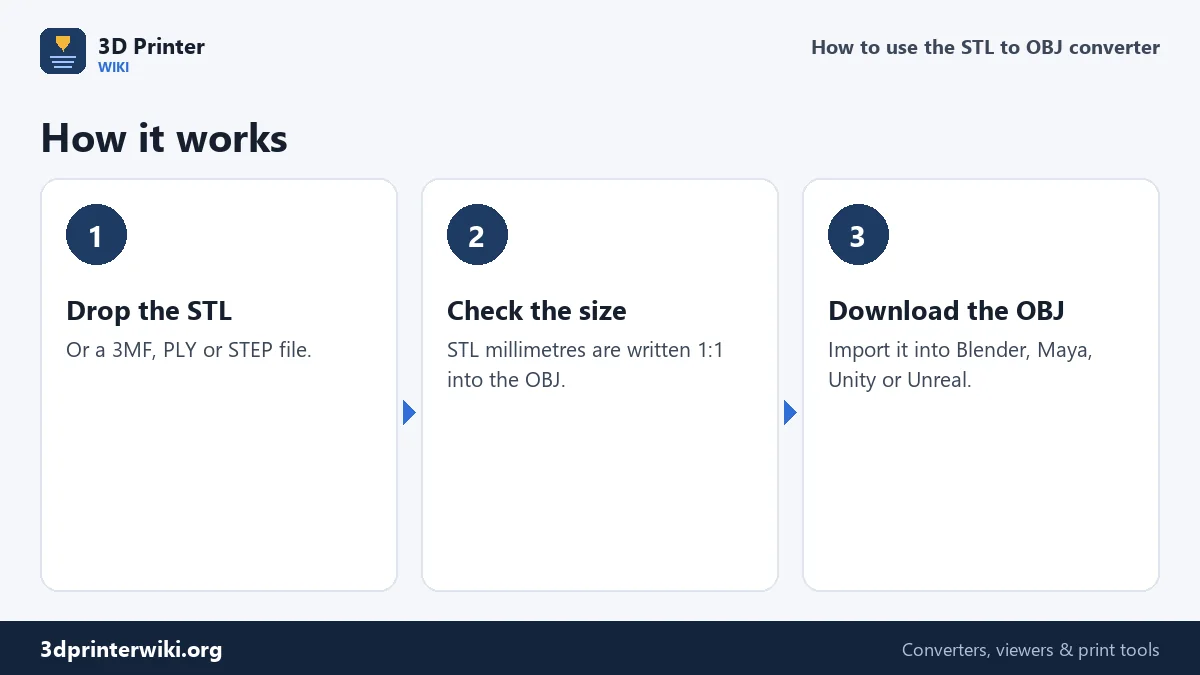
- Drop the STL (3MF, PLY, GLB and STEP work too).
- Check the preview and size. The numbers are written into the OBJ unchanged, so a 50 mm part becomes 50 units.
- Download OBJ and import it into your program.
What changes between STL and OBJ
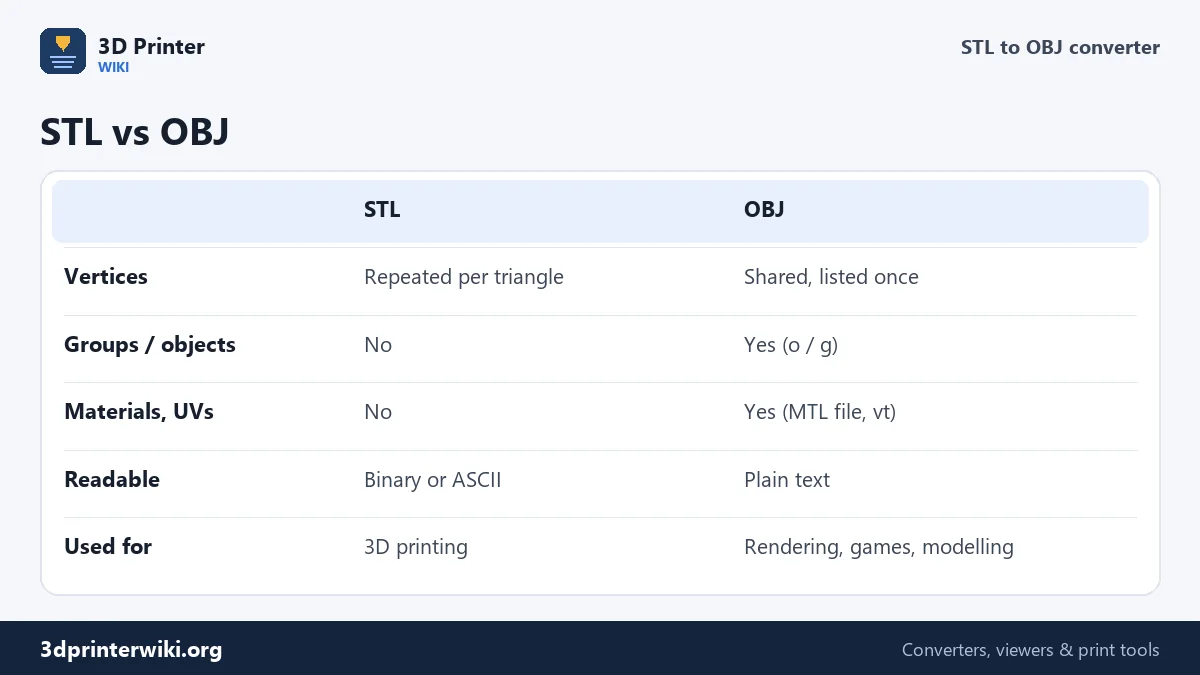
An STL lists every triangle with its own three corners. Where six triangles meet at a corner, that corner is written six times. An OBJ lists each corner once as a "v" line and then describes each triangle as three numbers pointing to those corners ("f" lines). The converter merges identical corners before writing, which gives you a cleaner mesh in your modelling program: edges are connected, smoothing works, and tools like Select Linked behave as expected.
OBJ is plain text, so you can open it in a text editor. The file starts with comments, then one "o" line per part, followed by its vertices and faces. Separate parts in the source (for example the objects of a 3MF) become separate OBJ objects with their names, which Blender imports as separate objects.
Units and scale
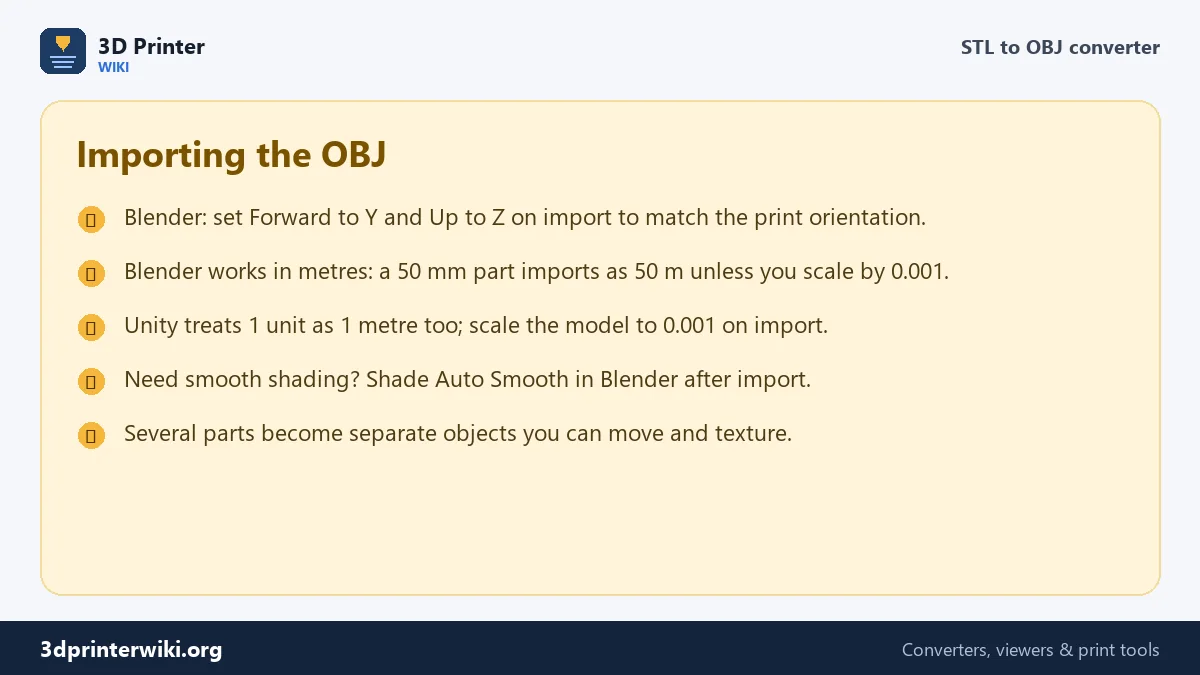
OBJ has no unit field. The converter writes millimetres as plain numbers, which is what 3D printing tools and most CAD programs expect. Blender and Unity assume one unit is one metre, so a 50 mm part arrives 50 metres tall. That is easy to fix: in Blender set the Scale to 0.001 in the OBJ import dialog, or scale the object afterwards. In Unity, set the Scale Factor of the imported model to 0.001.
The up axis is the other classic surprise. Printing files are Z-up; OBJ files are often read as Y-up. Blender's OBJ importer has Forward and Up settings: choose Forward = Y and Up = Z to keep the model standing the way it stood on the build plate.
Common reasons to convert
- Rendering a print for a shop listing in Blender, KeyShot or a web 3D viewer.
- Painting and texturing a figure before printing it in full colour.
- Game mods and VR, where engines import OBJ more easily than STL.
- Sharing with artists who do not use 3D printing tools.
- Making a lighter file: because vertices are shared, the OBJ of a large mesh is often smaller than an ASCII STL.
Materials and textures
An STL has no colour, UV coordinates or material, so the OBJ has none either. It contains geometry only, with no accompanying .mtl file. Your modelling program will give it a default grey material. If the source was a 3MF with coloured parts, the parts are still separate objects in the OBJ, which makes it quick to assign a material per part.
STL and OBJ file sizes
Binary STL stores every triangle on its own, with its three corners written out in full, so a corner shared by six triangles is stored six times. OBJ stores each corner once and lists triangles as references to them. The converter merges corners that sit at the same spot before writing, so the OBJ is usually smaller even though it is plain text.
We measured it on the two demo models on this site. The gear, 1,104 triangles, is 55 KB as binary STL and 27 KB as OBJ. The vase, 5,120 triangles, is 256 KB as STL and 149 KB as OBJ. Sizes depend on the model, but expect an OBJ of roughly half to two thirds of the STL.
The shared corners matter for more than size. In Blender, smooth shading needs triangles that share corners. An STL often arrives in Blender as separate triangles that look faceted until you merge vertices by distance; an OBJ from this converter can be shaded smooth straight away.
Going the other way
Finished in Blender and want to print it? Export OBJ from Blender and use the OBJ to STL converter, which turns Y-up back into Z-up and lets you set the source units. For web and AR, the STL to GLB converter writes a compact glTF file instead.
STL to OBJ questions
How do I convert STL to OBJ in Blender?
Import the STL in Blender (File → Import → STL), then File → Export → Wavefront OBJ. This page does the same without Blender, and merges duplicate vertices for you.
Is OBJ better than STL?
For printing, they are equal: both store the shape. For modelling and rendering, OBJ is better because it supports objects, UVs and materials.
Why is my OBJ huge in Blender?
Blender treats one unit as one metre and the OBJ is in millimetres. Scale it by 0.001.
Does the OBJ include an MTL file?
No, because the STL has no materials. Blender and other programs give the model a default material.
Can I convert STL to OBJ on a Mac?
Yes. The converter works in Safari, Chrome and Firefox on macOS without installing anything.
Is OBJ smaller than STL?
Usually. In our tests the OBJ was about half the size of a binary STL, because each corner is stored once.
Does the OBJ keep part names?
Yes. Each part in the source, for example the objects of a 3MF, becomes a named object in the OBJ.
More 3D printing tools
Updated November 2026 · How these tools work